Shadcn Motion Components
Browse 121 Motion components for shadcn/ui, including confetti, counter, spinner, animated beam, ripple, tilt and more. Preview each component live, then copy and paste the code or install it with the shadcn CLI. Built with shadcn/ui, Tailwind CSS and React.

Shadcn Motion Components for Loading States and Delight
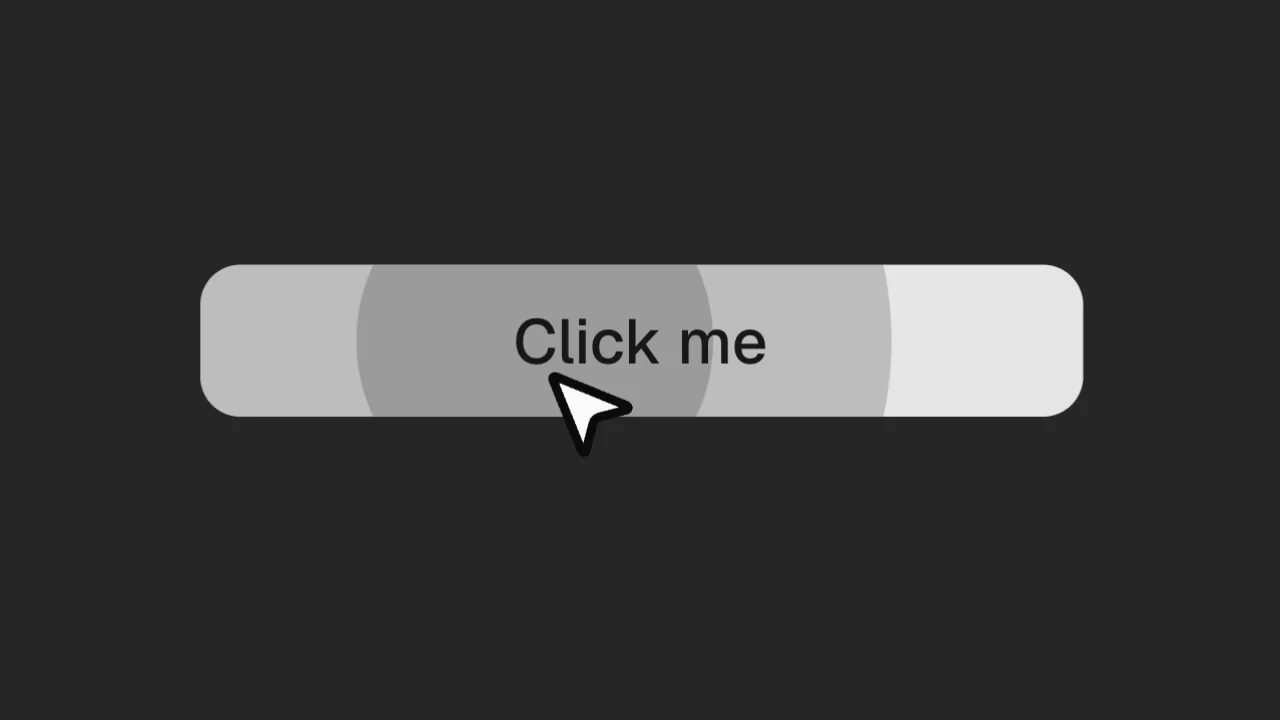
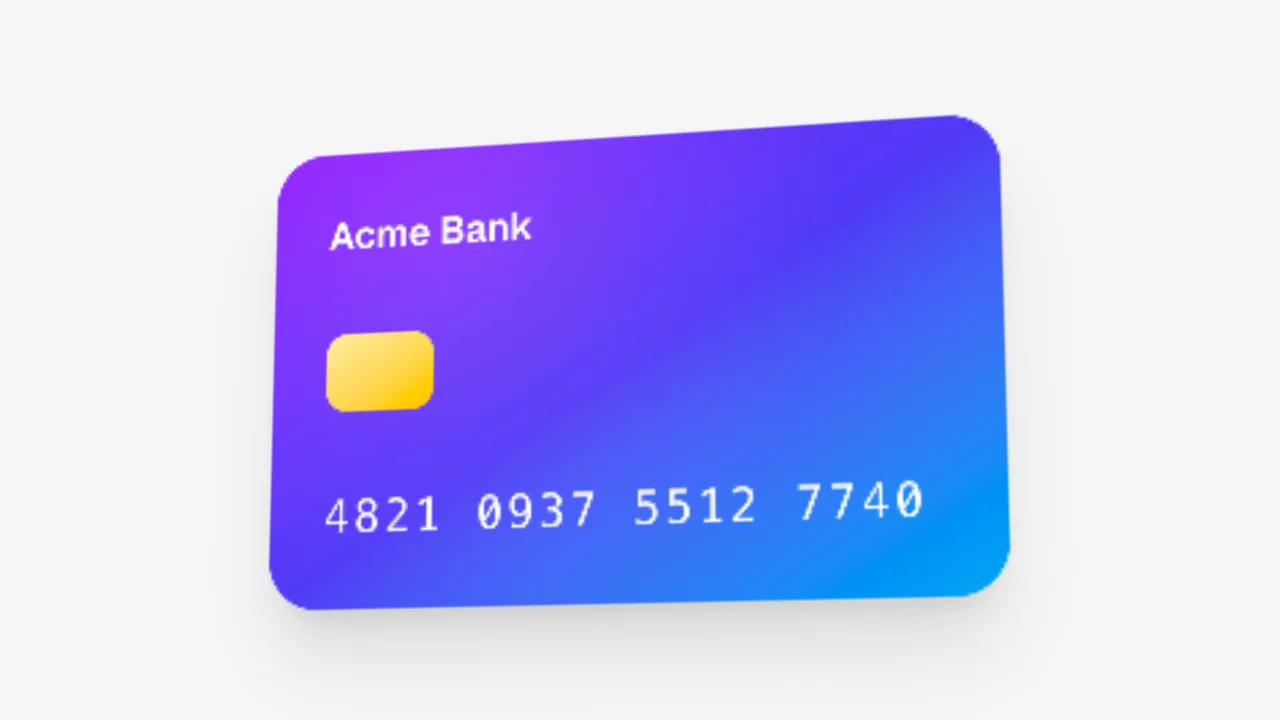
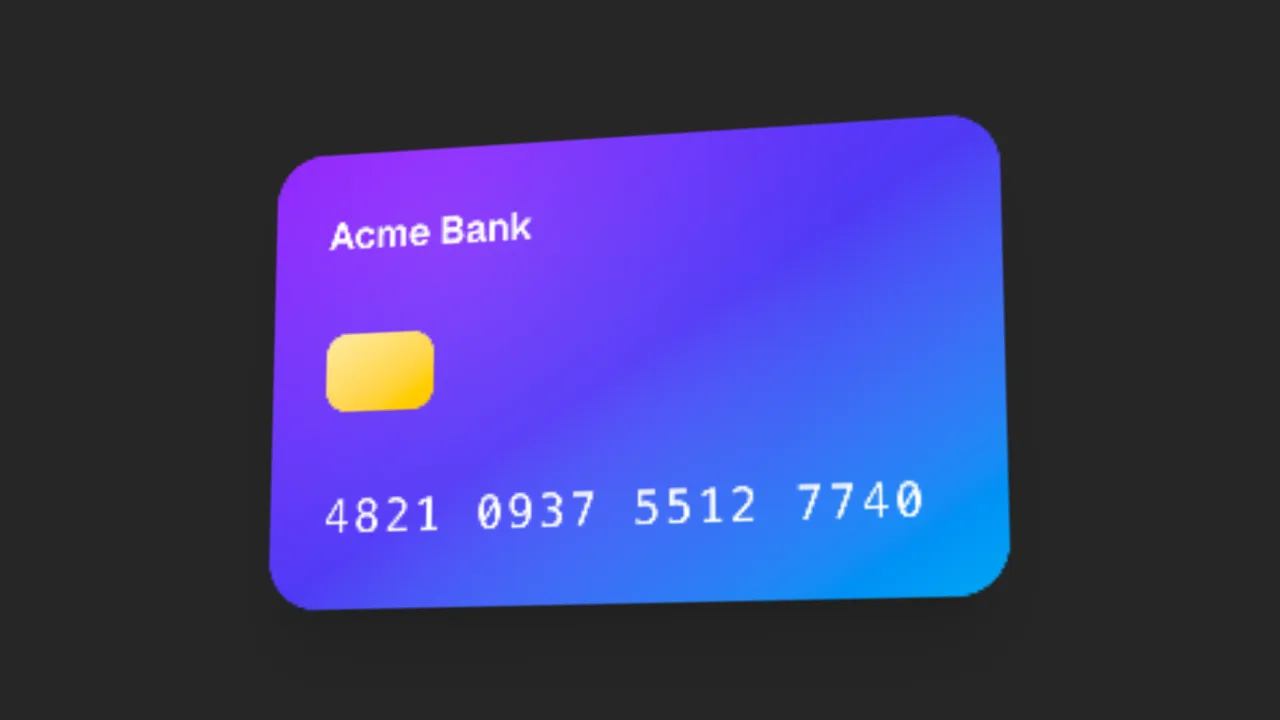
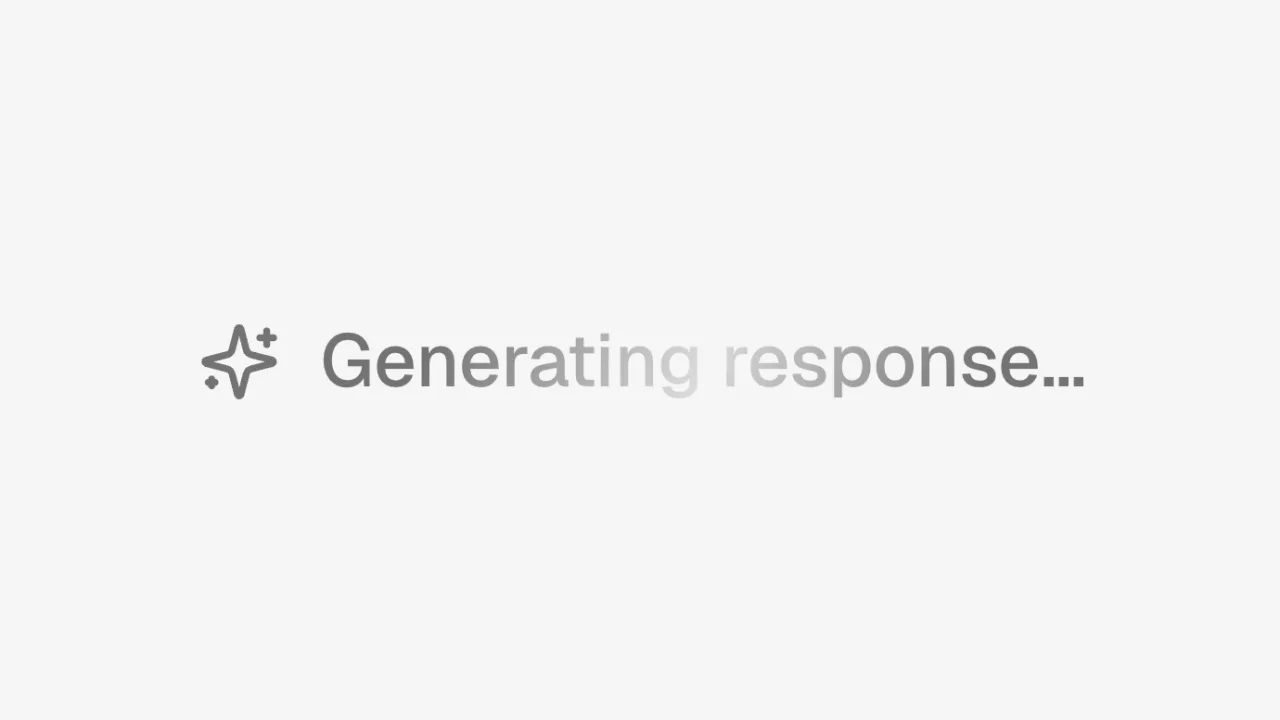
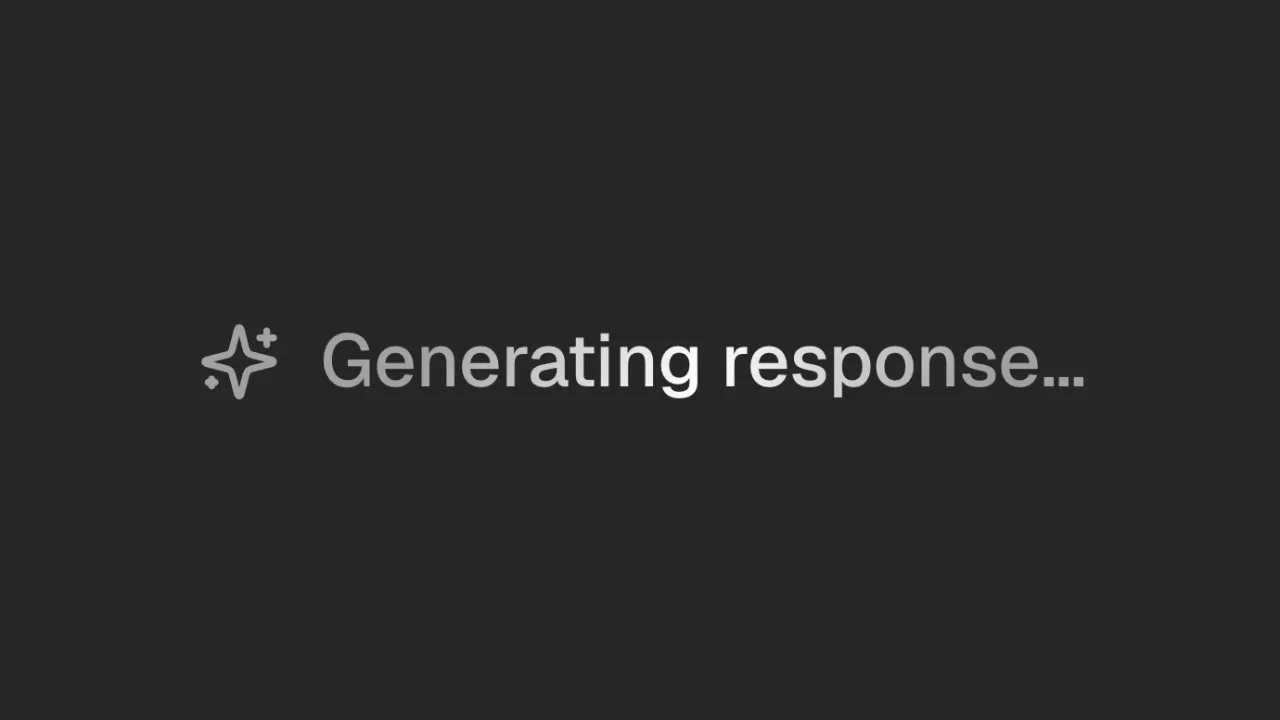
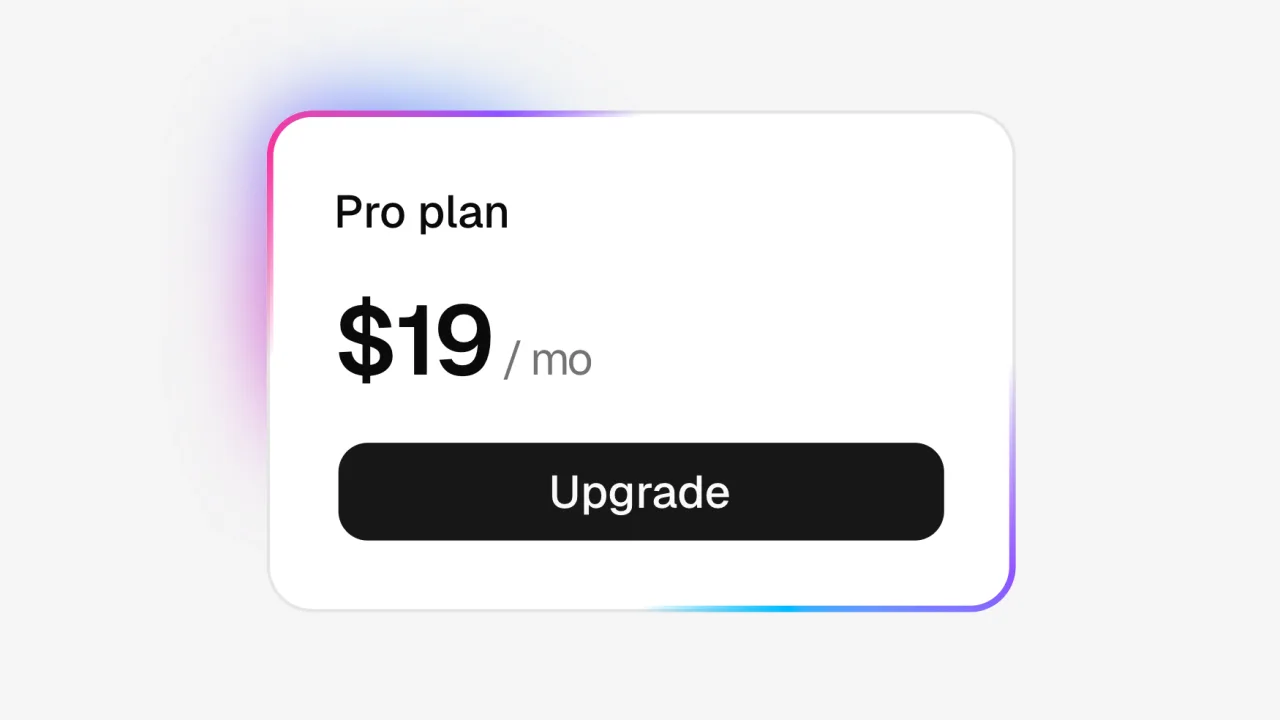
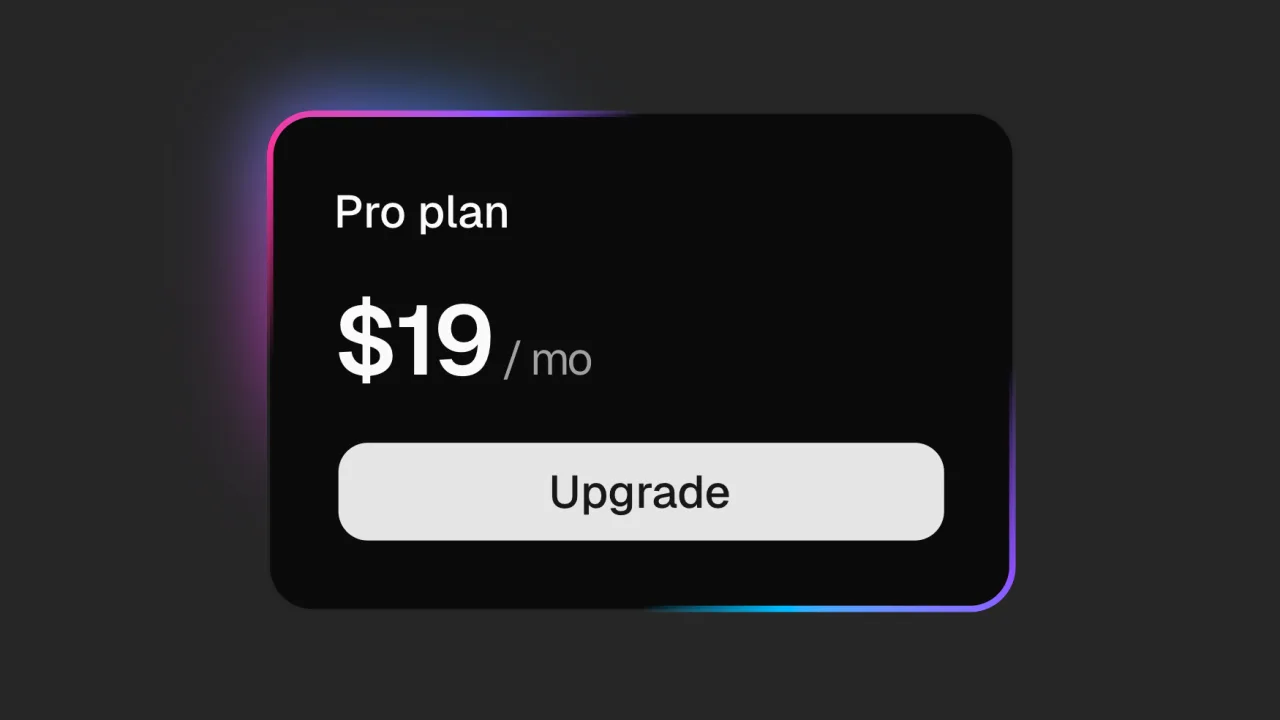
Motion components add movement where it helps users understand what is happening: shimmering status text, animated shine borders, skeleton placeholders, spinners, animated counters, confetti, animated beams, click ripples and 3D tilt cards. Built with shadcn/ui, Tailwind CSS and React, every animation is theme aware and stops when users prefer reduced motion.
What You Get With Motion Components
- Loading states: Skeletons, spinners and shimmer text for content, actions and AI responses that are still on the way.
- Highlights: Shine borders with sweep, beam, aurora and dashed styles for pricing plans, AI prompts and announcements.
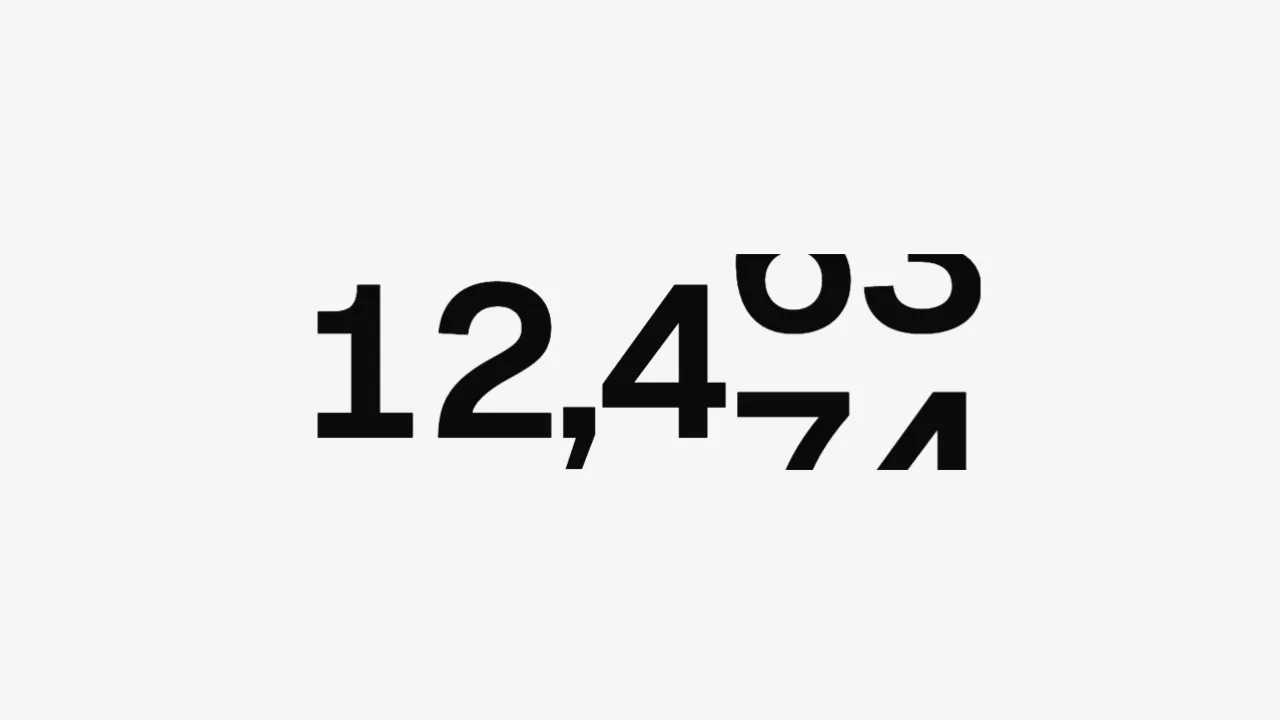
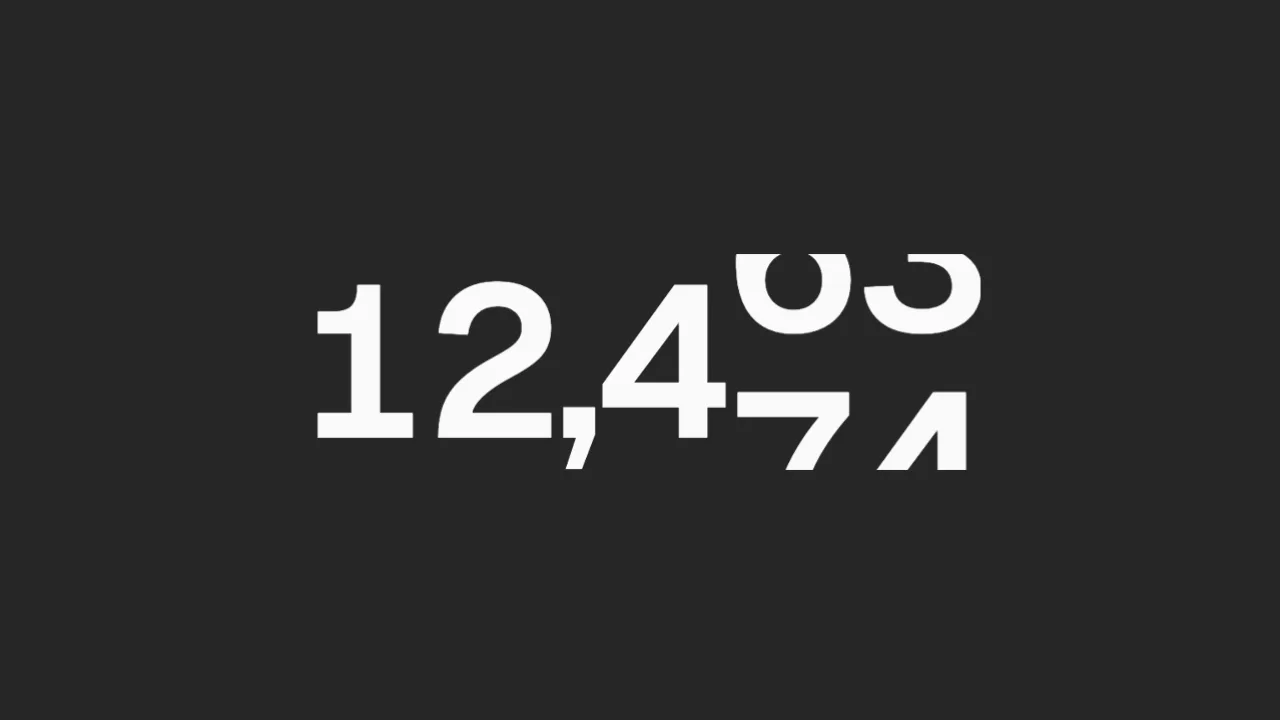
- Numbers in motion: Counters that roll, slide or count up to stats, prices and live metrics.
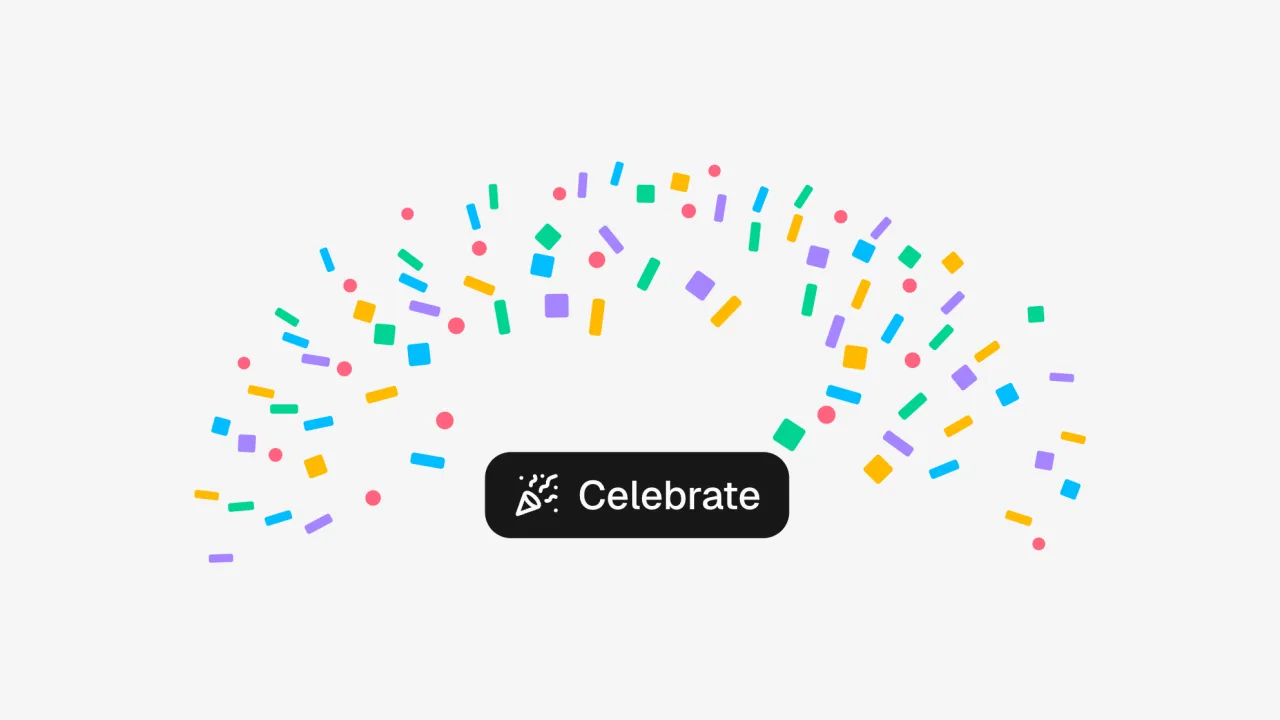
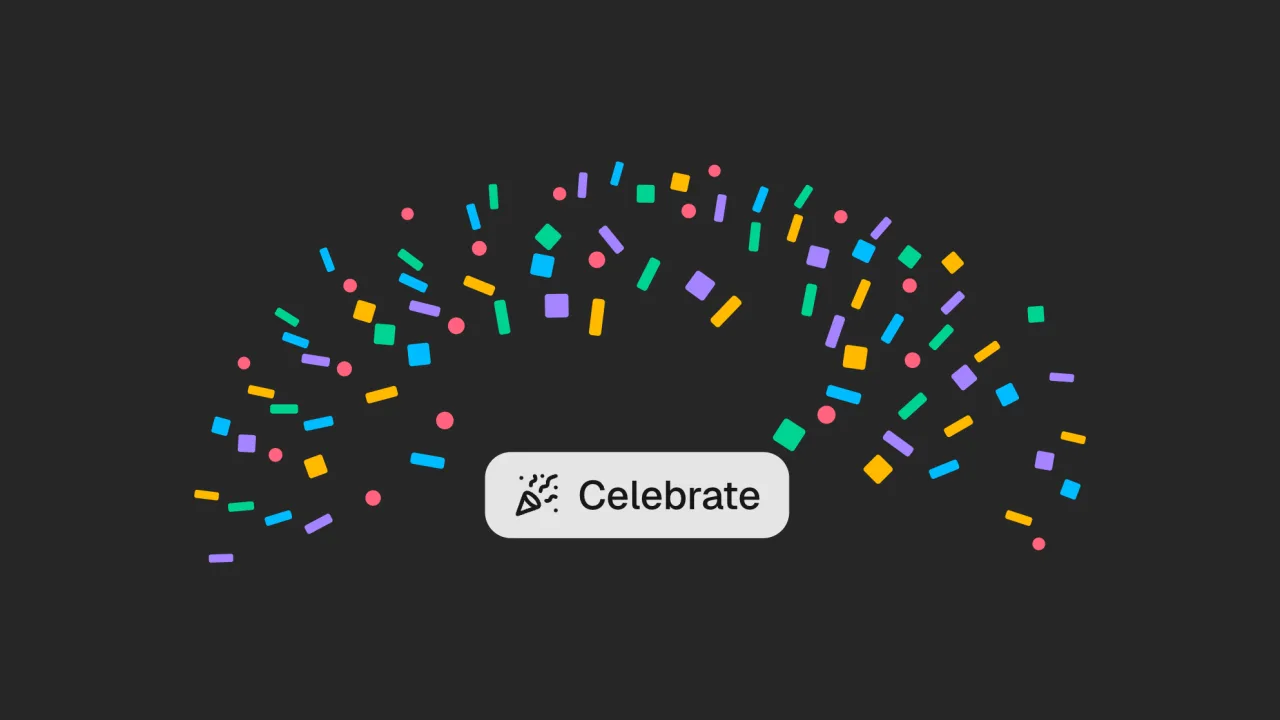
- Celebration: Confetti bursts for sign ups, completed onboarding and successful payments.
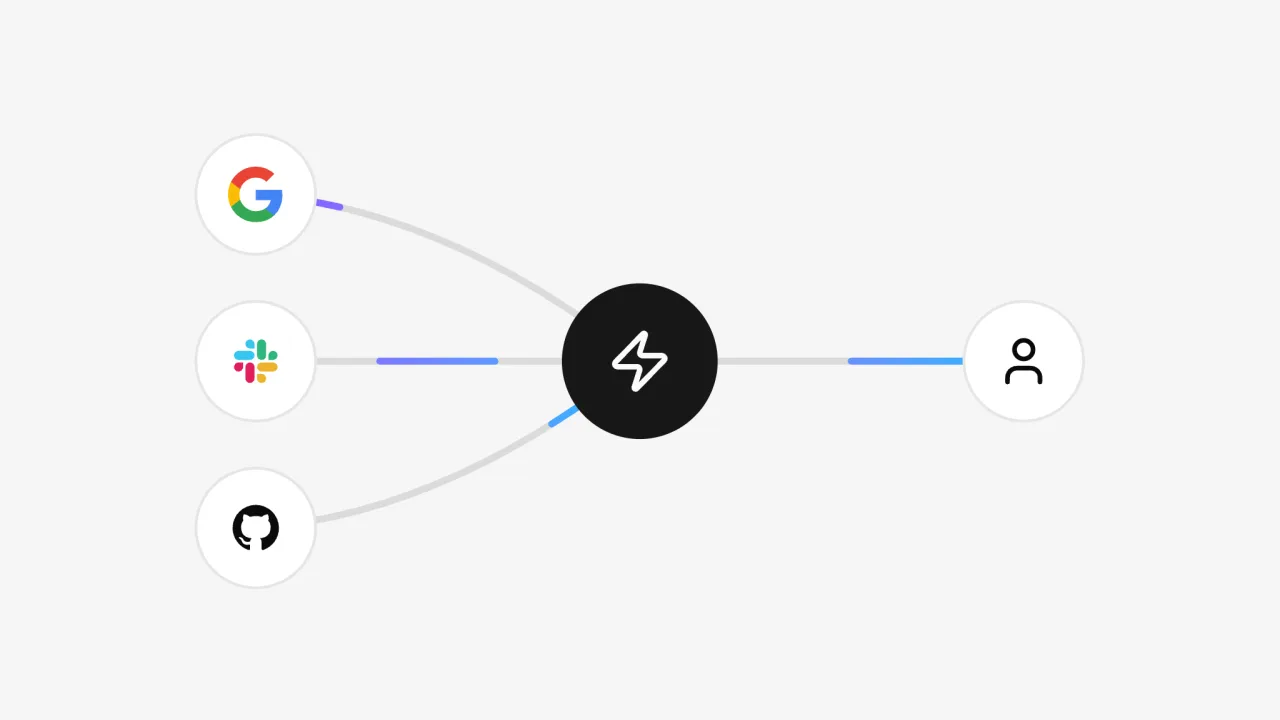
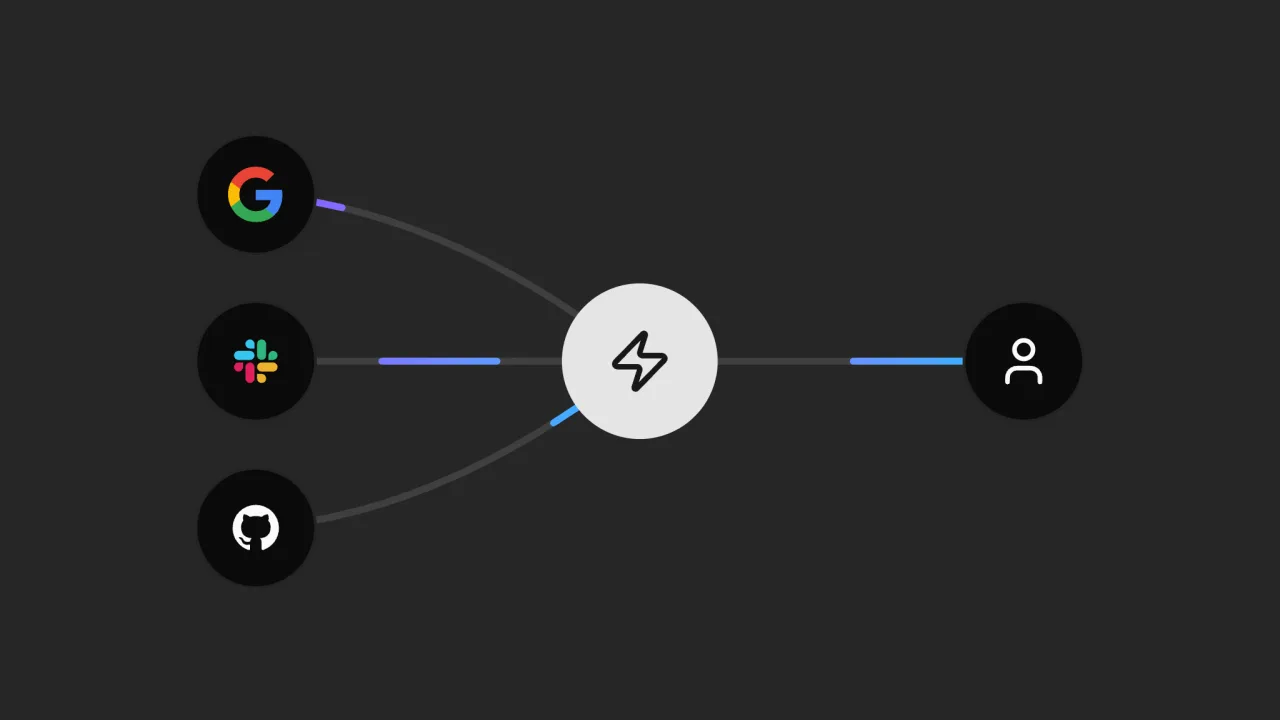
- Diagrams: Animated beams that connect integrations, AI agents, pipelines and payment flows.
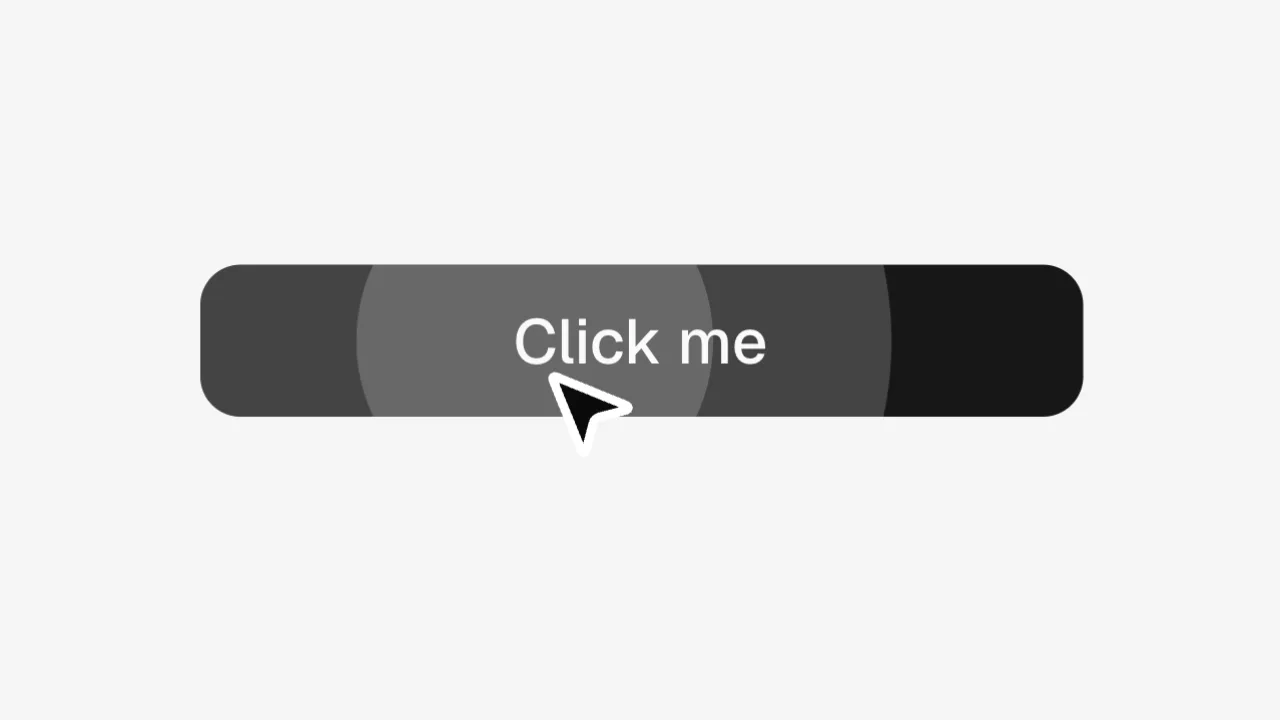
- Interaction: Click ripples for buttons and cards, and 3D tilt with glare for featured products and cards.
- Reduced motion: Animations stop or fall back to static states automatically when the operating system asks for reduced motion.
Use Motion With a Purpose
Good motion explains a change: a skeleton shows where content will appear, a shimmer says the assistant is still thinking, a shine border points to the plan you recommend and confetti confirms a success. Use one moving element per view so it guides attention instead of competing for it.
Pair them with feedback components such as toasts and progress bars, and with AI Elements for chat and agent screens.