About Shadcn UI How It Works Blocks
A how it works section walks visitors through the process behind a product or service in a few numbered steps, so they know exactly what happens after they sign up or get in touch. These ten shadcn how it works blocks include icon timelines, numbered lists, step cards, image led layouts and an auto playing step switcher.
Like the rest of our shadcn blocks, every layout is built with React, TypeScript and Tailwind CSS and uses shadcn ui components such as Badge where a label is needed. The steps live in a simple array, the interactive block needs no extra packages, and all of these shadcn components adapt to your light and dark theme.
Key Elements of a How It Works Section
- A short heading: something like “Get started in minutes” that promises an easy process.
- Ordered steps: three to five steps, each with a number or icon so the order is obvious.
- Action titles: step titles that start with a verb, such as Connect, Create or Launch.
- One line of detail: a sentence per step that explains what the visitor or your team does.
- Supporting visuals: an image or icon per step when the process benefits from showing the product.
Where and Why to Use How It Works Blocks
Visitors rarely act when they cannot picture what comes next. A how it works block turns an abstract offer into a concrete sequence and makes the first step feel small. It is useful for SaaS onboarding as much as for services such as construction, consulting or claims handling. Because these blocks use shadcn ui and Tailwind CSS tokens, they sit naturally between your hero, features and pricing sections.
- SaaS landing pages: show the path from sign-up to first result in three steps.
- Agencies and studios: explain your design or delivery process before a visitor requests a quote.
- Fintech and lending: list the steps of an application or payment plan to build confidence.
- Real estate and construction: describe the journey from consultation to handover.
- Service and claims businesses: show who does what at every stage of a case.
- Creator and community platforms: explain how new members grow their reach over time.
How It Works Blocks in This Collection
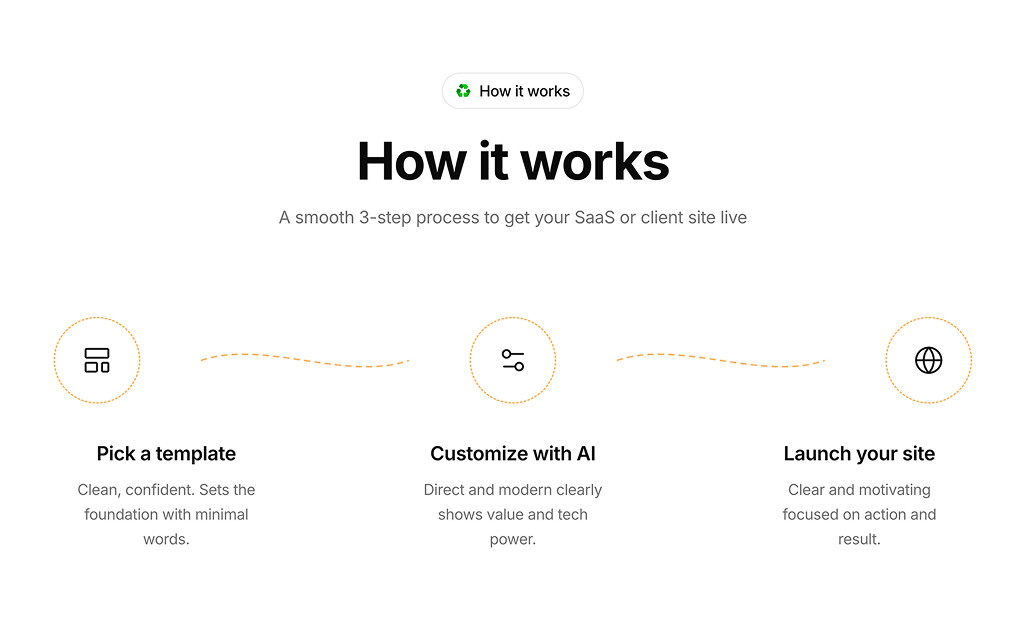
- How It Works 1: A good fit for website builders and template products that want a quick three stage story with icons linked by dashed curves.
- How It Works 2: Suits property developers and builders, giving a large photo the center stage between the pitch and a four stage timeline.
- How It Works 3: Pairs a product screenshot with a short numbered list, ideal for apps that can be set up in a few minutes.
- How It Works 4: A narrow, reading friendly column for processes that need a few sentences of explanation per step.
- How It Works 5: Handles longer flows with five stages, for example a loan or installment application, in a compact card grid.
- How It Works 6: Shows a creative agency’s working method as a calm, typographic list with step pills.
- How It Works 7: Three cards with oversized numbers that work well for registration or account setup in fintech and banking apps.
- How It Works 8: The most engaging option for product homepages, where each step comes with its own visual and the section plays itself.
- How It Works 9: A free layout for service providers that want to illustrate every stage with a photo or screenshot.
- How It Works 10: Presents stages as linked cards, useful when each step has its own page, such as accelerator or investment programs.
Similar Block Categories
- Feature Sections: describe what the product does before showing how to start.
- Onboarding Screens: turn the steps into an actual in-app onboarding flow.
- Integrations: show the tools behind a “connect your tools” step.
- Call to Action: follow the steps with a clear button to take the first one.
- FAQs: answer the questions that remain after visitors read the process.
Accessibility
Every block uses a heading for each step title (h3, or a bold paragraph in the interactive block), and How It Works 1 hides its decorative connector lines from screen readers with aria-hidden. Images in How It Works 8, How It Works 9 and How It Works 10 use the step title as alt text. The screenshot in How It Works 3 has no alt attribute, so add a short description or an empty alt if it is purely decorative.
How It Works 8 renders each step as a real button, so it can be reached and activated with the keyboard. It advances automatically and does not check for reduced motion, so consider pausing the cycle when the visitor prefers reduced motion or while a step has focus, and marking the active step with aria-current.
How It Works FAQ
steps array at the top of the file. Each item has a title and description, plus a number, an icon or an image depending on the layout. Edit, add or remove items and the grid or list renders the new count.STEP_DURATION to make it faster or slower.requestAnimationFrame and React state, and the fades use Tailwind transition classes. None of the how it works blocks import motion or another animation package.npx shadcn@latest add @shadcnuikit/how-it-works9. The other nine blocks are part of All Access.