190+ Shadcn UI Marketing Blocks
Everything a landing page needs, from the hero that opens it to the footer that closes it. Combine headlines, features, pricing, social proof and signup sections into a site that converts, then copy the code or install it with the shadcn CLI.
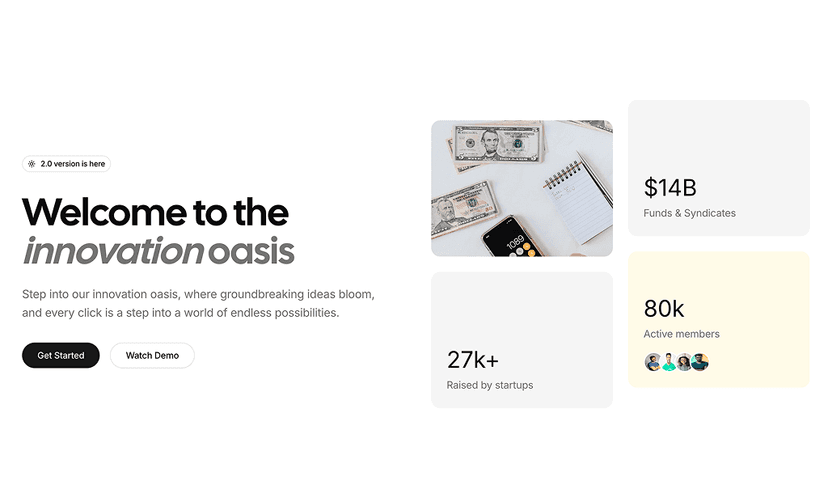
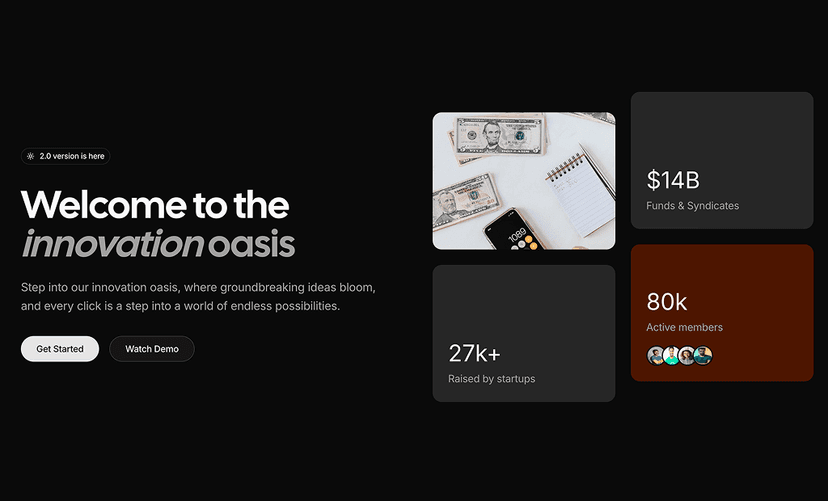
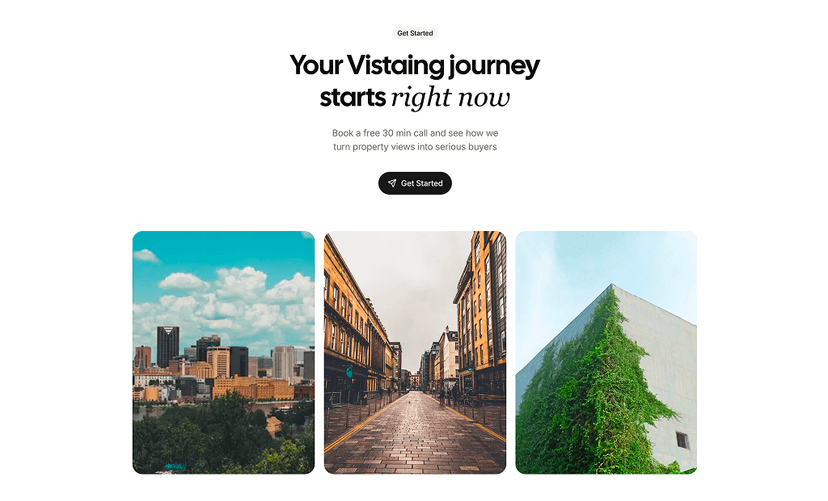
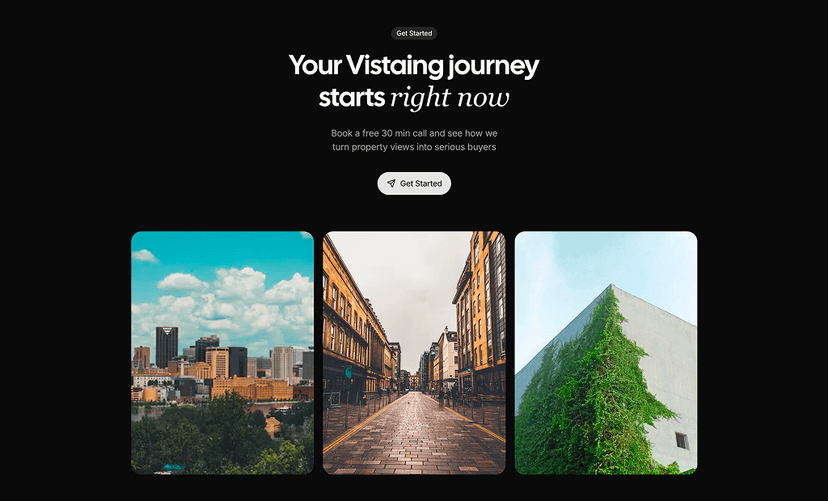
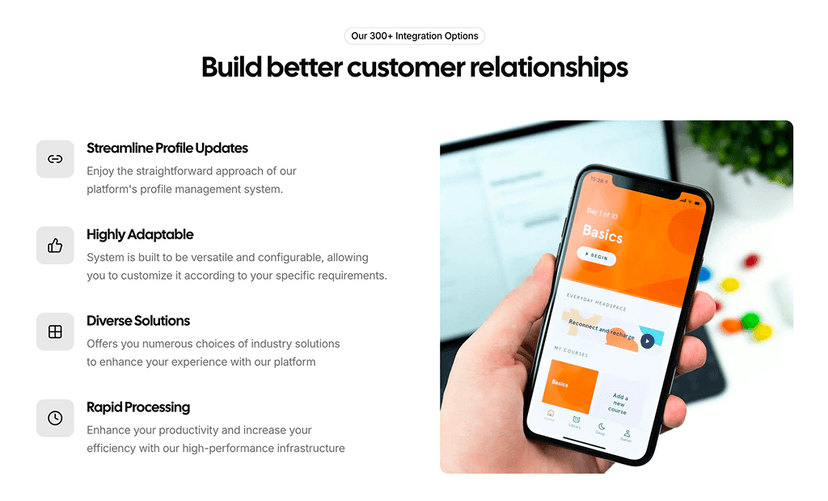
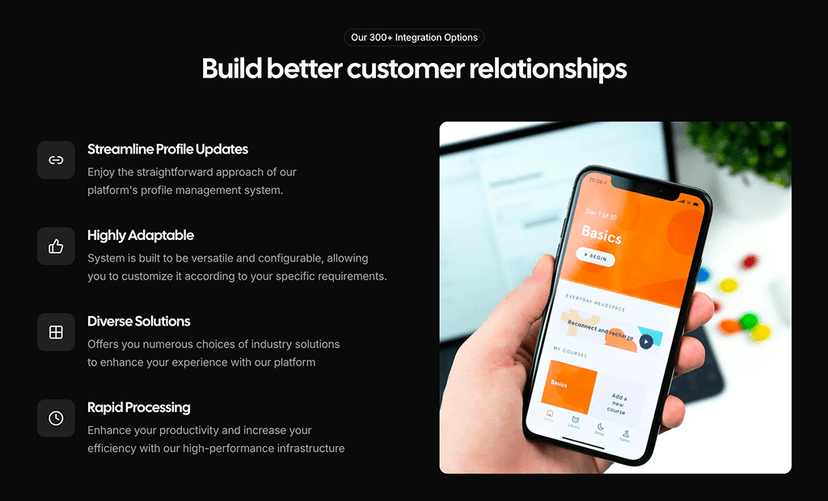
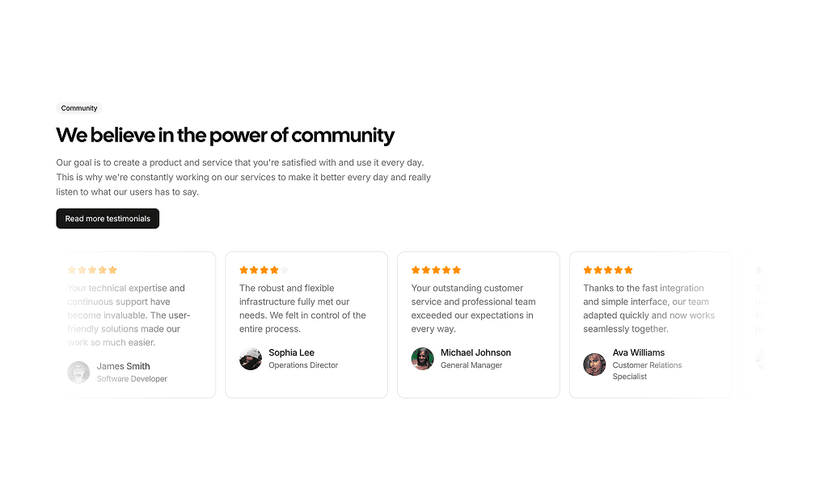
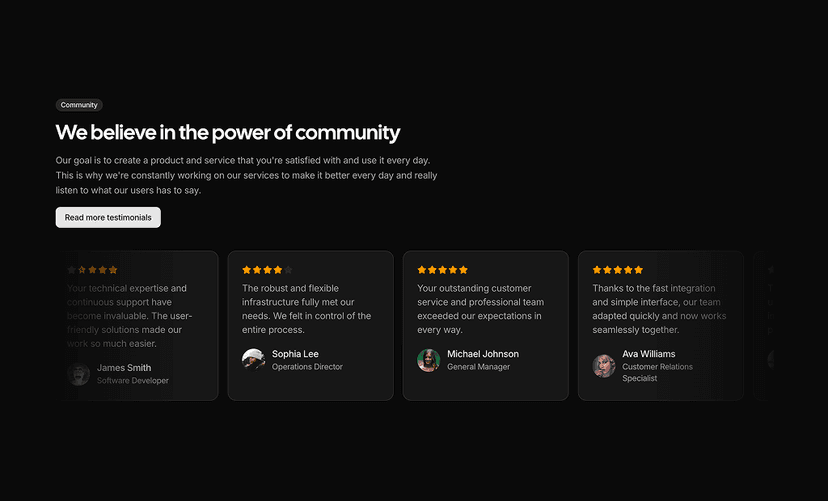
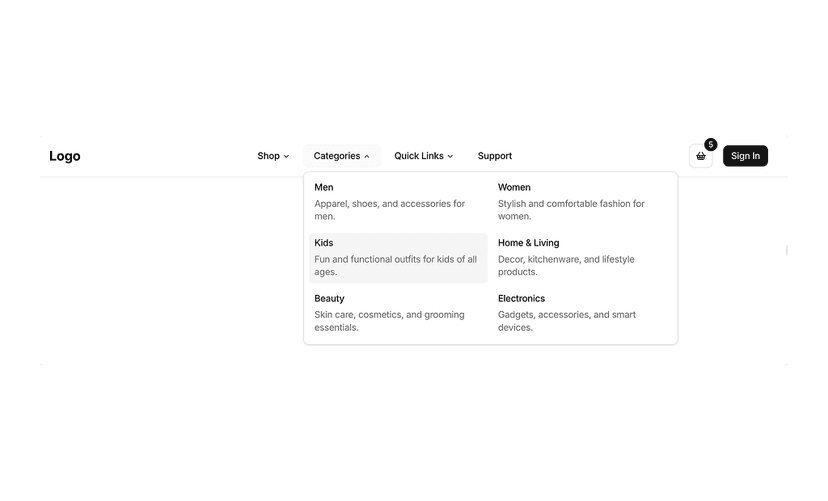
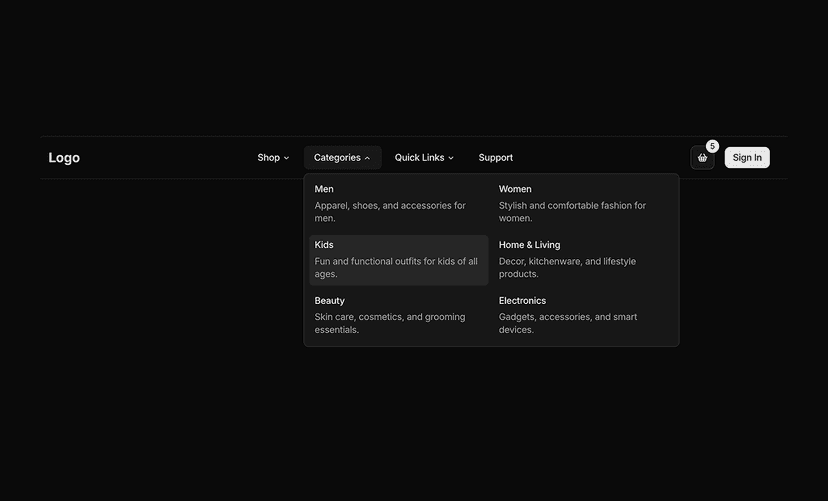
Shadcn Marketing Blocks for Landing Pages That Convert
Marketing blocks are the sections a landing page is made of: hero sections, feature grids, pricing tables, testimonials, FAQs, navbars and footers. Every block is built with shadcn/ui, Tailwind CSS and React, so you can stack them into a complete SaaS, startup or product page without writing layout code from scratch.
Marketing Block Categories
190 blocks in 15 categories. Open a category to preview every block live on desktop, tablet and mobile.
- Hero Section
- Opening sections with a headline, supporting text, call to action buttons and visuals. 26 blocks.
- Call to Action
- Focused sections that move visitors toward a signup, demo or purchase. 12 blocks.
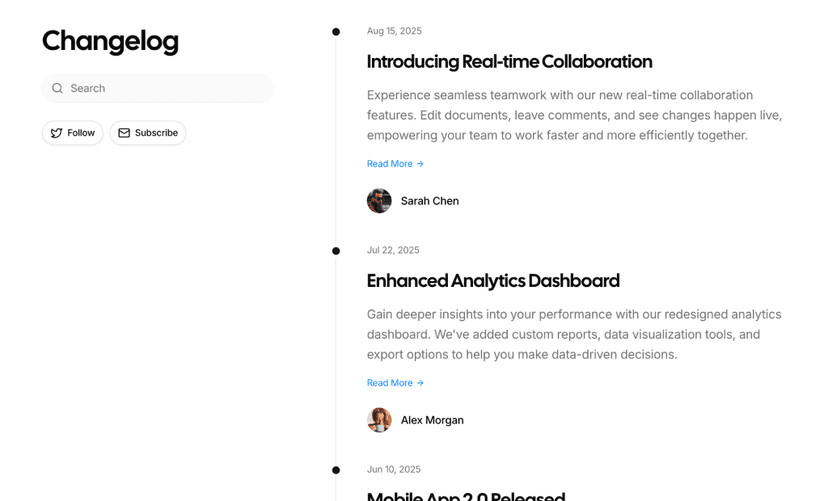
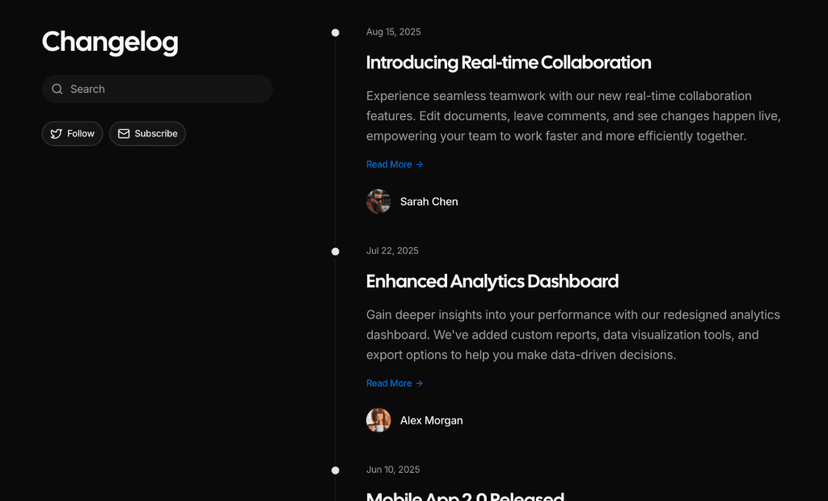
- Changelog Page
- Release notes layouts for announcing product updates, fixes and new features. 4 blocks.
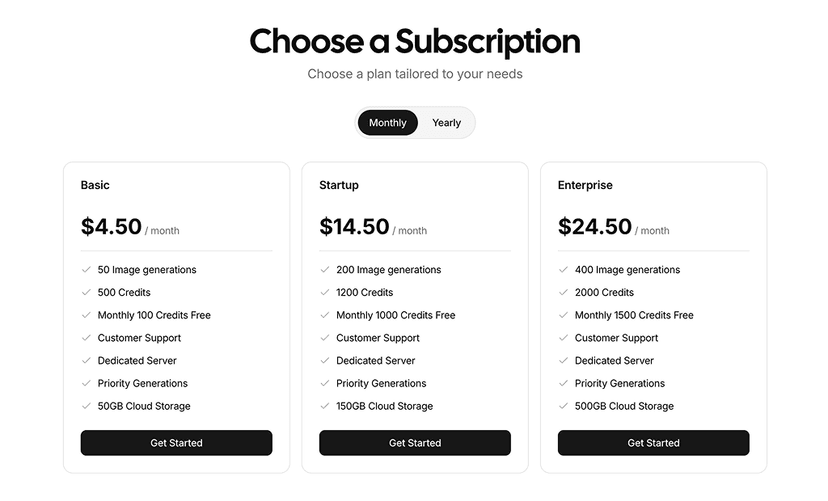
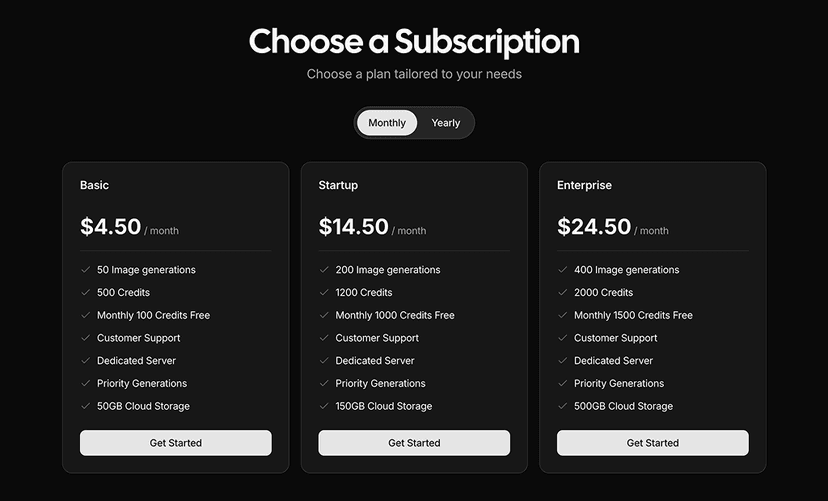
- Pricing Table
- Plan comparison sections with pricing tiers, feature lists and upgrade buttons. 20 blocks.
- Feature Section
- Grids and layouts that present your product's key features and benefits. 13 blocks.
- Testimonials
- Customer quote sections that build trust and credibility. 15 blocks.
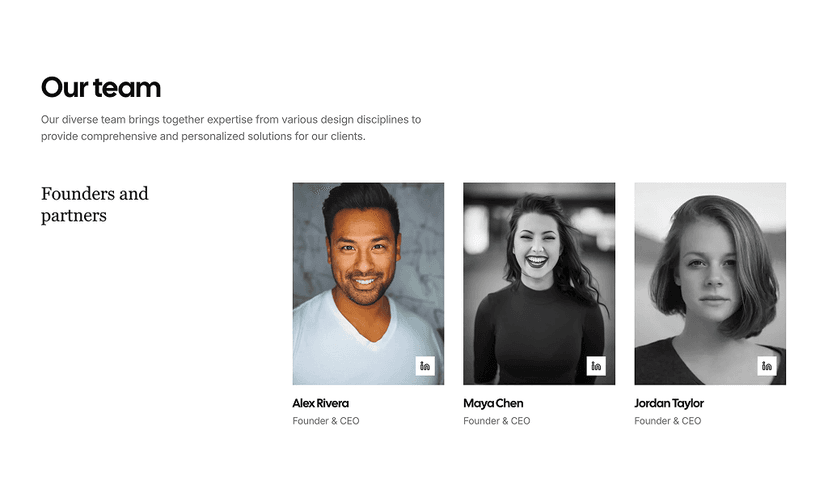
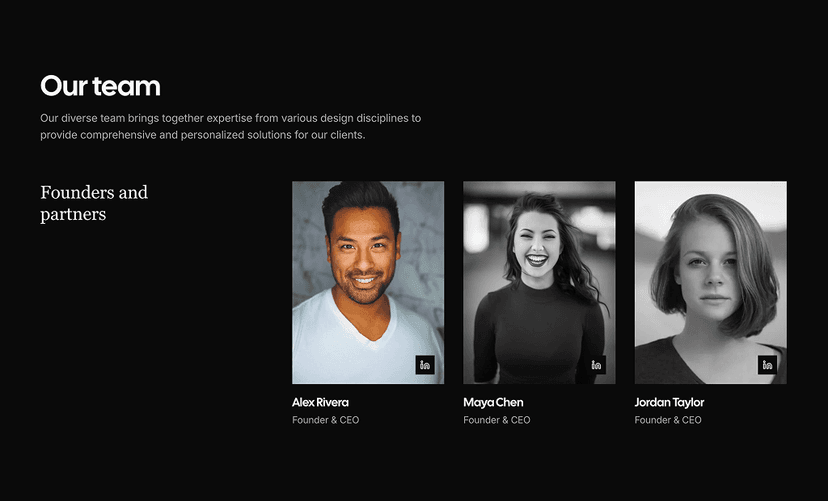
- Team Sections
- Sections that introduce your team members with photos and roles. 12 blocks.
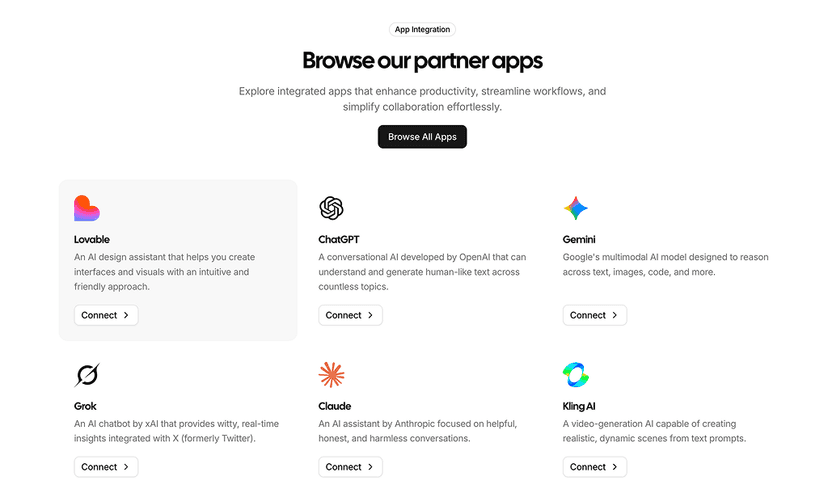
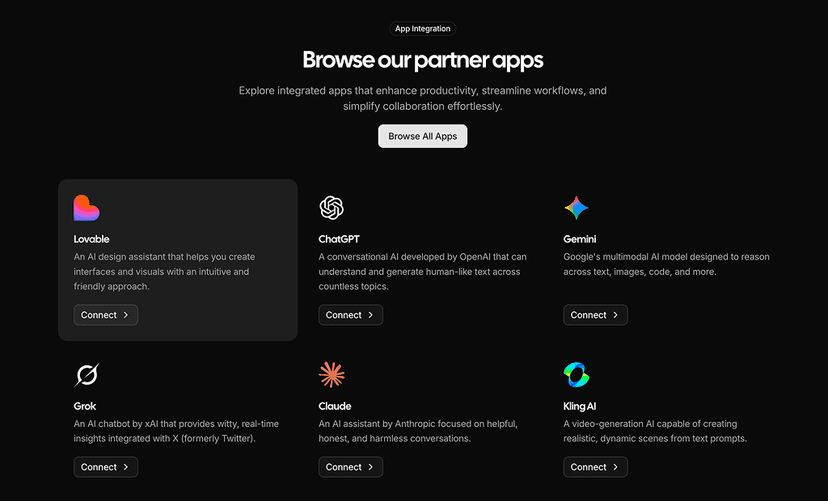
- Integrations
- Logo grids and cards that show the tools and platforms your product connects to. 7 blocks.
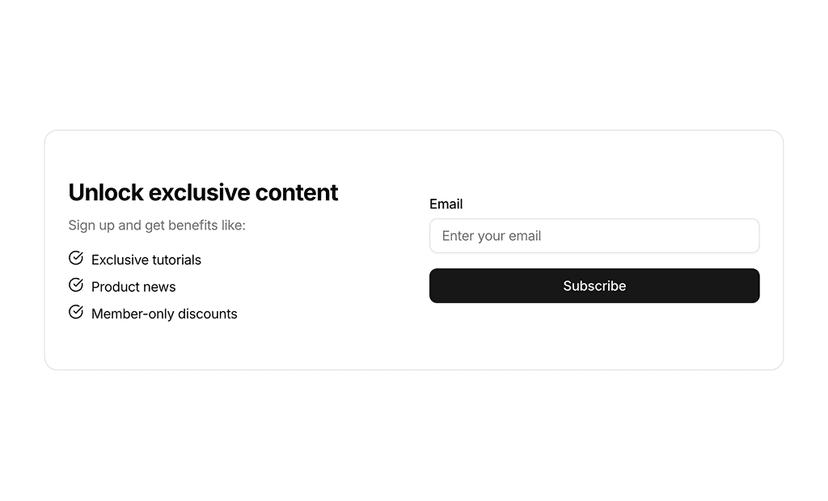
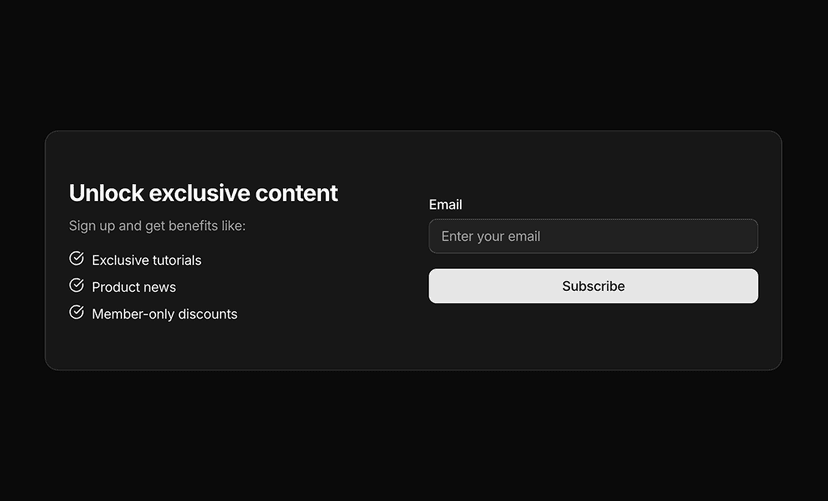
- Newsletter Sections
- Email signup sections that grow your mailing list. 8 blocks.
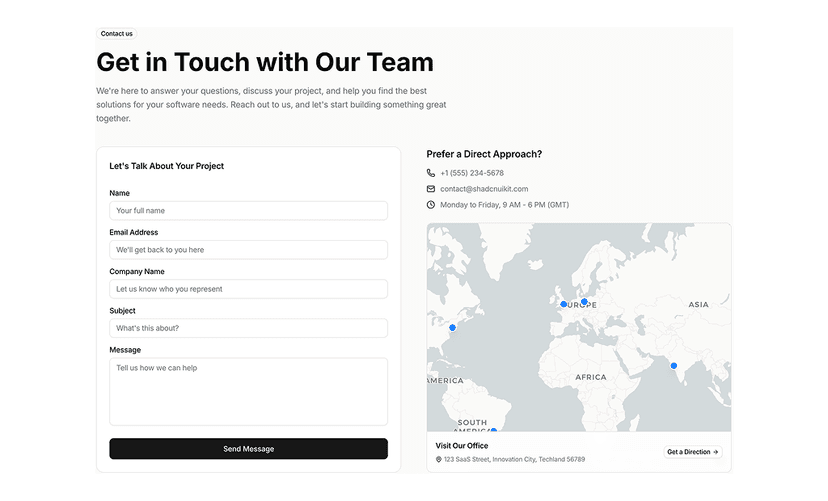
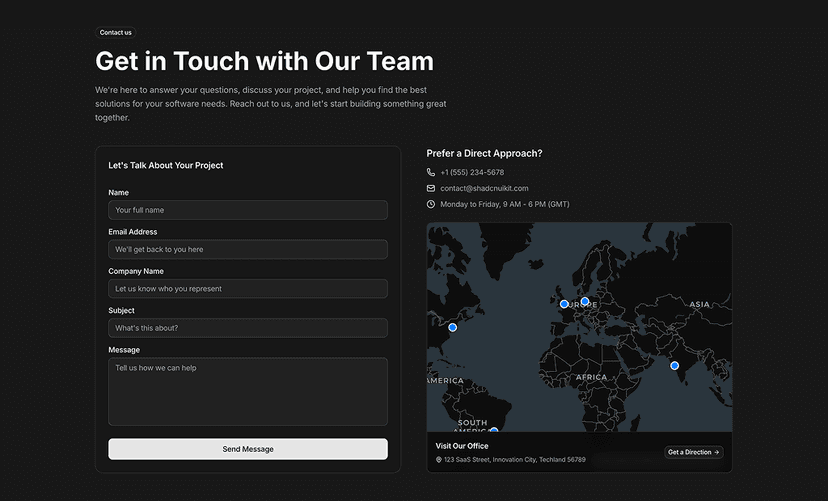
- Contact Us
- Contact sections with forms, maps and other ways to reach your team. 13 blocks.
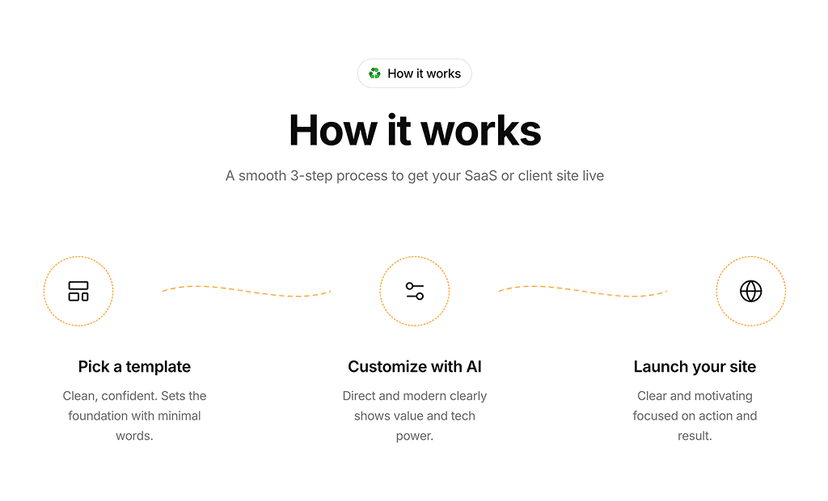
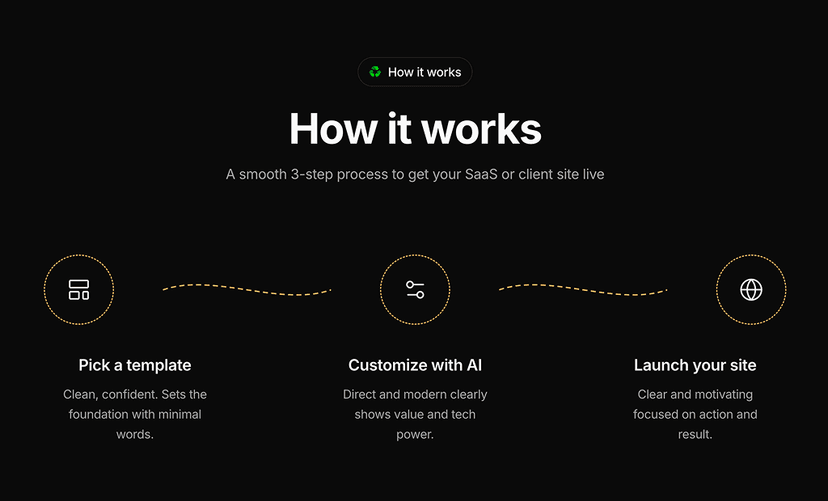
- How It Works
- Step by step sections that explain how your product works. 11 blocks.
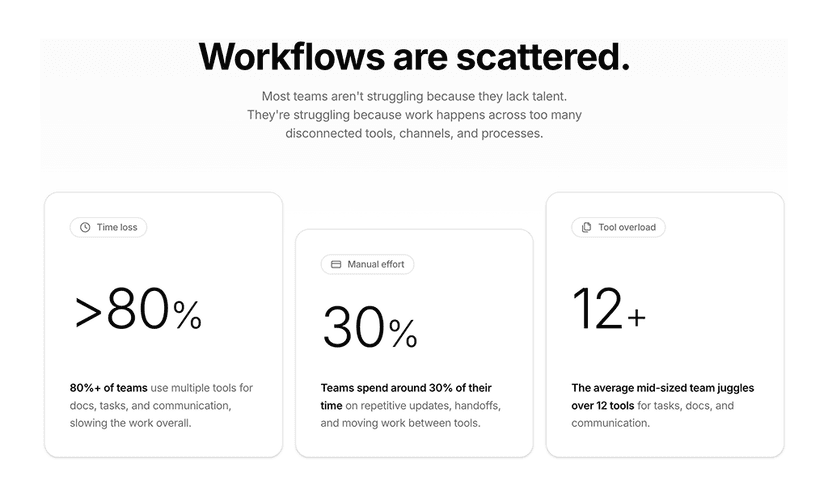
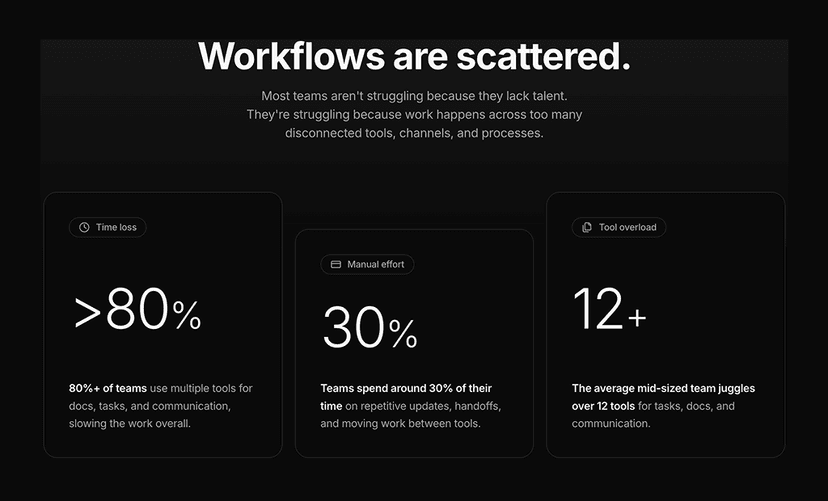
- Stats
- Metric sections that highlight key numbers and social proof. 12 blocks.
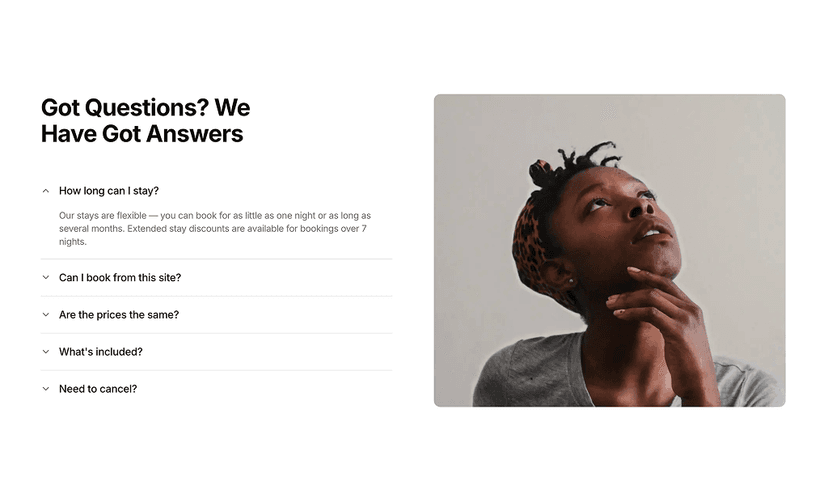
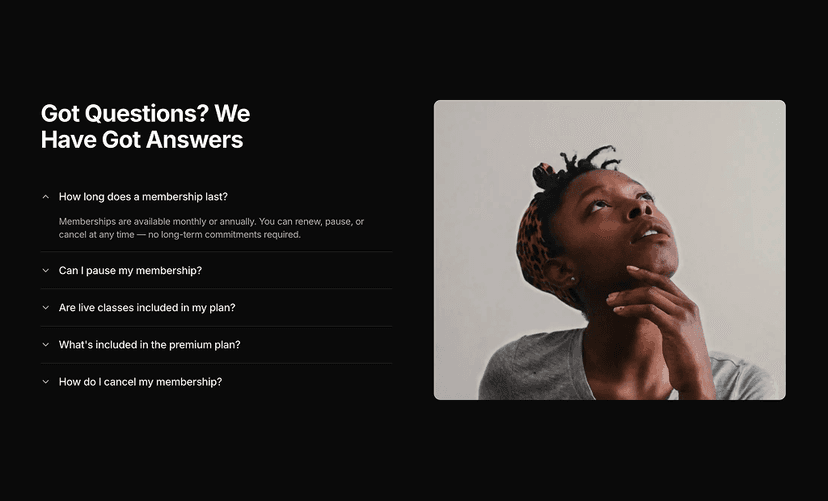
- FAQs
- Question and answer sections that handle common customer concerns. 10 blocks.
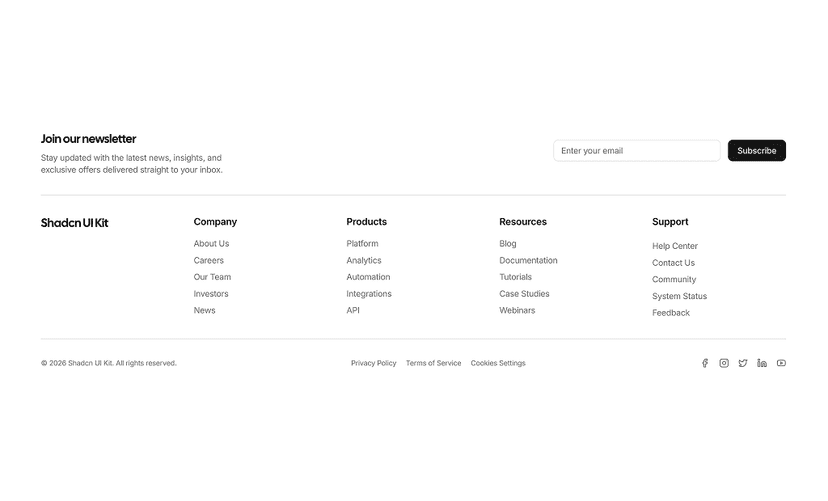
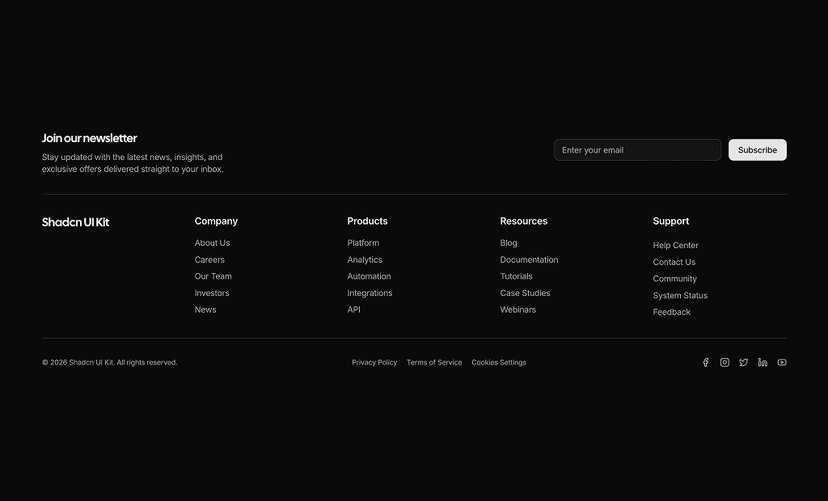
- Footers
- Site footers with navigation links, contact details, social links and newsletter forms. 12 blocks.
- Navbars
- Responsive top navigation bars with mobile menus, dropdowns and search. 15 blocks.
Build Landing Pages with AI Editors
Ask Claude Code or Cursor for a landing page with a hero, pricing and an FAQ and the MCP server installs these marketing blocks directly, or stack them visually in the Page Builder and export a Next.js site.
What You Get With Marketing Blocks
- Above the fold sections: Multiple hero layouts with badges, avatars, ratings and prompt inputs, ready for SaaS, agency and product launches.
- Conversion focused: Call to action, newsletter and contact sections designed to collect leads and signups.
- Social proof: Testimonials, stats, team and integration blocks that build trust with visitors.
- Site structure: Responsive navbars with mega menus and footers with link columns and newsletter forms.
- Content pages: How it works, changelog and FAQ sections for documentation and product updates.
- Copy, paste or install: Every marketing block ships as plain React and Tailwind code. Copy it from the preview or install it with the shadcn CLI.
Build a Landing Page Section by Section
A typical landing page combines a navbar, a hero, a feature section, social proof, pricing, an FAQ and a footer. Each of those exists here as a standalone block that shares the same spacing scale, typography and color tokens, so the finished page looks designed as a whole rather than assembled from parts.
Because the code lives in your repository, you can change copy, swap images, adjust the grid or wire up forms without fighting a third party stylesheet. Pair marketing blocks with our ecommerce blocks for storefronts or with dashboard UI blocks for the app behind the marketing site.