Cosmic - Next.js SaaS Landing Page Template
Cosmic is a SaaS landing page template for software products and startups, developed with Next.js 16, React 19 and TypeScript and designed with Tailwind CSS 4 and shadcn/ui components. It pairs conversion focused sections, an editorial serif and sans type pairing and smooth scroll animations with dark mode support, a login page and a fully responsive design, so you can launch a polished, high converting product website in minutes instead of weeks.

What is included in Cosmic
Cosmic is one of our premium shadcn templates for SaaS products. Instead of starting from an empty Next.js project, you get a complete shadcn website template with every landing page section already designed, built on shadcn/ui components and ready for your own copy.
Conversion focused landing page. Every section is arranged to move visitors toward your call to action, from the hero all the way down to the footer.
Ready made marketing sections. Hero, feature, pricing and FAQ style blocks that you can reorder, trim or extend to fit your product.
Next.js 16, Tailwind CSS 4 and shadcn/ui. A modern stack with a clean project structure that is easy to customize and maintain.
Smooth scroll animations. Sections and cards reveal as visitors scroll, powered by Motion and respectful of reduced motion settings.
Editorial typography. Instrument Serif headings paired with Geist body text give the page a refined, premium feel.
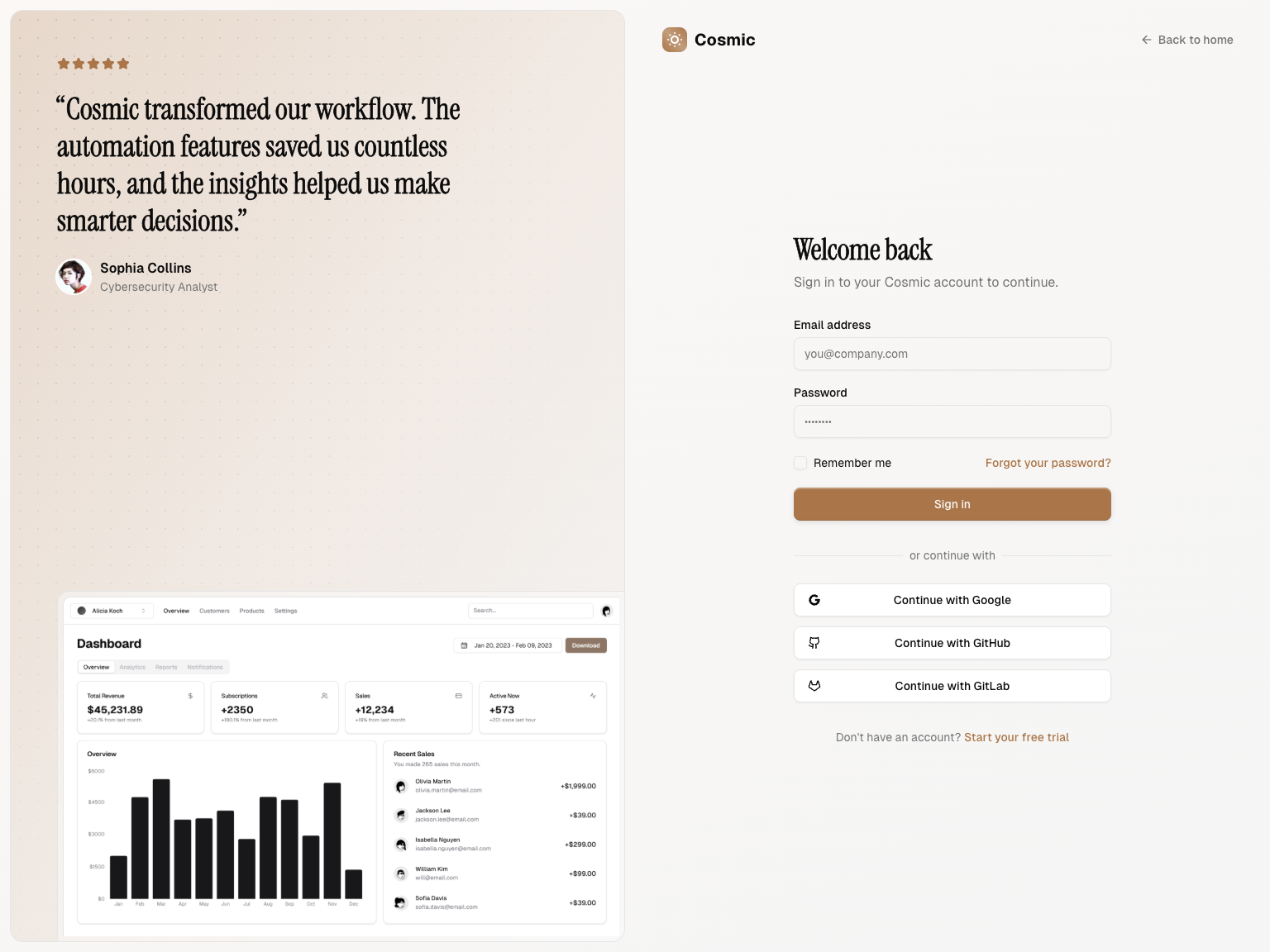
Login page included. A split screen sign in page with social login buttons and a customer quote, styled to match the landing page.
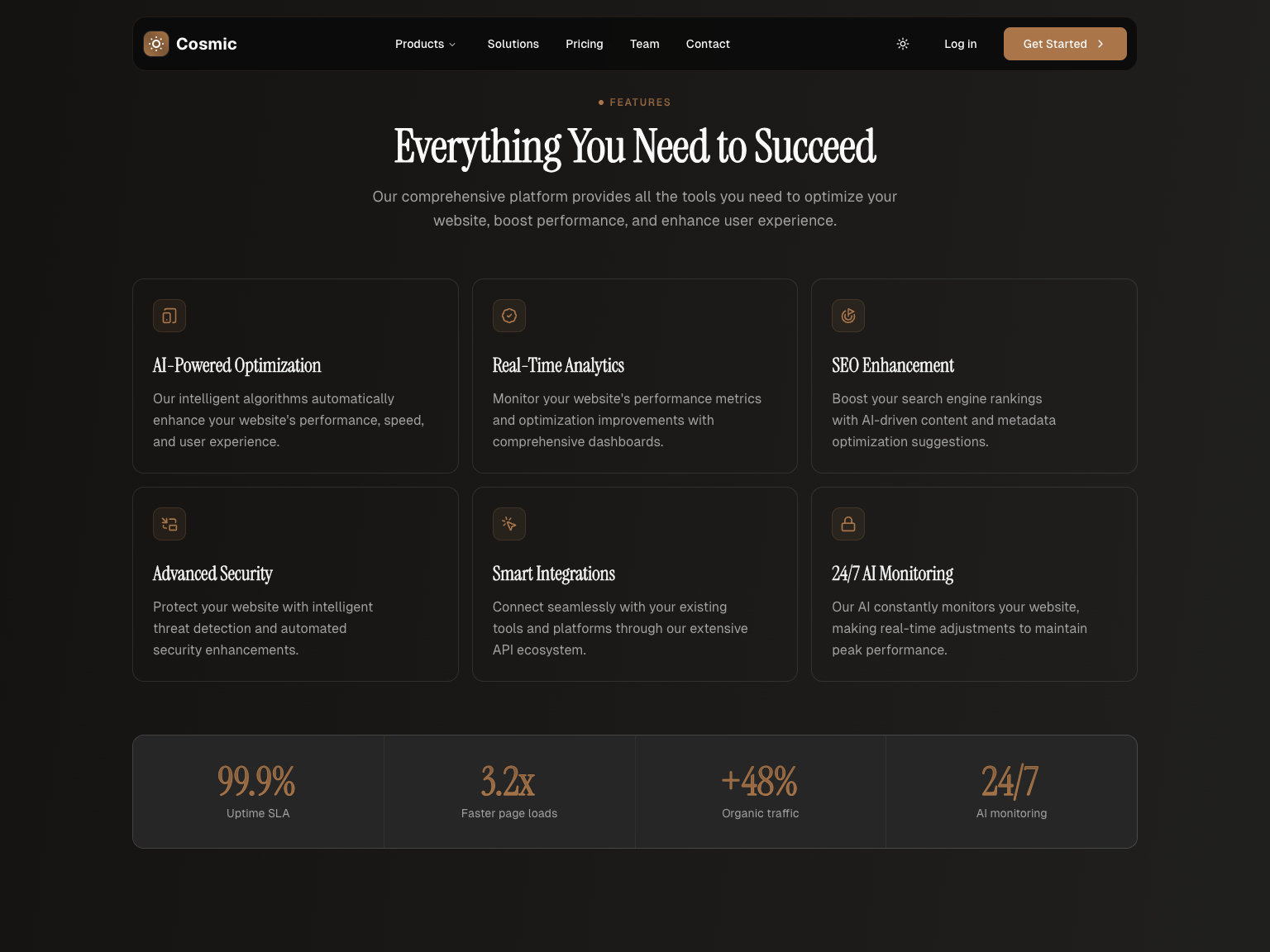
Dark mode with a theme toggle. Visitors can switch themes from the navbar, while the default follows their system preference.
TypeScript and SEO ready. Fully typed code plus metadata best practices so your product pages rank well on search engines.
Responsive and fast. Lightweight pages that look great on any device and load quickly.
Sections of Cosmic
Cosmic is a one page SaaS website template, so the story of your product unfolds as visitors scroll. Each block below is its own component, which makes it easy to drop sections you do not need or repeat the ones you do.
Hero
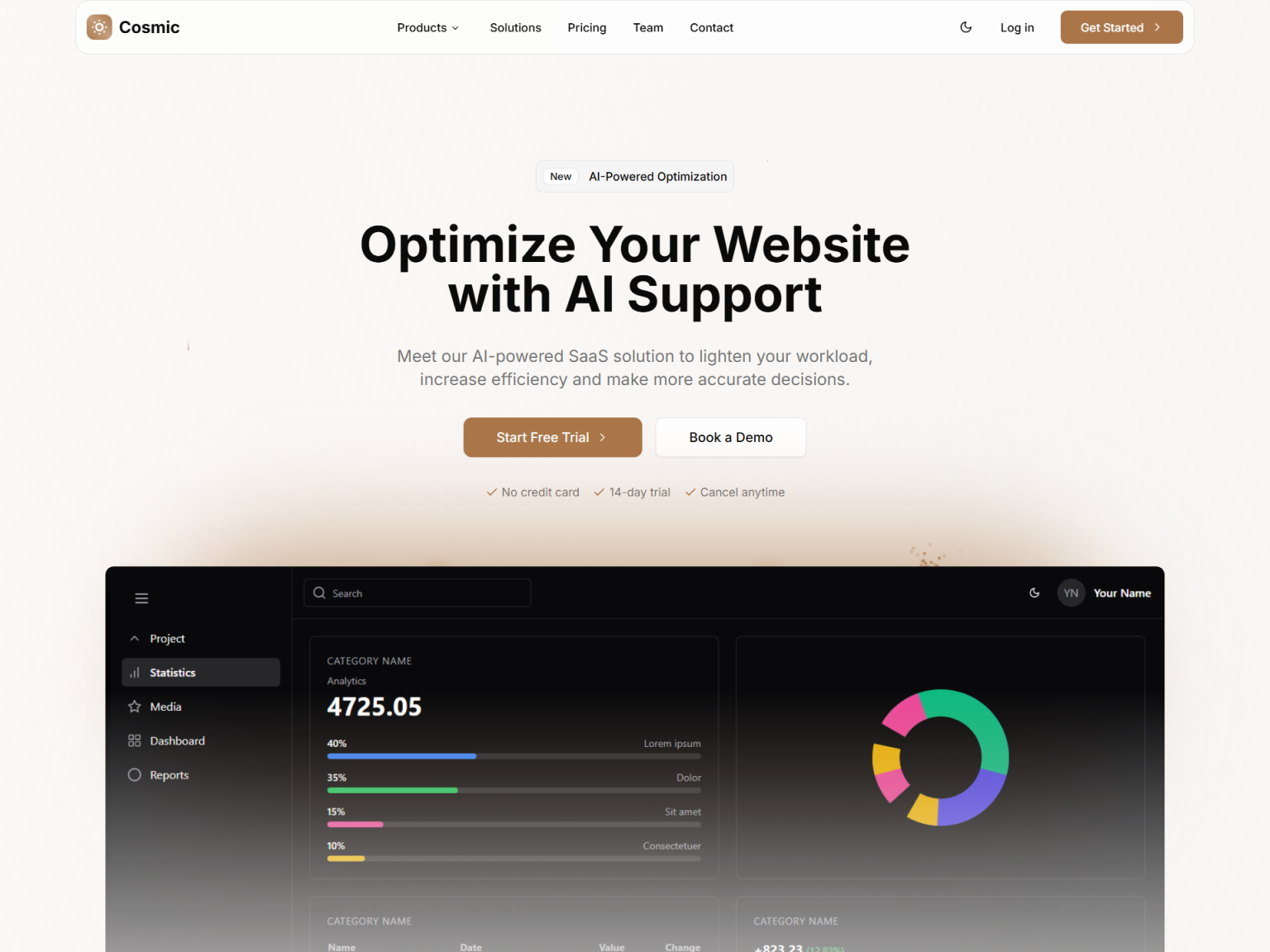
A headline, supporting text, call to action buttons, customer social proof and a product preview image.
Sponsors
A logo strip that shows the companies and brands that trust your product.
Benefits
Key reasons to choose your product, presented as short cards.
How it works
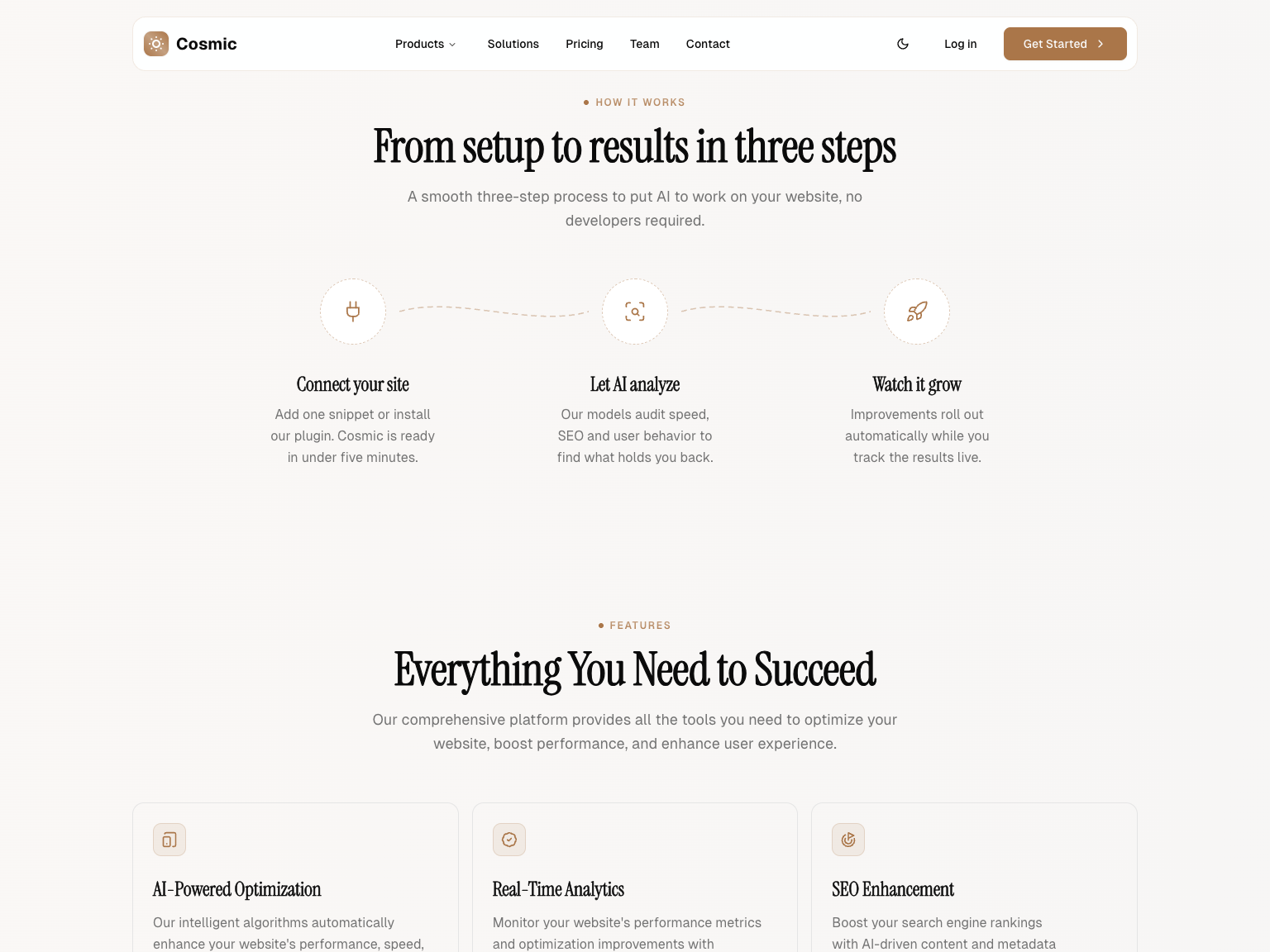
Three steps joined by dashed connectors that draw themselves in as the section scrolls into view.
Features
A grid of product features with a sliding hover highlight, followed by a row of key stats.
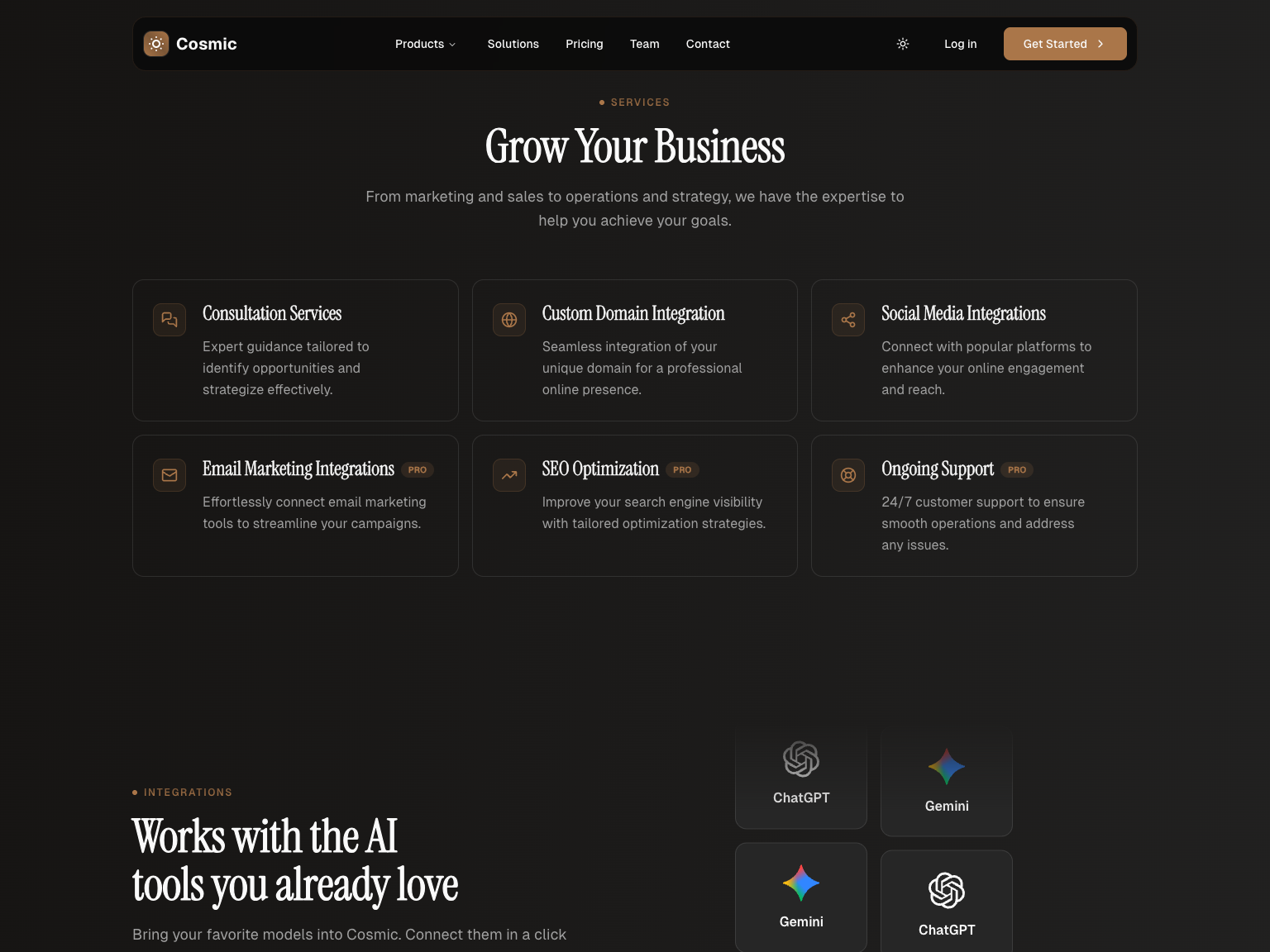
Services
A list of your services with labels that mark the ones included in a pro plan.
Integrations
Copy and a call to action next to two columns of app logos that scroll in opposite directions.
Testimonials
A carousel of customer reviews with ratings.
Team
Team member cards with roles and social links.
Pricing
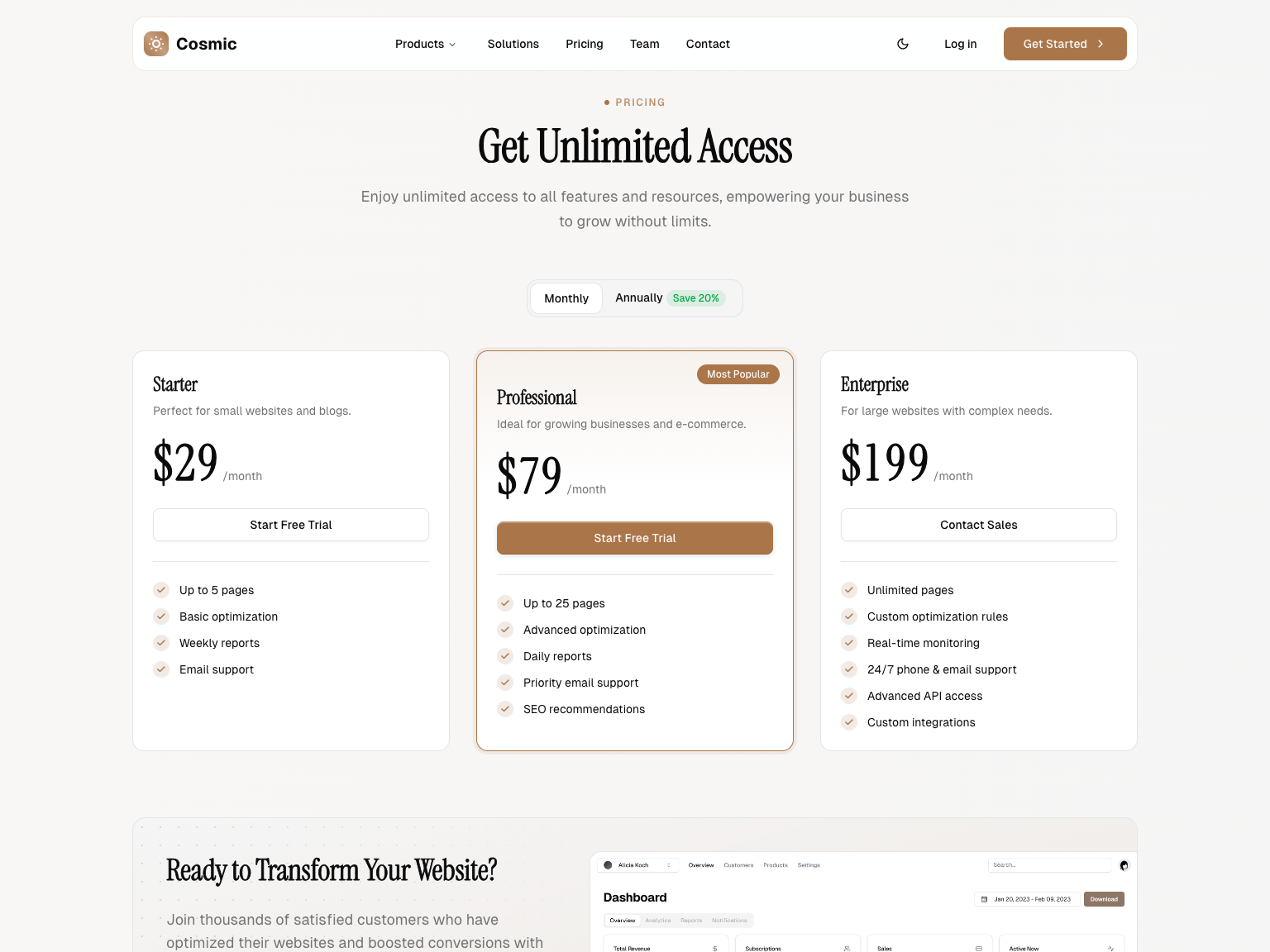
Three pricing plans with a monthly and annual toggle, feature lists, a highlighted popular plan and a call to action banner.
Community
An invitation to join your community on Discord or other channels.
Contact
Contact details and a validated contact form.
FAQ
An accordion with the most common questions about your product.
Newsletter and footer
An email signup and a footer with grouped links.
Who Cosmic is for
Cosmic suits anyone who needs a convincing SaaS marketing site quickly but does not want a generic page builder look. Teams that already know shadcn/ui will feel at home in the code from the first minute.
SaaS founders and indie hackers. Get a credible product website online the same day you start, instead of losing weeks to design.
Developers building for clients. Deliver a polished marketing site fast and spend your time on the product itself.
Marketing teams. Iterate on copy and sections easily thanks to a clean, well organized codebase.
Customize Cosmic with AI tools
Cosmic keeps its copy in the @data folder and every section in its own file, a layout that AI coding assistants navigate easily. Ask Claude Code, Cursor or GitHub Copilot to rewrite the landing page for your product and they know exactly where to look.
Rewrite the copy in one prompt. Point your assistant to the @data files and ask it to replace the features, pricing plans and reviews with your own product details.
Add or remove sections safely. Each section is imported once in app/(site)/page.tsx, so an AI tool can reorder or remove blocks without breaking the rest of the page.
Generate new sections that match. Ask for a comparison table or a changelog section and the assistant can reuse the existing section header, container and shadcn/ui components.
Cosmic FAQ
More templates
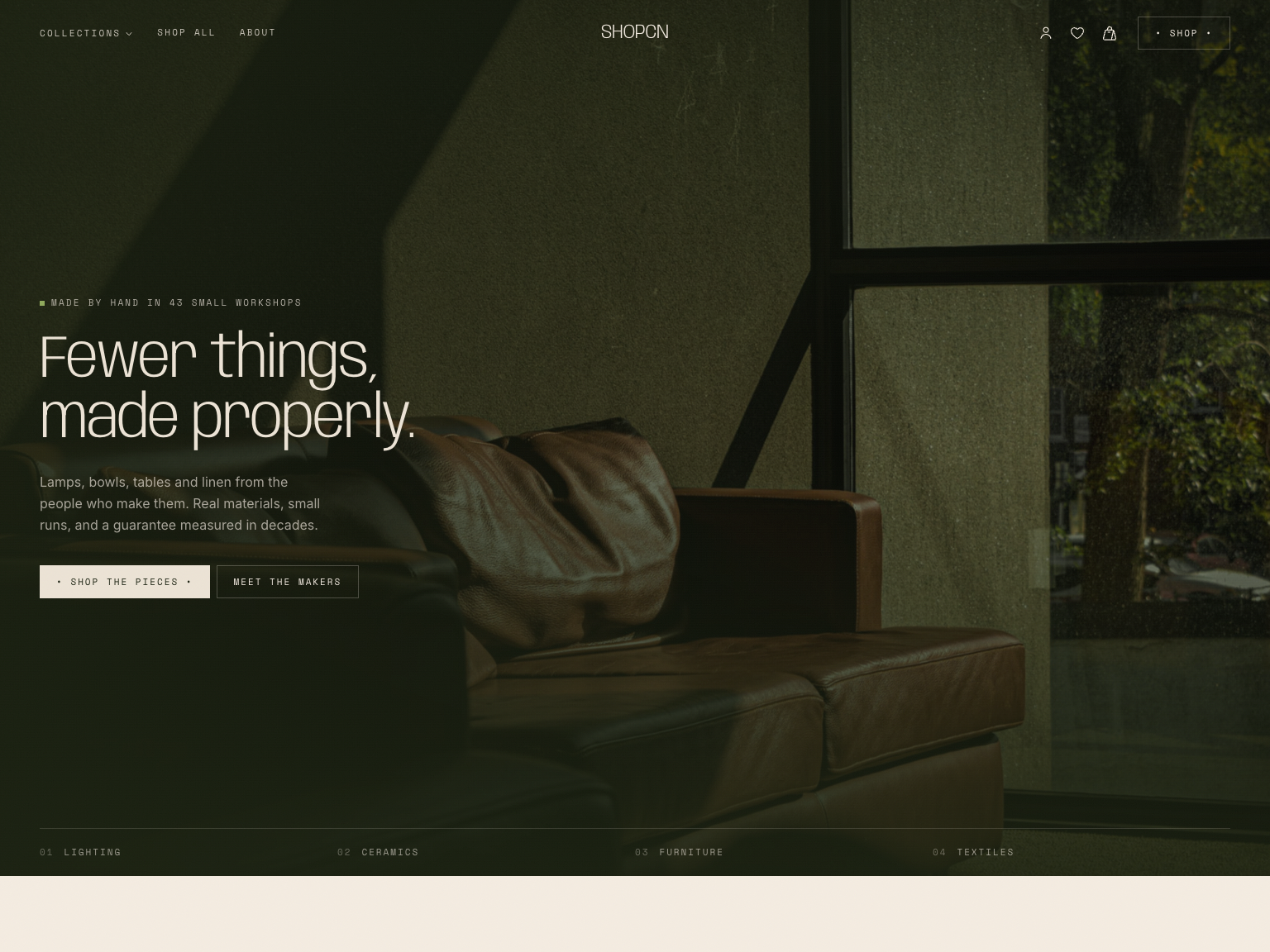
Shopcn - Next.js E-commerce Template
A complete storefront for independent brands.
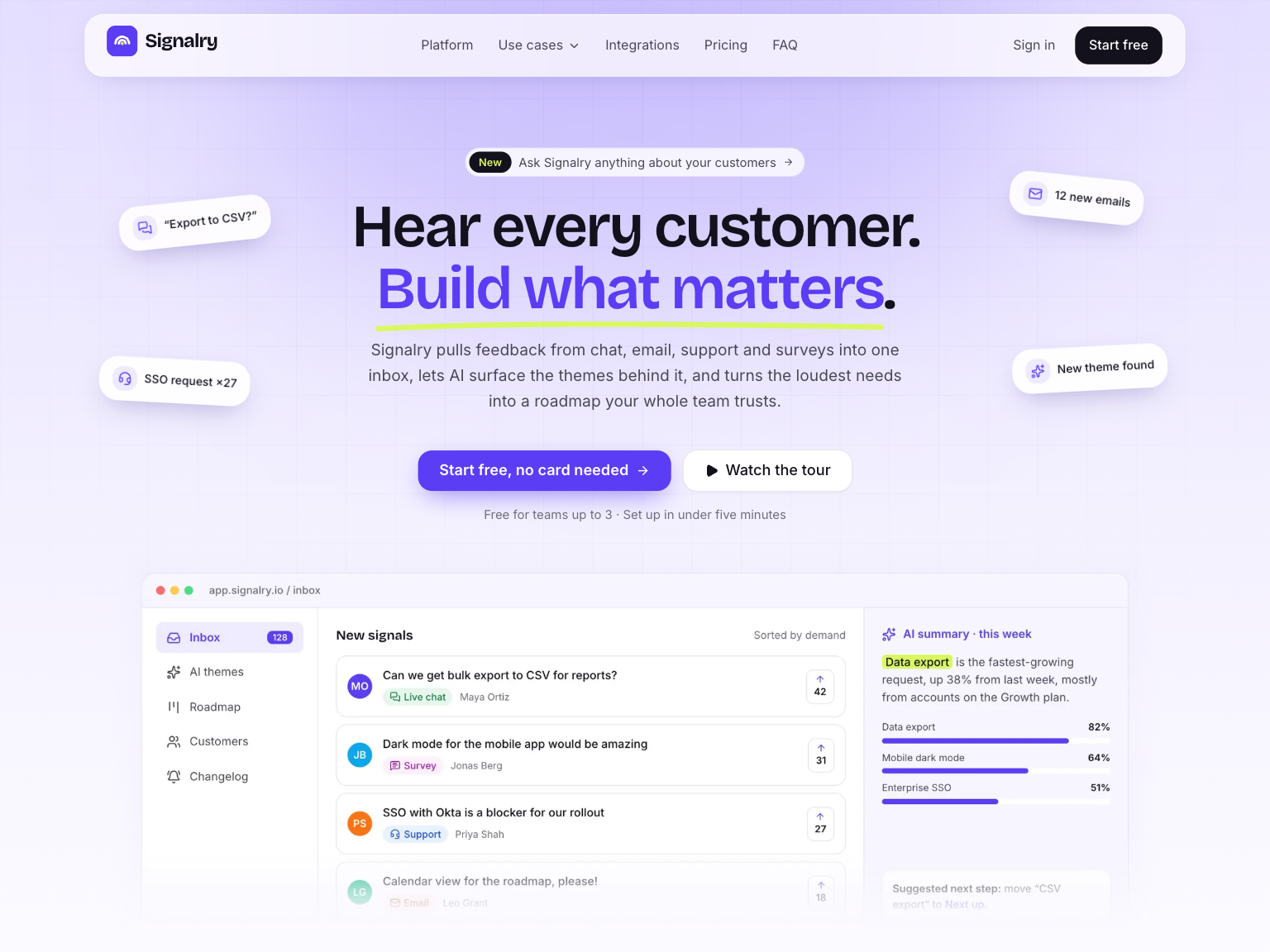
Signalry - Next.js AI SaaS Landing Page Template
An animated landing page for AI and SaaS products.
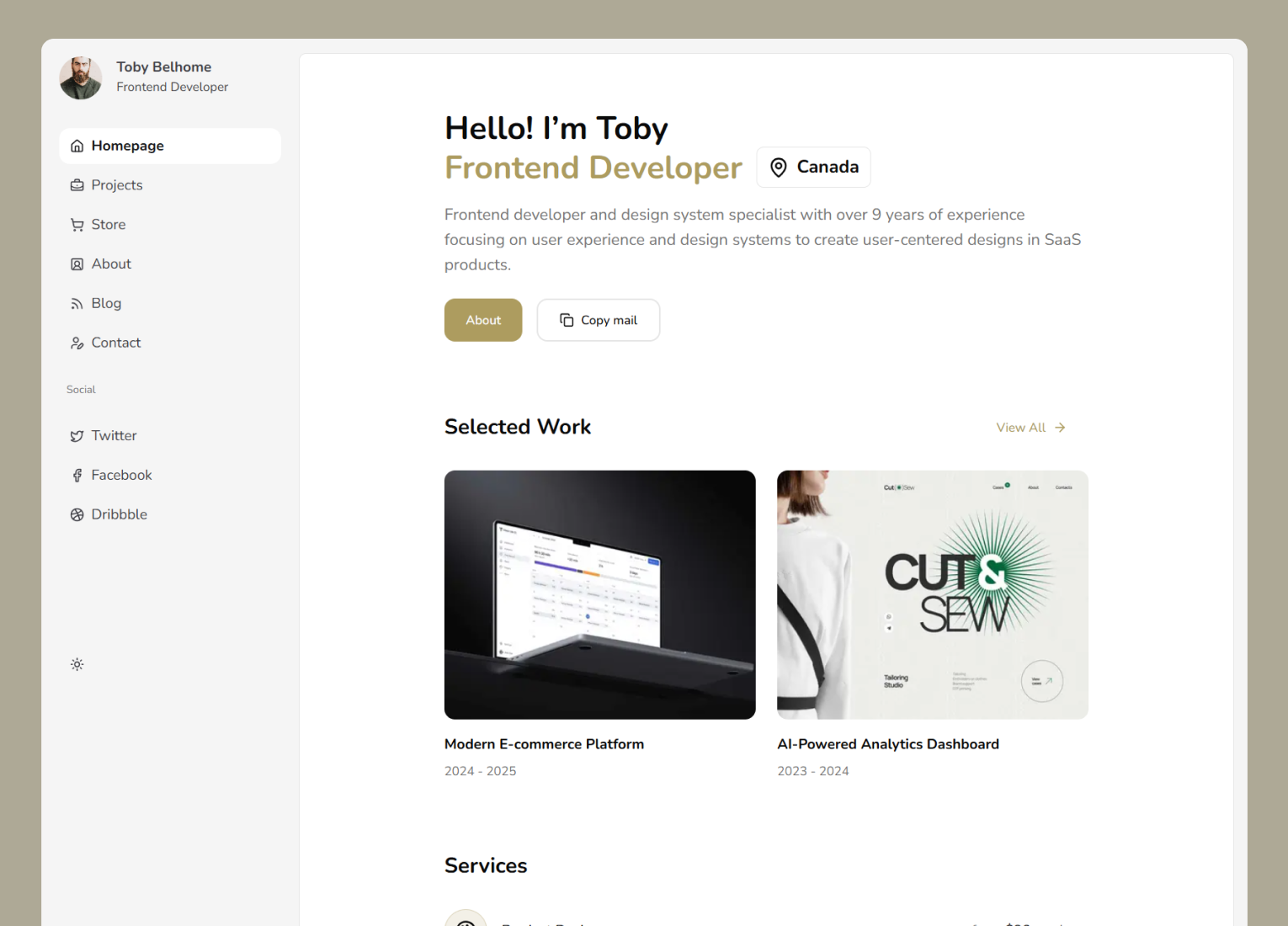
Neofolio - Next.js Portfolio Template
A dashboard style portfolio website template.
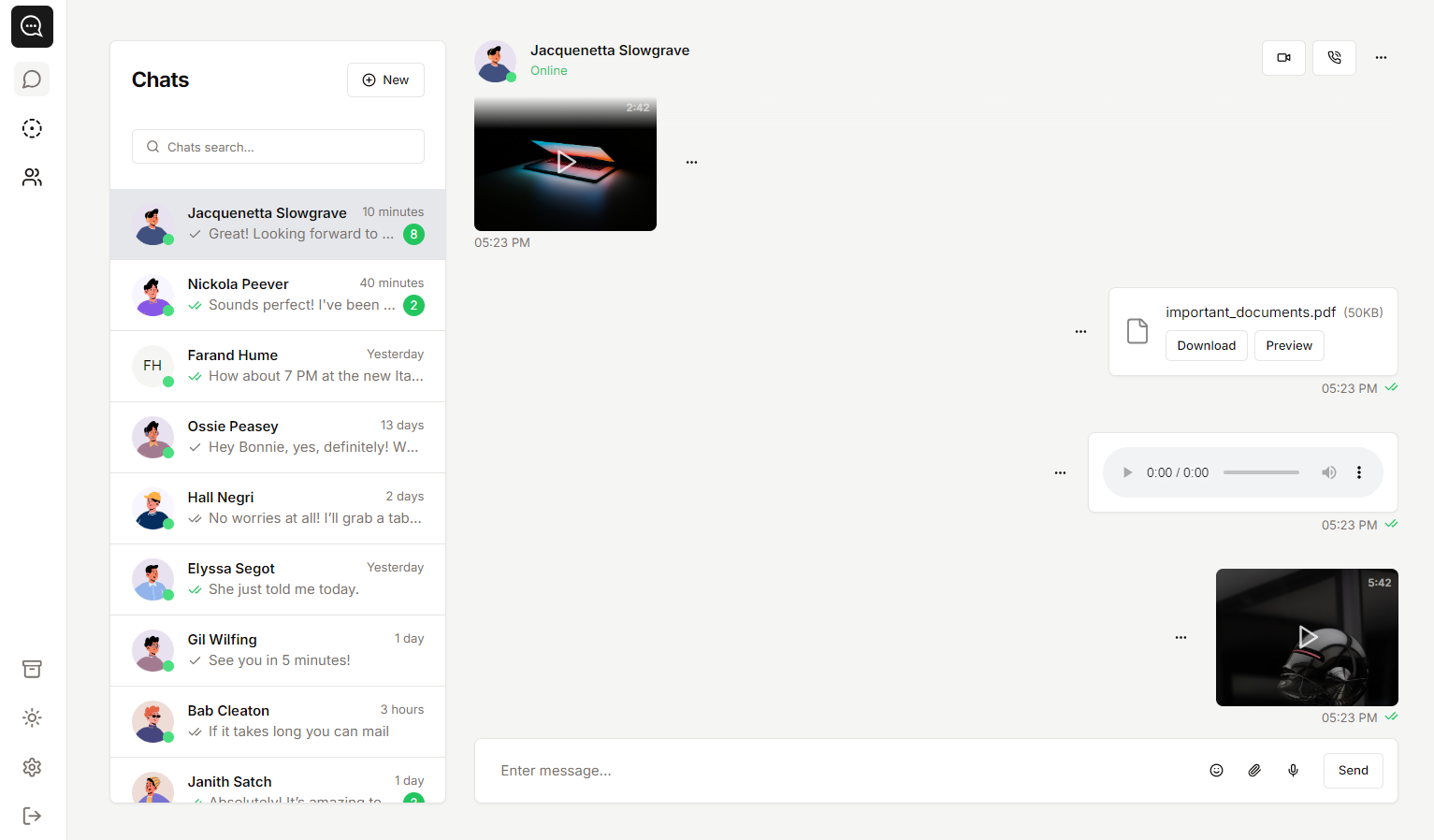
Soho - Next.js Chat App Template
A template you can use to create chat-style apps.