About Shadcn UI FAQs Blocks
An FAQ section answers the questions visitors ask most often, usually in an accordion that keeps a long list compact. These ten shadcn FAQ blocks cover centered and two column accordions, categorized FAQs with tabs or a sidebar, an open grid of answers and layouts with a contact or booking prompt.
Like the rest of our shadcn blocks, every layout is built with React, TypeScript and Tailwind CSS on top of shadcn ui components such as Accordion, Tabs, Badge, Avatar, Card and Button. The questions live in a simple array, the accordions are keyboard accessible out of the box, and these shadcn components follow your light and dark theme.
Key Elements of an FAQ Section
- Real questions: phrased the way customers ask them, taken from support tickets and sales calls.
- Short answers: two or three sentences that answer first and explain second.
- A logical order: the most common questions first, or grouped into categories when the list is long.
- Expand and collapse: an accordion so visitors scan questions and open only what they need.
- A fallback: a contact or book a call link for visitors whose question is not listed.
Where and Why to Use FAQ Blocks
Unanswered questions are one of the quietest reasons people leave a page. An FAQ block handles objections about price, cancellation, data and setup right where they come up, and it reduces the load on your support team. Because these blocks are built from shadcn ui components and Tailwind CSS tokens, they look consistent next to pricing tables, forms and the rest of your pages.
- Pricing pages: answer questions about trials, refunds, discounts and plan changes.
- SaaS landing pages: handle the last objections before the final call to action.
- Help and support pages: organize many questions into categories with tabs or a sidebar.
- Consumer apps: explain devices, offline use, memberships and data privacy.
- Service businesses: pair answers with a booking button for a short call.
FAQ Blocks in This Collection
- FAQ 1: A free, classic centered accordion that fits under almost any pricing table or landing page.
- FAQ 2: Puts the introduction beside the questions, with each question in its own rounded card that highlights when open.
- FAQ 3: Suited to help centers with many questions, since a side menu splits them into topics and a support banner follows.
- FAQ 4: Works for sales oriented pages that want a contact button right next to the most common customer questions.
- FAQ 5: Shows every answer at once, which is ideal when the answers are short and you want no clicks at all.
- FAQ 6: A compact, tabbed option for product sites with distinct topics such as features and security.
- FAQ 7: An editorial style with large uppercase questions, fitting for lifestyle and fitness brands with a bold voice.
- FAQ 8: Adds a personal touch with a support person and a call booking button beside the questions.
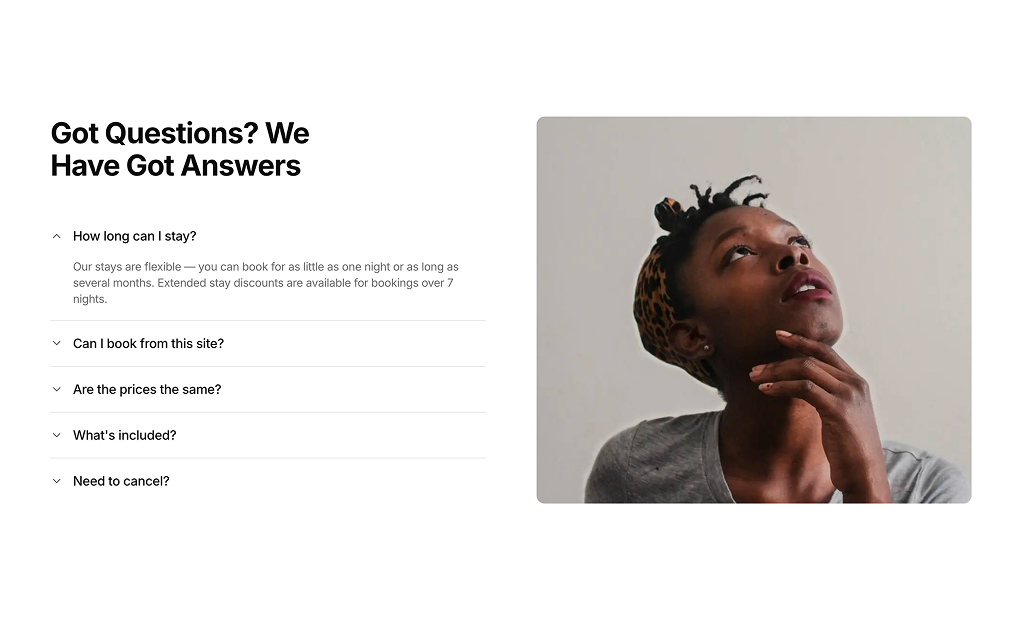
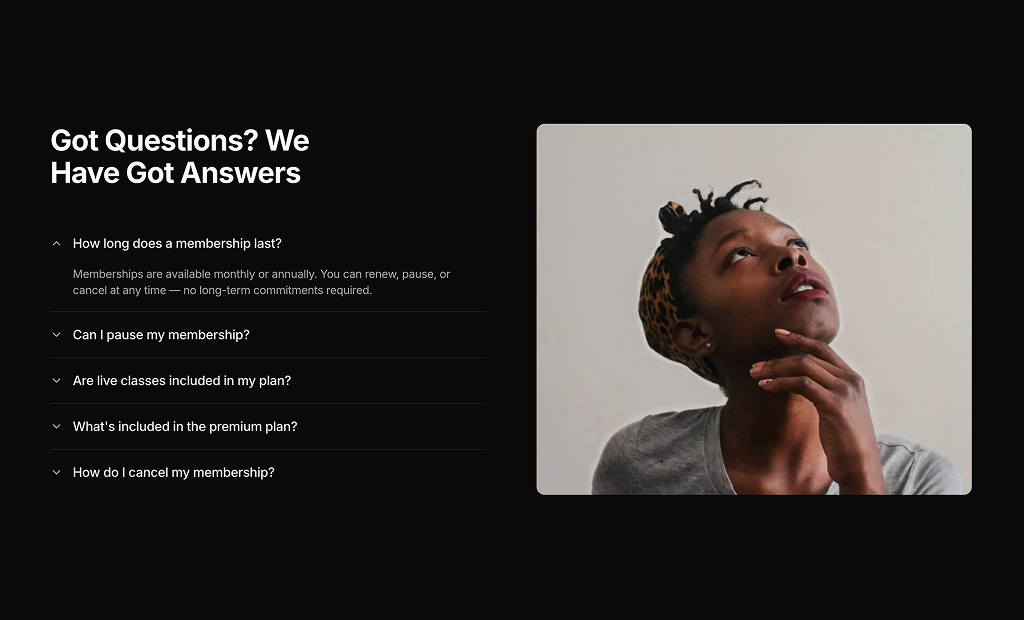
- FAQ 9: Balances the questions with a large image on desktop, useful for visual brands.
- FAQ 10: Frames everything in a single card with team avatars, a neat way to close a page with a human feel.
Similar Block Categories
- Pricing Tables: the section most FAQs sit under to answer billing questions.
- Contact Us: give visitors a form when their question is not on the list.
- How It Works: explain the process so fewer questions come up at all.
- Call to Action: follow the answers with a clear next step.
Accessibility
The accordions are built on Radix through the shadcn Accordion, so every question is a real button inside a heading, can be opened with Enter or Space and announces its expanded state with aria-expanded. In FAQ 3, FAQ 4 and FAQ 8 the custom plus and minus icons are marked aria-hidden so screen readers only read the question. FAQ 6 uses shadcn Tabs, which support arrow key navigation between categories.
The category buttons in FAQ 3 are plain buttons without a selected state, so consider adding aria-pressed or switching them to Tabs. The image in FAQ 9 has the generic alt text “FAQ illustration”, which you can replace with a description of your own image or an empty alt if it is decorative.
FAQ Blocks FAQ
npx shadcn@latest add @shadcnuikit/faq1. The other nine FAQ blocks are part of All Access.collapsible, so opening a question closes the previous one and the open one can be closed again. Change type to multiple if you want visitors to compare several answers.