230+ Shadcn UI Dashboard Blocks
The building blocks of an admin panel: app shells and sidebars, charts and stat cards, data tables, forms and dialogs. Put together an internal tool or SaaS dashboard in days instead of weeks, then copy the code or install it with the shadcn CLI.
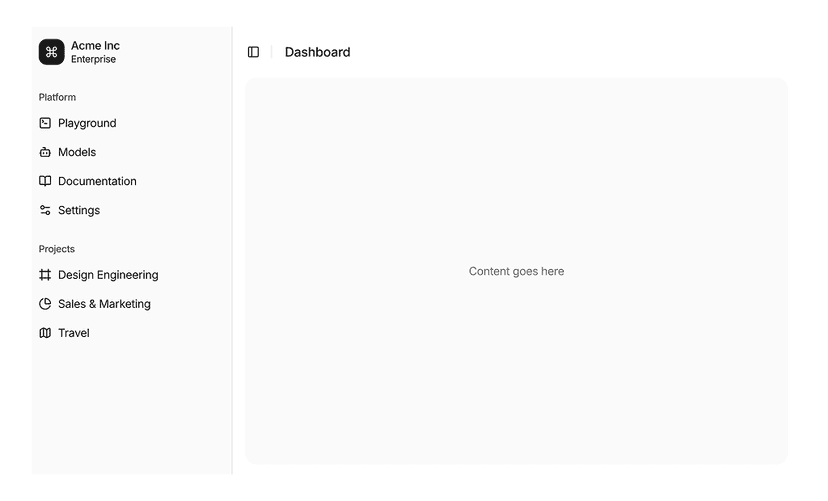
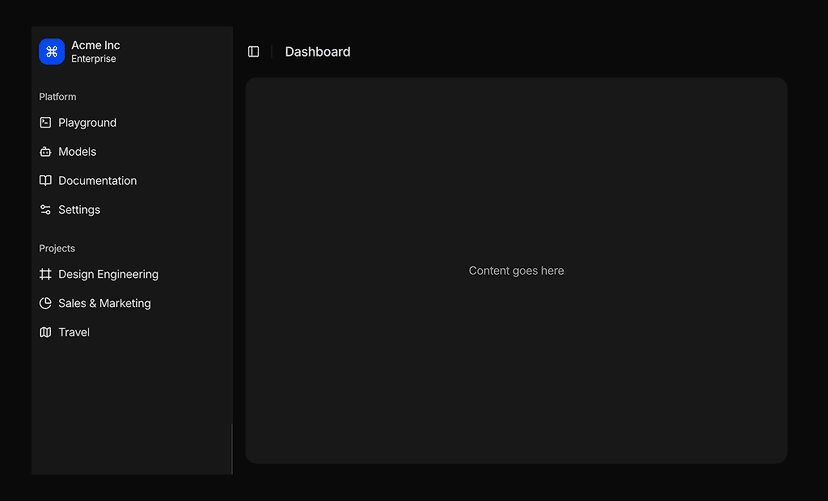
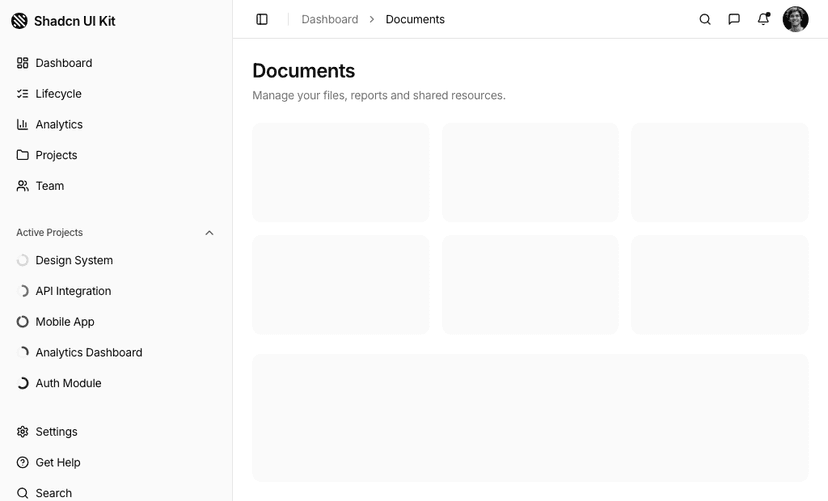
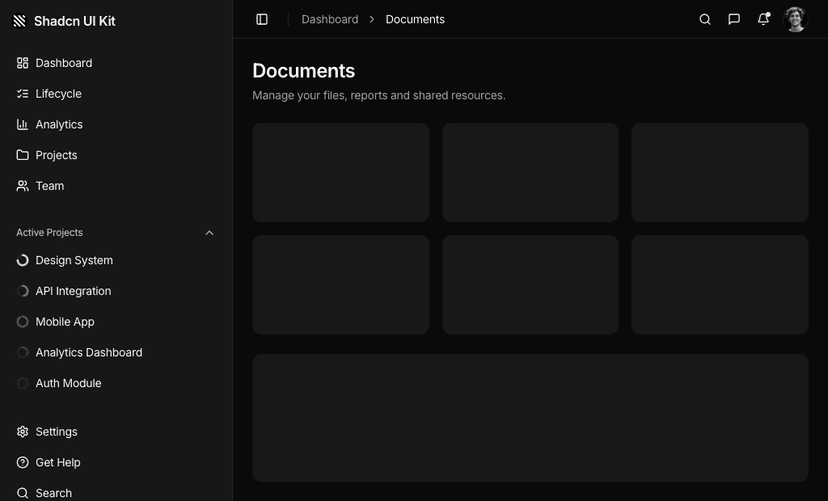
Shadcn Dashboard UI Blocks for Admin Panels
Dashboard UI blocks are the building blocks of admin panels and internal tools: dashboard shells, sidebar layouts, stat cards, charts, tables, form layouts, modal dialogs and empty states. Built with shadcn/ui, Tailwind CSS and React, they let you assemble a working dashboard in minutes.
Dashboard UI Block Categories
236 blocks in 12 categories. Open a category to preview every block live on desktop, tablet and mobile.
- Form Layouts
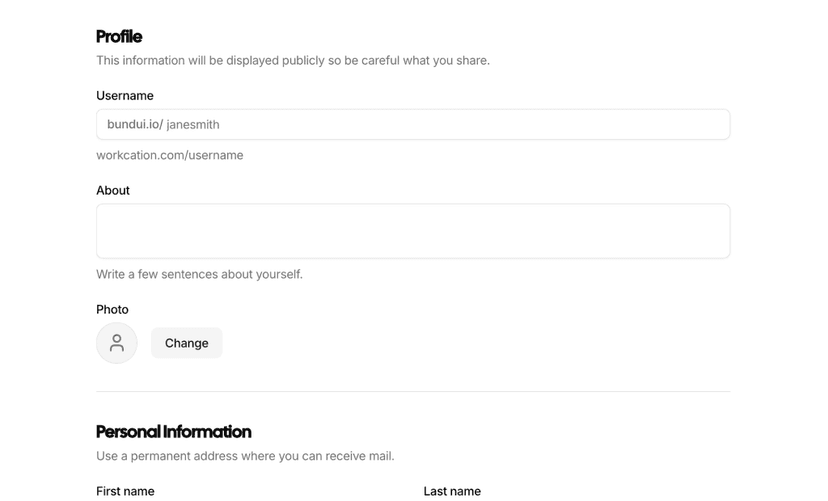
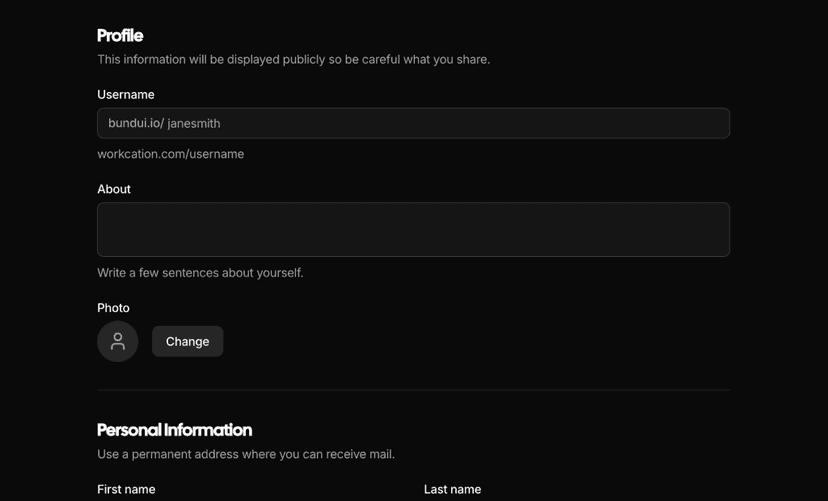
- Form layouts with Zod validation for settings, profiles and data entry. 22 blocks.
- Charts
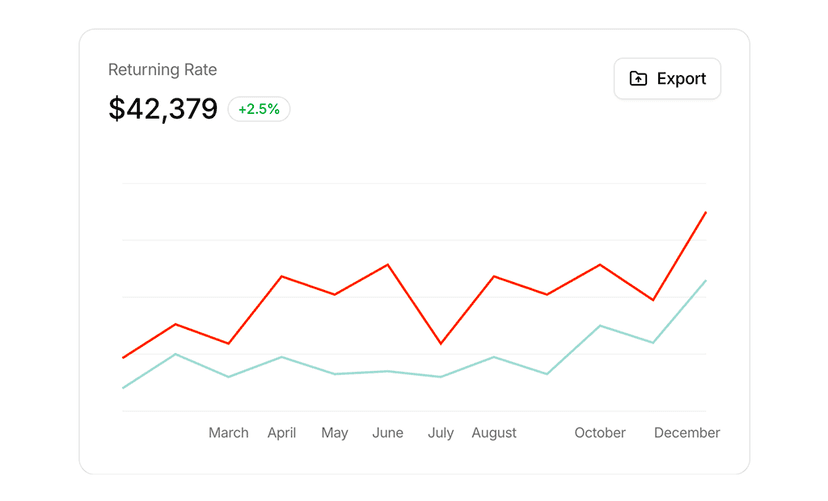
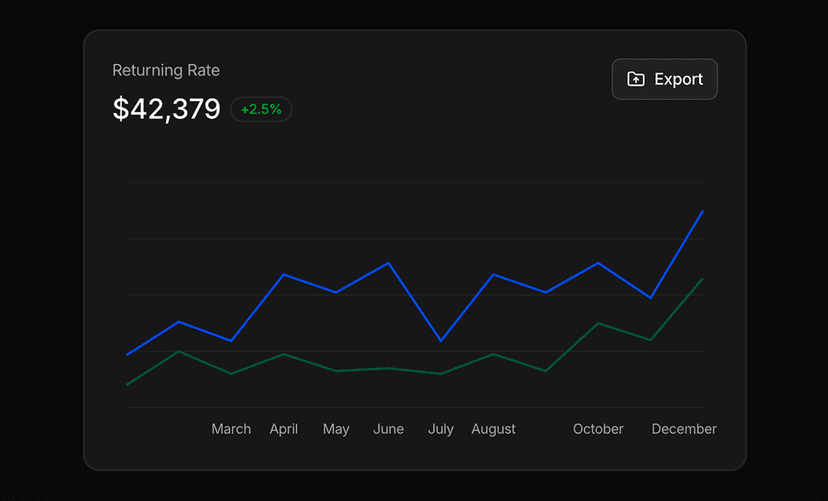
- Interactive Recharts charts for dashboards and analytics. 70 blocks.
- Signin Forms
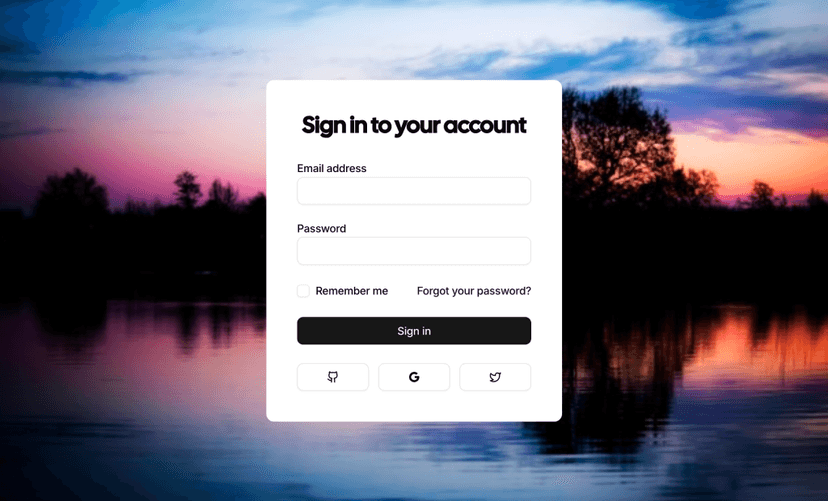
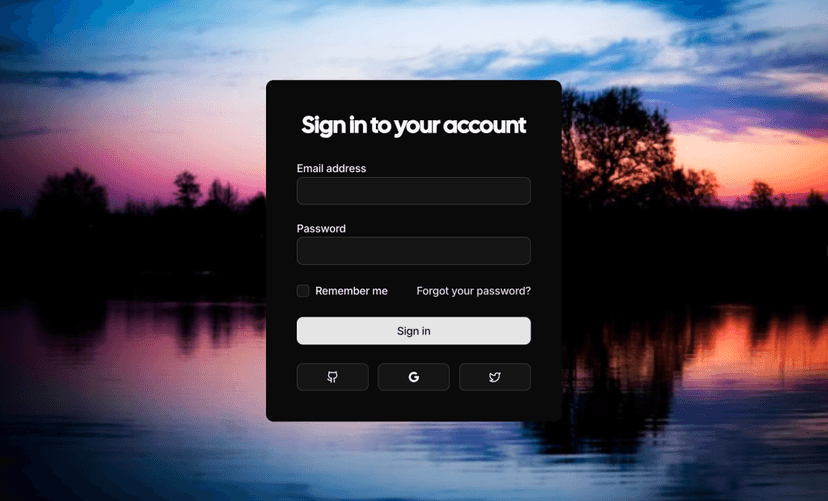
- Sign in forms with validation and social login options. 3 blocks.
- Stat Cards
- Cards that display key metrics, KPIs and analytics at a glance. 33 blocks.
- Modal Dialogs
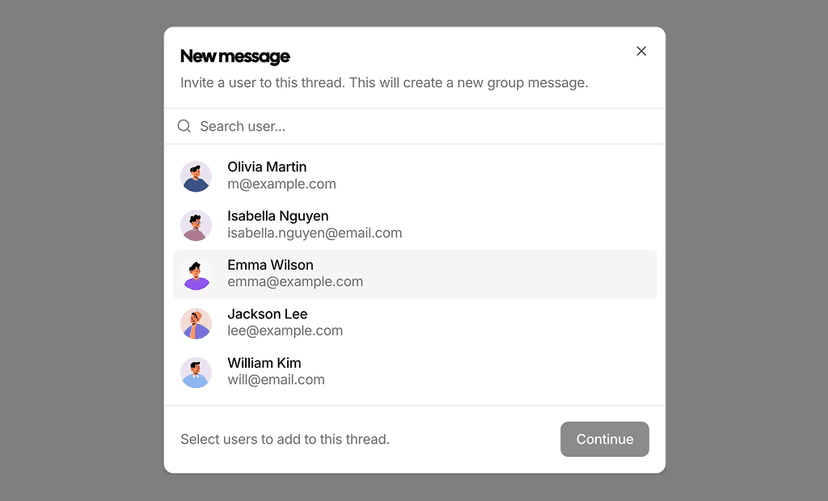
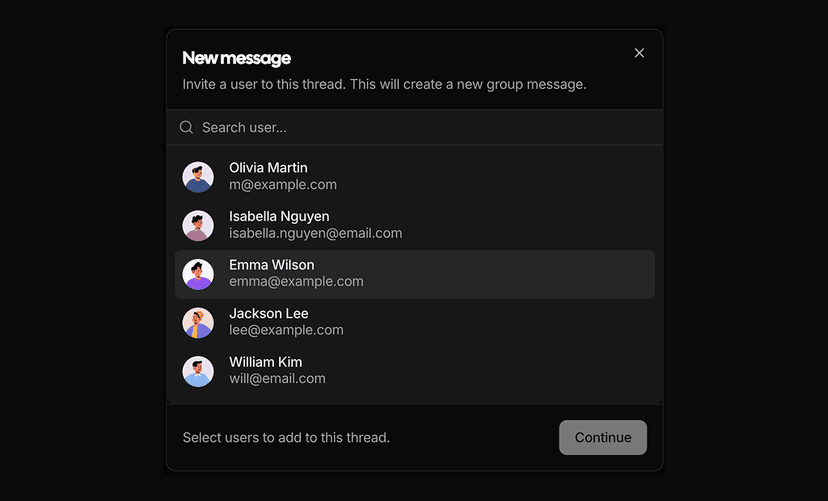
- Dialogs for confirmations, forms and focused content. 28 blocks.
- Page Layouts
- Full page layouts that combine a sidebar and a header. 3 blocks.
- Sidebar Layouts
- Sidebar based layouts for app navigation and structure. 1 block.
- Dashboard Shell
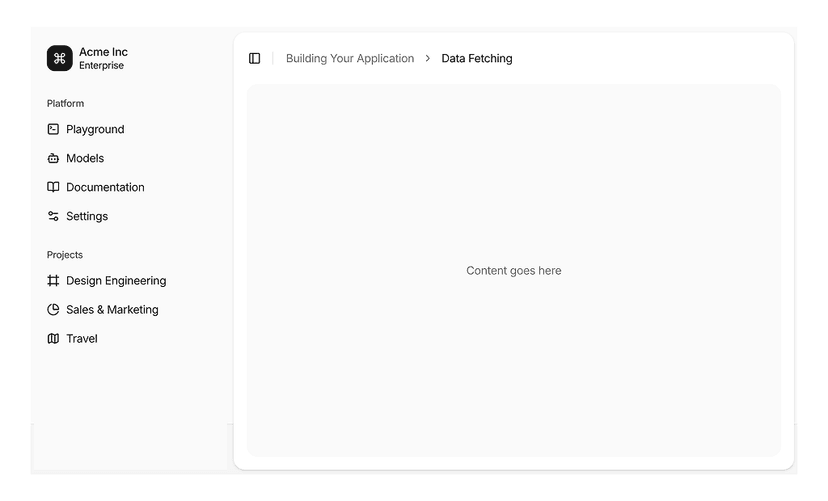
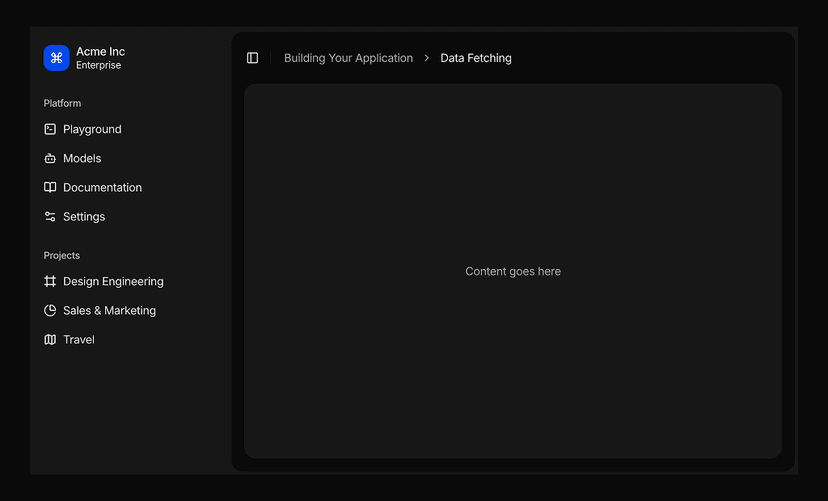
- App shells with an inset sidebar, grouped navigation, user menu and header. 9 blocks.
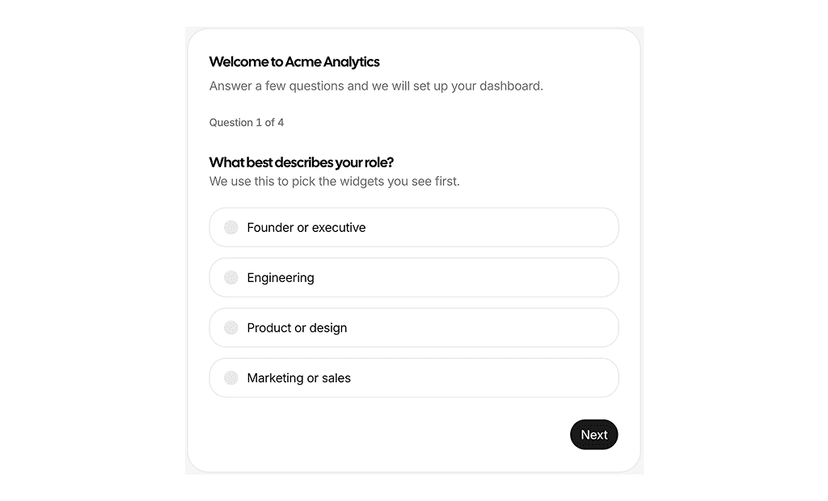
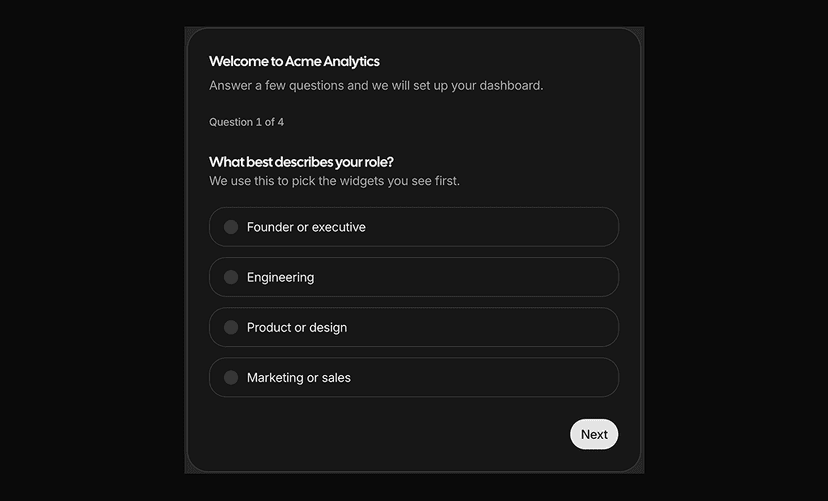
- Onboarding Screens
- Guided setup flows with steps, a progress indicator and a completion state. 10 blocks.
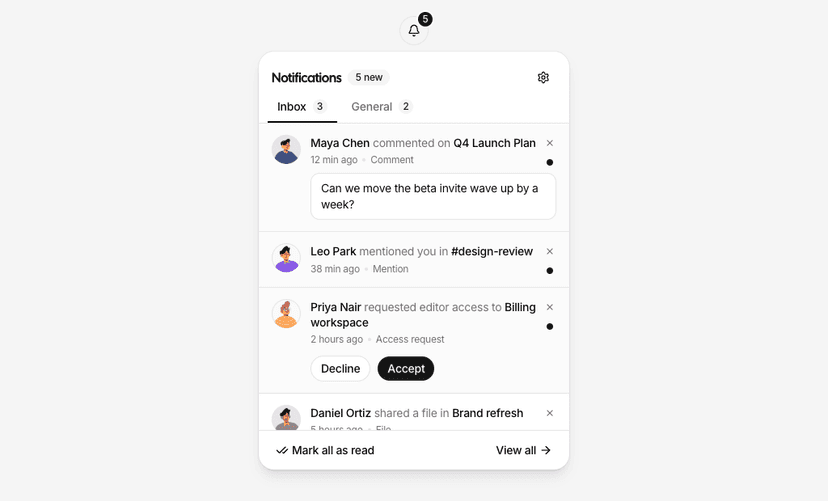
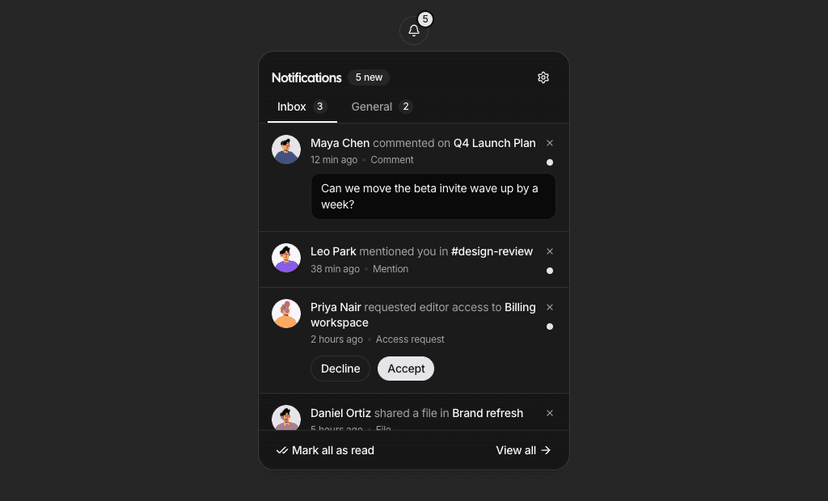
- Dashboard Dropdowns
- Top bar menus for accounts, notifications, inboxes, carts and workspace switching. 10 blocks.
- Tables
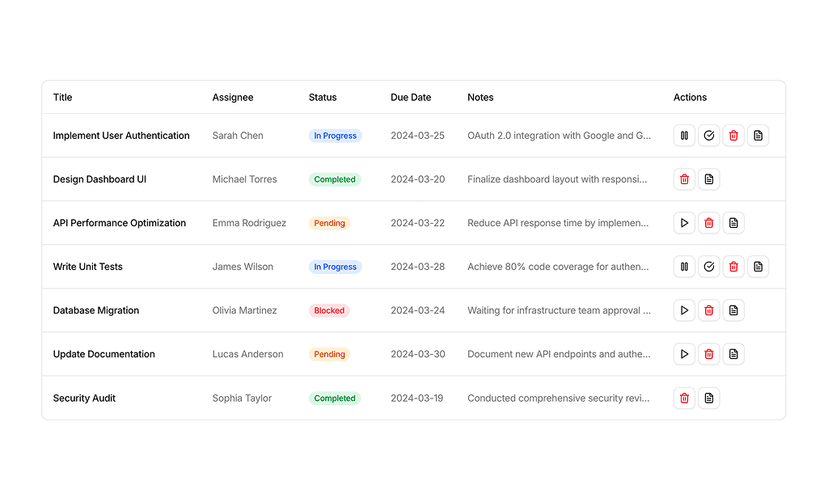
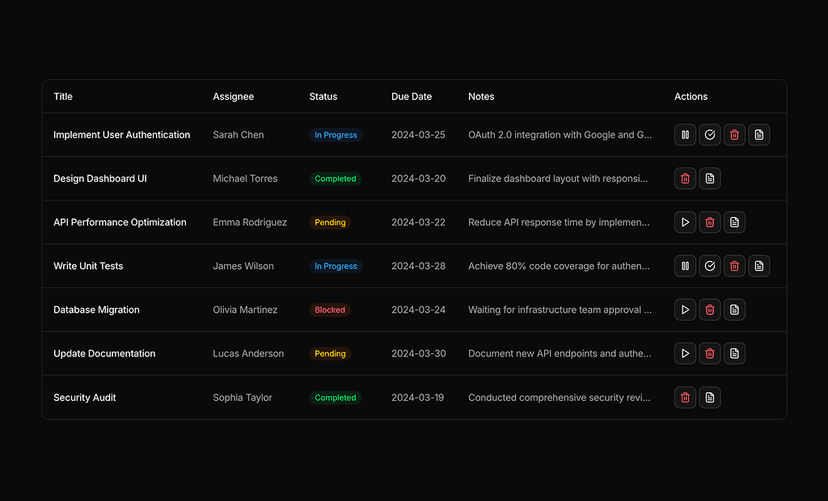
- Data tables built with TanStack Table, with filtering and pagination. 25 blocks.
- Empty State
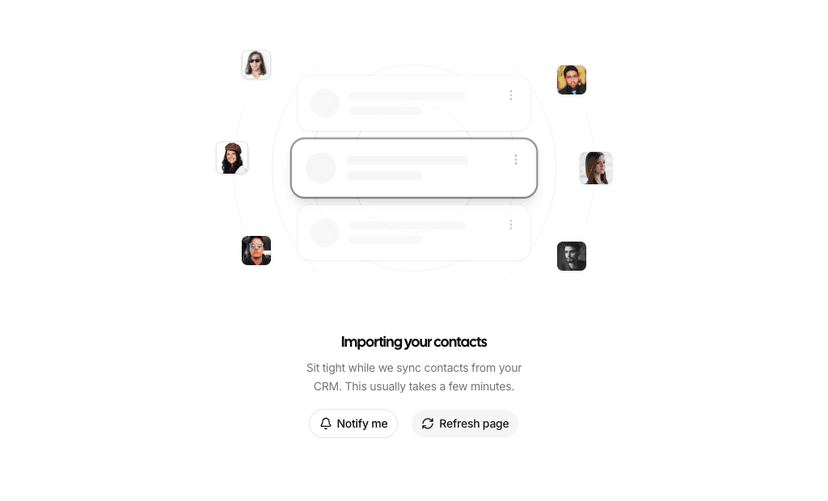
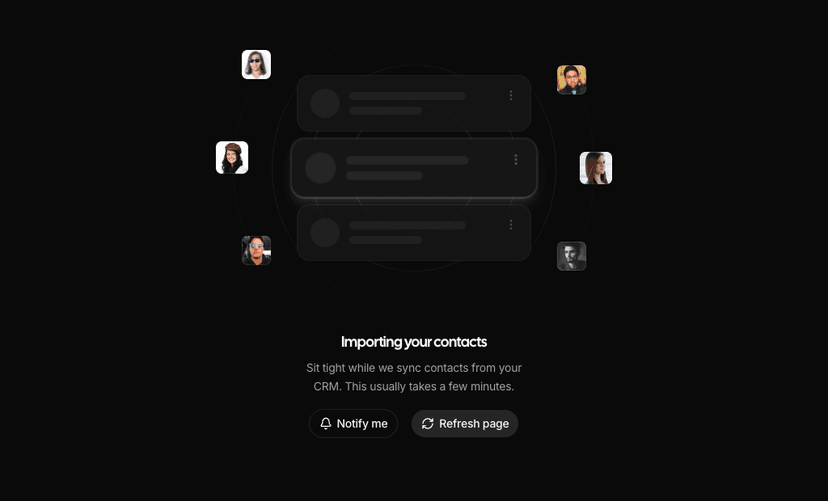
- Screens for no results, no data, first run, offline and access denied states. 22 blocks.
Build Dashboards with AI Editors
Describe the admin screen you need in Cursor or Claude Code and the MCP server assembles it from these shells, charts and tables, or compose it yourself in the Page Builder.
What You Get With Dashboard UI Blocks
- App shells and layouts: Dashboard shells, sidebar layouts and page layouts with collapsible navigation, headers and content areas.
- Data visualization: Area, bar, line and pie charts built on Recharts with tooltips, legends and time range filters.
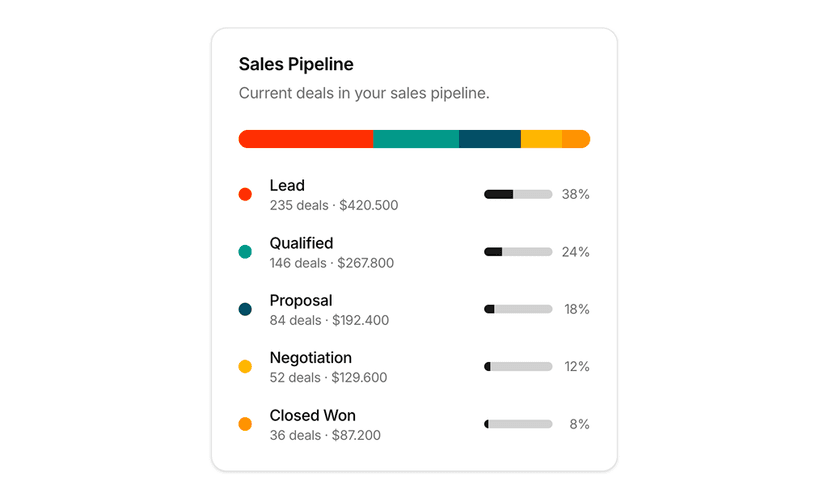
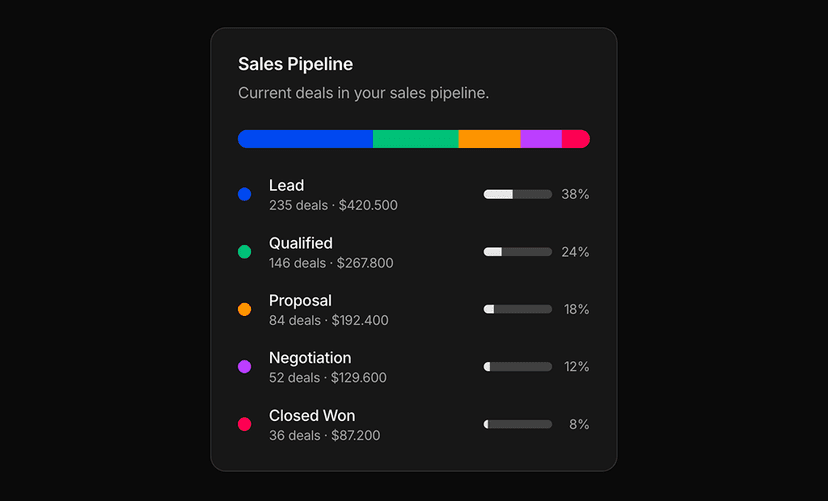
- Metrics at a glance: Stat cards with trends, sparklines, progress bars and comparison values.
- Data tables: Tables with sorting, filtering, pagination, row selection and TanStack Table support.
- Forms and dialogs: Form layouts, sign in forms and modal dialogs for settings, onboarding and CRUD flows.
- Consistent with the rest of the kit: Every block uses the same shadcn/ui primitives as our components and admin dashboard templates.
Assemble a Dashboard in Minutes
Start with a dashboard shell or sidebar layout, drop stat cards and a chart into the content area, add a table for the detail view and wire up a dialog for editing. Every piece shares the same spacing, radius and color tokens, so the result reads as one application.
Need a complete product instead of blocks? Explore our admin dashboard templates or browse chart examples for more visualization patterns.