Waitly - Next.js Waitlist Template
Waitly is a free and open source waitlist page template for upcoming products, developed with Next.js, React and TypeScript and designed with Tailwind CSS and shadcn/ui components. Collect signups before launch with a clean landing page and email capture form, backed by dark mode and a fully responsive design that is easy to customize and deploy.
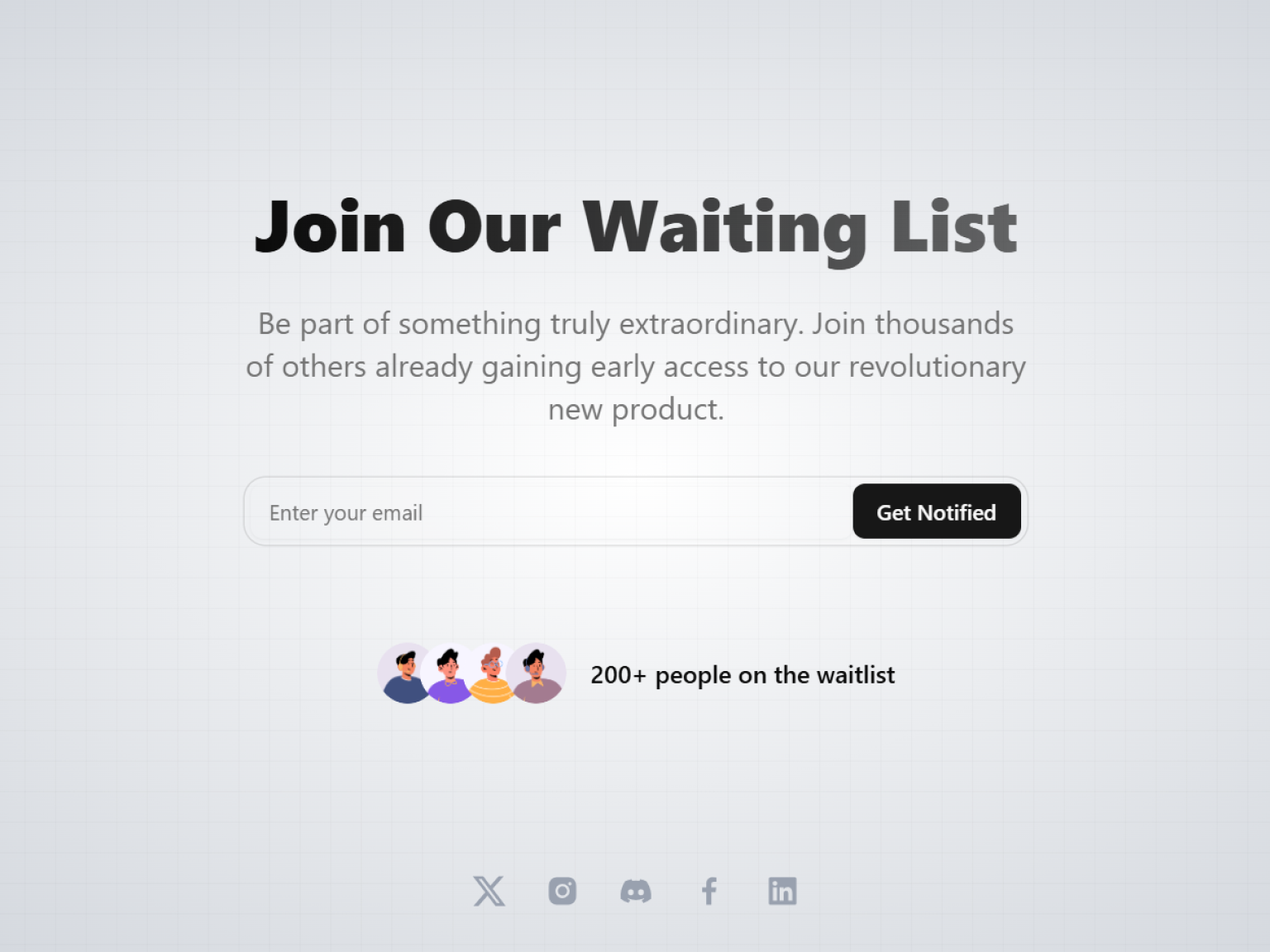
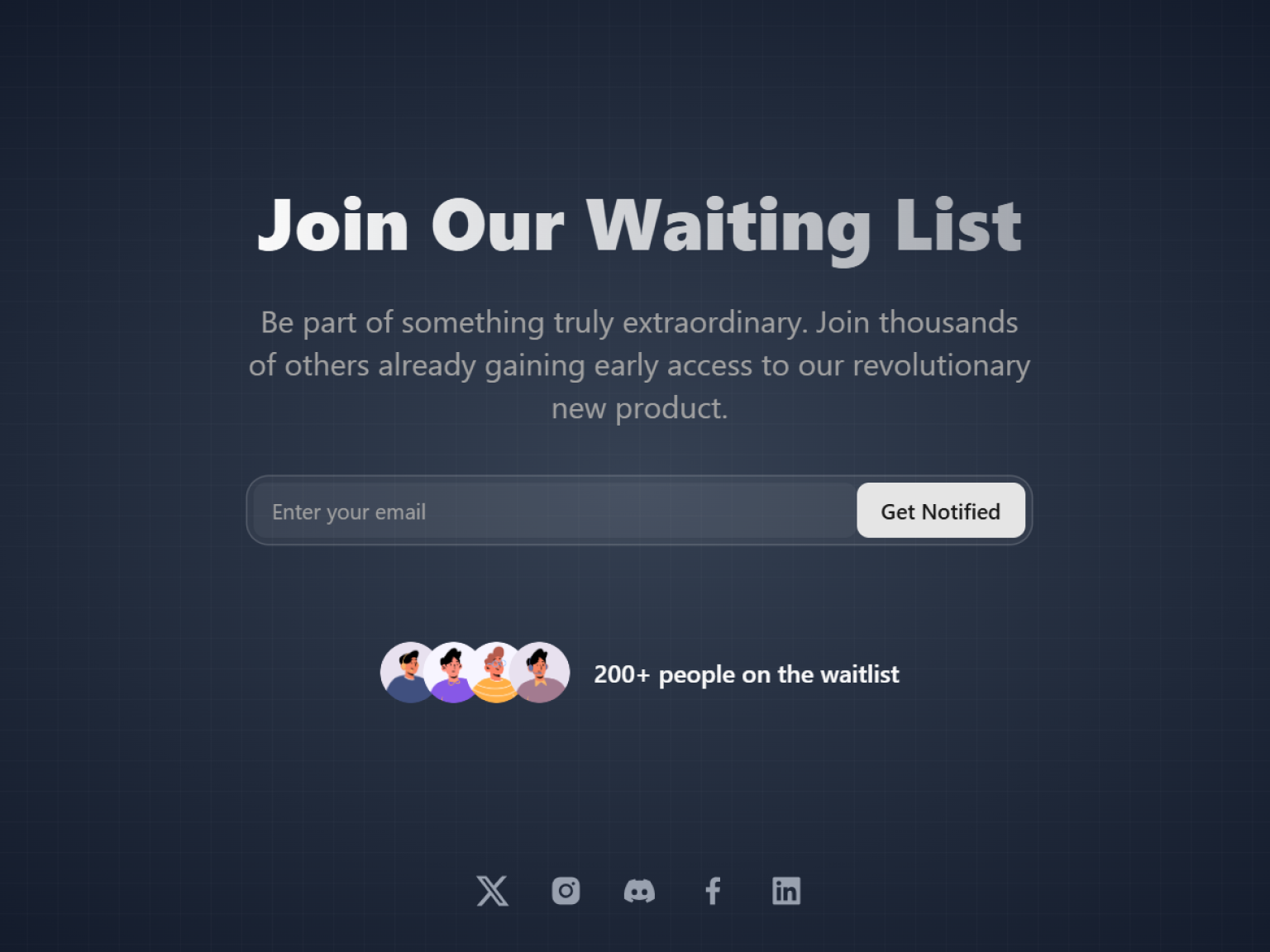
What is included in Waitly
Waitly is a shadcn free template you can download and use right away. It is a lightweight website template with a single goal: collecting signups before your product launches.
Launch ready waitlist page. A focused landing page that explains your product and collects signups before release.
Email capture form. A clean signup flow you can connect to your favorite email or database service.
Free and open source. Download the full source code from GitHub and adapt it to your project freely.
Next.js, Tailwind CSS and shadcn/ui. A small, readable codebase on the latest versions that is easy to understand and modify.
Looks right in both themes. The waitlist page has light and dark styles, and every component is typed with TypeScript for safe edits.
Responsive and easy to deploy. Looks great on every screen size and deploys to Vercel or any platform in minutes.
Sections of Waitly
Waitly is a single, focused waitlist page. Everything a visitor needs to understand your launch and leave an email fits into a few clean sections.
Headline and description
Your product name, a short pitch and launch messaging.
Email signup form
An email field that collects waitlist signups and shows a confirmation toast.
Social links
Links to your profiles so visitors can follow your launch.
Who Waitly is for
Waitly is for the stage before launch, when the goal is proof that people want what you are building. It is small on purpose, so you can publish it in an afternoon and get back to the product.
Makers validating an idea. Measure real interest with signups before investing months in building the product.
Startups preparing a launch. Build an audience you can email the moment your product goes live.
Developers who want a quick start. Start from a tiny, clean project instead of configuring everything by hand.
Customize Waitly with AI tools
Waitly's whole interface fits in a handful of components, which makes it a perfect first project for AI coding assistants. You can ask Claude Code or Cursor to store signups, change the copy or add a countdown in a single session.
Store signups for real. Ask your assistant to connect the form to Resend, a database or a server action so every email is saved.
Add a launch countdown. Describe the release date and an AI tool can add a countdown section built with the existing shadcn/ui components.
Localize the page. Have the assistant translate the copy and add a language switcher for an international launch.
Waitly FAQ
More templates
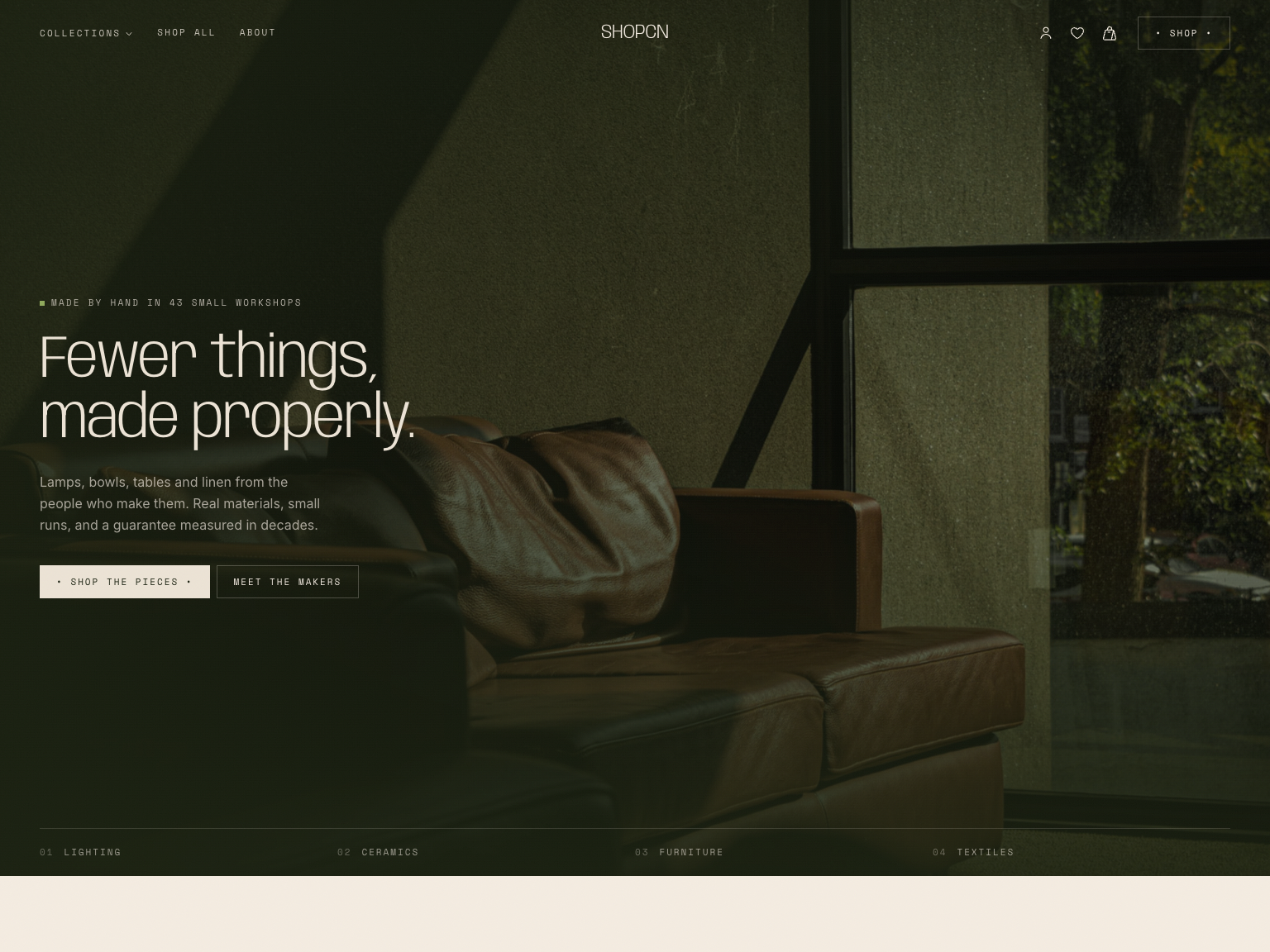
Shopcn - Next.js E-commerce Template
A complete storefront for independent brands.
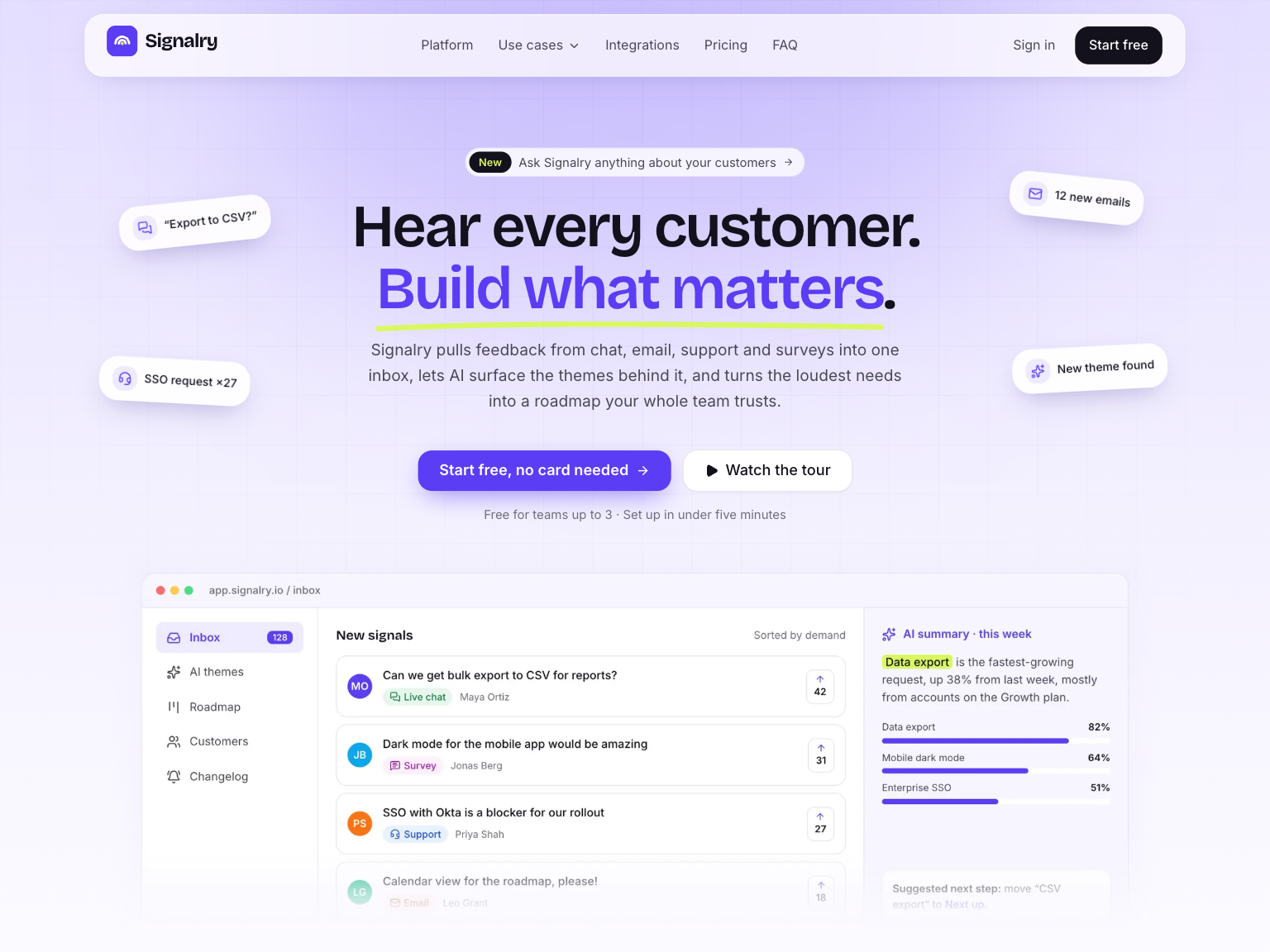
Signalry - Next.js AI SaaS Landing Page Template
An animated landing page for AI and SaaS products.
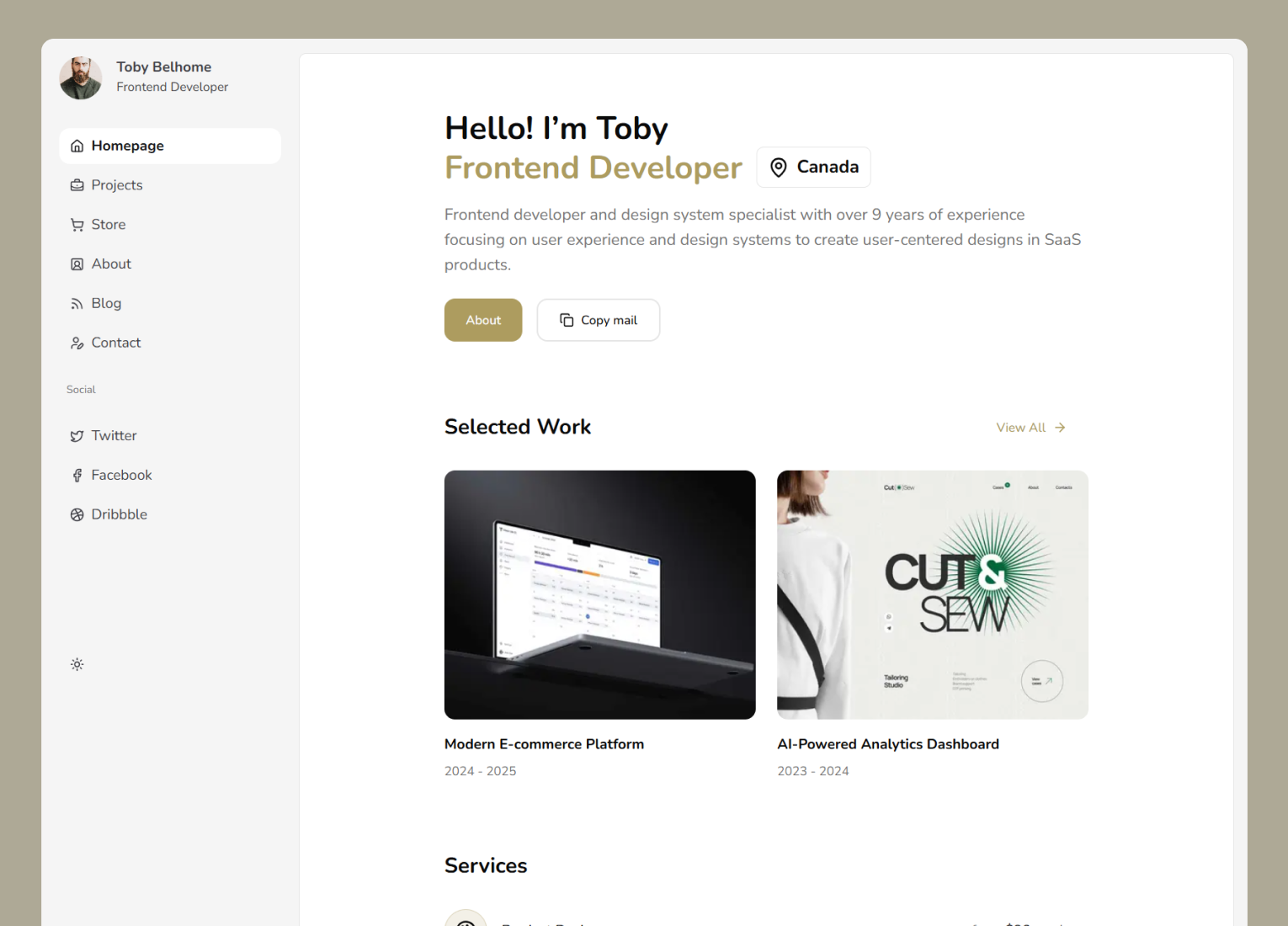
Neofolio - Next.js Portfolio Template
A dashboard style portfolio website template.
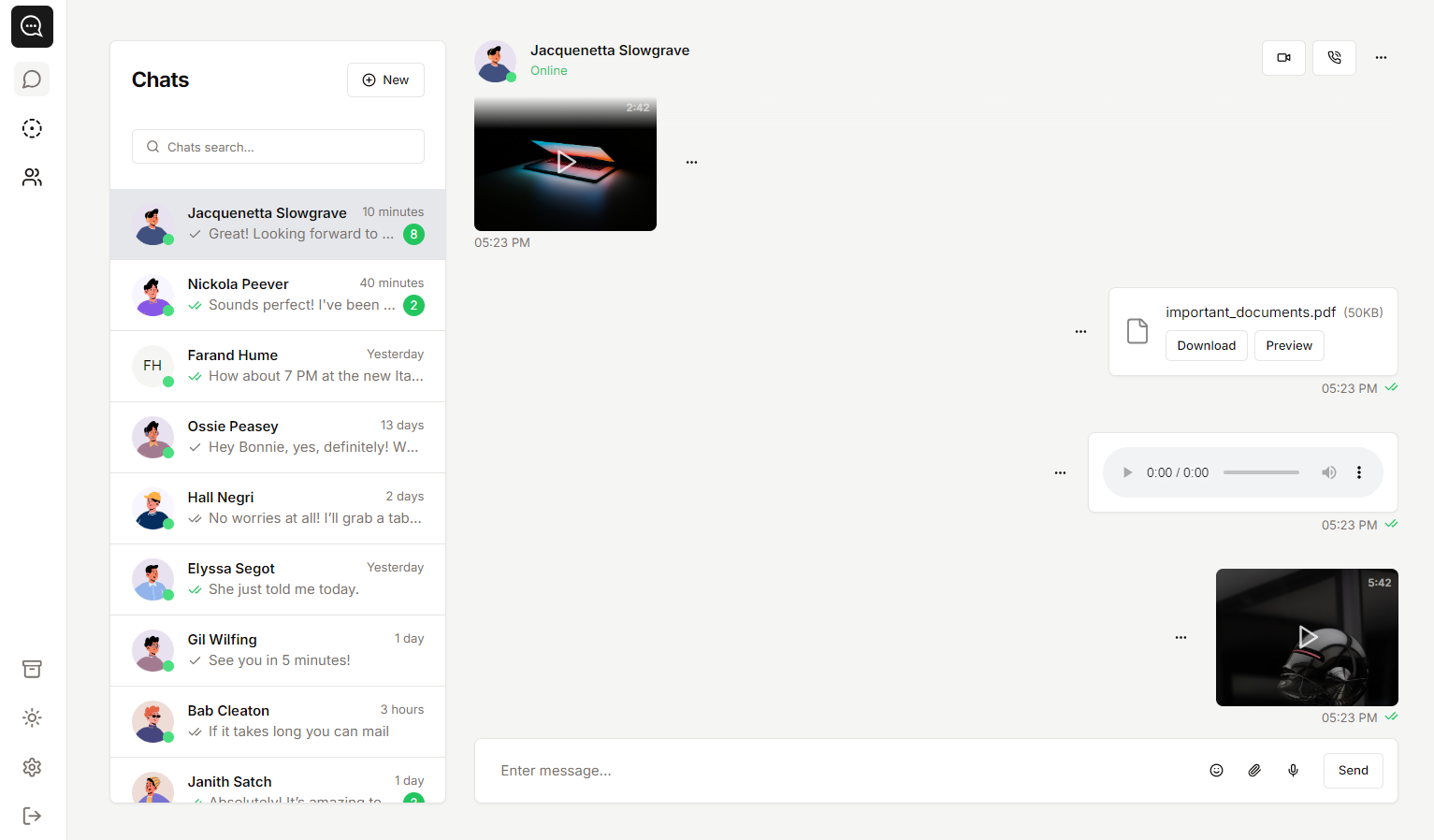
Soho - Next.js Chat App Template
A template you can use to create chat-style apps.
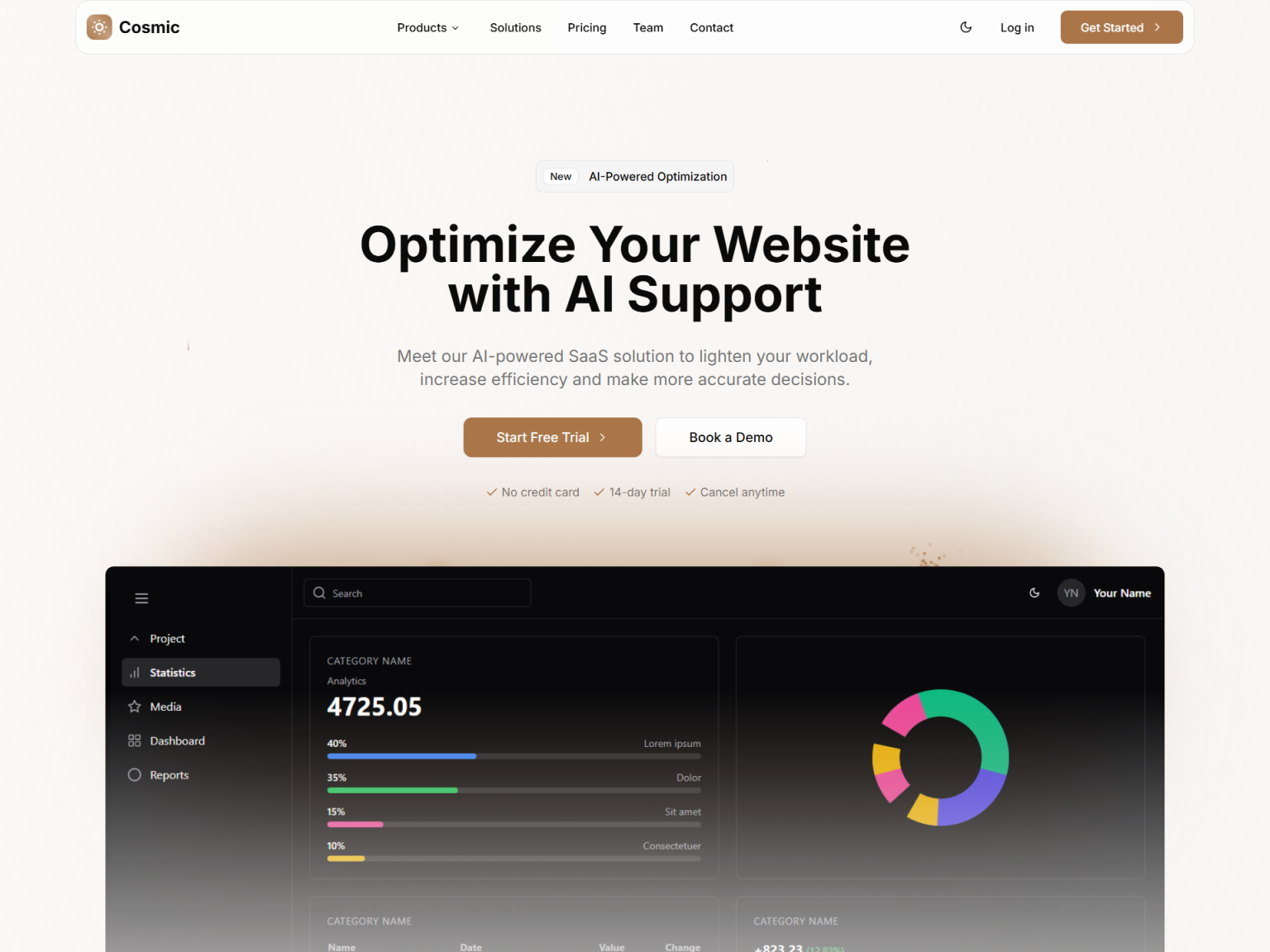
Cosmic - Next.js SaaS Landing Page Template
A high converting landing page.