About Shadcn Promo Sections Blocks
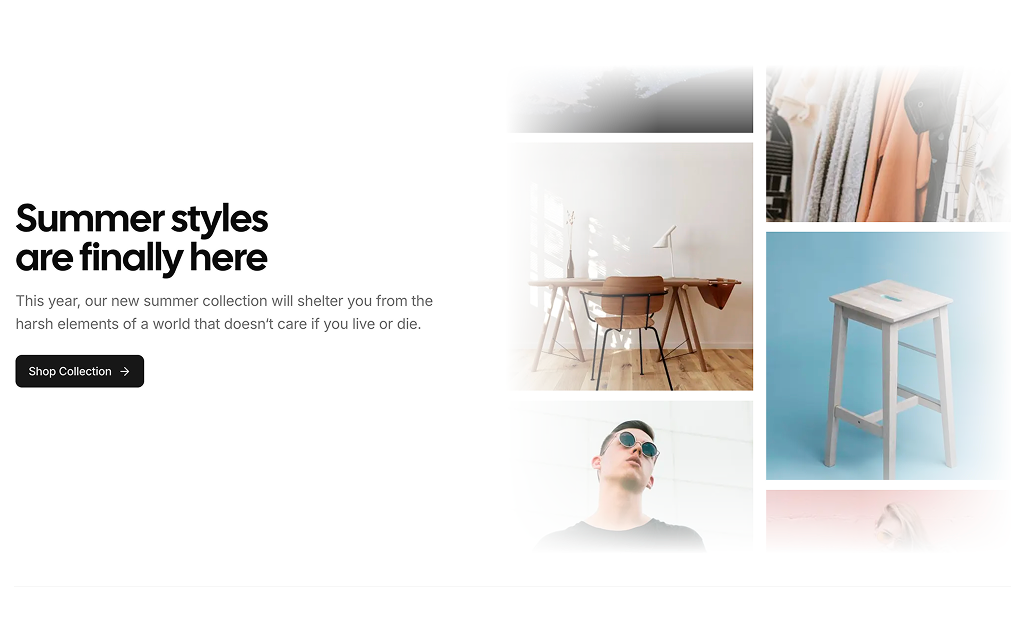
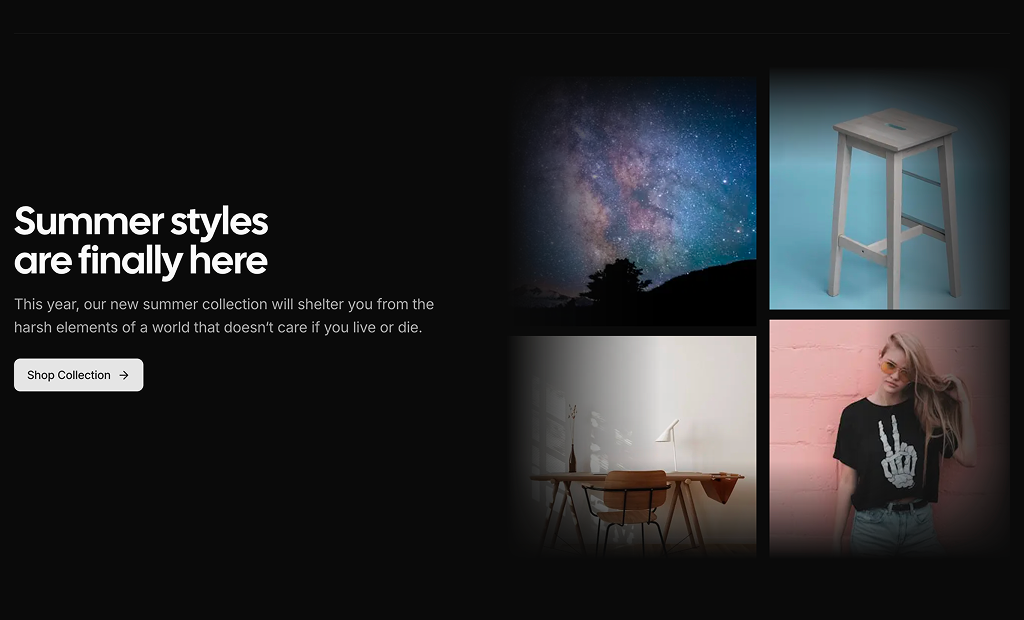
A promo section gives a single campaign, collection or sale its own moment on a store page, with a bold headline, a line of copy, one call to action and product imagery that catches the eye. This shadcn promo section pairs a seasonal collection message with two columns of product photos that scroll in opposite directions.
Like the rest of our shadcn blocks, it is written in React and TypeScript, styled with Tailwind CSS and uses shadcn ui components such as Button together with a MarqueeEffect component for the motion. You replace the headline, the copy and the images array with your own campaign, and the section follows your light and dark theme.
Key Elements of a Promo Section
- Campaign headline: a short, confident line such as “Summer styles are finally here”.
- Supporting copy: one or two sentences on what is new or why now.
- Single call to action: a button such as Shop Collection that leads straight to the products.
- Product imagery: several photos that show the range of the collection, not just one hero item.
- Motion with restraint: slow movement that draws the eye without hiding the message.
Where and Why to Use Promo Section Blocks
Campaigns are time bound, and a promo section is the easiest way to rotate them on your storefront without redesigning the page. A strong headline and a moving wall of products make the collection feel larger and newer than a static banner. Because it is built from shadcn components and Tailwind CSS classes, you can swap the campaign each season while the section keeps matching the rest of your shadcn ui store.
- Seasonal collections: summer, winter or holiday launches on the homepage.
- New arrivals: a recurring band that points to the latest products.
- Sales and events: promote a limited time discount with a direct link to the sale page.
- Brand collaborations: give a capsule collection its own visual moment.
- Category pages: highlight a curated selection above the full product grid.
Promo Section Blocks in This Collection
- Promo Section 1: Use it when a collection has many photogenic products and you want the section to feel alive. On phones the moving photos become a soft backdrop for the message.
Similar Block Categories
- Hero Sections: lead the page with a full hero before the promo band.
- Product Category: send shoppers from the promo into organized category tiles.
- Call to Action: close the page with a simpler offer or signup prompt.
- Newsletter Sections: collect emails so shoppers hear about the next campaign.
Accessibility
The headline, copy and Shop Collection button are regular text and a shadcn Button, so they stay readable and keyboard accessible on every screen size. The scrolling photos carry placeholder alt text, which you should replace with short product descriptions, or with an empty alt if the photos are purely decorative.
The marquee keeps moving and does not check the reduced motion setting. Consider stopping or slowing the animation for visitors who enable reduced motion in their system, for example by rendering the photos as a static grid when the useReducedMotion hook from the motion package returns true.
Promo Sections FAQ
motion package and react-use-measure. Make sure both packages are installed and the component file is in your project before you add the block.speedOnHover set to 1, so the photos almost stop while the pointer is over them. Raise the value for a gentler slowdown, or change speed to make the default movement faster or slower.