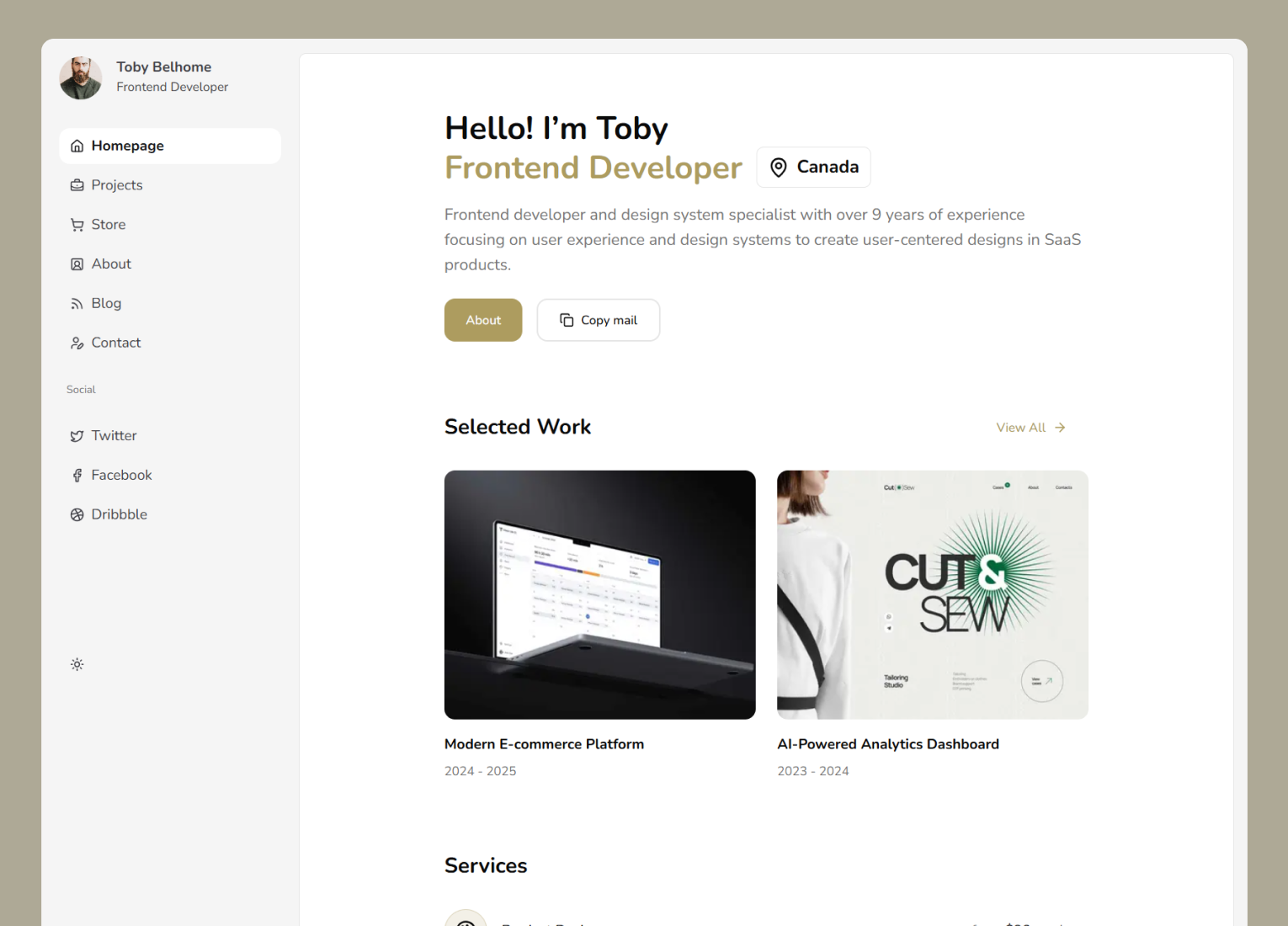
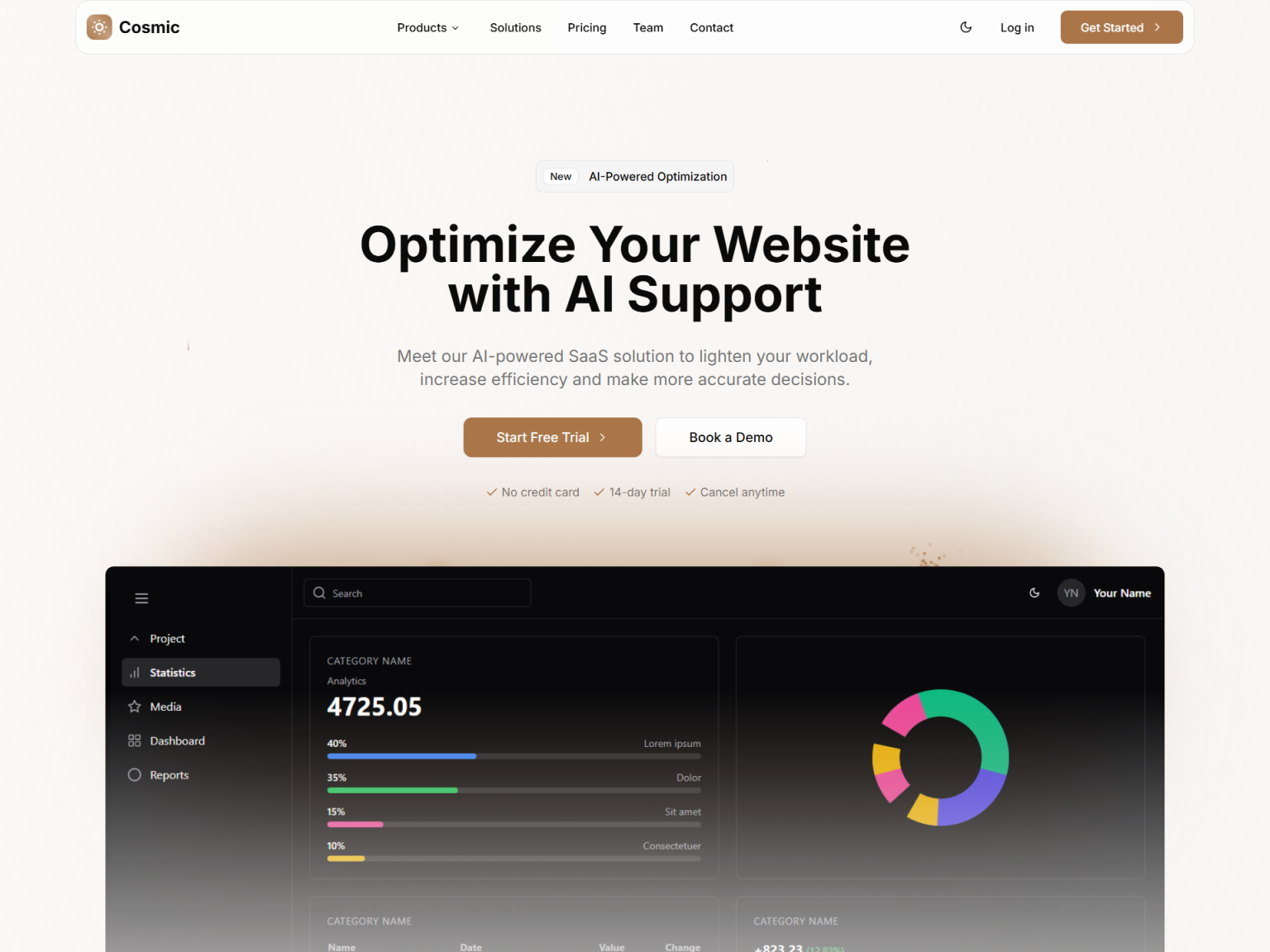
Soho - Next.js Chat App Template
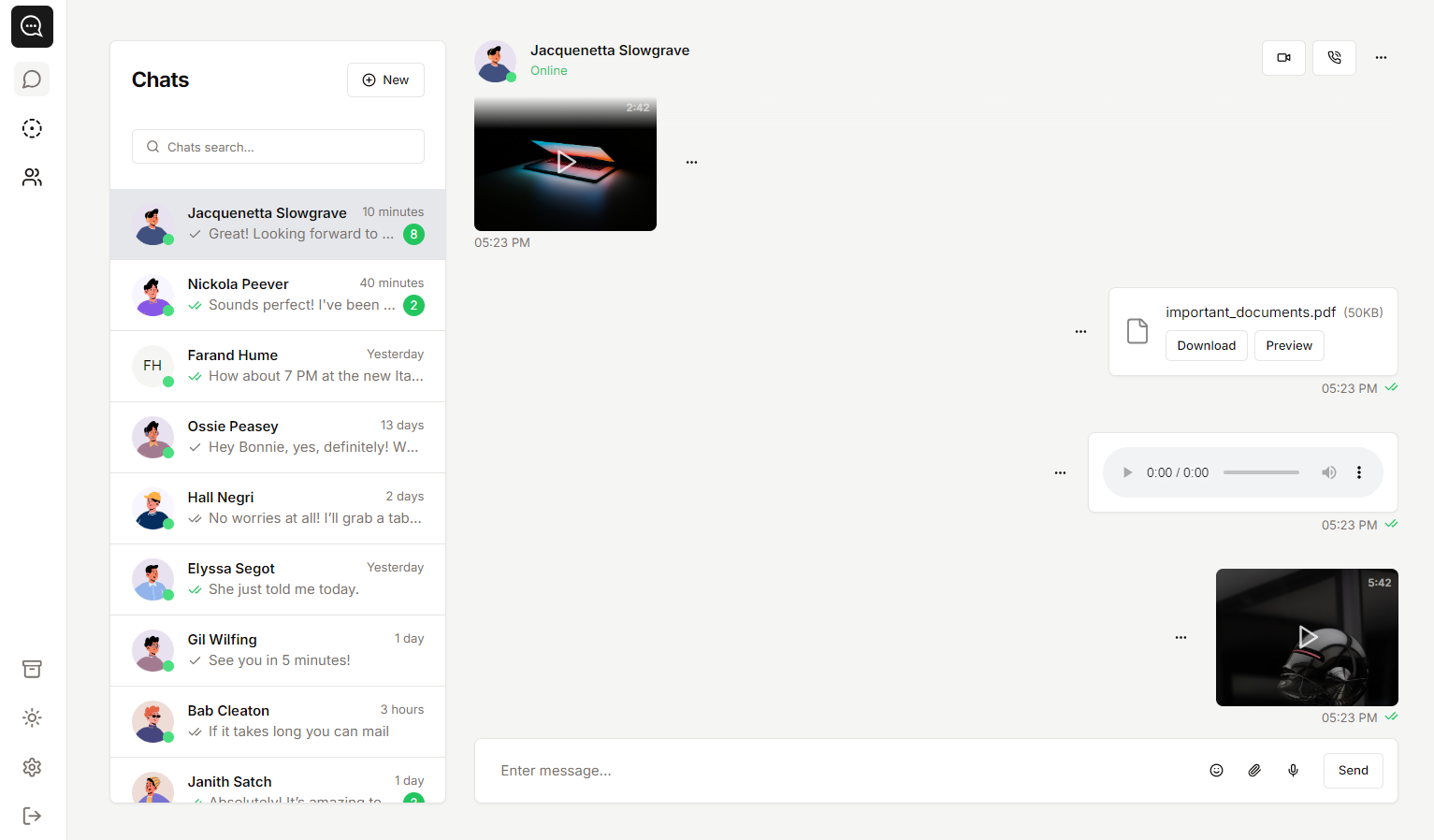
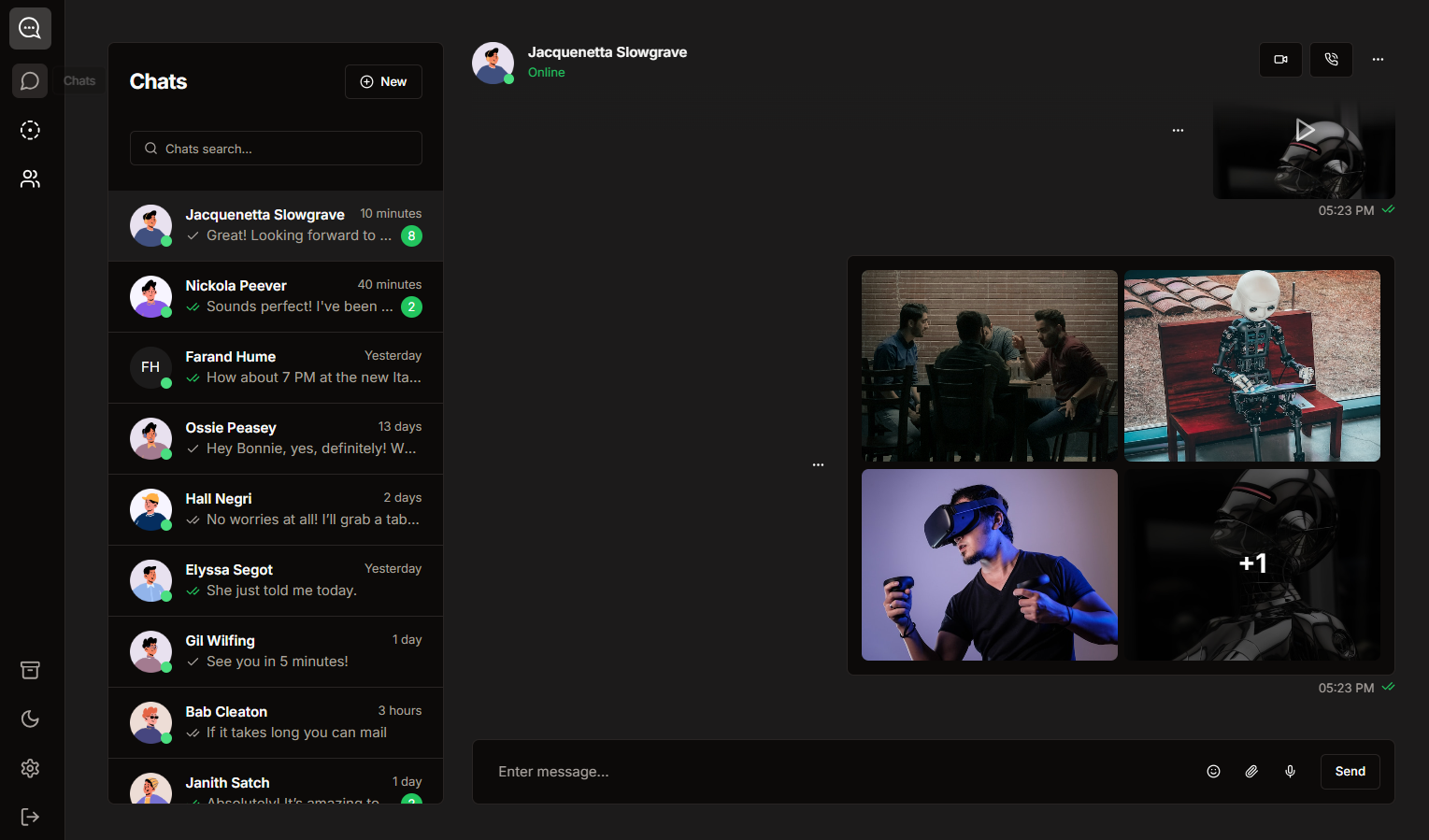
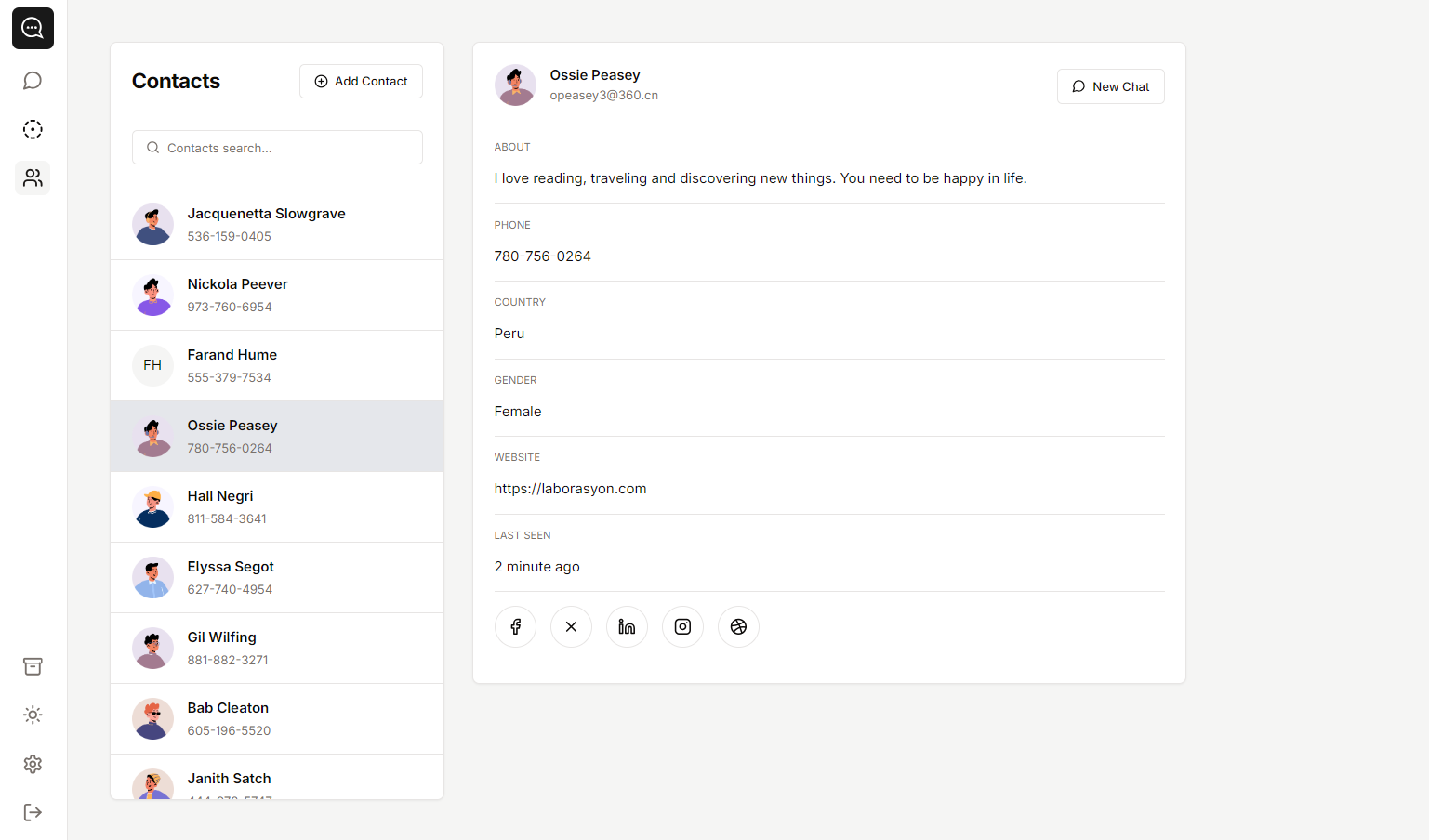
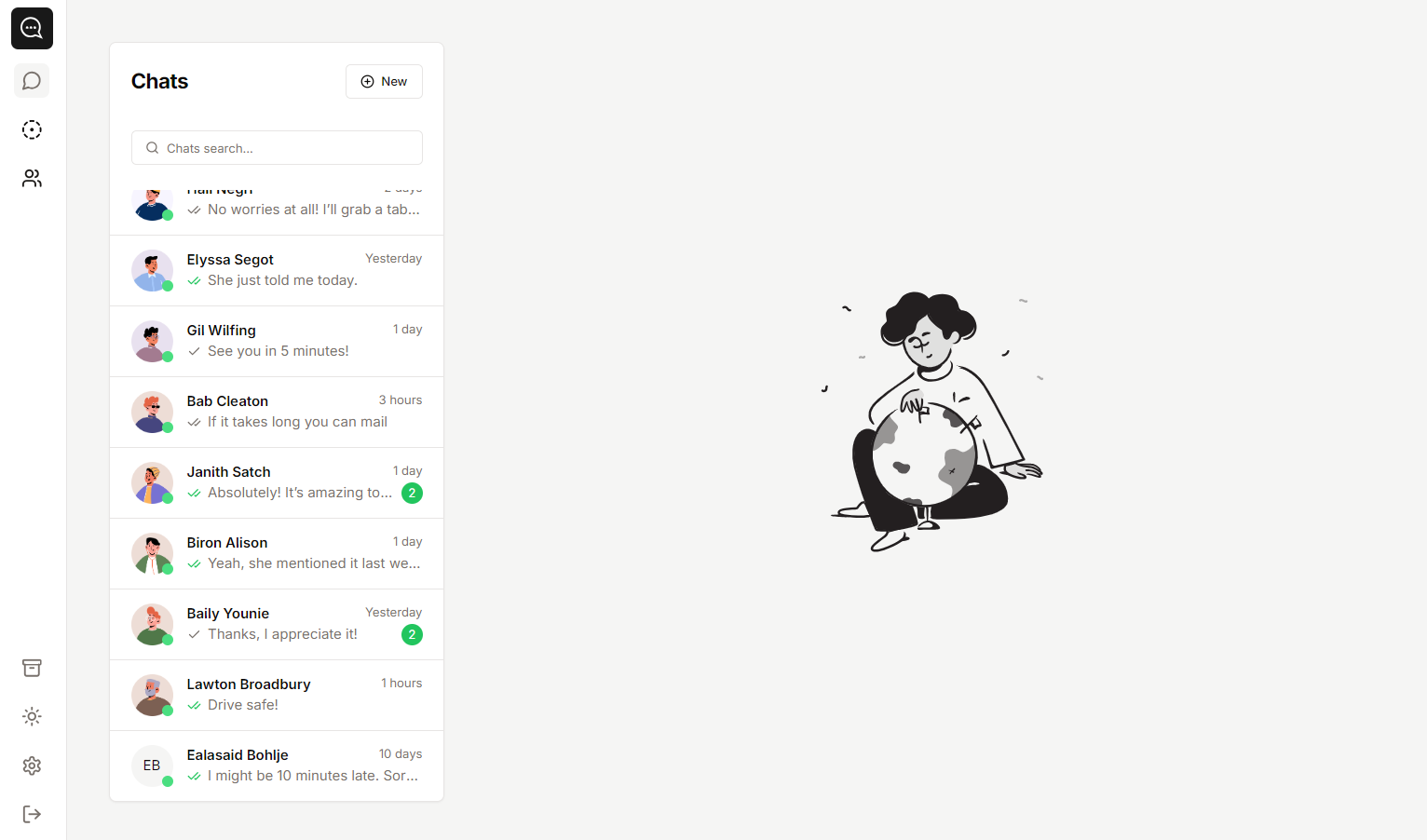
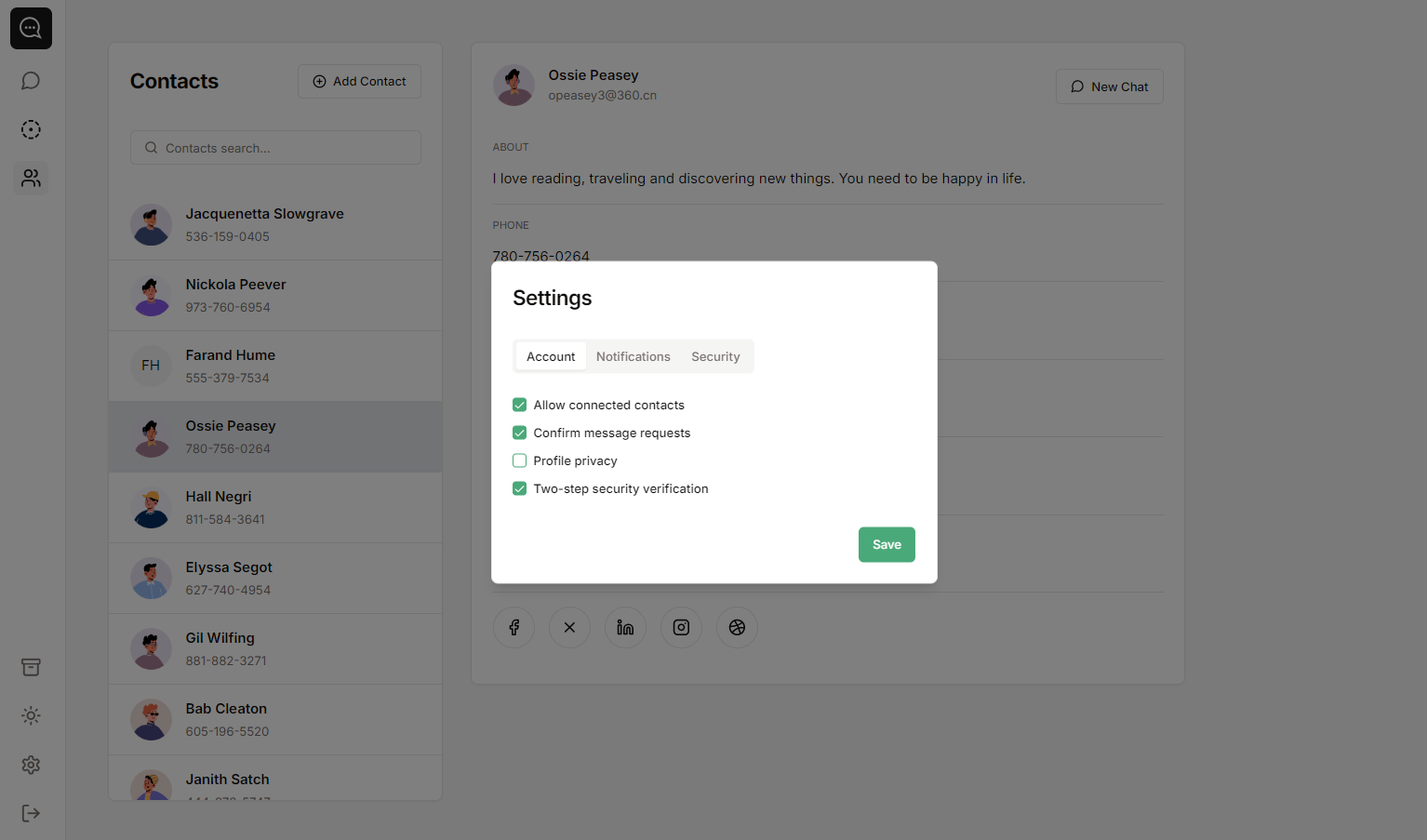
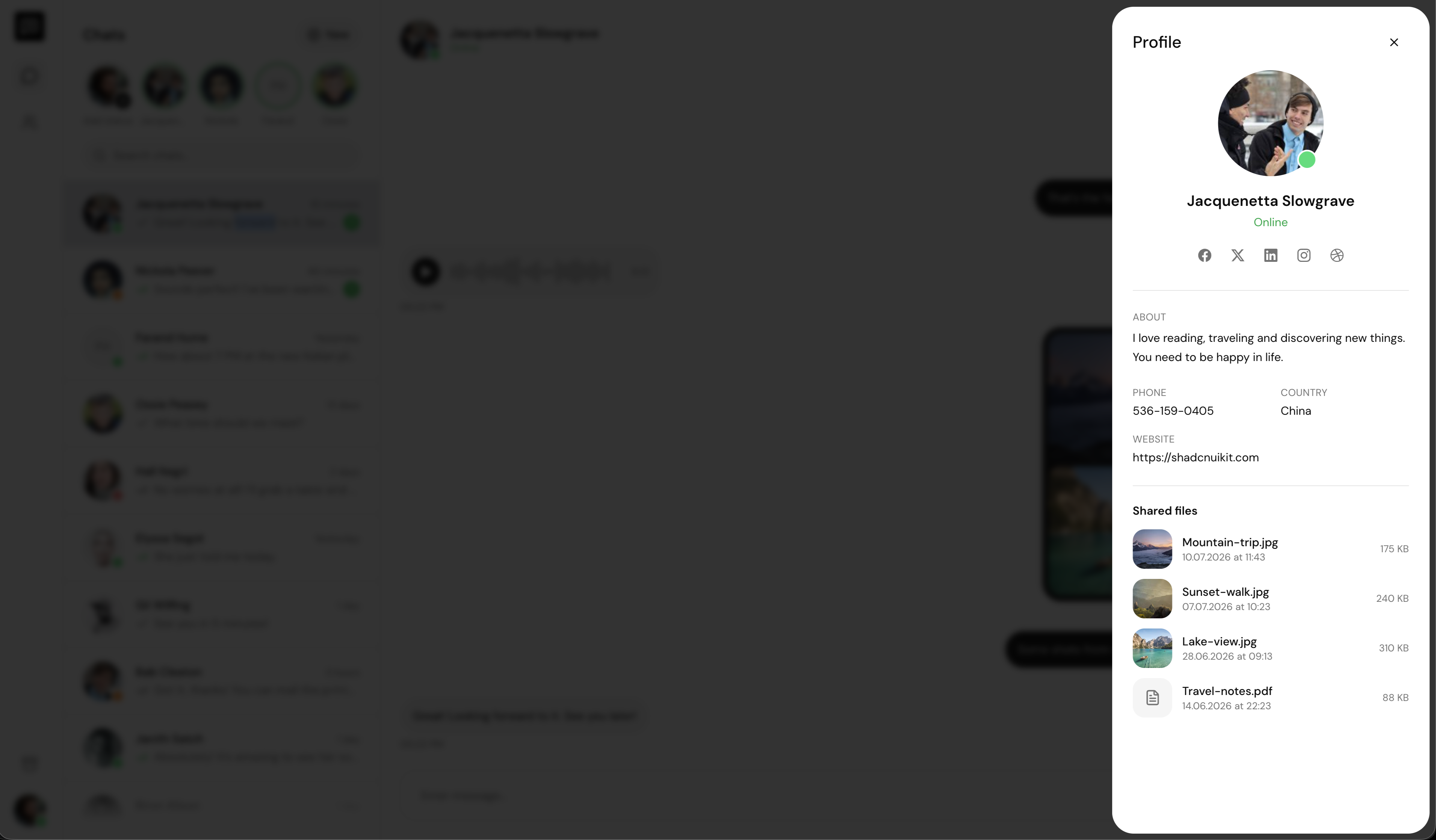
Soho is a chat app template built with the latest version of Next.js, Tailwind CSS, and shadcn/ui on Base UI primitives. It ships with real world messaging screens such as chat lists, conversation views, contact details, and settings, all responsive and dark mode ready, making it an ideal starting point for messaging and support products.
What is included
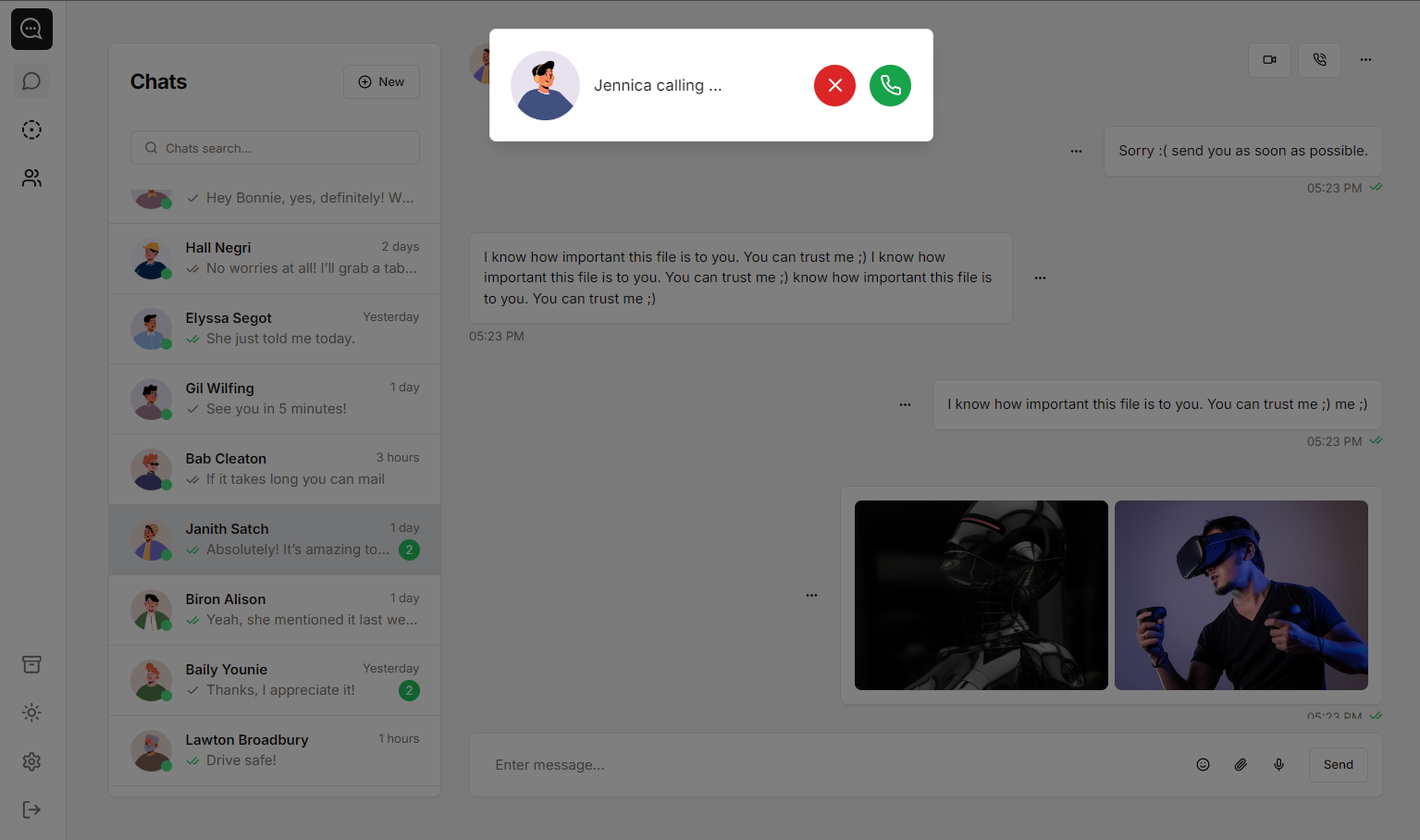
Complete chat interface. Chat lists, conversation views and message states that feel like a real product from day one.
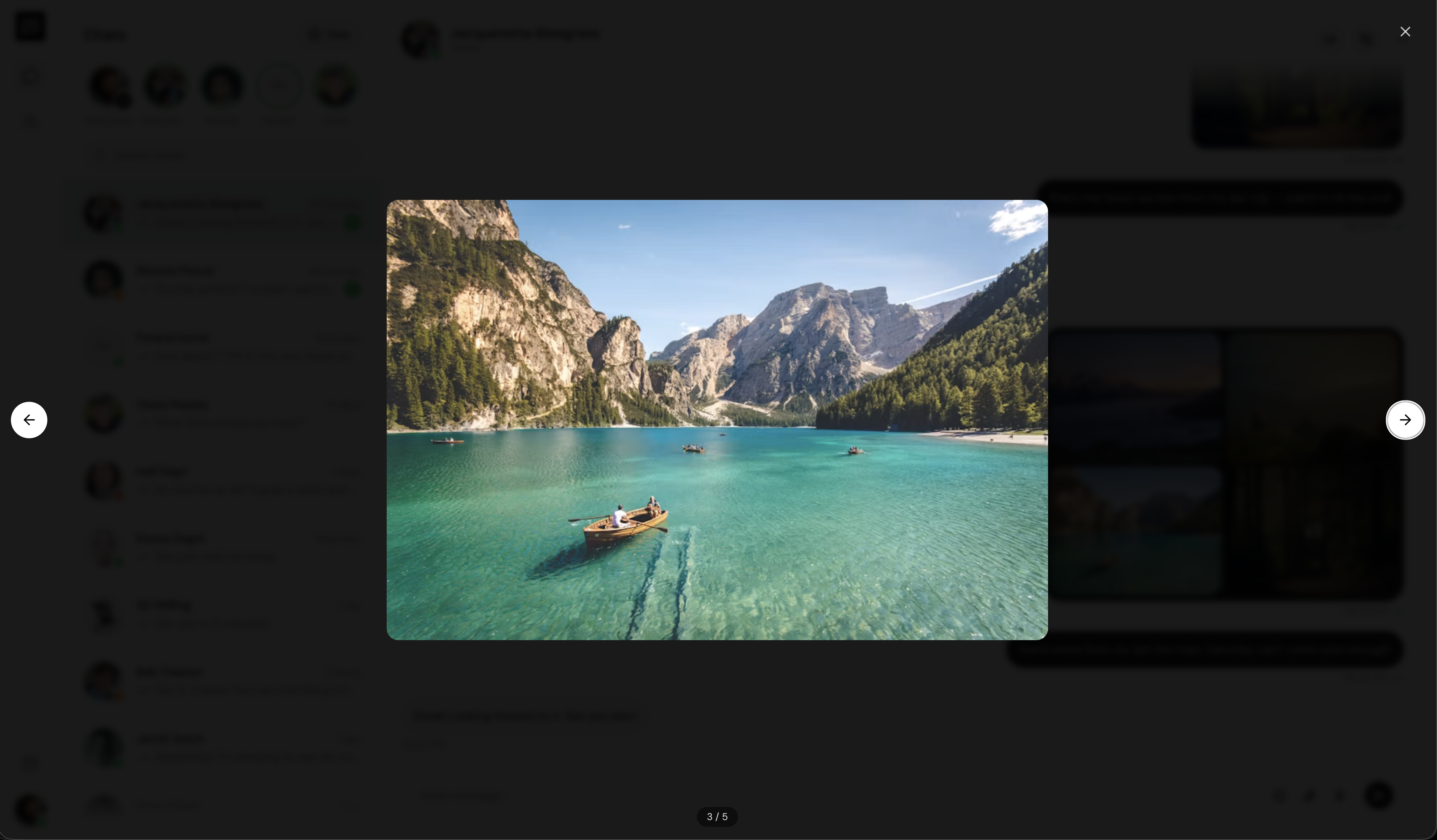
Media and file messages. Image, video, voice and document message layouts are already designed and ready to use.
Contacts and settings. A contact directory with detail panels and a settings modal that are easy to extend.
Next.js, Tailwind CSS and shadcn/ui on Base UI. A well structured codebase built with the latest version of Next.js and shadcn/ui components powered by Base UI primitives, simple to customize and maintain.
Dark mode and TypeScript. Light and dark themes plus fully typed code across the whole project.
Responsive layout. Works as a full desktop app layout and adapts smoothly down to mobile screens.
Who it is for
Teams building messaging products. Skip months of UI work and connect the screens to your own realtime backend.
Developers adding chat to an app. Lift individual patterns or whole screens into an existing product.
Anyone prototyping a support tool. Demo a believable chat experience before writing a single line of backend code.