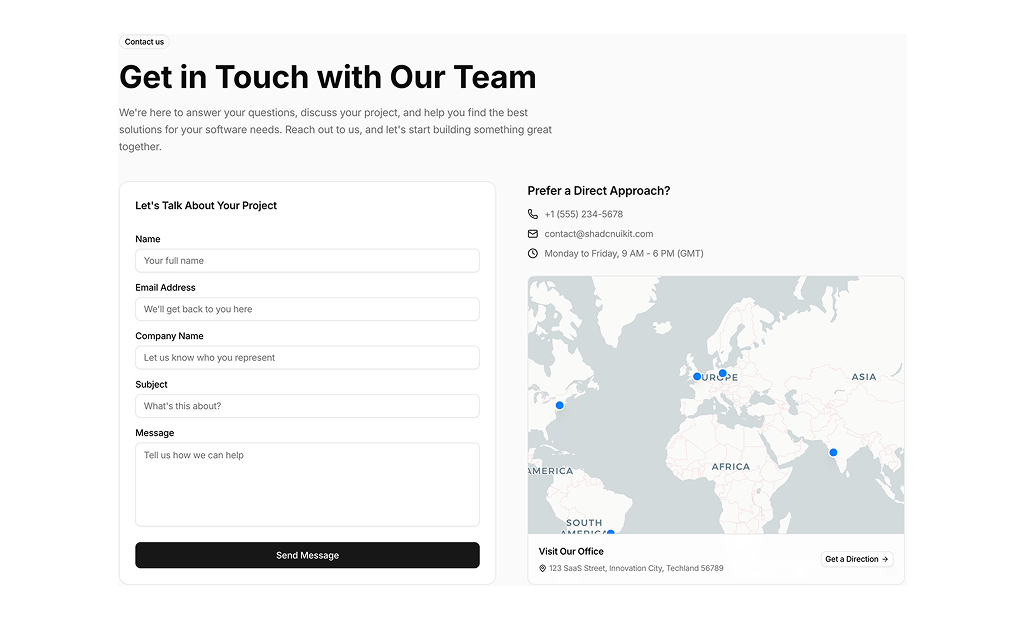
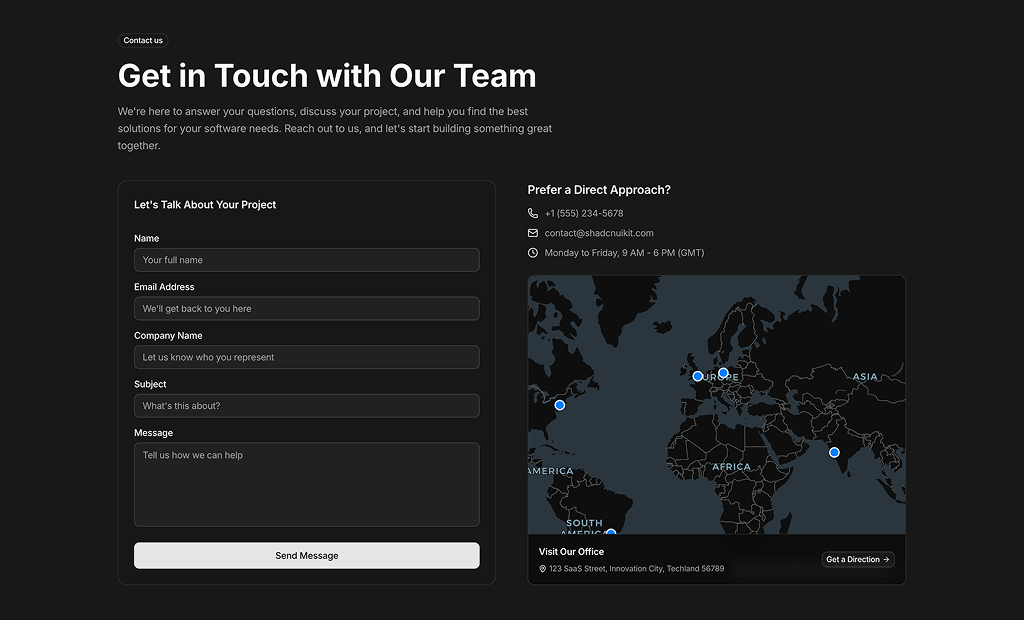
About Shadcn UI Contact Us Blocks
A contact us section gives visitors a clear way to reach you, through a form, a direct email or phone line, an address or a map of your offices. These thirteen shadcn contact blocks cover sales forms, support pages, channel cards, office maps and minimal contact lists.
Like the rest of our shadcn blocks, every layout is built with React, TypeScript and Tailwind CSS on top of shadcn ui components such as Form, Input, Textarea, Select, Checkbox and Card. The form blocks validate input with react-hook-form and zod, the map blocks use a MapLibre based map component, and all of these shadcn components follow your light and dark theme.
Key Elements of a Contact Us Section
- Direct channels: an email address and phone number visitors can use without filling in a form.
- A short form: name, email and message, plus company, phone or topic only when you really need them.
- Clear validation: inline error messages that explain what to fix before the form is sent.
- Location details: an address, office hours and a map when visitors come to you in person.
- Expectations: a line about response time or opening hours so people know when they will hear back.
Where and Why to Use Contact Us Blocks
A contact page is often the last step before a sale, a booking or a support ticket, so friction there costs real leads. A good contact block offers the channel each visitor prefers and collects structured data your team can act on. Because these blocks reuse shadcn ui form components and Tailwind CSS tokens, validation messages, focus rings and spacing match every other form in your app.
- Contact pages: combine a form with direct channels and an address in one section.
- Sales inquiries: ask for company and subject to route B2B leads to the right person.
- Support pages: point visitors to chat, email or phone before they open a ticket.
- Real estate, travel and hospitality: pair an inquiry form with a large photo of the property or destination.
- Companies with several offices: mark each location on a world map with its address.
- Agencies and studios: list general, partnership and careers contacts in a clean typographic layout.
Contact Us Blocks in This Collection
- Contact 1: Suits clinics, salons and service businesses that want visitors to book, call or find the location rather than write a message.
- Contact 2: A sales contact form for B2B products, with client logos beside it to add trust right where the lead is captured.
- Contact 3: A three column page with underline style fields, useful for design tools and creative brands that want a lighter form.
- Contact 4: Built for real estate or travel lead generation, with a compact form floating over a full width property photo and a privacy consent.
- Contact 5: A form free, editorial layout for studios that only need to publish their emails, address and social profiles.
- Contact 6: Splits the screen between a building photo and a short form with a small office map, a good fit for a standalone contact page.
- Contact 7: The most complete option for support and customer service pages, with a wide map and a topic selector to route each message.
- Contact 8: Software agencies can use it to collect project briefs while also offering phone, email and an office visit.
- Contact 9: Three friendly channel cards for products that prefer chat, email or text over a form.
- Contact 10: A minimal, table like layout for portfolios and studios where the contact details themselves are the design.
- Contact 11: Works for support teams that want a short form, a few service promises, social buttons and contact cards in one section.
- Contact 12: Designed for hotels, venues and event businesses, with inquiry types such as wedding or corporate over an atmospheric photo.
- Contact 13: Fits global companies, showing every office on a globe and separating sales, support, visits and calls below it.
Similar Block Categories
- FAQs: answer common questions above the form to reduce routine messages.
- Form Layouts: more form structures if you need a longer request or application form.
- Map View: full map interfaces when locations are the main content of the page.
- Team Sections: show the people who will answer before asking visitors to write.
- Footers: repeat the key contact details in the footer of every page.
Accessibility
Contact 2, Contact 7 and Contact 8 give every field a visible FormLabel, and the shadcn Form component connects labels, inputs and error messages with matching ids and aria attributes, so validation errors are announced with the field. Contact 11 gives each icon-only social button an aria-label, and its decorative “Contact Us” background text is hidden from screen readers with aria-hidden.
Contact 3, Contact 4, Contact 6, Contact 11 and Contact 12 use placeholders instead of labels, and the consent text next to the checkboxes in Contact 4 and Contact 12 is a paragraph rather than a label. Consider adding FormLabel elements (visually hidden if needed) and turning the consent text into a label so it can be clicked and read with the checkbox. The pill buttons in Contact 12 could also use aria-pressed to announce the selected inquiry type.
Contact Us FAQ
zodResolver and a zod schema at the top of the file, for example a minimum of two characters for the name, a valid email and at least ten characters for the message. Errors appear under each field through FormMessage. Edit the formSchema object to change the rules or add fields.onSubmit function that currently logs the validated values to the console. Replace it with a call to your API route, a server action or a service such as Resend, Formspree or your CRM, and show a confirmation message after it succeeds.components/ui/map, which is built on maplibre-gl and imports its stylesheet. Install maplibre-gl and add the map component before using these blocks. Each block also wraps the map in a small error boundary that shows “Map unavailable” if the map fails to load.COUNTRY_MARKERS array (OFFICES in Contact 13). Each entry has an id, a city or country name and longitude and latitude values. You can also change the center and zoom props on the Map component to frame your region instead of the whole world.contactReasons array. Contact 12 shows the inquiry types as a row of pill buttons, with General selected by default.