About Product List Examples
Product list sections arrange many items into a structured grid or table‑like layout so users can quickly scan, compare, and filter options. Unlike single ProductCards used in isolation, a ProductList emphasizes consistency and rhythm across repeated entries, often pairing concise text with key metrics like price, availability, or rating. Built with shadcn ui components and tailwindcss utilities, product lists integrate cleanly with surrounding filters, sort controls, and pagination patterns inside a next.js application.
Technically, a ProductList component is a typed react wrapper that maps an array of product objects into reusable row or card subcomponents. TypeScript interfaces define which attributes are required for the list view, identifier, name, slug, thumbnail, and primary metric, while allowing optional badges or tags to appear only where relevant. Shadcn ui primitives such as cards, skeletons, and dropdowns work together to represent loading states, view toggles, and bulk actions without sacrificing accessibility. Tailwindcss helps control responsive behavior so the same data structure can appear as a stacked list on mobile and a multi‑column catalog on larger screens.
In terms of SEO and performance, ProductList components benefit from next.js server rendering: category and search pages can output fully structured HTML for dozens of products at once, with client‑side react only enhancing filters and interactions after hydration. This approach gives search engines a clear view of item relationships and internal linking, improving crawl depth and discoverability. By centralizing ProductList behavior in a shared typescript module that composes shadcn ui components, teams can iterate on layout, copy, and instrumentation globally as the catalog evolves.
Which Product List Example Should You Pick?
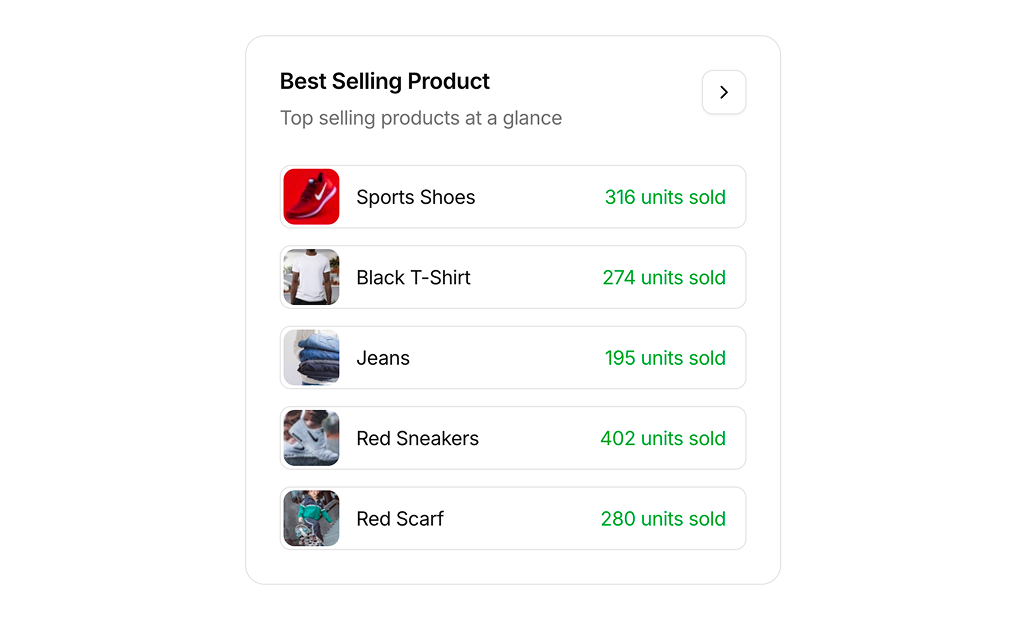
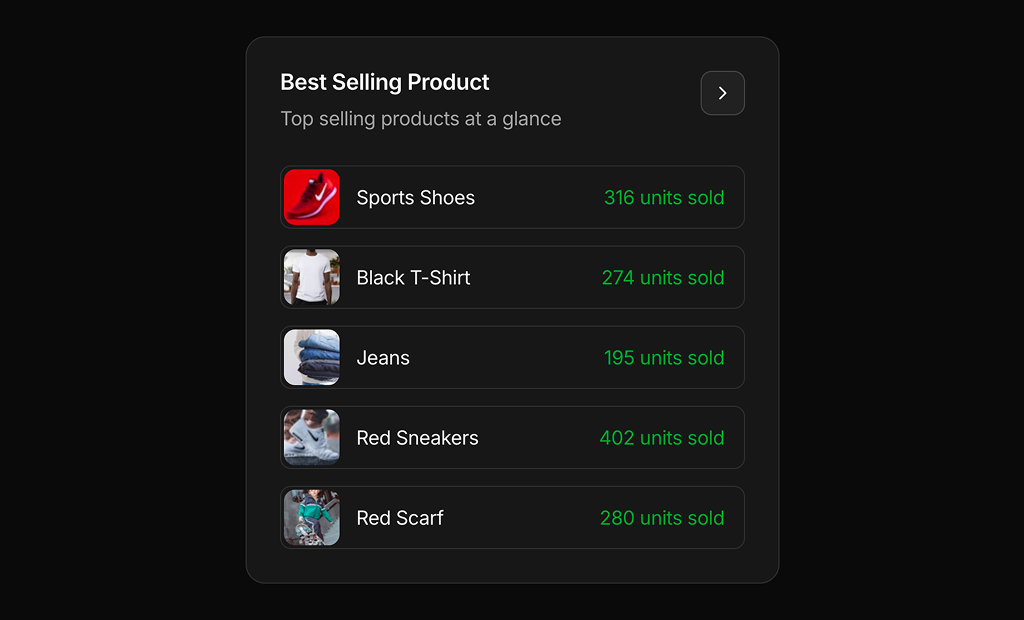
There is one example in this section. Product List 1 is a Best Selling Product card for dashboards. It lists five products with a thumbnail, name and units sold, and has a View All button in the header. Each row links to its product and highlights on hover.