Shadcn Card Components
Displays a card with header, content, and footer. Every card layout can be used alongside Radix UI and Base UI components. Browse our collection of 9 Shadcn Card variants.
With form
With top image

With action
With tabs
Get a comprehensive view of your project metrics, recent activity, and key performance indicators. Monitor your progress and stay on top of important updates.
Client requested dashboard redesign with focus on mobile responsiveness.
- New analytics widgets for daily/weekly metrics
- Simplified navigation menu
- Dark mode support
- Timeline: 6 weeks
- Follow-up meeting scheduled for next Tuesday
With cookie consent
Search with empty state
Social profile
Notabli AI - Meeting Notetaker
@notabli.ai
Focus on the Conversation, We'll Take the Notes.
184 Following
98,215 Followers
Unlock premium components
Explore Shadcn Blocks
Ready-made page sections built with the same components.
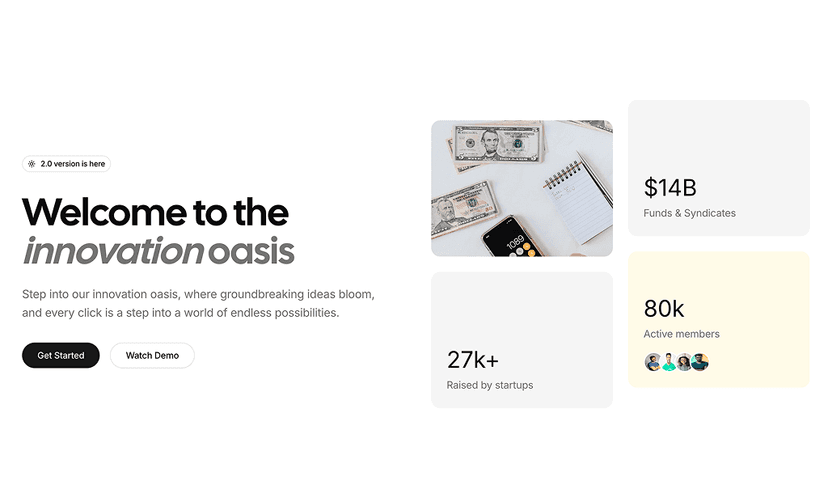
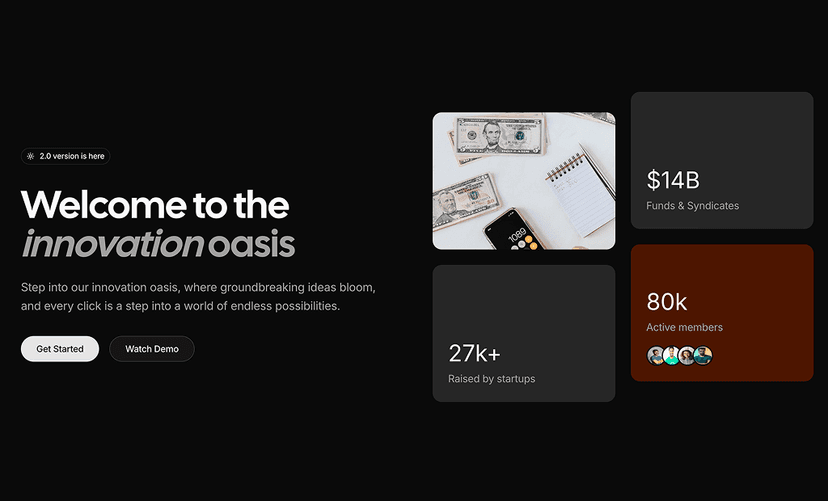
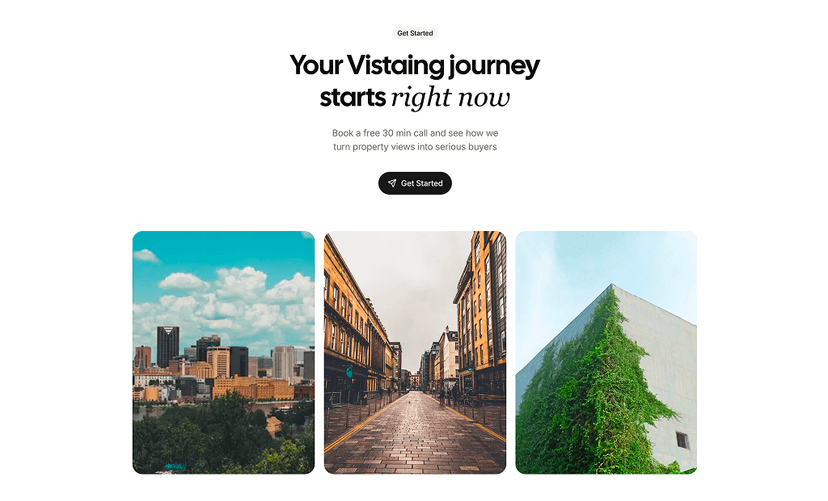
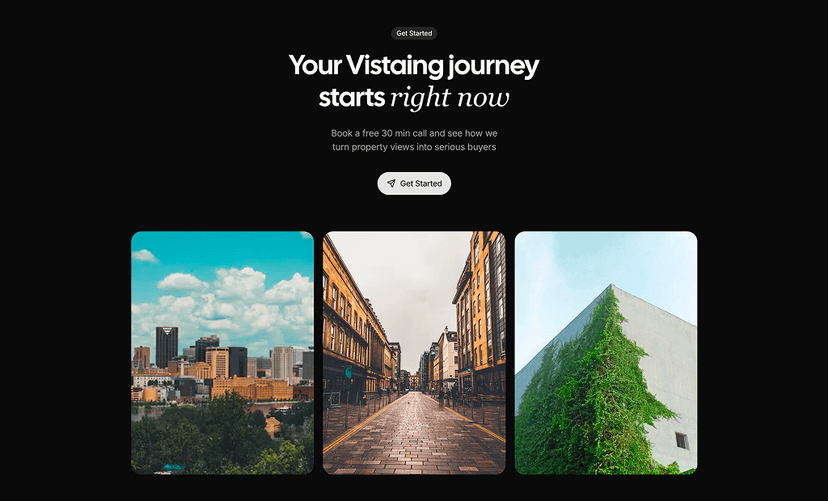
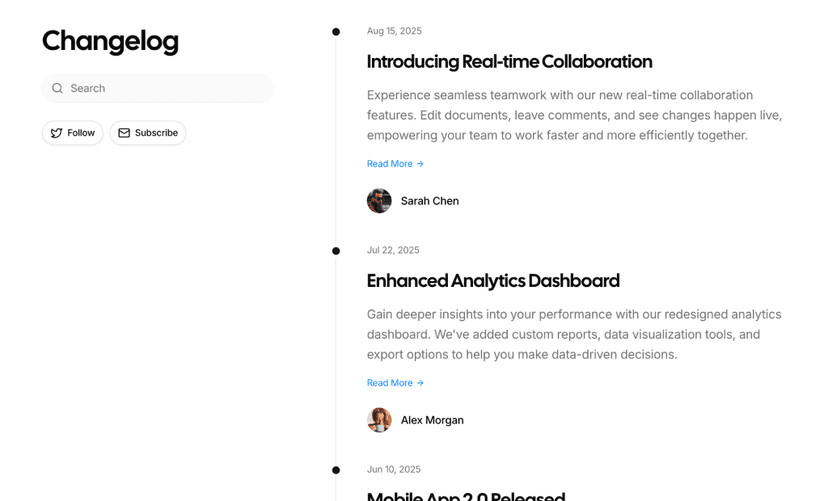
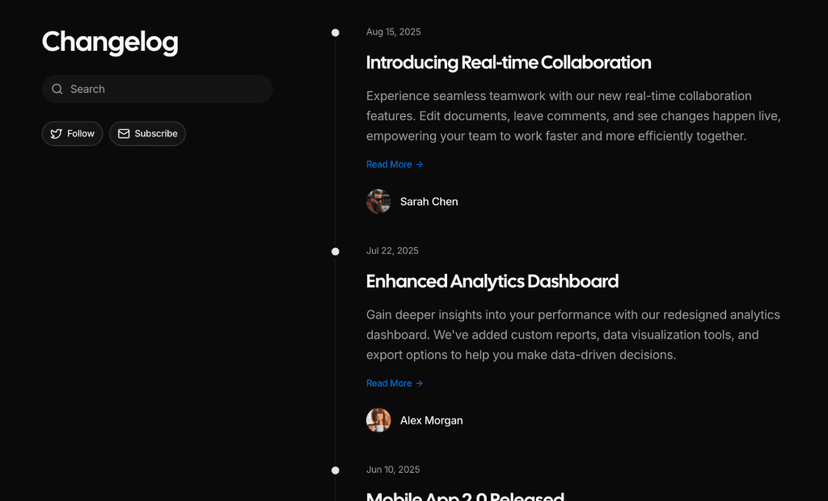
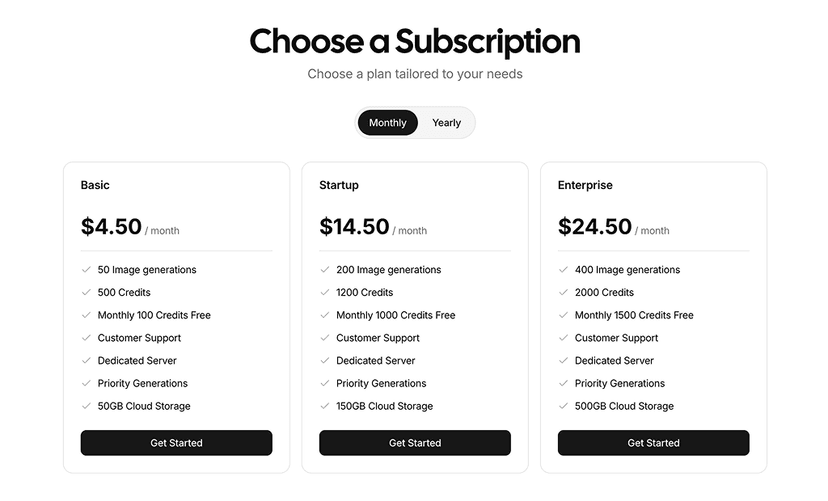
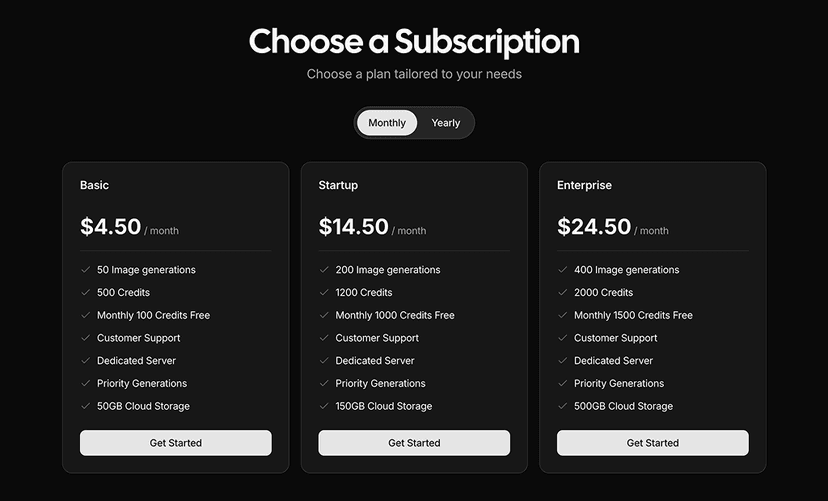
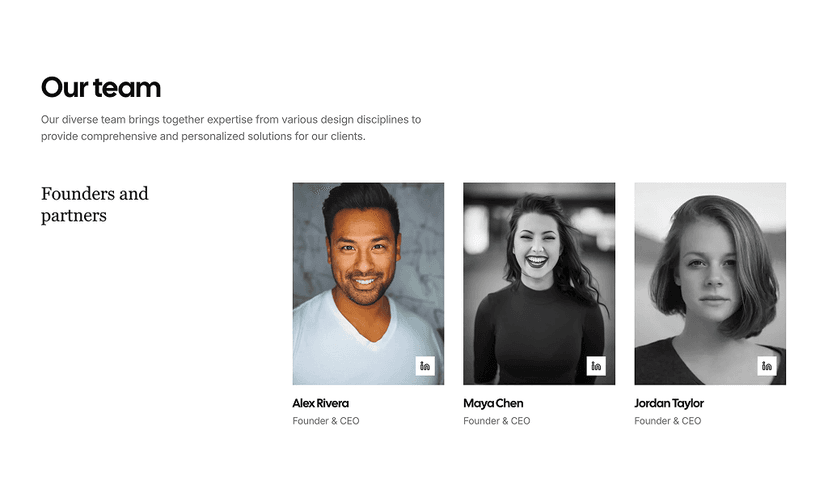
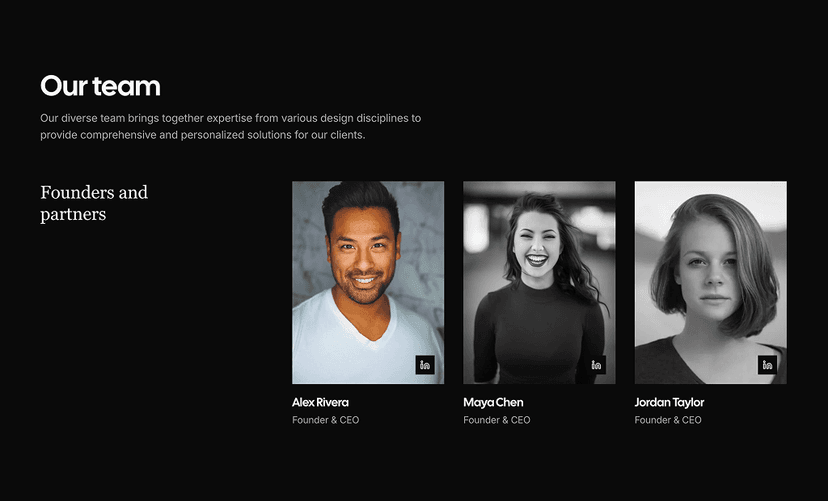
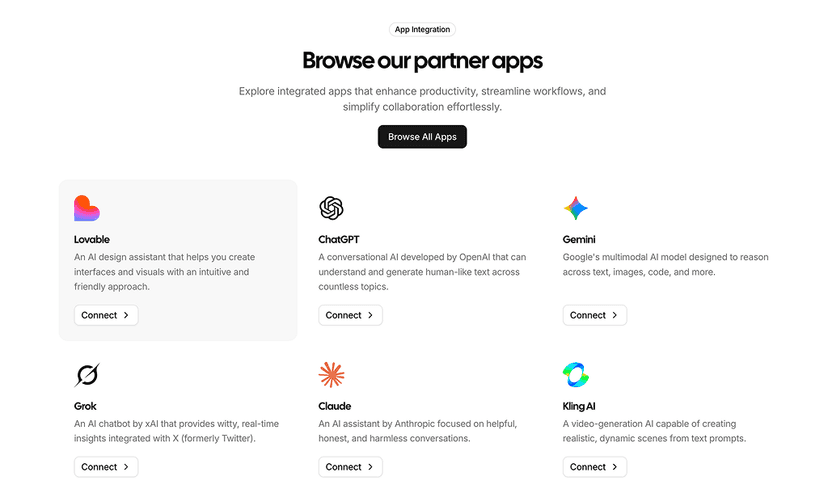
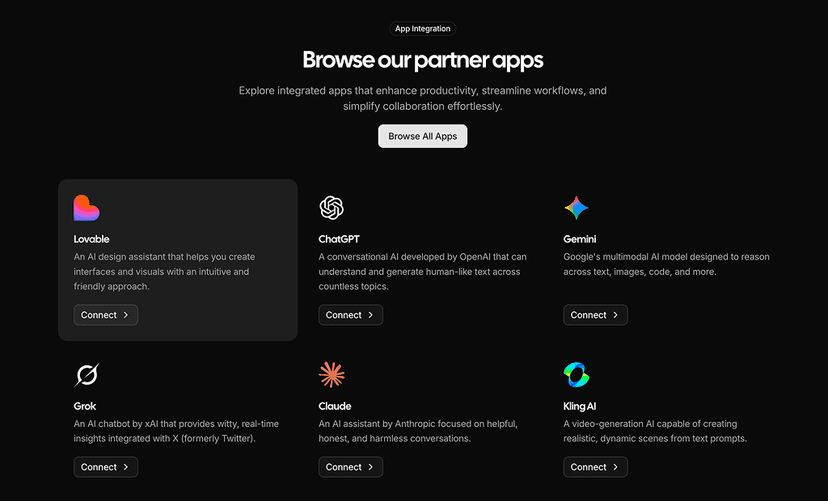
Shadcn Card Component
The Shadcn Card is a container that groups related content and actions into one surface with a header, a body and a footer. Almost every dashboard, settings page and marketing section is made of cards: pricing plans, login forms, metric tiles, profile previews and blog teasers all share the same structure.
The layouts here are finished building blocks rather than empty boxes: a call to action, a sign up form, a card with a top image, tabbed content, an avatar list, a cookie consent banner and a social profile with search. Under the hood the React card component is plain markup built with shadcn/ui, React and Tailwind CSS, so it works in Radix UI and Base UI projects alike, together with the menus, tabs and inputs placed inside it.
What is the Shadcn Card Component?
A card is a set of styled div elements with named slots: CardHeader holds the title, description and an optional action in the top right corner, CardContent holds the body and CardFooter holds buttons or meta information. Spacing is controlled by one CSS variable, so the padding between the slots stays consistent, and a size="sm" option makes a more compact card.
Use a card when content belongs together and should read as one unit on a page. It is not an overlay: if the content should appear on top of the page and block it, use an Alert Dialog or a Sheet. For a row in a list with an icon, text and actions, the lighter Item component is often a better fit than a full card.
Anatomy of the Shadcn Card
| Part | Description |
|---|---|
| Card | The root container with background, rounded corners, ring and shadow. Accepts size="default" or "sm" to change the inner spacing. |
| CardHeader | The top area. It is a grid that places the title and description on the left and switches to two columns when a CardAction is present. |
| CardTitle | The heading text of the card. It renders a div, so place a heading element inside when the page outline needs one. |
| CardDescription | Muted supporting text shown under the title. |
| CardAction | An area pinned to the top right of the header for a menu button, a badge or a link. |
| CardContent | The main body. Holds forms, lists, charts, images or any other content with the card's horizontal padding. |
| CardFooter | The bottom row, a flex container for buttons, links, avatars or totals. |
9 Shadcn Card Variants
Each card variant listed here is previewed live at the top of this page, together with its source code and install command.
- Call to action: A title, a short description and a full width button in the footer, suited to upgrade and pricing prompts.
- With form: A login card with email and password fields, a forgot password link and primary plus social sign in buttons.
- With top image: An edge to edge cover image above a blog style title, description, read more button and share icon.
- With action: Uses
CardActionto place a dropdown menu button in the top right corner of the header. - With tabs: Line style tabs across the top of the card that switch the content below without leaving the page.
- Content with avatars: Meeting notes with a numbered list in the body and a stack of attendee avatars in the footer.
- Cookie consent: A compact notice with Reject and Accept All buttons aligned to the right of the footer.
- Search and social profile: A team search card with an input group, an empty state and an invite button, and a social profile card with a cover banner, a round logo, a follow button and follower stats.
How to Install the Shadcn Card Component
Set up shadcn/ui in your project if you have not already, then add the Shadcn UI Kit registry to your components.json once:
{
  "registries": {
    "@shadcnuikit": "https://shadcnuikit.com/r/{name}.json"
  }
}
Then install a card variant by its name:
npx shadcn@latest add @shadcnuikit/card1The same command works with pnpm dlx, yarn dlx and bunx --bun. Each variant has a copy button for every package manager, and the code is added to your project as plain React and Tailwind CSS that you can edit freely.
How to Use the Shadcn Card Component
Import the parts you need from your components/ui folder. Every part is optional, so a card can be as small as a title and a button.
import { Button } from "@/components/ui/button"
import {
  Card,
  CardAction,
  CardContent,
  CardDescription,
  CardFooter,
  CardHeader,
  CardTitle,
} from "@/components/ui/card"

export function RevenueCard() {
  return (
    <Card className="w-full max-w-sm">
      <CardHeader>
        <CardTitle>Monthly revenue</CardTitle>
        <CardDescription>Compared to last month</CardDescription>
        <CardAction>
          <Button variant="ghost" size="sm">
            Export
          </Button>
        </CardAction>
      </CardHeader>
      <CardContent>
        <p className="text-3xl font-semibold">$48,290</p>
      </CardContent>
      <CardFooter>
        <Button className="w-full">View report</Button>
      </CardFooter>
    </Card>
  )
}
Why Use the Shadcn Card Component
- Consistent structure: Header, content and footer slots keep spacing and alignment the same across every card in the app.
- Built-in action slot: CardAction places a menu or button in the header without extra flex or grid code.
- One spacing variable: Padding and gaps come from a single --card-spacing value, and size="sm" makes a compact card.
- Server friendly: The card has no state or client logic, so it renders in React Server Components.
- Works with everything: Forms, tabs, charts, tables and images fit inside without special wrappers.
Common Card Use Cases
- Dashboard metrics: KPI tiles, charts and recent activity panels in admin dashboards.
- Authentication: Login, sign up and password reset forms centered on the page.
- Pricing plans: Plan name, price, feature list and a call to action button.
- Content previews: Blog posts, products and projects with a cover image and short summary.
- Settings sections: Group related settings with a title, description and a save button in the footer.
- Profiles and teams: User profiles, team member lists and follower stats.
Customizing the Shadcn Card
Every part accepts className. Remove the shadow with shadow-none, add a divider under the header with border-b (the header then adds bottom padding for you) or change the spacing for one card by overriding the --card-spacing variable. An image placed as the first child loses the top padding and gets rounded corners automatically. Colors use the card and card-foreground tokens, which you can adjust with the free Theme Generator.
For example, a flat card with a separated header and footer:
import {
  Card,
  CardContent,
  CardFooter,
  CardHeader,
  CardTitle,
} from "@/components/ui/card"

export function FlatCard() {
  return (
    <Card className="shadow-none">
      <CardHeader className="border-b">
        <CardTitle>Billing</CardTitle>
      </CardHeader>
      <CardContent>Your plan renews on May 1.</CardContent>
      <CardFooter className="border-t">Manage plan</CardFooter>
    </Card>
  )
}
Card Accessibility
A card is a visual grouping, not an ARIA widget, so it has no keyboard behavior of its own. Focus moves through the buttons, links and inputs inside it in the normal tab order. CardTitle renders a div, so when cards form sections of a page, put an h2 or h3 inside the title to keep a correct heading outline for screen reader users.
If the whole card should be clickable, avoid wrapping it in a single link that contains other buttons. Instead, make the title a link and stretch its click area with a pseudo element, so nested actions stay reachable and the link text stays short and meaningful.
Card Best Practices
- Keep one primary action per card; secondary actions go in CardAction or an outline button.
- Use the same card structure for items in a grid so titles, content and buttons line up.
- Do not nest cards inside cards; use a Separator or a muted background to divide content instead.
- Put the most important value, such as a price or metric, in the content area where it gets the most space.
- Give images in cards meaningful alt text, or an empty alt when they are decorative.
- For repeated list rows, consider the lighter Item component instead of many small cards.
Components Related to Card
Shadcn Card FAQ
Looking for something else? Browse all shadcn/ui components or ready-made UI blocks built with them.