About Shadcn UI Testimonials Blocks
A testimonials section puts quotes from real customers on your page, with a name, role and photo next to each one, so visitors hear about the product from people who already use it. These 15 shadcn testimonials blocks cover the common patterns: card grids, carousels, endlessly scrolling columns, single quote sliders, quotes with metrics and a playful set of draggable cards.
Like the rest of our shadcn blocks, every section is written in React and TypeScript, styled with Tailwind CSS and assembled from shadcn ui components such as Card, Avatar, Badge, Button and Carousel. Several layouts add motion for scrolling or transitions. Quotes, names and avatars live in plain arrays or JSX, so swapping in your own reviews takes minutes, and every block follows your light and dark theme.
Key Elements of a Testimonials Section
- A specific quote: one or two sentences about a real result, such as hours saved or faster hiring, instead of general praise.
- Clear attribution: full name, role and company, so the quote is tied to a person visitors can relate to.
- A face: an avatar or photo, which makes the quote feel personal and easier to trust.
- Supporting proof: a star rating, a metric or tags that show the context of each review.
- A headline and next step: a short title like “What our users say” and, where it helps, a button to more reviews or case studies.
Where and Why to Use Testimonials Blocks
Features tell visitors what a product does, testimonials tell them it works. A well placed quote lowers the risk a visitor feels before signing up or buying, and it often answers an objection better than your own copy can. Because these sections are regular shadcn components styled with Tailwind CSS, they sit next to your other shadcn ui sections without extra design work.
- SaaS homepages: place a grid or scrolling wall of quotes after the features to show how many teams rely on the product.
- Landing pages: a single quote slider before the final call to action supports the conversion goal of the page.
- Agency and freelancer sites: client quotes with avatars back up a portfolio and show the working relationship.
- Recruiting and HR products: pair quotes with hiring metrics, as the sample content of Testimonial 7 does.
- Pricing pages: a short quote near the plans removes doubt right before the purchase.
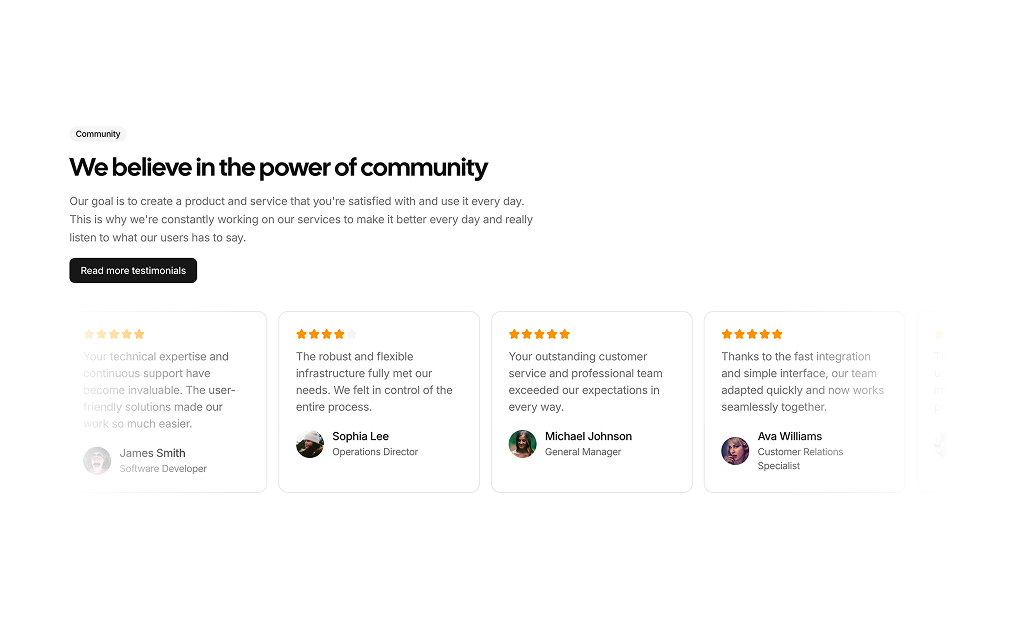
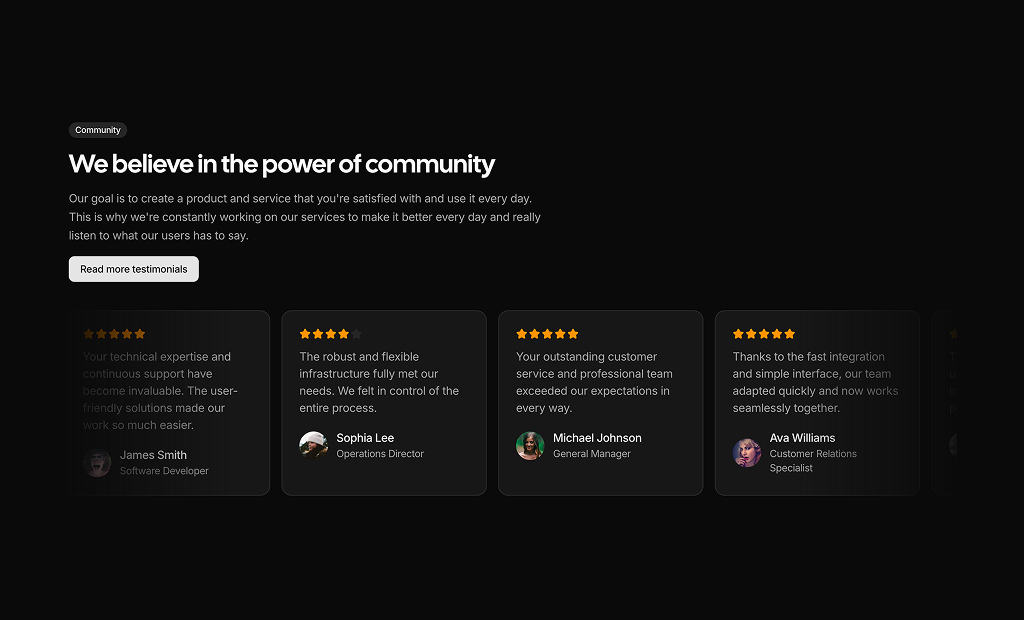
- Community pages: a headline with a button next to moving testimonial cards invites visitors to read more stories.
Testimonials Blocks in This Collection
- Testimonial 1: A safe default when you have five or more short quotes and want visitors to browse them at their own pace with arrows.
- Testimonial 2: Fits a minimal page or a narrow column where only one large quote should be visible, with the people stacked as small avatars.
- Testimonial 3: Use it when you want to show volume. The moving columns create a wall of praise without making the page longer.
- Testimonial 4: Combines your own message and a call to action with moving quotes, which works well for a community or customer stories section.
- Testimonial 5: Choose it when your reviews have star scores and you want a wide band that runs across the full page width.
- Testimonial 6: A bento style layout for when one customer story deserves more space and a headline number than the others.
- Testimonial 7: Good for B2B products that can quantify results, since each quote sits next to a large performance figure and context tags.
- Testimonial 8: An editorial option for design studios and premium brands that prefer large type and a numbered, calm slide transition.
- Testimonial 9: Suits consumer products and courses where faces matter, because large portraits lead each card and the carousel advances by itself.
- Testimonial 10: A personal choice for freelancers, where visitors pick a client by face and read the quote in a speech bubble below.
- Testimonial 11: Works for technical products with longer, detailed quotes that need room to explain the before and after.
- Testimonial 12: Pairs a product promise with customer quotes and a lifestyle photo, useful for tools aimed at freelancers or small businesses.
- Testimonial 13: Use it between two busy sections when you want one centered quote with a highlighted phrase to stand on its own.
- Testimonial 14: A playful layout for creative brands. Visitors can pick up and move the tilted, colored cards, which invites interaction.
- Testimonial 15: Places your intro and a link to all reviews beside a quote slider, so the section explains itself and still shows proof.
Similar Block Categories
- Customer Reviews: rating summaries and review lists for product pages in a store.
- Stats: back up customer quotes with numbers such as active users or satisfaction scores.
- Integrations: add recognizable logos as a second layer of social proof.
- Feature Sections: explain the product first, then let customers confirm it works.
- Call to Action: follow the testimonials with a clear next step while trust is high.
Accessibility
Most blocks mark quotes with the blockquote element and give avatars alt text with the person's name. Interactive blocks name their controls: Testimonial 8, 13 and 15 label the previous, next and dot buttons with aria-label, Testimonial 9 labels each dot as “Go to slide n”, and Testimonial 10 labels each avatar button with the author name and marks the active one with aria-current. Testimonial 5 gives its star row an aria-label such as “4 out of 5 stars”, and decorative quote icons are hidden with aria-hidden. The shadcn Carousel in Testimonial 1 supports arrow keys.
The animated blocks keep moving on their own. Consider respecting the reduced motion setting in Testimonial 3, 4, 5 and 9, for example with the useReducedMotion hook from motion or by stopping the autoplay plugin. The avatar buttons in Testimonial 2 rely on the image alt text for their name, so an aria-label is a useful addition. Testimonial 14 is mouse and touch only, so make sure its quotes are also readable without dragging.
Testimonials FAQ
motion, Testimonial 14 uses motion for draggable cards and Testimonial 15 uses AnimatePresence to fade between quotes. Install motion before adding any of these blocks.embla-carousel-autoplay plugin to the shadcn Carousel with a 4 second delay. Autoplay pauses while the pointer is over the carousel, and dot buttons below it jump to any slide. You need the embla-carousel-autoplay package in your project.duration prop in seconds, set to 15, 19 and 17. A higher number scrolls slower. Testimonial 5 sets the duration to 15 directly in the transition of its horizontal row.testimonials array at the top of the file with fields like quote or text, name, role or position and an image URL. Replace the sample entries and the layout updates on its own. Testimonial 6 and Testimonial 12 write each card directly in the JSX, so you edit those cards in place.rating value from each entry and fills that many of five stars. Testimonial 7 and Testimonial 9 always show five filled stars, so remove them or make them data driven if your reviews have different scores.metric and metricLabel, such as 97% match rate, shown in a box on the right. Testimonial 6 opens its large card with a 6X figure above the quote. Use them when you can back a quote with a measurable result.highlightedText field on every entry. The block finds that phrase inside the quote and renders it in a semibold strong tag, so you can stress the outcome the customer mentions.