Shadcn Product Features Sections

Highlight your product's key features and benefits with beautifully designed shadcn/ui product feature components. These components showcase your product's value proposition using icons, visual elements, and compelling descriptions that help customers understand why they should choose your product. Perfect for product pages and marketing sites.

Product Feature 1 Pro

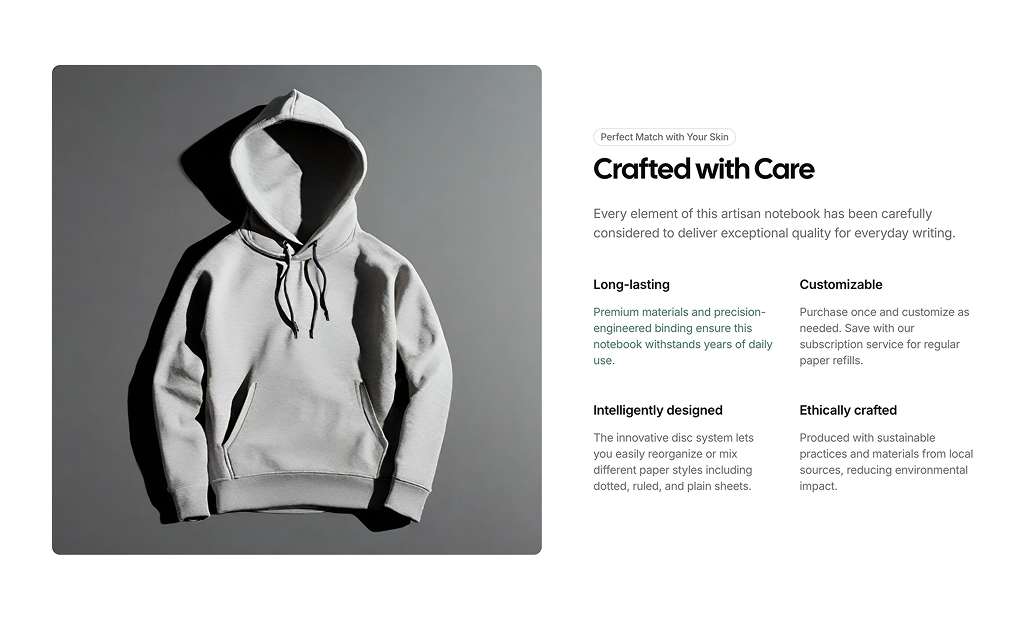
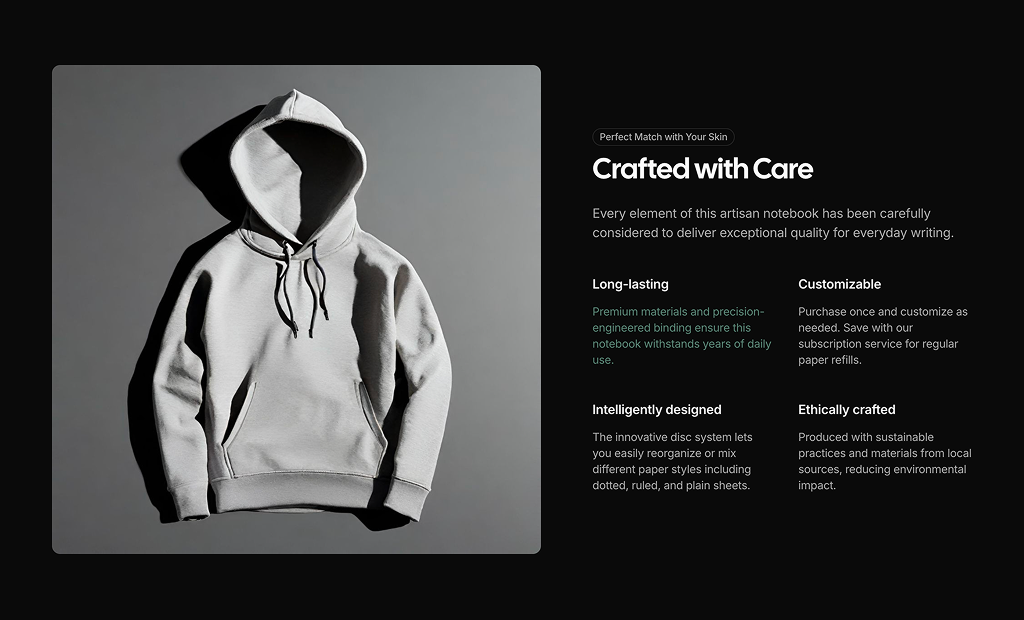
Two-column section with a large product photo beside a badge, Crafted with Care headline, intro paragraph and a two by two grid of feature titles with short descriptions.

Product Feature 2 Pro

Technical Specifications section with a headline, intro and four tabs for Design, Material, Considerations and Included, each showing text, optional bullet lists and a product image side by side.

About Shadcn UI Product Features Blocks

A product features section explains why one specific product is worth its price, from the materials and design decisions to the specifications and the contents of the box. These two shadcn product feature blocks cover the two common formats: a photo next to a grid of benefits, and a tabbed specification sheet.

Like the rest of our shadcn blocks, both are written in React and TypeScript, styled with Tailwind CSS and use shadcn ui components such as Badge and Tabs together with the Next.js Image component. The sample content describes a notebook and a modular desk organizer, which you replace with your own product copy and photos. Both layouts are responsive and follow your light and dark theme.

Key Elements of a Product Features Section

  • Product photography: a large image that shows the product in use or in detail.
  • Clear headline: a short claim such as “Crafted with Care” that frames the details below.
  • Benefit highlights: a few short titles, each with one sentence about durability, design or sourcing.
  • Specifications: materials, dimensions and design notes grouped by topic.
  • What is included: a list of every item in the box so there are no surprises after delivery.

Where and Why to Use Product Features Blocks

A product page has to serve two kinds of visitors: those who decide from a photo and a price, and those who read every detail first. A product features section serves the second group without cluttering the purchase area. Since these blocks use the same shadcn components and Tailwind CSS tokens as the rest of your shadcn ui store, they slot under any product detail layout.

  • Product detail pages: place it below the gallery and buy box to answer detailed questions.
  • Design and craft goods: highlight materials, sourcing and how the product is made.
  • Electronics and gear: group technical specs by topic in tabs instead of one long table.
  • Launch pages: introduce a new product with a hero image and its main benefits.
  • Subscription products: explain refills, add-ons or modular parts that customers can buy later.

Product Features Blocks in This Collection

  • Product Feature 1: Works best for lifestyle and craft products where the photo sells the mood and four short benefits close the argument.
  • Product Feature 2: Suited to products with a lot of detail, since each topic gets its own tab and image and the section stays compact.

Similar Block Categories

Accessibility

Product Feature 2 is built on the shadcn Tabs component, so the tabs can be reached with the Tab key and switched with the arrow keys, and each panel is linked to its trigger. Its images have descriptive alt text. In Product Feature 1 the image alt is a placeholder, so replace it with a short description of your product.

Consider writing a unique alt text for each tab image in Product Feature 2, since all four currently share the same description. Product Feature 1 uses h6 elements for its highlight titles right after an h2, so you may want to change them to h3 to keep the heading order logical.

Product Features FAQ

A product features section explains what makes a single product worth buying: its materials, design decisions, specifications and what comes in the box. It sits on the product page and goes deeper than the short description next to the price.

They are ready-made product feature sections built with shadcn ui components and Tailwind CSS. One block pairs a large product photo with four feature highlights, the other organizes technical specifications into tabs with an image for each tab.

Shoppers who are close to buying want details: what it is made of, how it is built and what they get. A structured section answers those questions on the page, which reduces returns and support requests and helps search engines understand the product.

A short headline, an intro sentence, a few benefits with a title and one line of explanation each, and supporting photos. For technical products add specifications, materials, design considerations and a list of what is included.

Product Feature 2. It uses the shadcn Tabs component with four tabs (Design, Material, Considerations and Included), and each tab shows a heading, text, an optional bullet list and its own image. Shoppers only see one topic at a time, so a long spec sheet stays short on the page.

In Product Feature 2 each tab is a TabsTrigger and a matching TabsContent with the same value, such as design or material. Copy one pair, give it a new value and label, and keep defaultValue on the Tabs set to the tab that should open first.

Product Feature 1 places the photo and copy side by side from the large breakpoint and stacks them below it. Its four highlights use two columns from the medium breakpoint and one column on phones. In Product Feature 2 the text and image in each tab sit side by side from the medium breakpoint.

Both blocks load local files from /images/products with the Next.js Image component. Add your own photos to the public folder under the same path, or change the src values, and update the alt text so it describes your product.

No. Both product features blocks are part of All Access, the one-time license that also unlocks every other block, admin dashboard and template with lifetime updates.
shadcn product features sections
Unlock Premium Blocks & Sections
Premium blocks are part of All Access. One license unlocks the whole Shadcn UI Kit, so you can build complete pages and products instead of single sections.
  • 550+ blocks for landing pages, stores, dashboards and apps
  • 16 admin dashboards and 17 ready-made apps
  • 5 premium Next.js website templates
  • 560+ component variants and 70+ examples
  • Install with the shadcn CLI or from your AI editor through the MCP server
  • Lifetime updates, including every new block we release
Unlock Now

One-time payment, no subscription.