70+ Shadcn UI Application Blocks
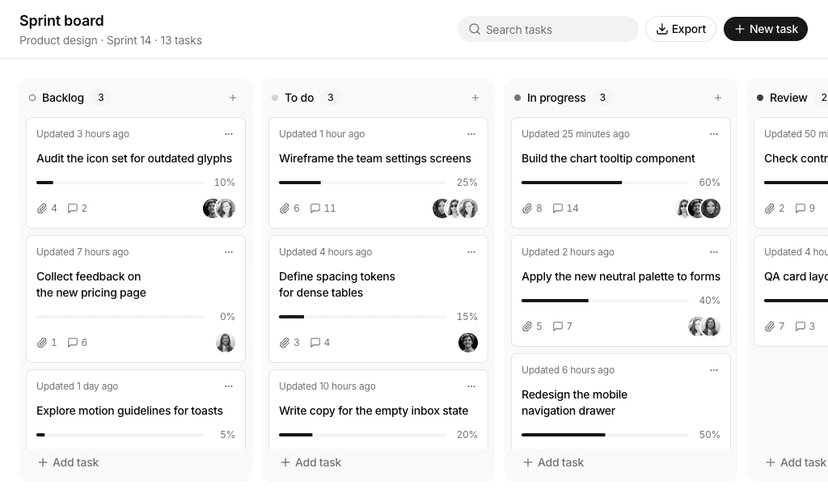
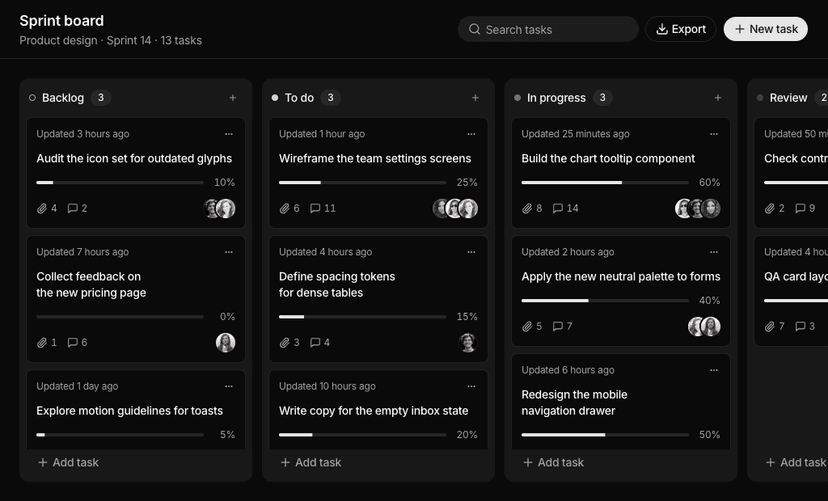
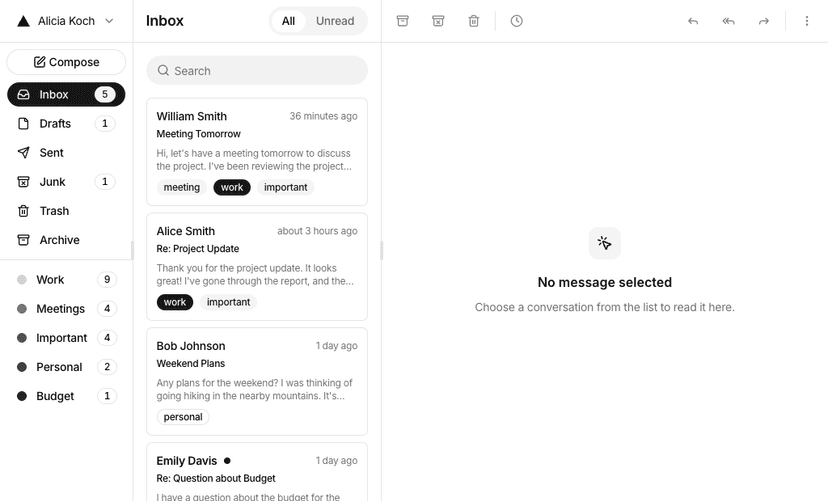
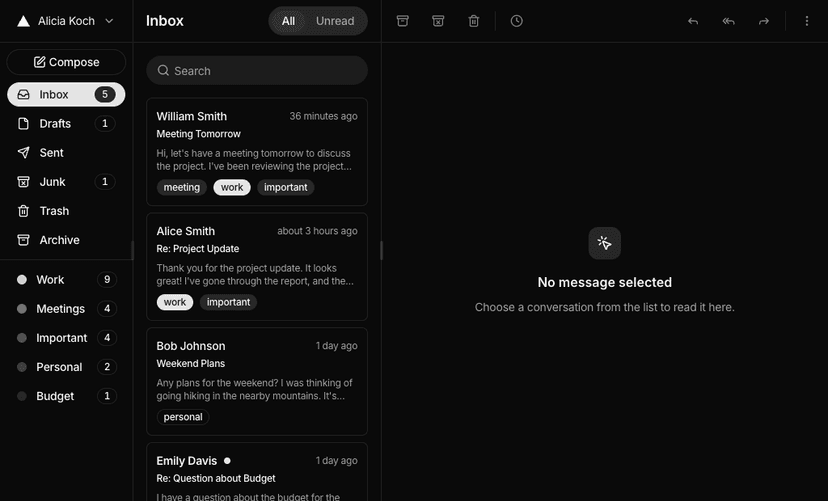
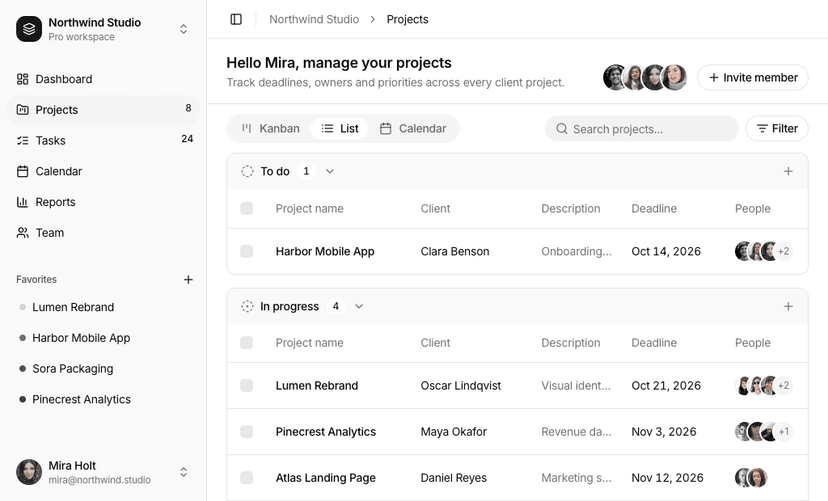
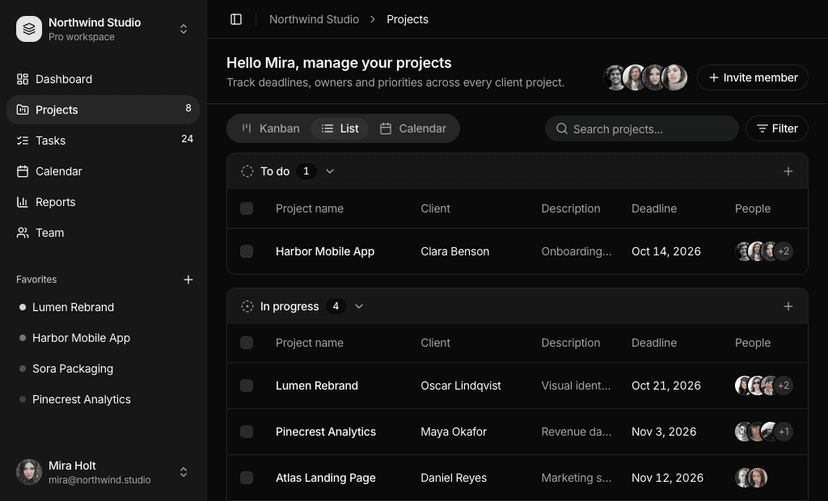
Complete, full screen app interfaces that take weeks to build from scratch: maps, gantt charts, kanban boards, mail, chat, calendars and AI chat. Each one comes with real interactions such as drag and drop, ready for your own data.
Shadcn Application UI Blocks for Real Products
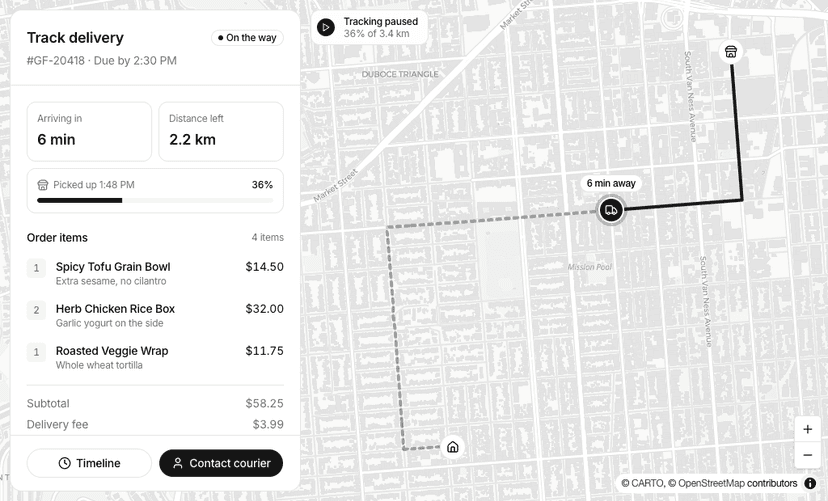
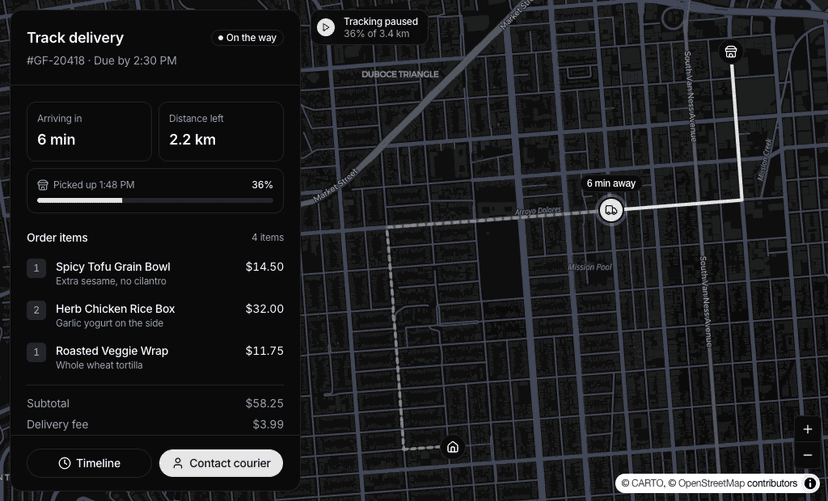
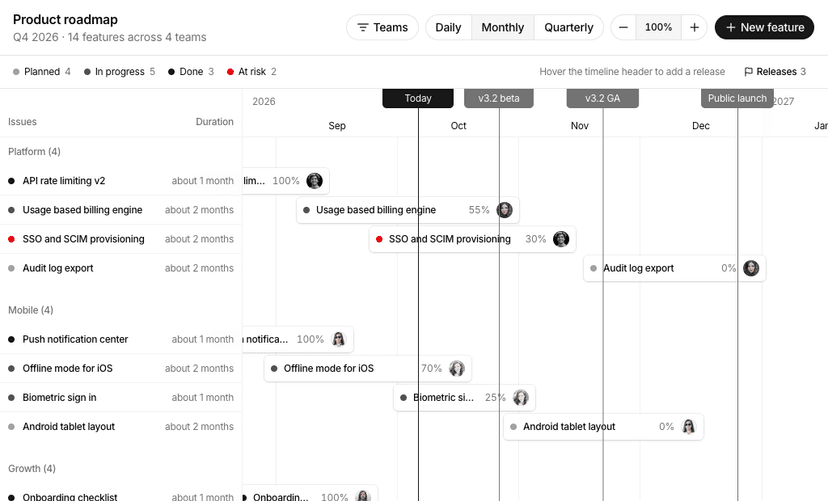
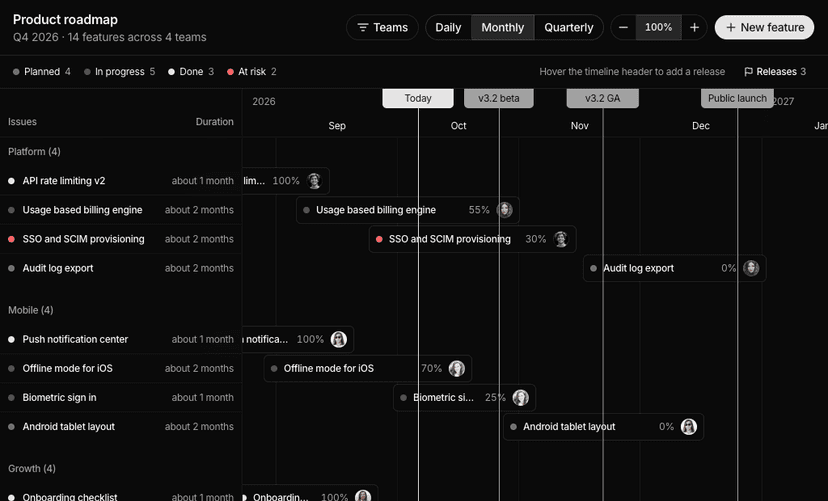
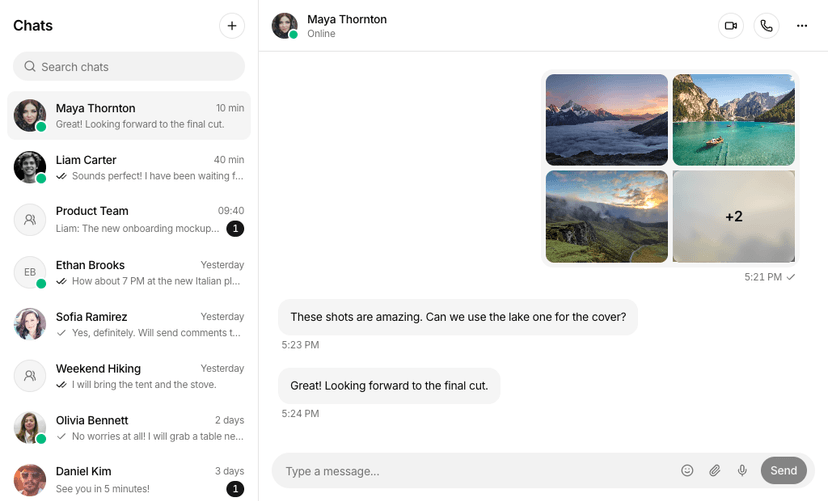
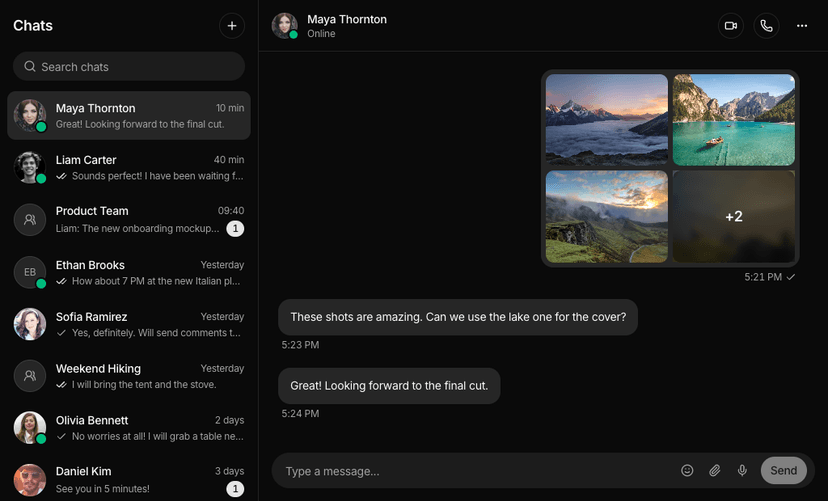
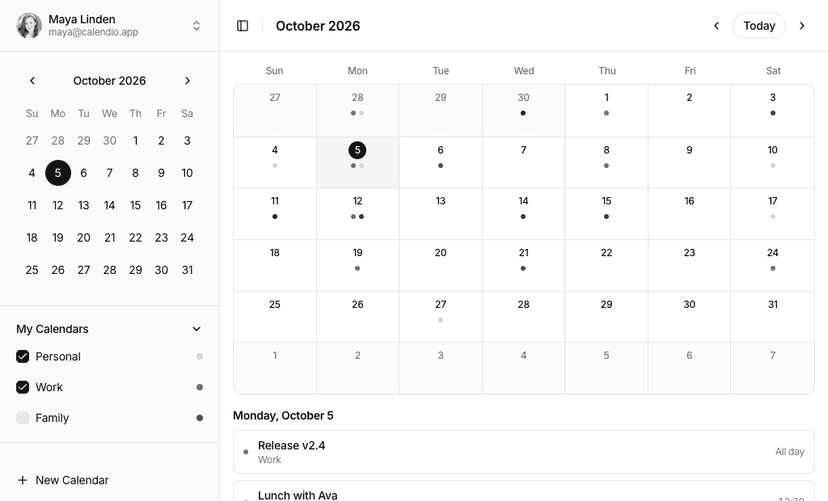
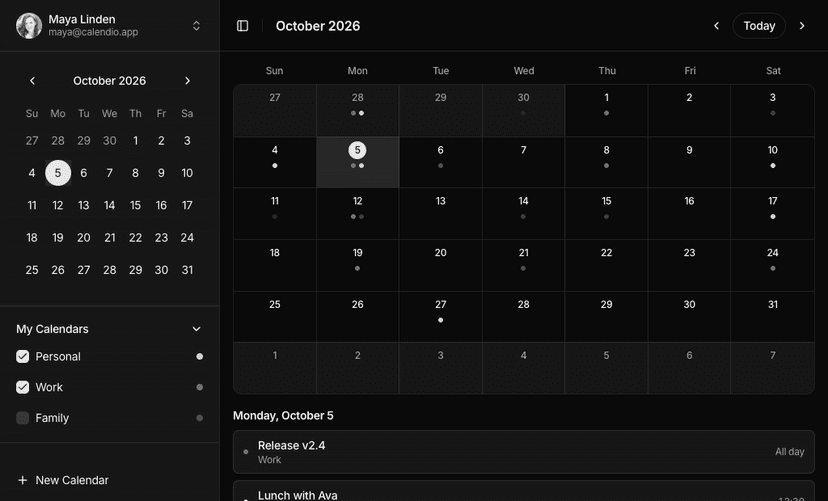
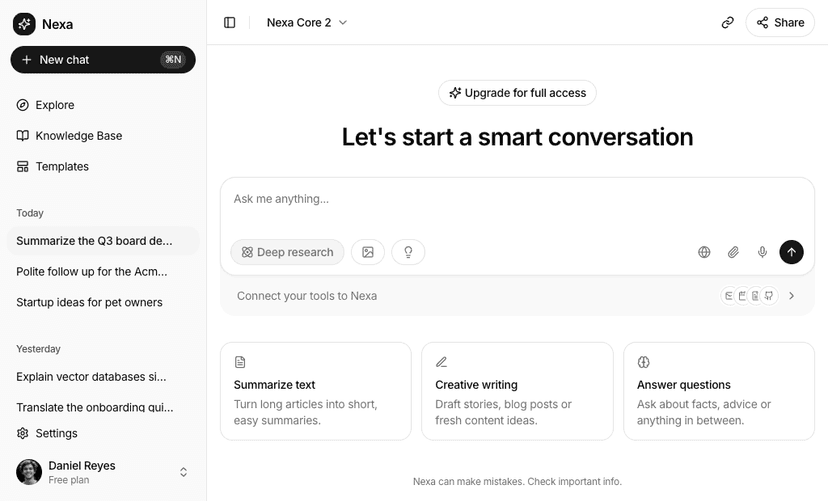
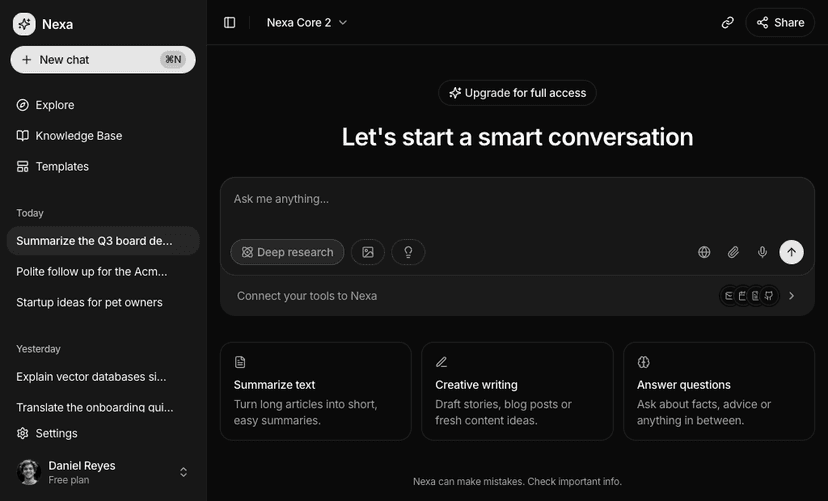
Application UI blocks are complete, interactive app screens you would ship inside a product: map views for property search, store locators, delivery tracking and analytics, gantt charts for roadmaps and schedules, kanban boards for tasks and pipelines, mail apps for inboxes and email clients, chat screens for messengers, support inboxes and video calls, event calendars for scheduling and bookings, todo apps for task lists, and AI chat screens for assistants and chatbots. Every screen is built with shadcn/ui, Tailwind CSS and React.
Application UI Block Categories
70 blocks in 8 categories. Open a category to preview every block live on desktop, tablet and mobile.
- Map View
- MapLibre map screens for property search, store locators, delivery tracking and routes. 11 blocks.
- Gantt Chart
- Gantt charts for roadmaps, project schedules and resource planning with drag to reschedule. 3 blocks.
- Kanban Board
- Drag and drop boards for tasks, sales pipelines and team workspaces. 7 blocks.
- Mail App
- Email client screens with inboxes, folders, labels, search and compose. 8 blocks.
- Chat UI
- Messaging screens for team chats, support inboxes, AI agents and video calls. 10 blocks.
- Event Calendar
- Calendars with month, week, day and agenda views and drag and drop events. 4 blocks.
- Todo App
- Task apps with status tabs, priorities, due dates, assignees and subtasks. 6 blocks.
- AI Chat
- AI chat interfaces with history sidebars, file attachments, model pickers and thinking states. 21 blocks.
Add App Screens with AI Editors
Your AI editor can pull a complete kanban board, mail app or map view into an existing product through the MCP server, with its interactions already in place, or you can arrange it with other blocks in the Page Builder.
What You Get With Application UI Blocks
- Real interactions: Lists stay in sync with maps, cards drag between columns, gantt bars reschedule and mail threads open, reply and archive.
- Open map stack: Maps use MapLibre GL with free CARTO basemaps that switch between light and dark with your theme. No API key required.
- Consistent with the rest of the kit: Panels, cards and controls use the same shadcn/ui primitives as our components and dashboard UI blocks.
Ship App Screens Faster
Pick the block closest to your product, replace the sample data with your own and connect the actions to your API. Locations, tasks, messages and statuses live in plain arrays at the top of each file.