About Payment Methods Examples
Payment methods sections showcase the different ways customers can pay, building trust and reducing friction at the most critical point of the checkout journey. These components usually combine recognizable brand logos, concise reassurance copy, and subtle microinteractions to signal security and flexibility. When implemented with shadcn ui primitives and arranged using tailwindcss utilities, PaymentMethods blocks feel visually aligned with the rest of your shadcn blocks and can be reused across pricing pages, product detail views, and in-app billing screens in a next.js application.
At the implementation level, a PaymentMethods component is typically a small react wrapper around a typed list of providers, cards, wallets, or local gateways. TypeScript interfaces ensure that each provider entry includes the correct name, icon, and capability flags, which keeps the UI and business logic in sync as you add or remove options. The layout itself can be built from shadcn ui components such as cards, badges, and buttons, allowing you to surface promotions, discounts, or plan restrictions without rewriting markup. Tailwindcss utilities then layer on responsive spacing and alignment so the same section works from mobile hero banners to dense sidebar placements.
Because these sections appear frequently on high‑intent pages, they also play a role in SEO and conversion optimization. In a next.js site, PaymentMethods can be server‑rendered with clear, descriptive text that search engines can crawl, while client‑side enhancements handle things like regional variants or A/B-tested layouts. Standardizing this section as a reusable react and typescript component backed by shadcn ui makes it straightforward to roll out new providers or compliance messaging across every touchpoint without fragmenting the codebase.
Which Payment Method Example Should You Pick?
Payment Method 1 is the complete option. It puts Card, PayPal and Apple tiles side by side and follows them with a card form for the name, city, card number, expiry and CVC, so it works as a standalone checkout or an add card dialog.
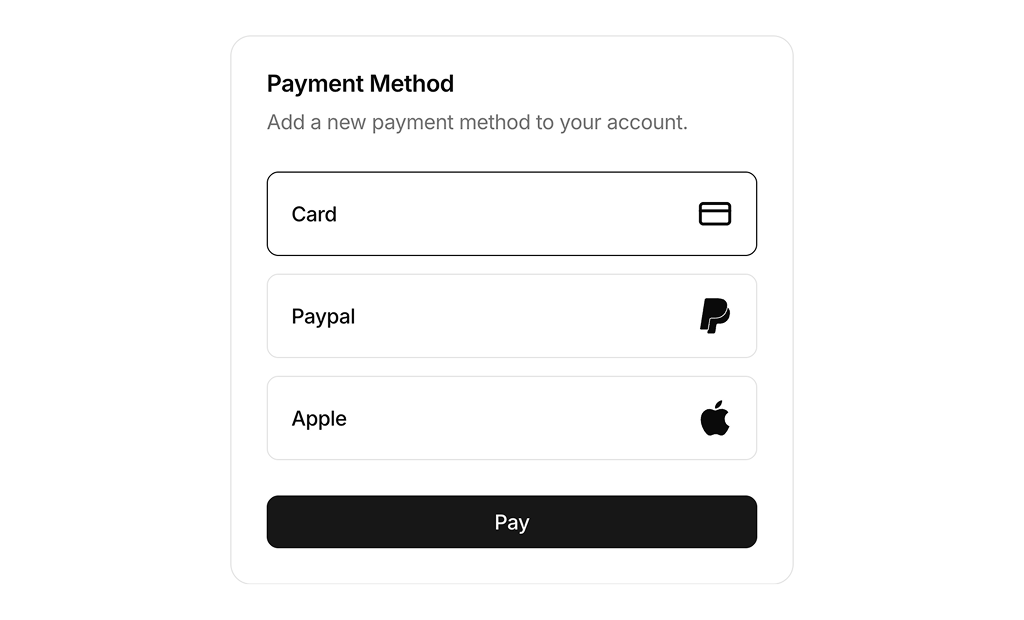
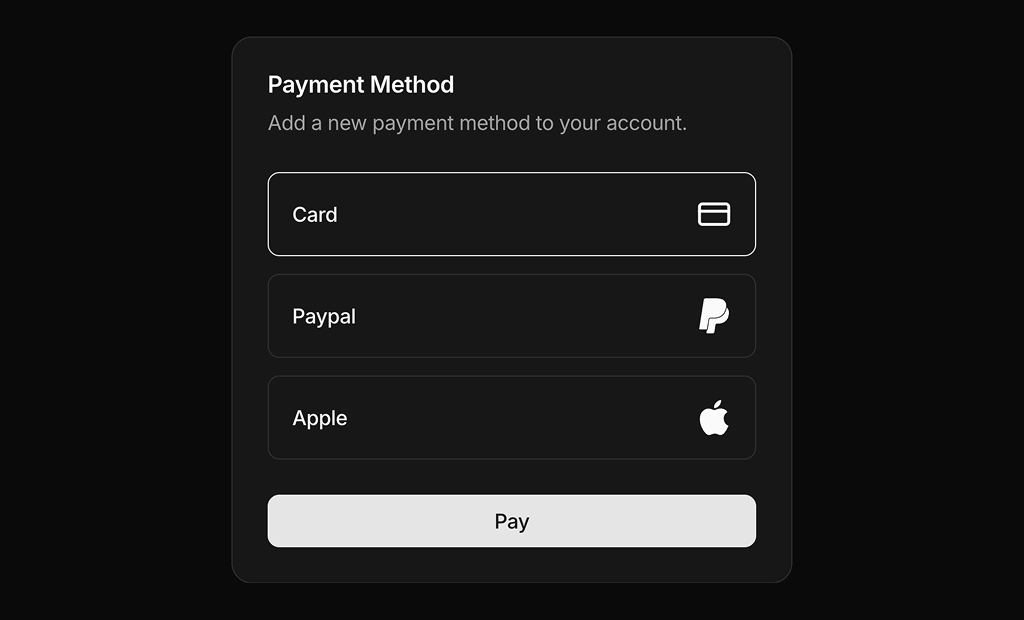
Payment Method 2 is the minimal option. It lists the same three methods as full width rows with the icon on the right and a Pay button below. Use it when the payment details are collected in a later step or by the provider.