Best shadcn/ui Dashboard Templates of 2026
A tour of 16 production ready shadcn/ui admin dashboard templates, from e-commerce and CRM to finance, healthcare and AI analytics, with live demos.
Admin dashboards are where most of the real work happens in a SaaS product, and they are also the part that takes the longest to build. Tables, charts, filters, forms, settings pages and a dozen edge cases add up quickly. A good shadcn/ui dashboard template gives you all of that on day one, using components you already know how to customize.
In this guide we walk through the dashboard templates included in Shadcn UI Kit, what each one is designed for, and how to pick the right starting point for your project in 2026. All of the templates share the same stack: Next.js 16, React 19, shadcn/ui and Tailwind CSS v4, with light and dark mode built in.
What to look for in a dashboard template
Before the list, here is a short checklist we use when evaluating any dashboard template:
- Built on shadcn/ui primitives. You should be able to swap a component or restyle it with the same CSS variables you use everywhere else.
- Real pages, not just a home screen. A dashboard is only useful if the tables, detail pages, forms and settings screens are done too.
- Dark mode and theming. Switching themes should not require touching every component.
- Actively maintained. The React and Next.js ecosystem moves fast. A template that has not been updated in a year will cost you time.
- Industry fit. A CRM, a hospital system and a crypto app need different layouts. Starting close to your domain saves the most time.
With that in mind, here are the templates.
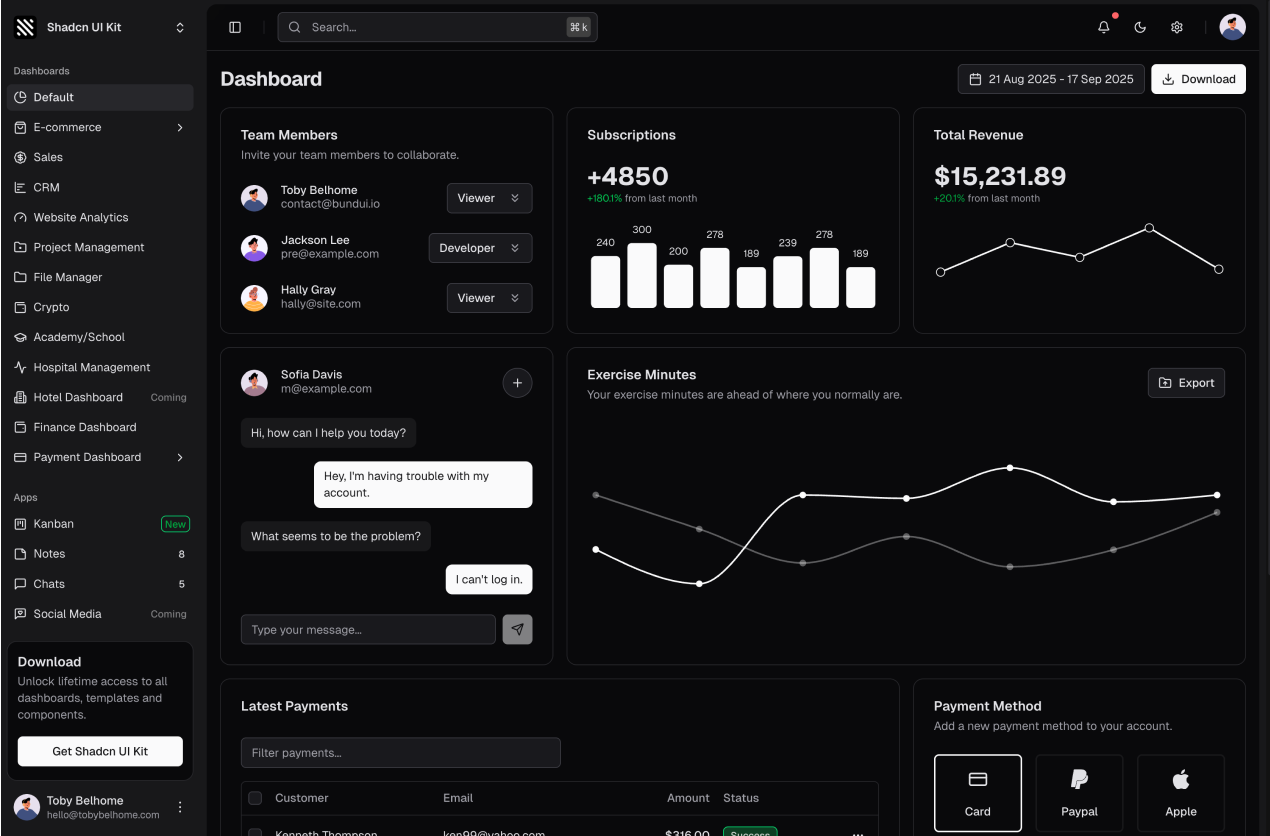
1. Classic Dashboard
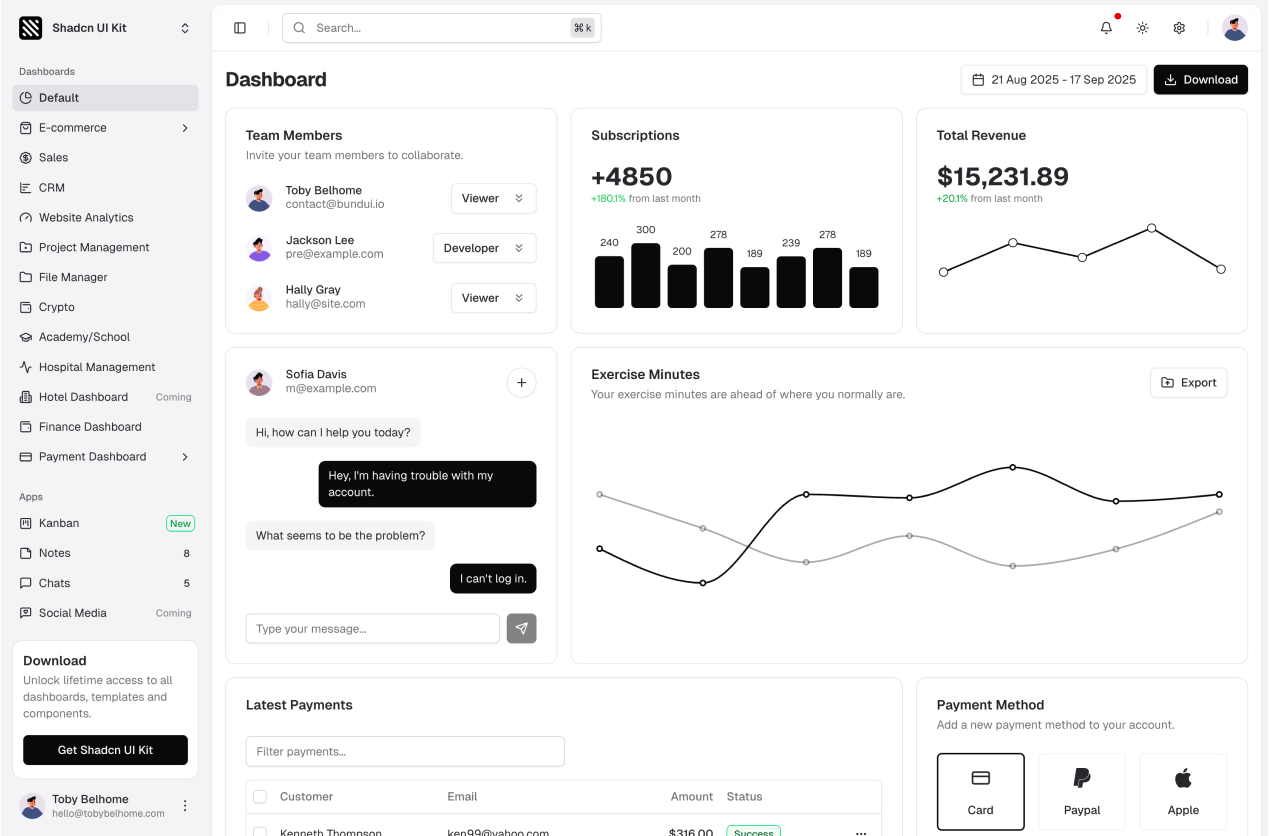
The Classic Dashboard is the general purpose starting point. It includes the sidebar layout, top navigation, stat cards, charts, recent activity and a data table, everything a typical admin panel needs. If your product does not fit a specific industry below, start here.
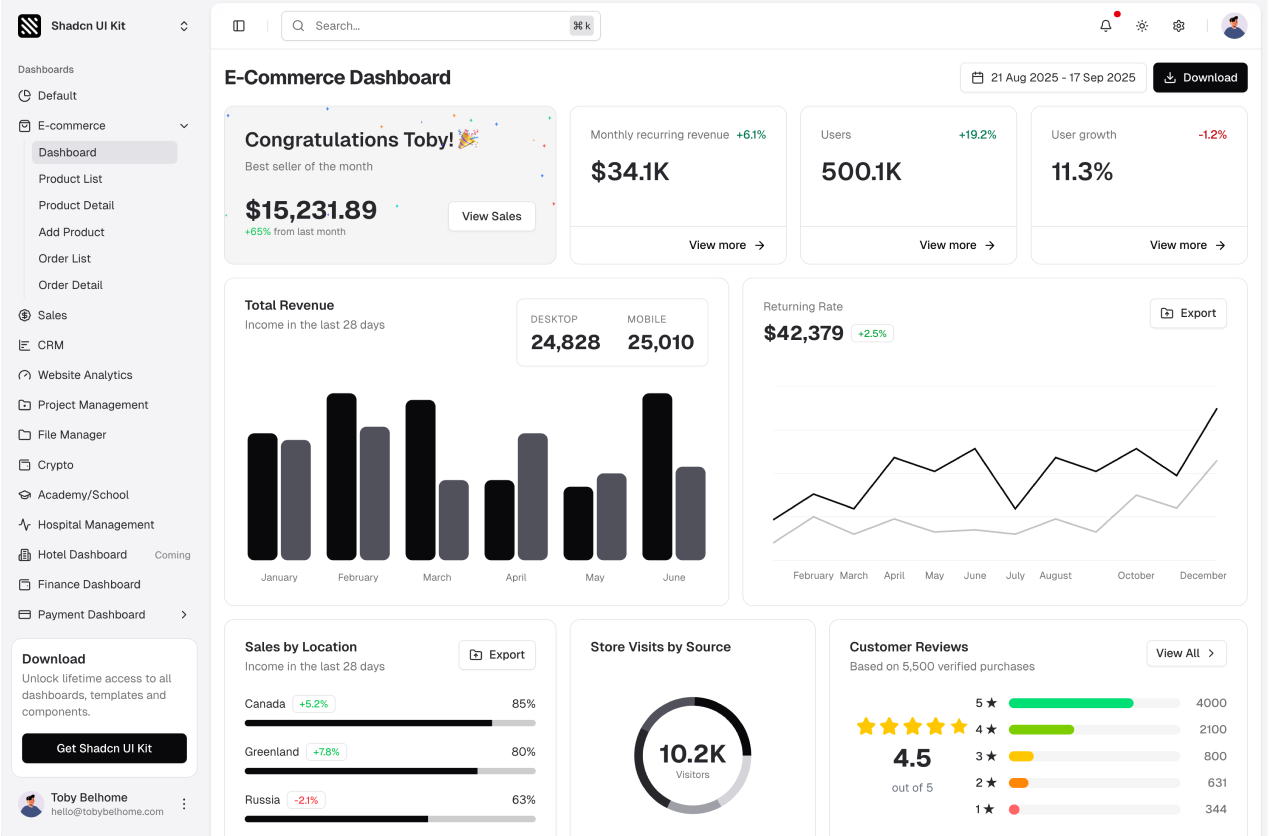
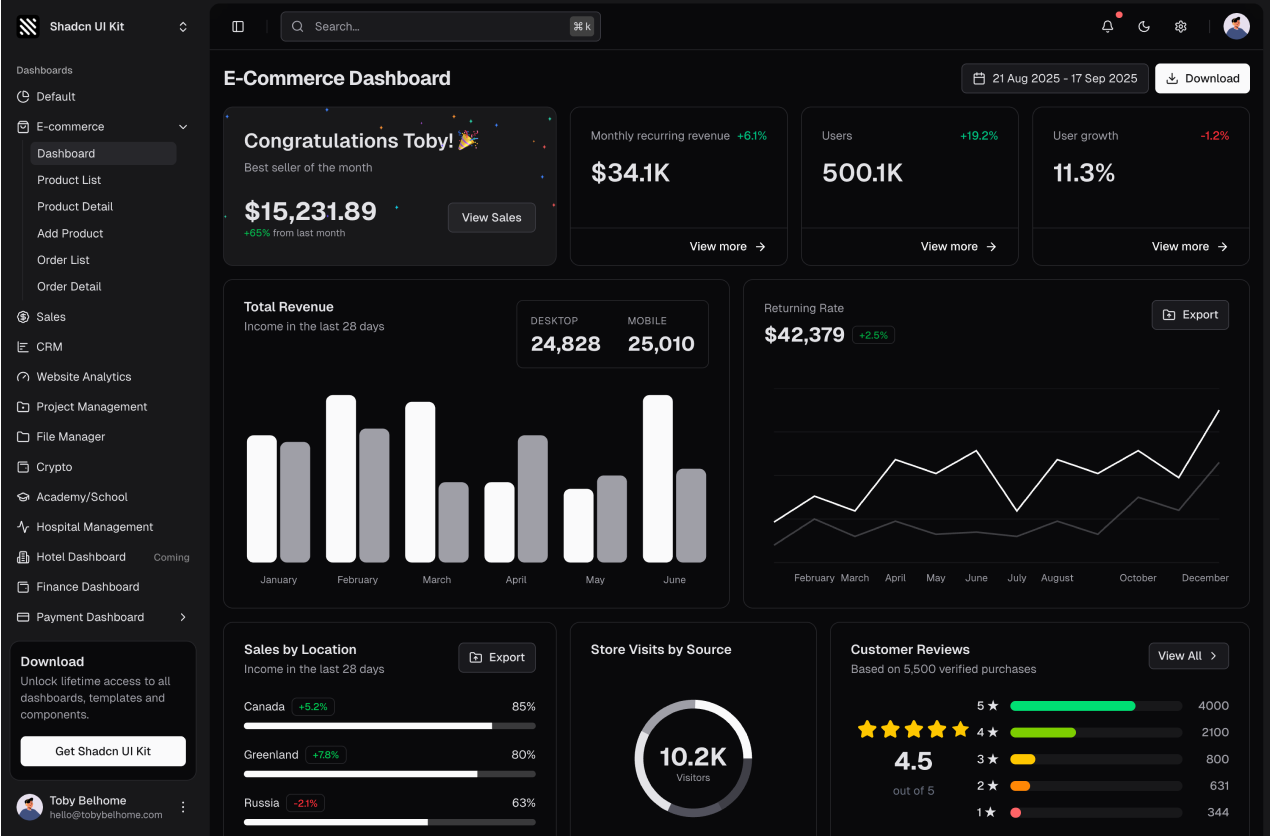
2. E-commerce Dashboard
Built for online stores, this template tracks revenue, orders, customers and best selling products. It ships with order and product management pages, customer lists and detail views, so a store back office is mostly done before you write any code.
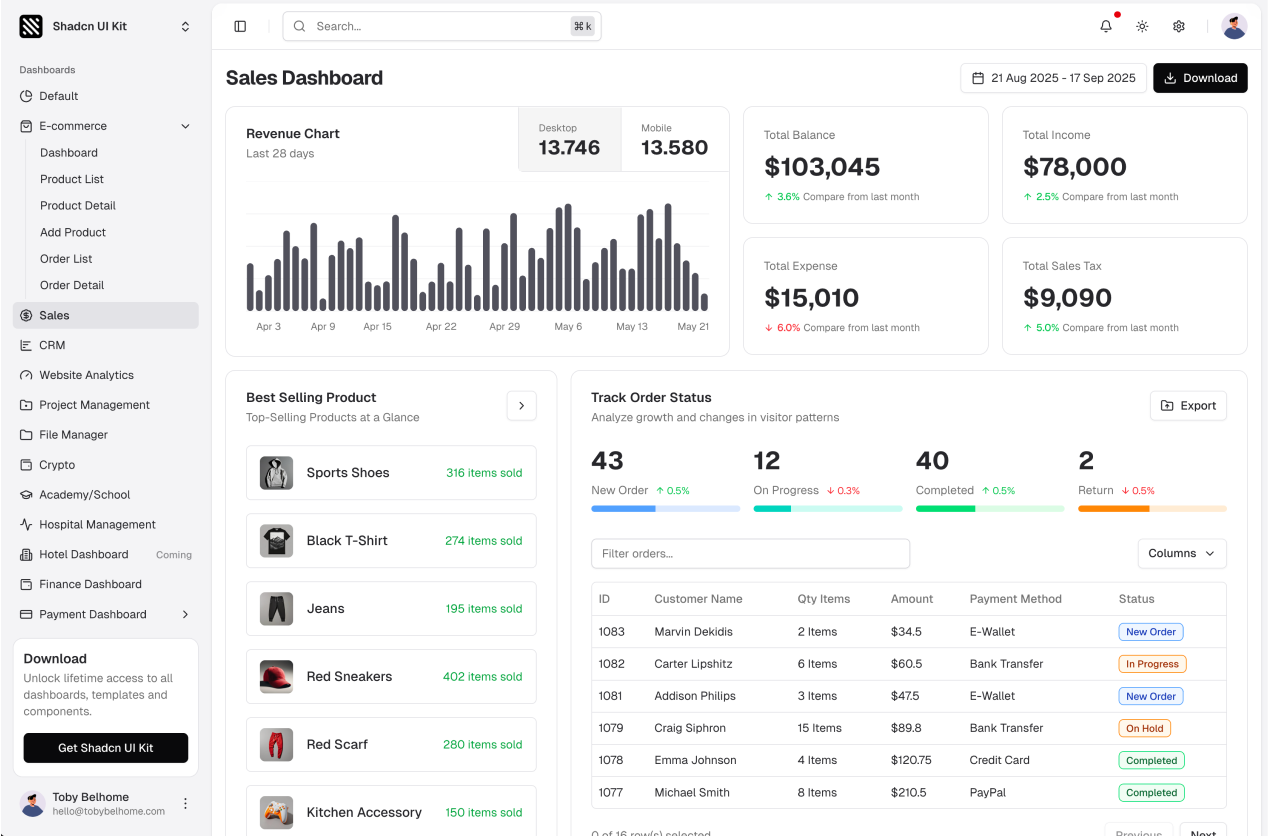
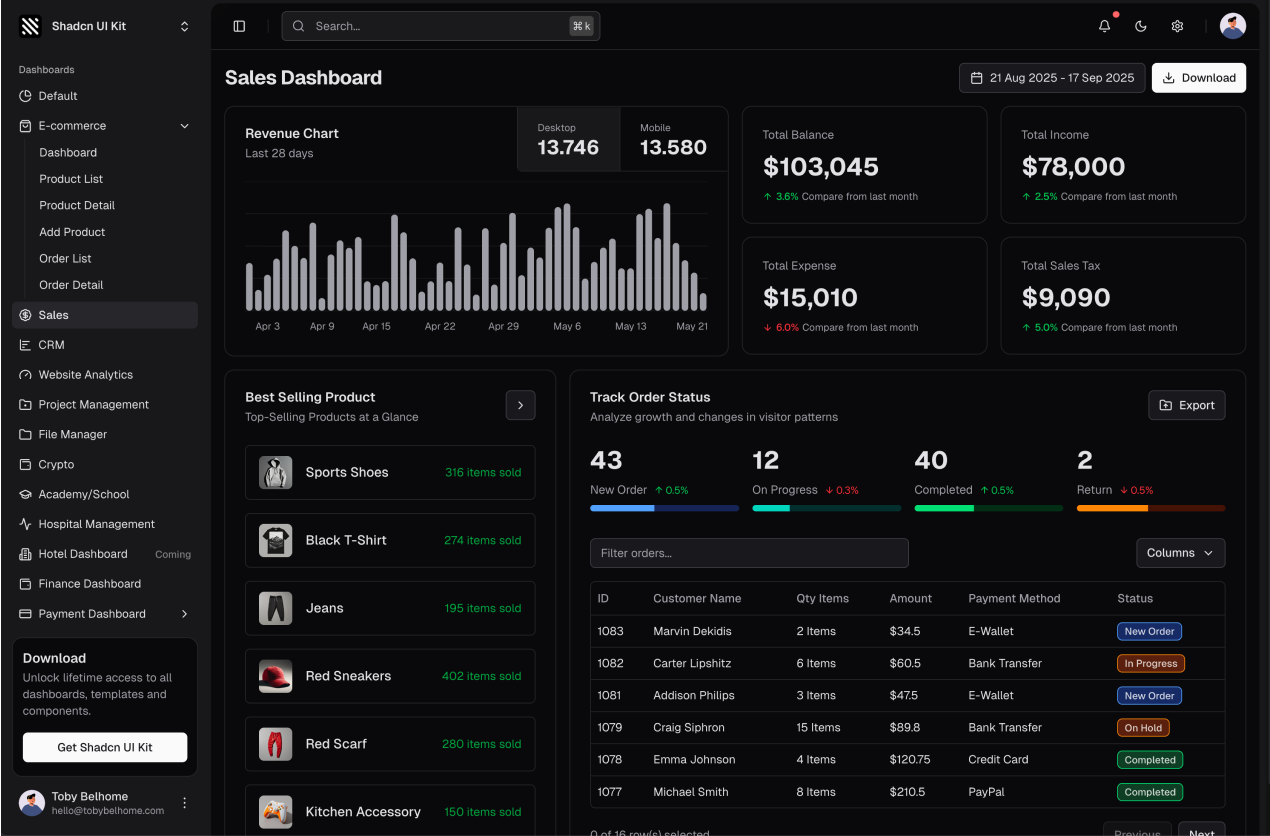
3. Sales Dashboard
The Sales Dashboard focuses on pipeline and performance. Revenue targets, deal stages, top performing reps and regional breakdowns are visualized with charts and tables designed for daily sales reviews.
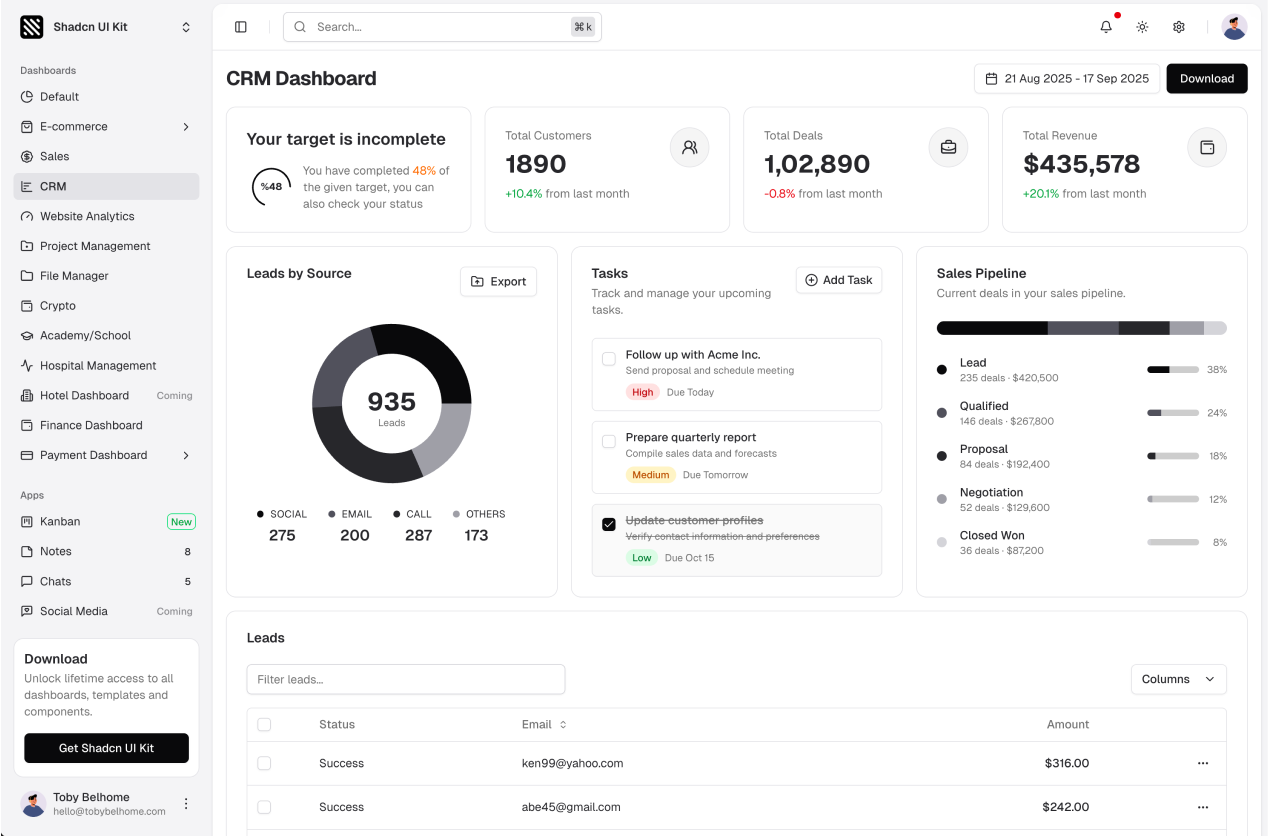
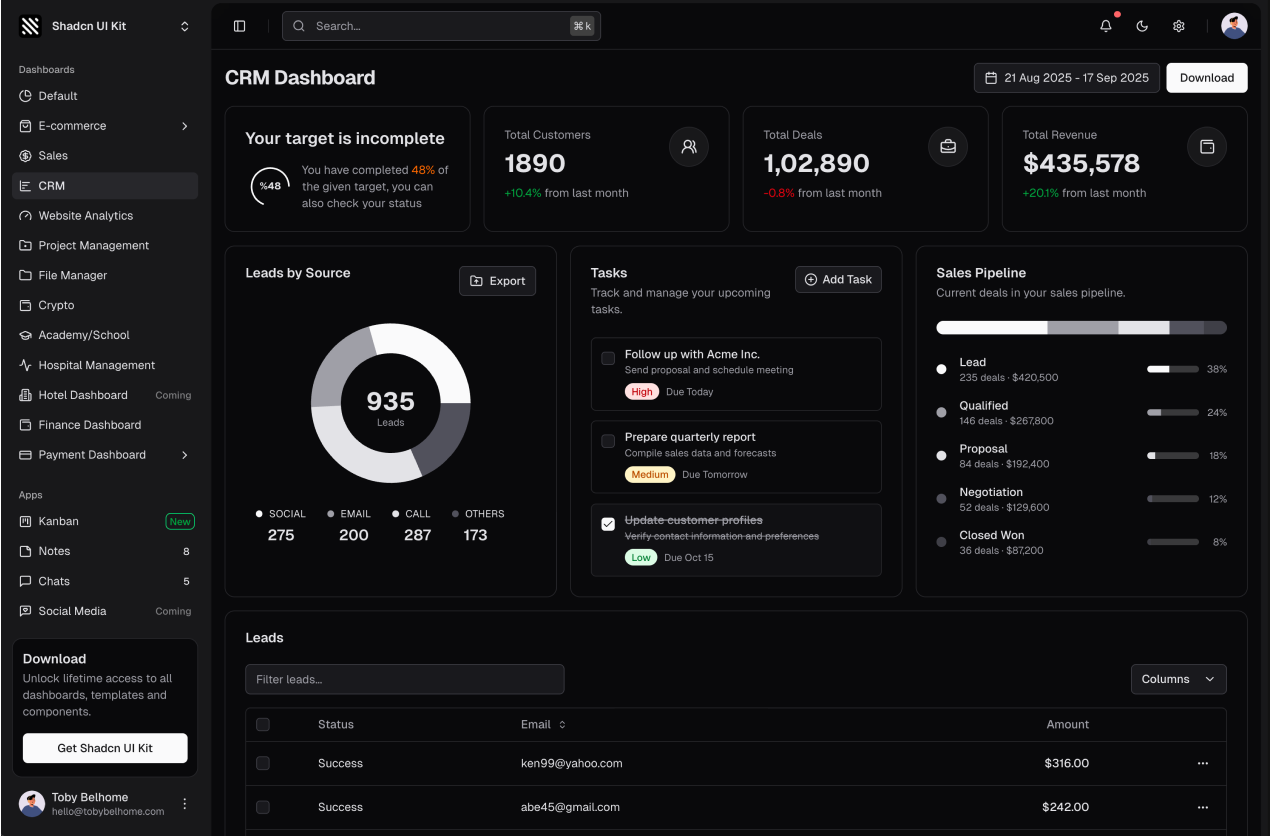
4. CRM Dashboard
A customer relationship management layout with leads, contacts, deals and activity timelines. It is a solid base for any product that revolves around managing relationships and follow ups.
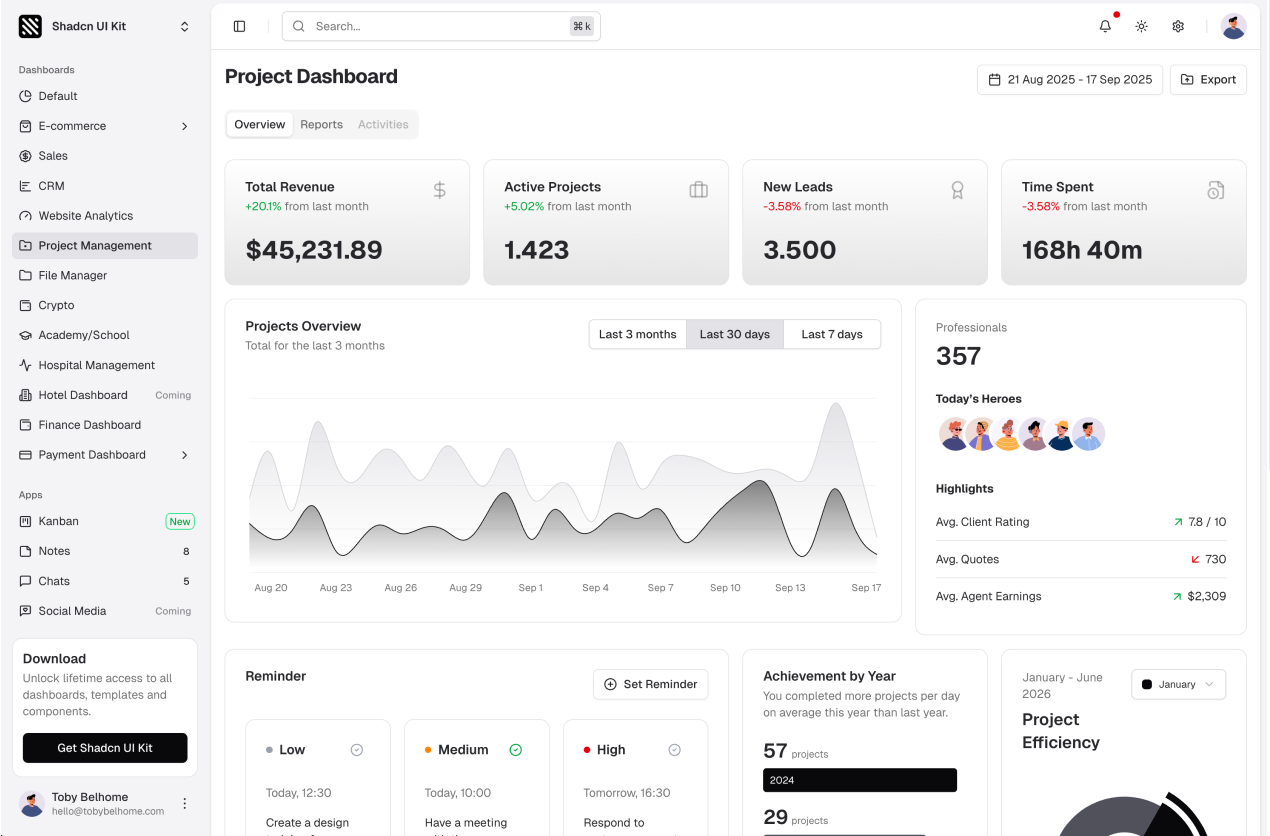
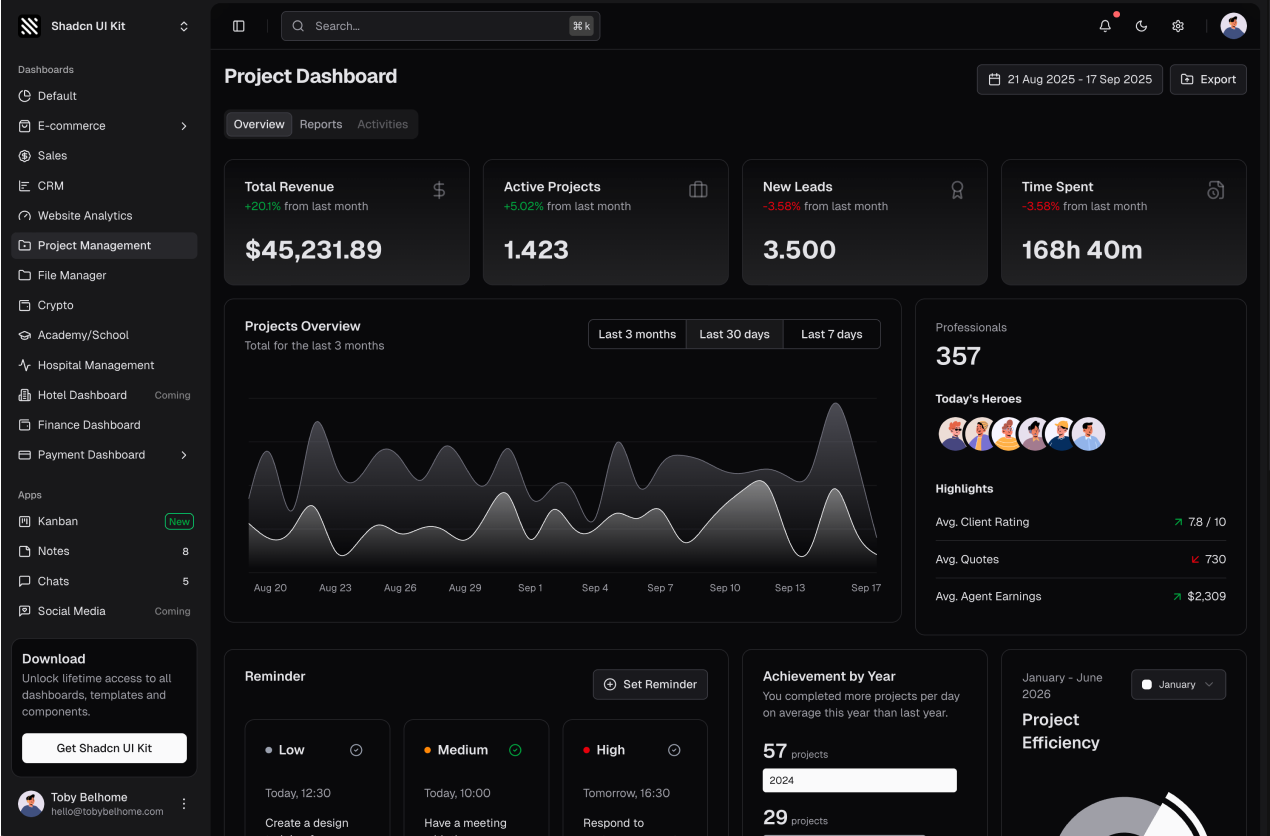
5. Project Management Dashboard
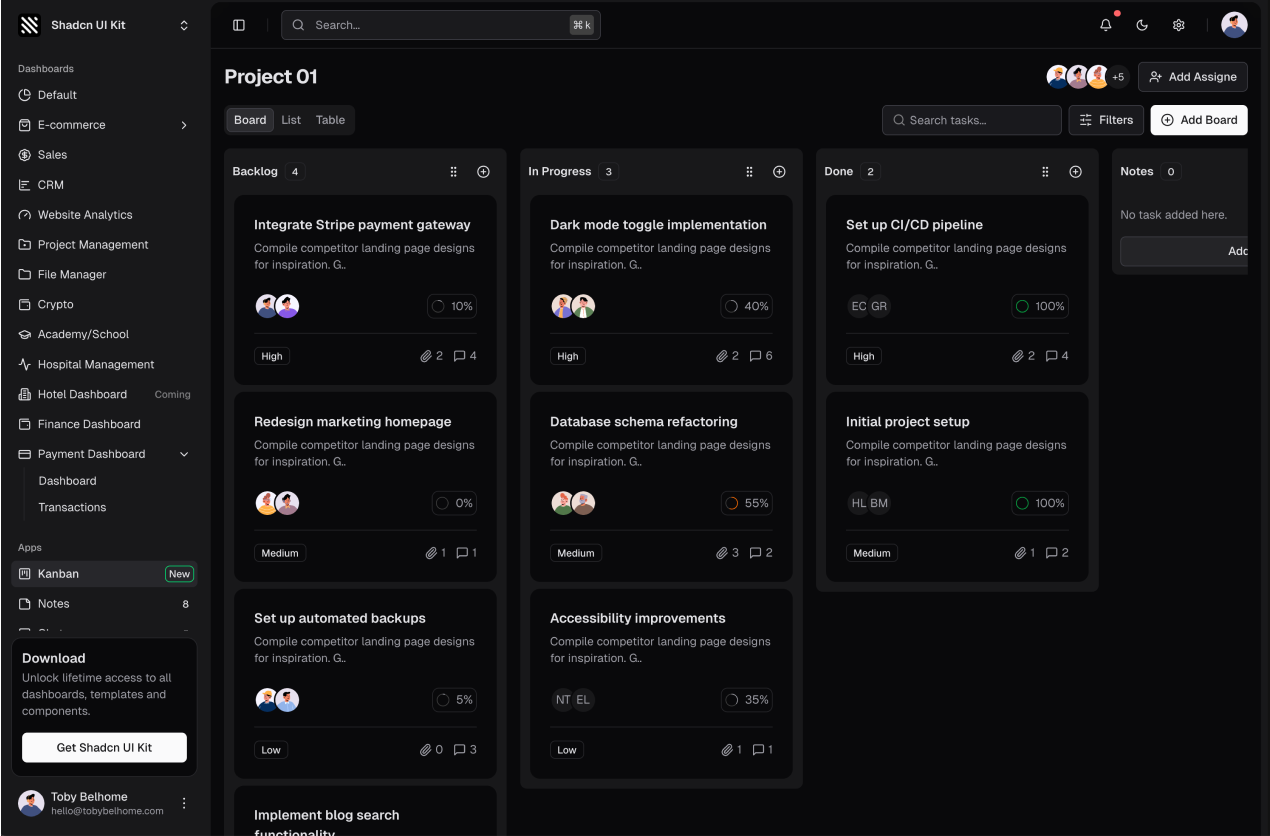
Projects, tasks, team members and timelines in one place. This template pairs well with the Kanban Board and Tasks apps included in the kit, and it also includes report and project detail pages. If you need a timeline view on its own, the gantt chart blocks cover roadmaps, project schedules and team planning.
6. File Manager Dashboard
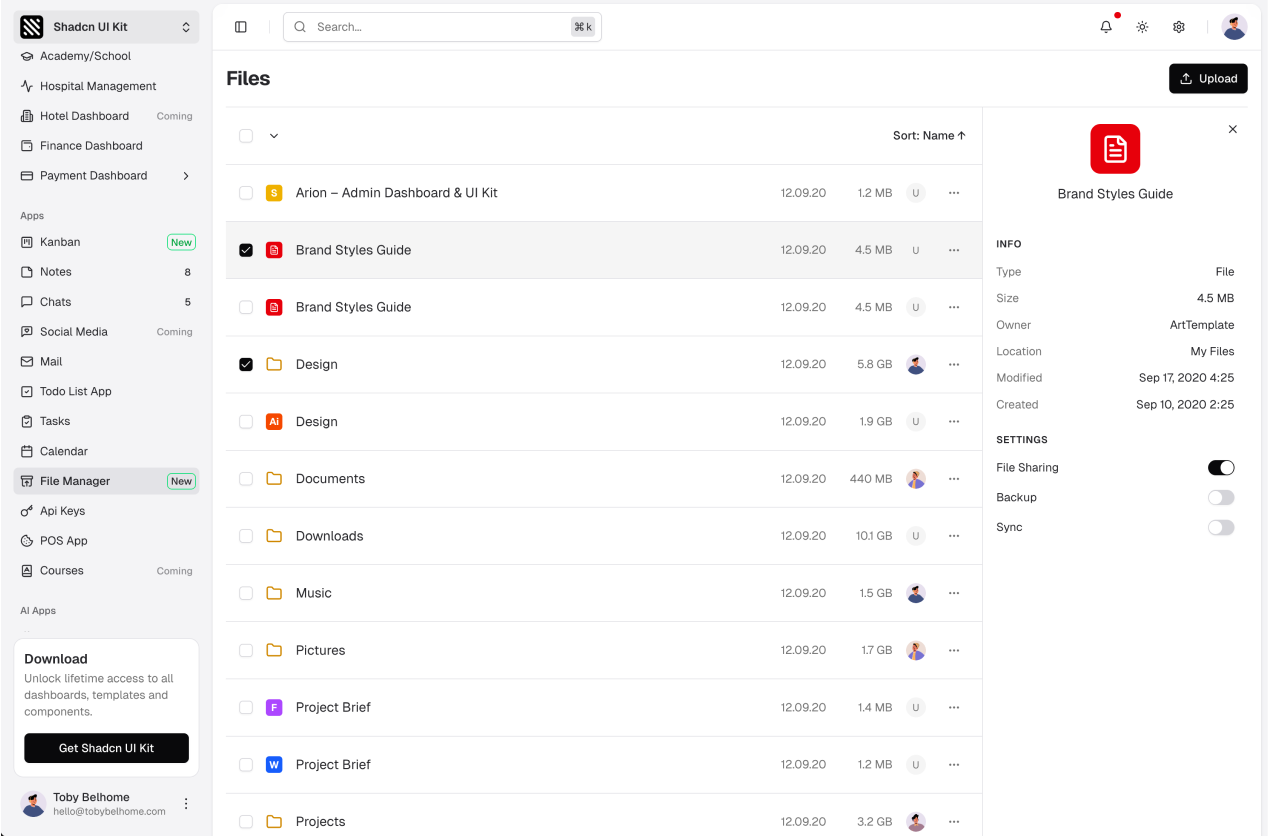
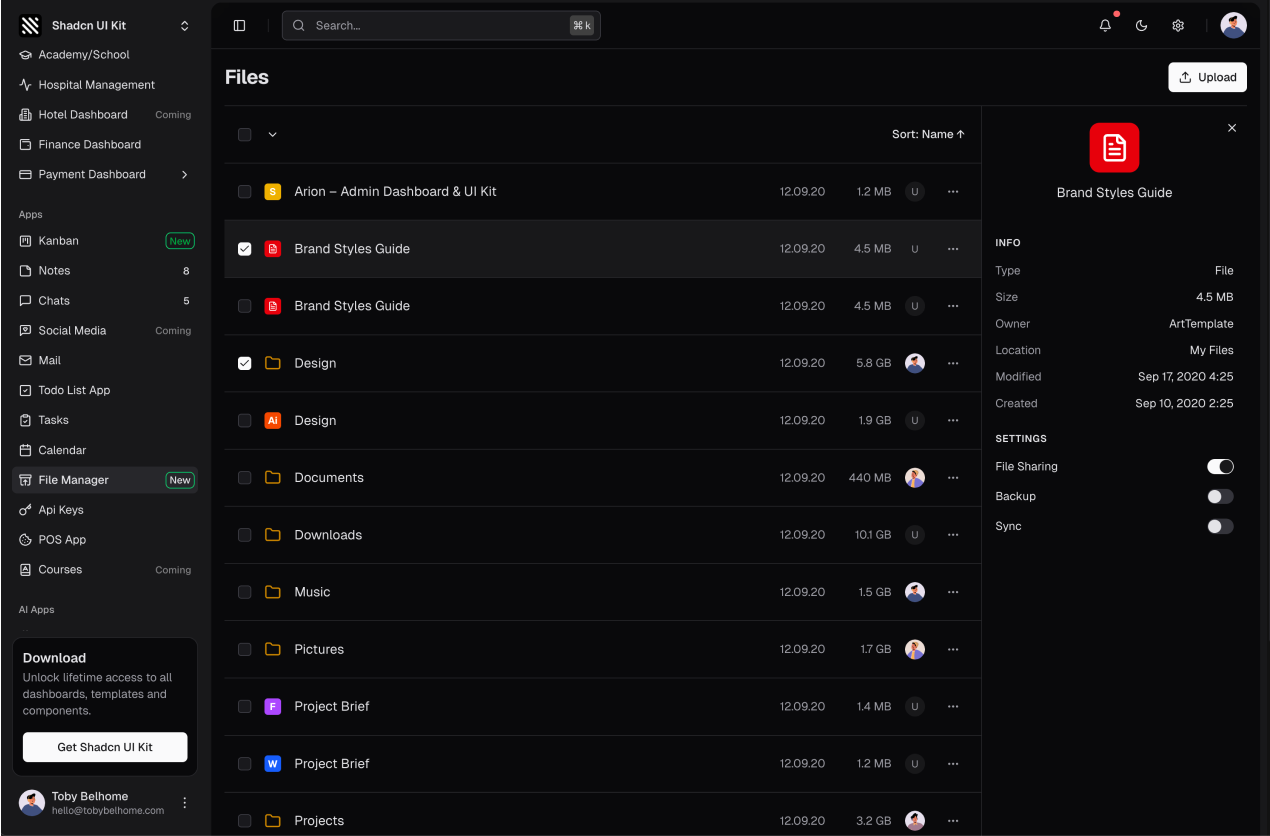
Storage overview, recent files, folders and sharing. The layout is designed for products that deal with documents and media, from cloud storage tools to internal asset libraries.
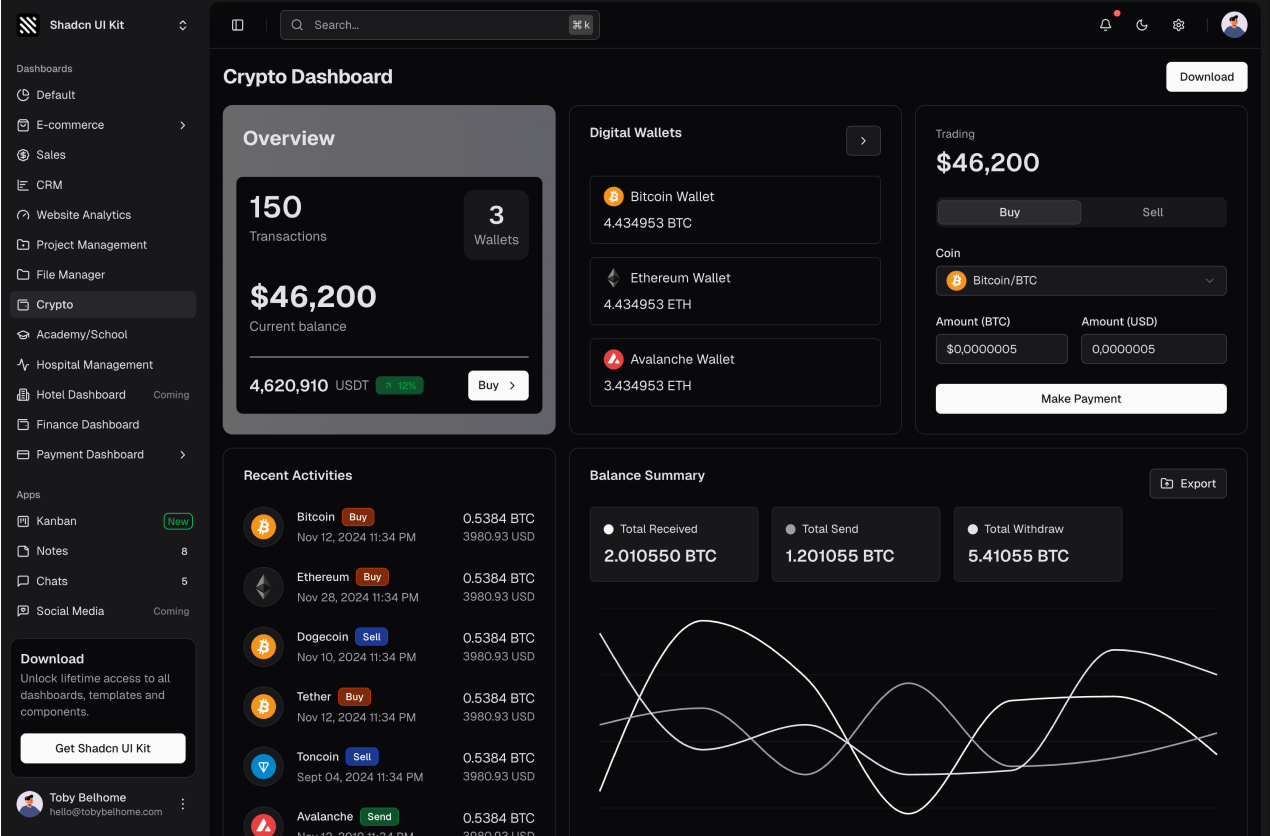
7. Crypto Dashboard
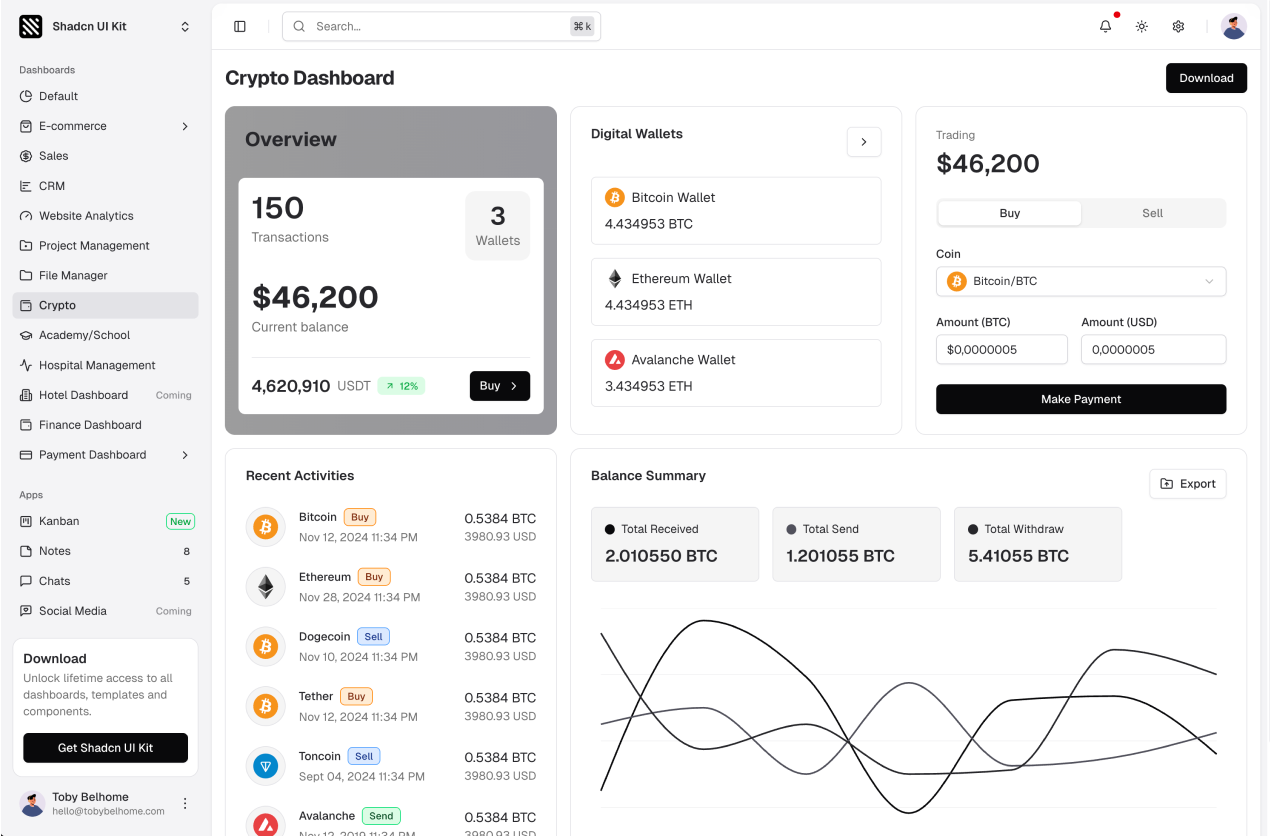
Portfolio balance, market movers, price charts and transaction history for crypto and trading products. The chart heavy layout also works well for any financial data product.
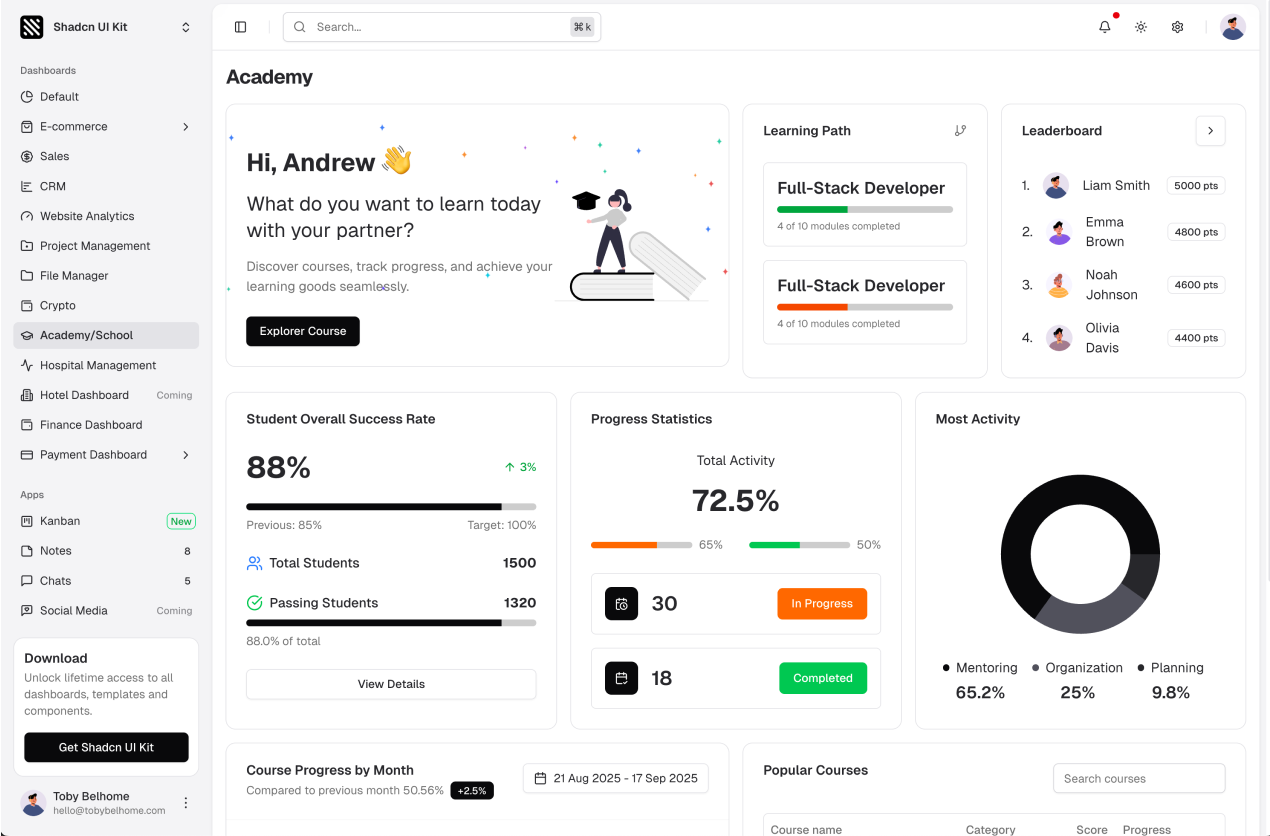
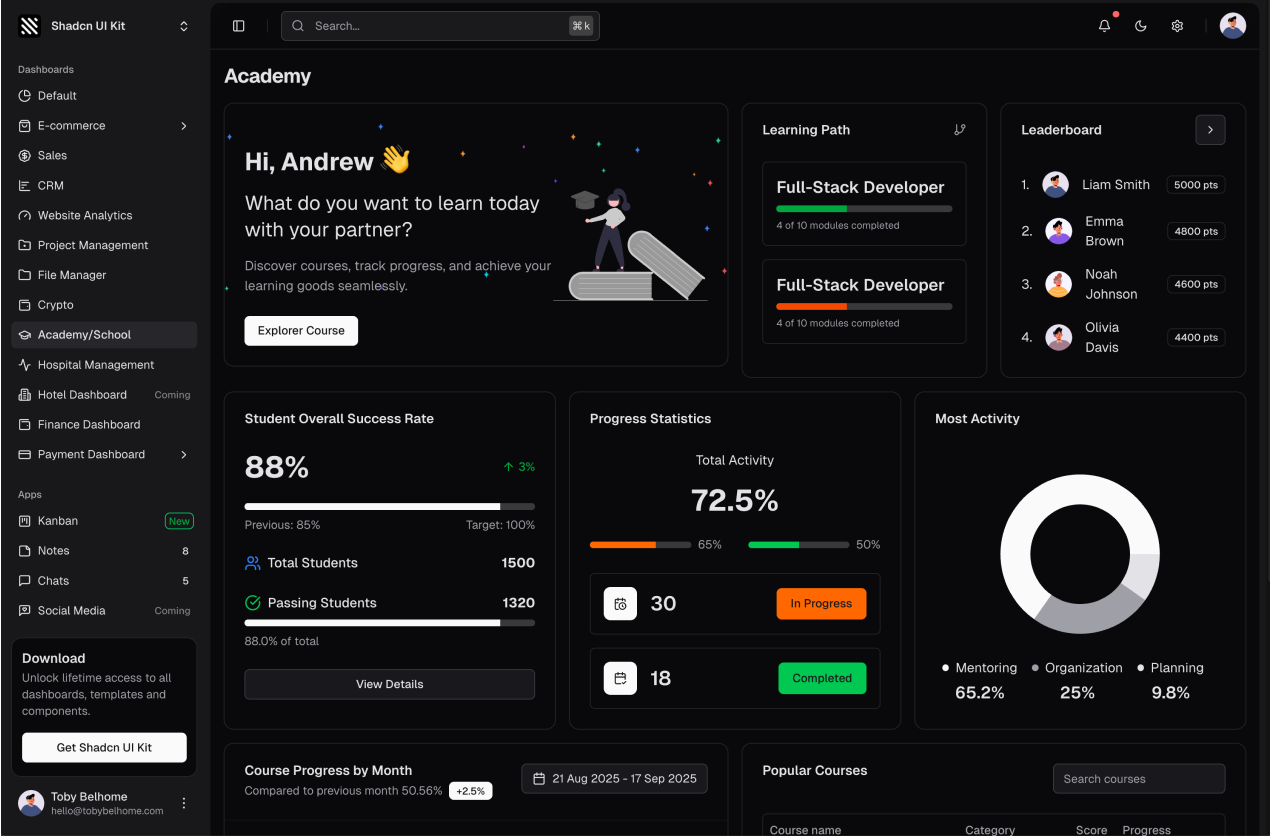
8. Academy Dashboard
Designed for schools, course platforms and learning management systems. Students, courses, schedules and progress tracking are laid out for both administrators and instructors.
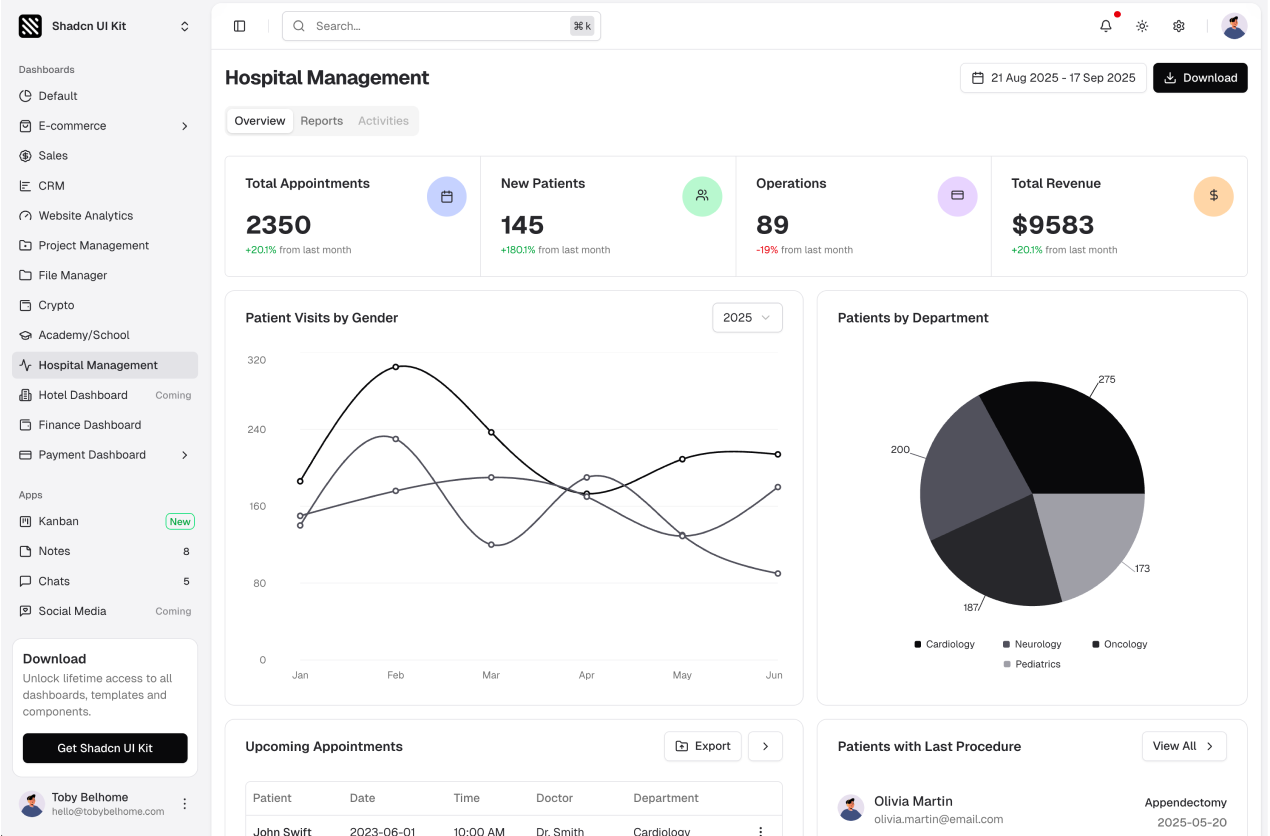
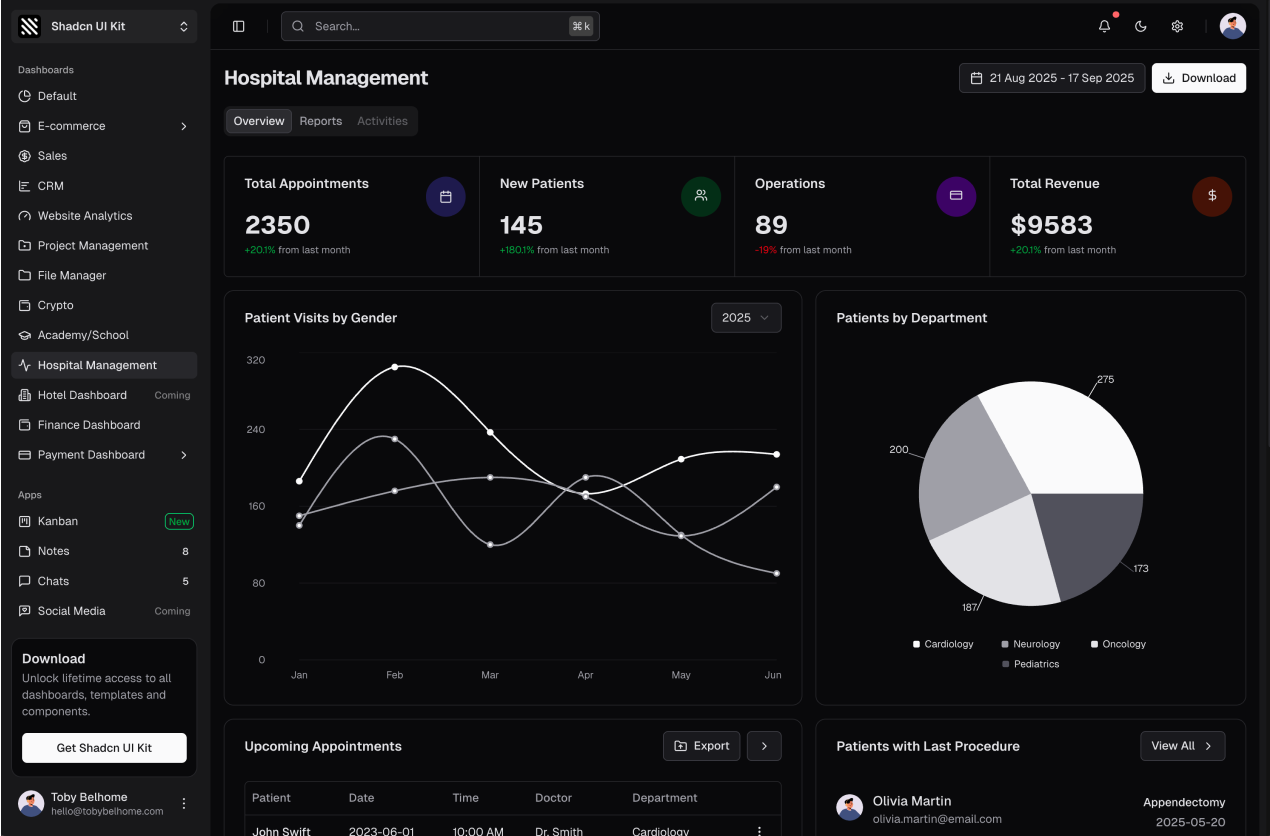
9. Hospital Management Dashboard
Patients, appointments, doctors and departments. A healthcare specific layout that covers daily operations of a clinic or hospital with clear tables and scheduling views.
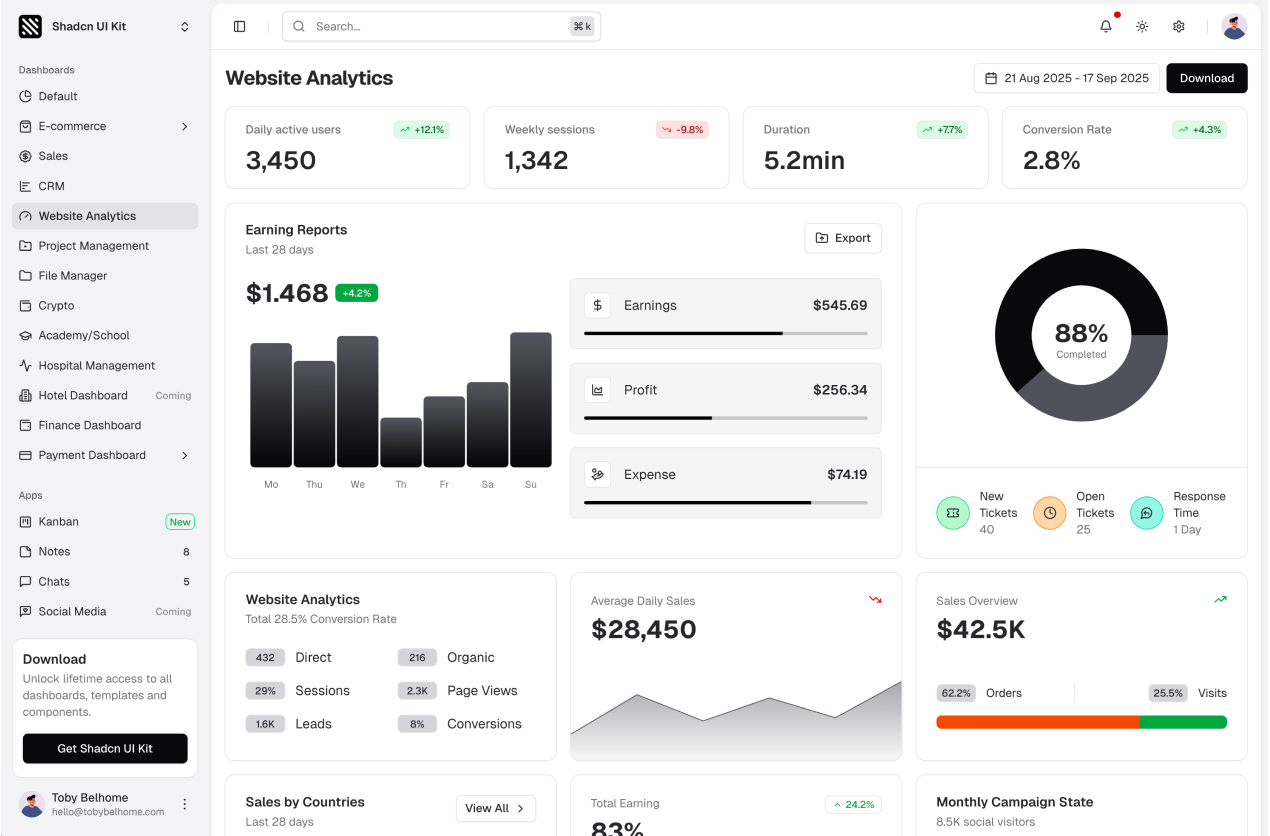
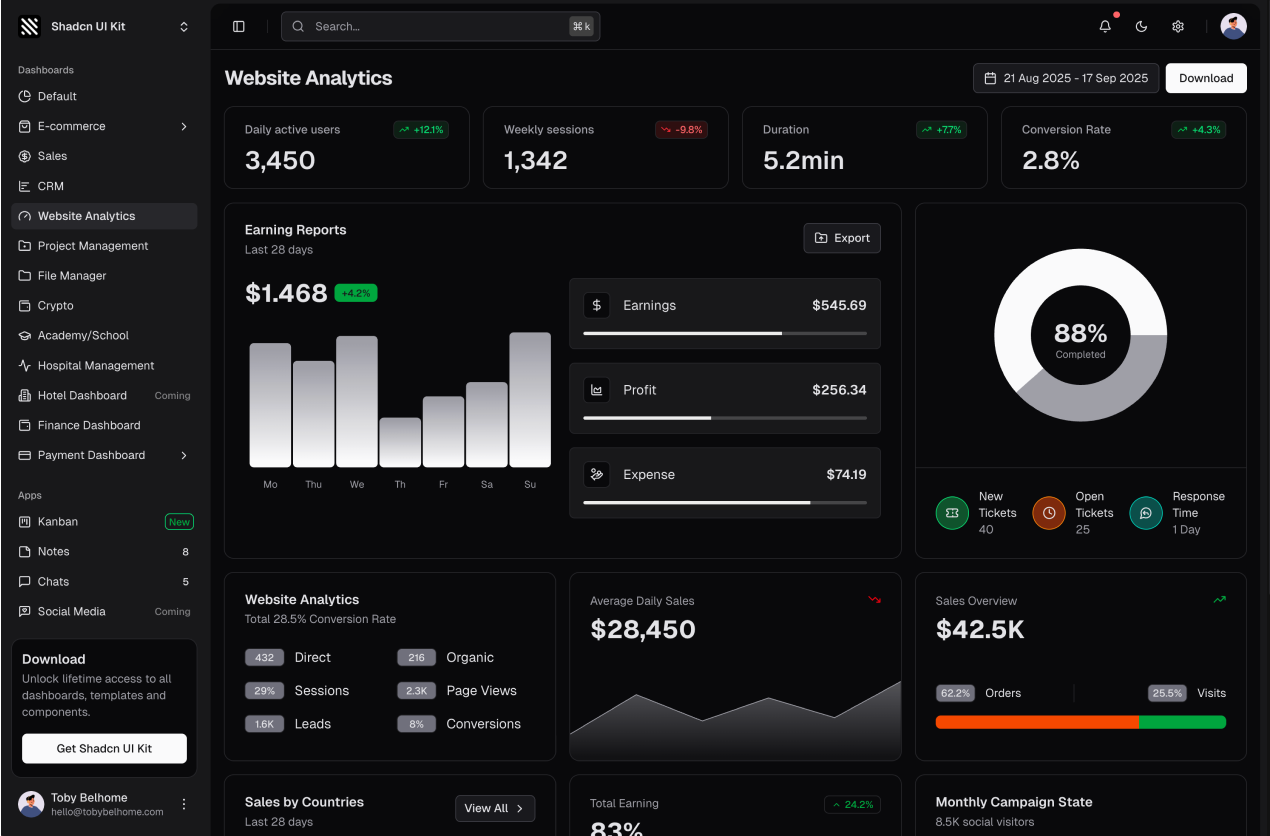
10. Analytics Dashboard
Website analytics with sessions, page views, traffic sources, devices and locations. If you are building a product analytics tool or an internal reporting screen, this is the template to start with.
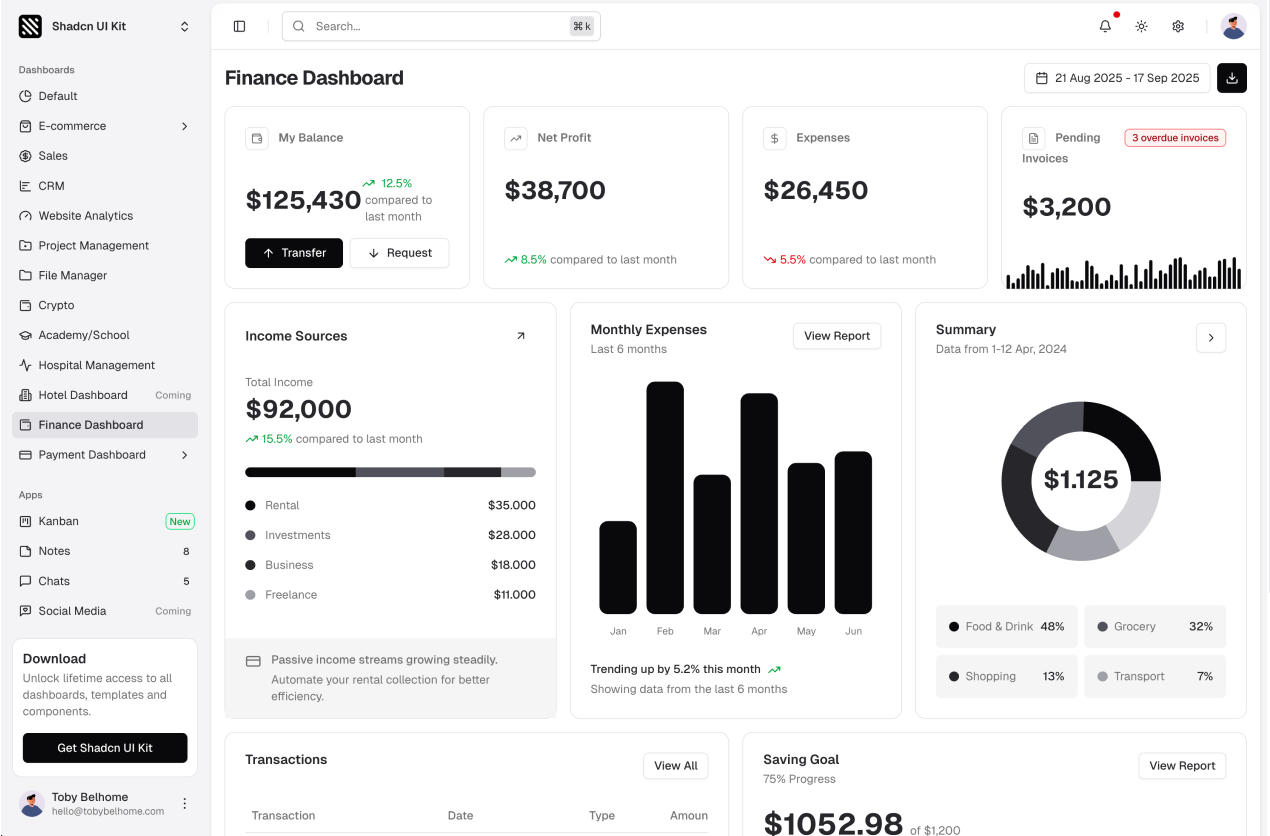
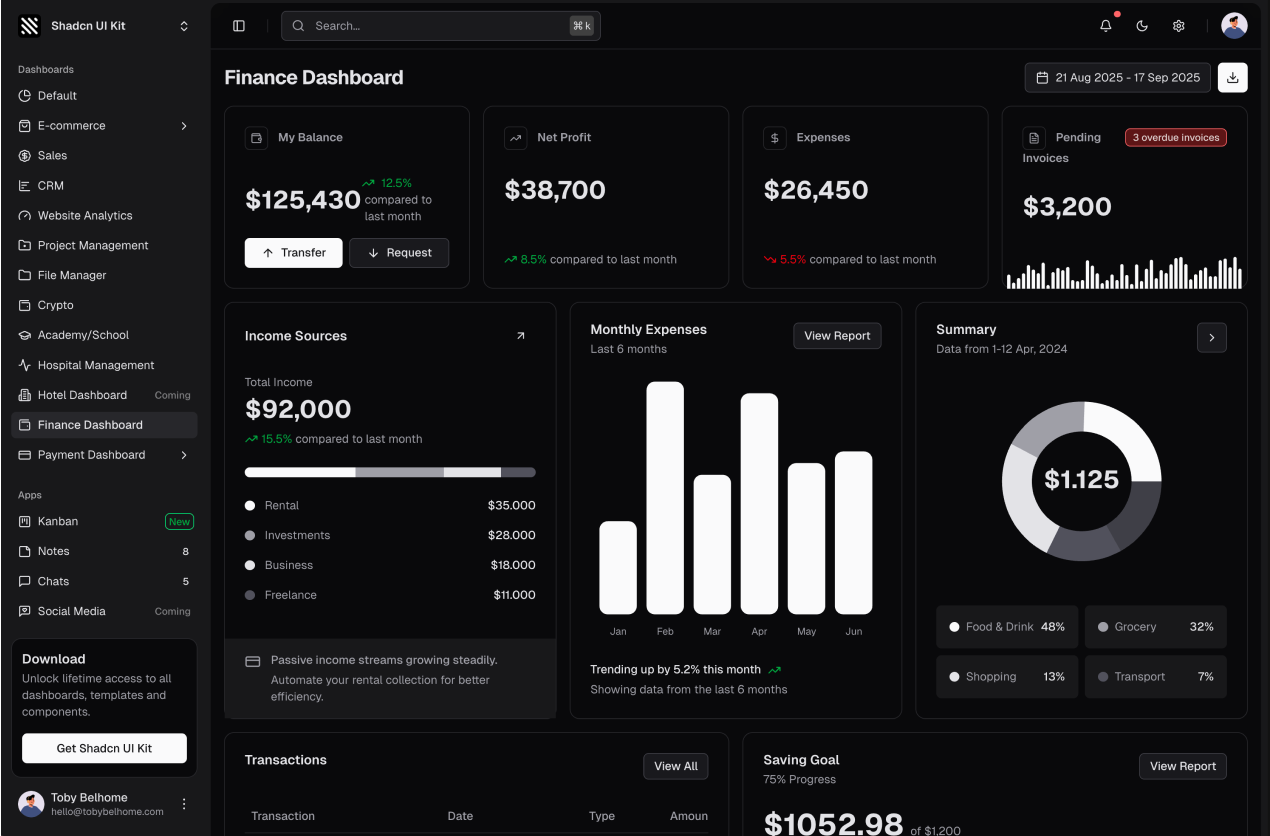
11. Finance Dashboard
Accounts, cash flow, income and expense breakdowns and recent transactions. Ideal for fintech products, accounting tools and personal finance apps.
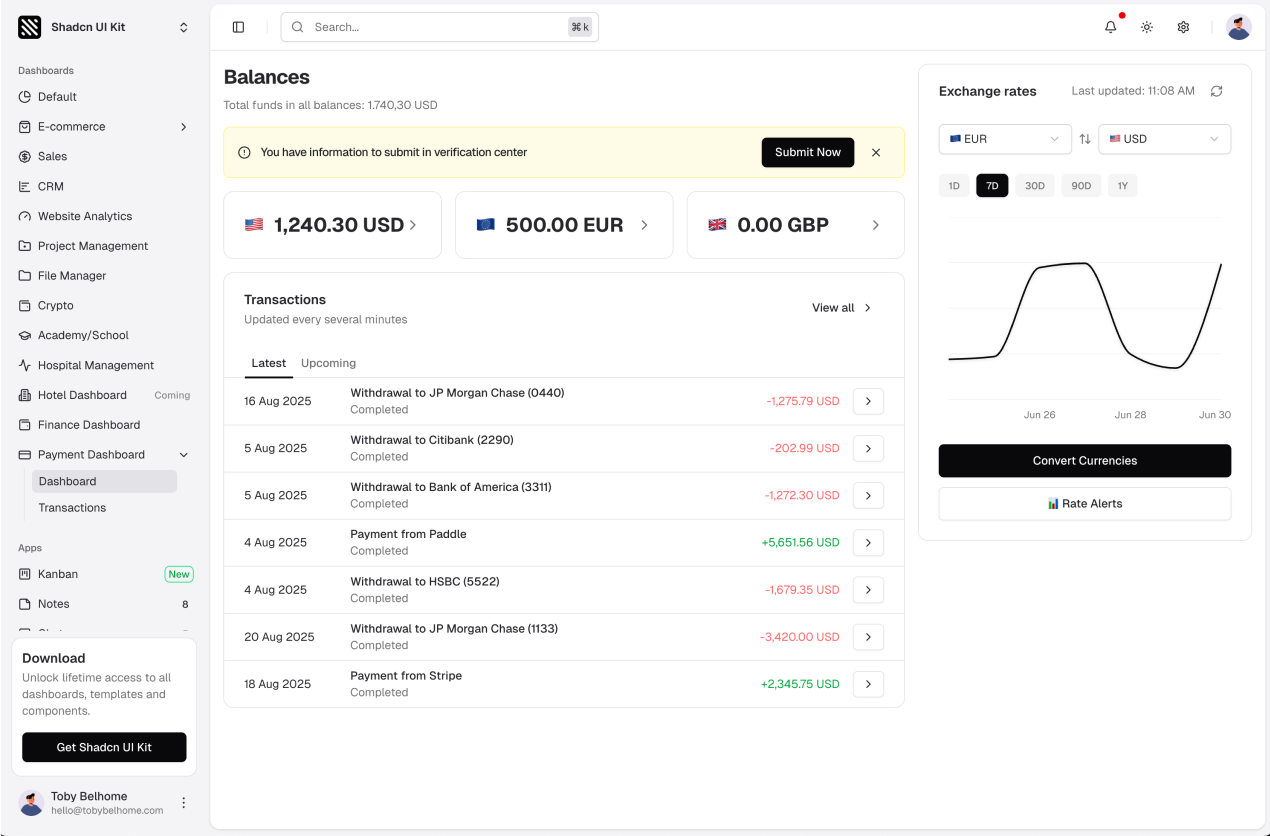
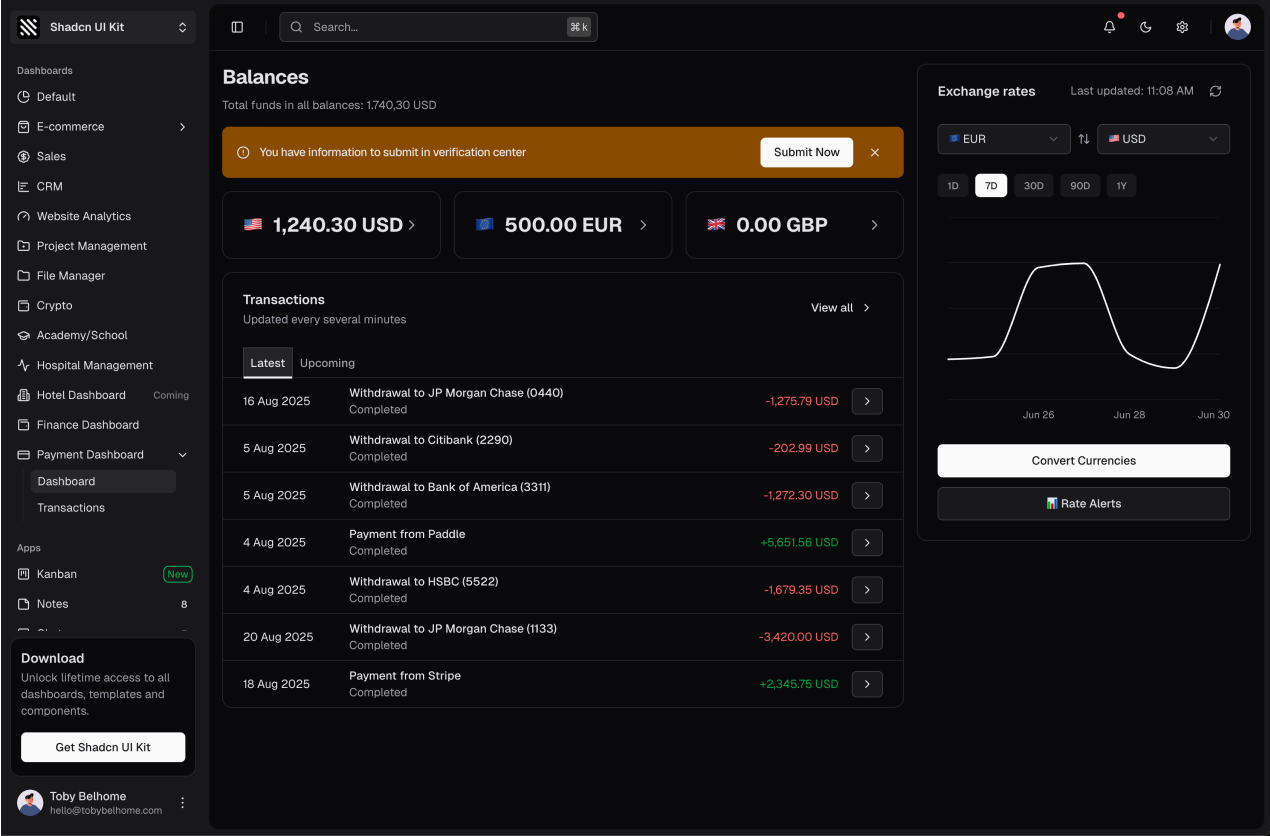
12. Payment Dashboard
Transactions, payouts, refunds and payment methods. The template is designed for payment providers and marketplaces that need to show money movement clearly.
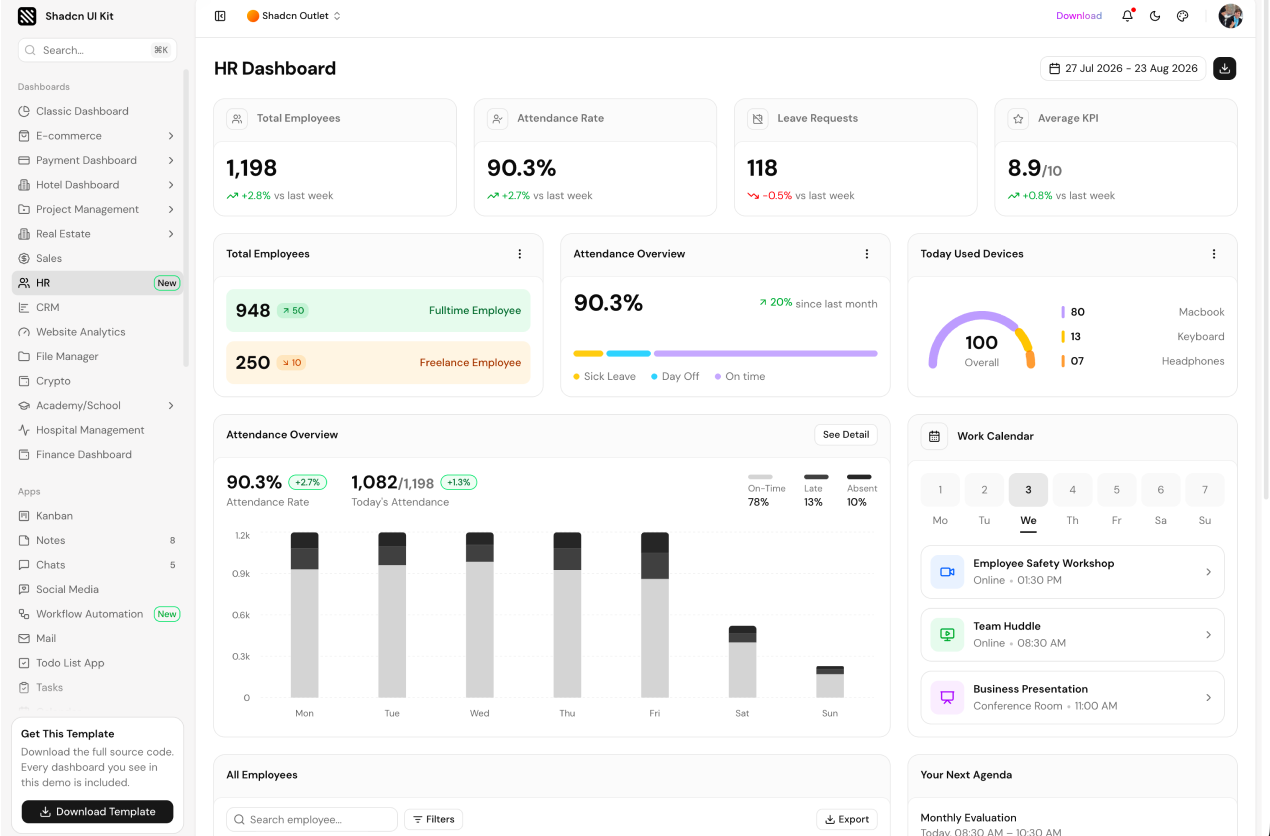
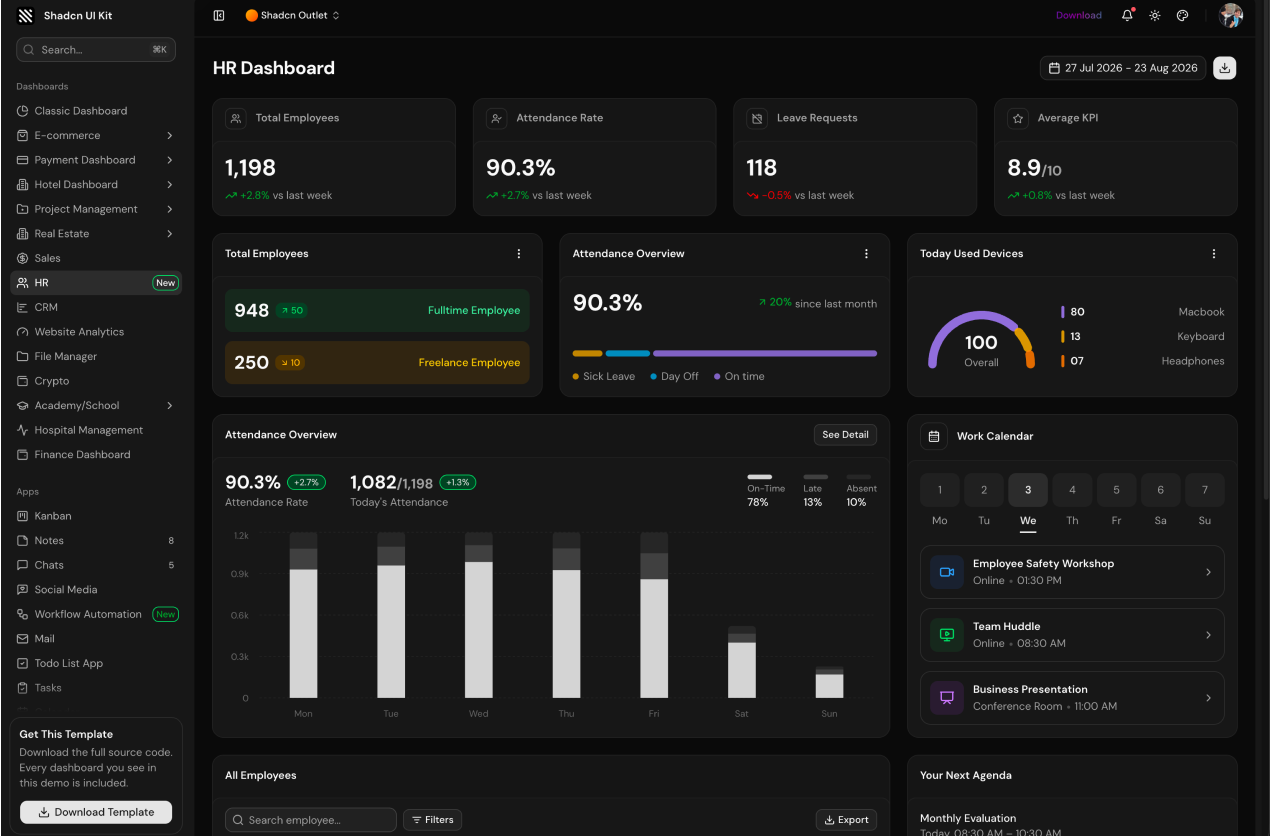
13. HR Dashboard
Employees, departments, attendance, leave requests and hiring. A human resources layout that can also serve as the base for any people management tool.
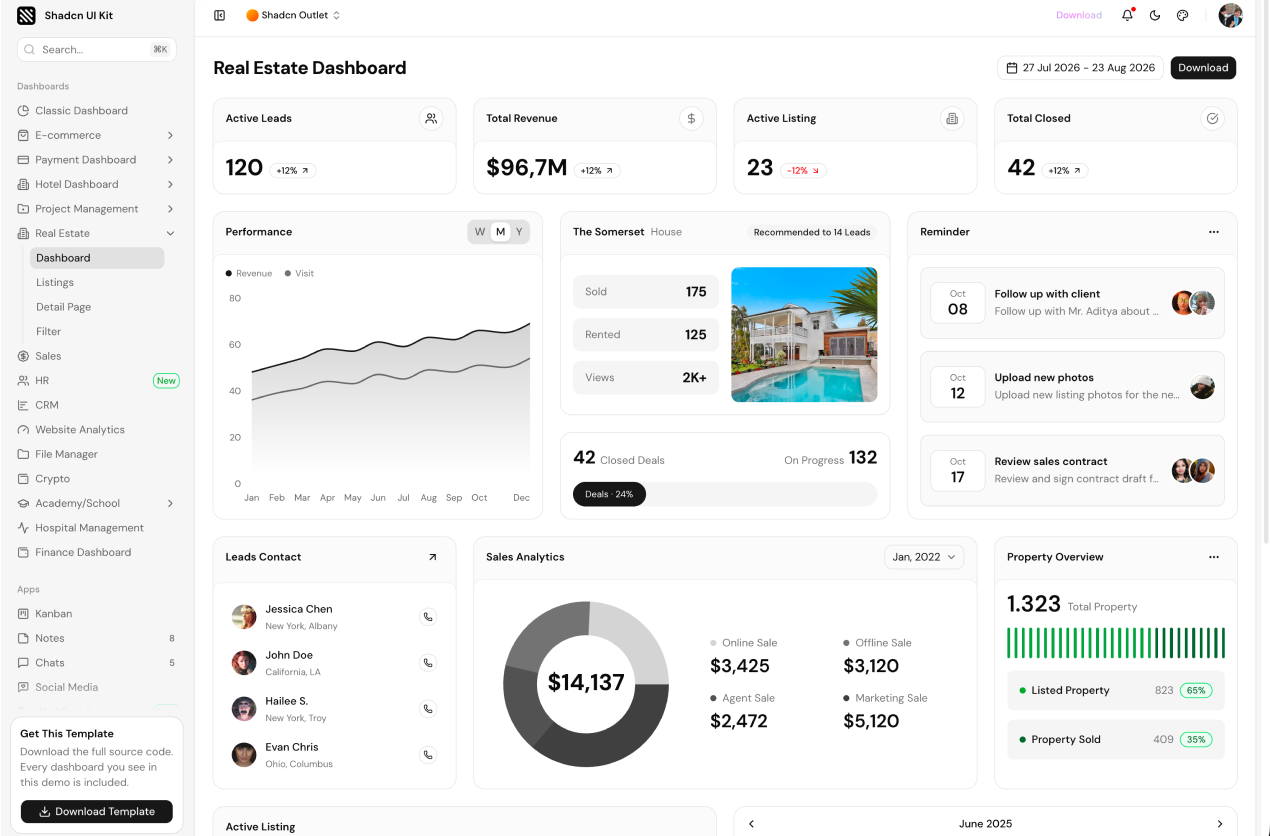
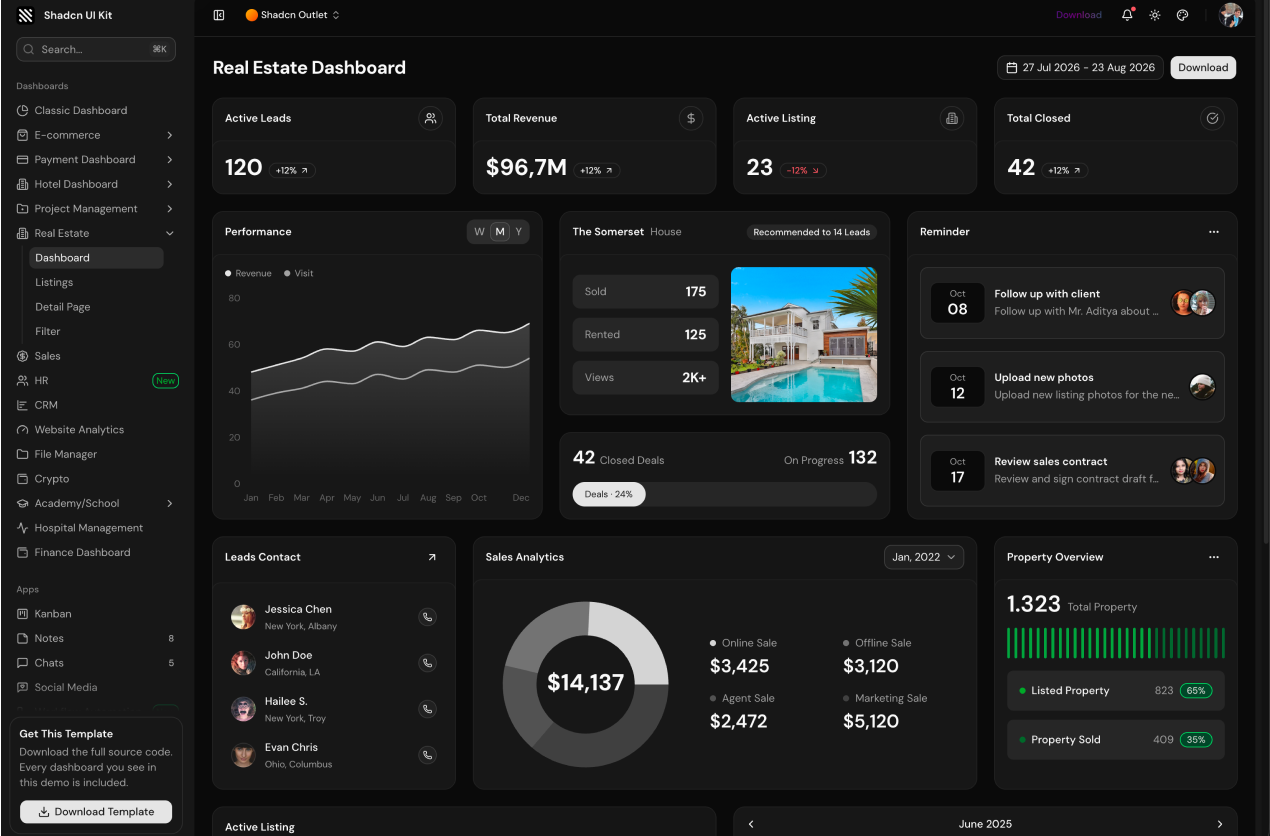
14. Real Estate Dashboard
Property listings, agents, viewings and sales performance. Built for real estate agencies and property management platforms.
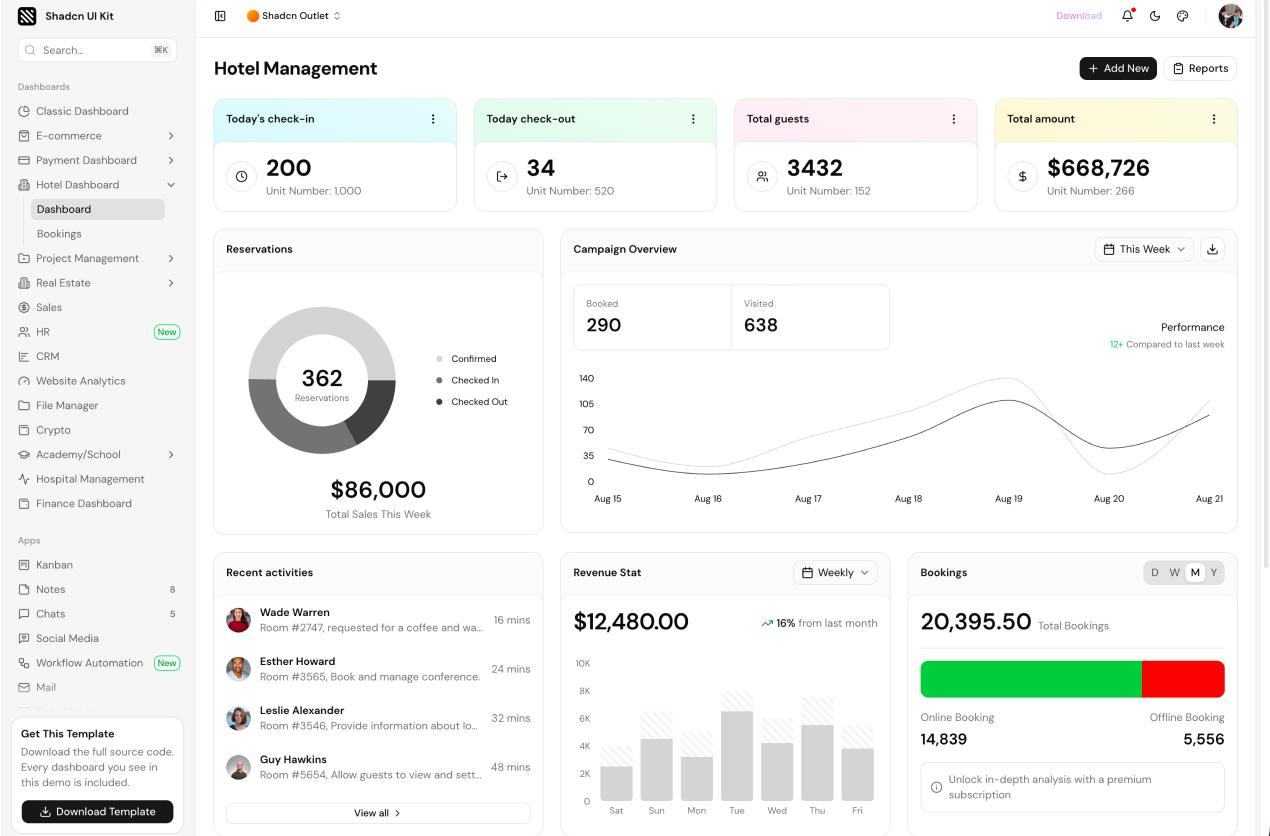
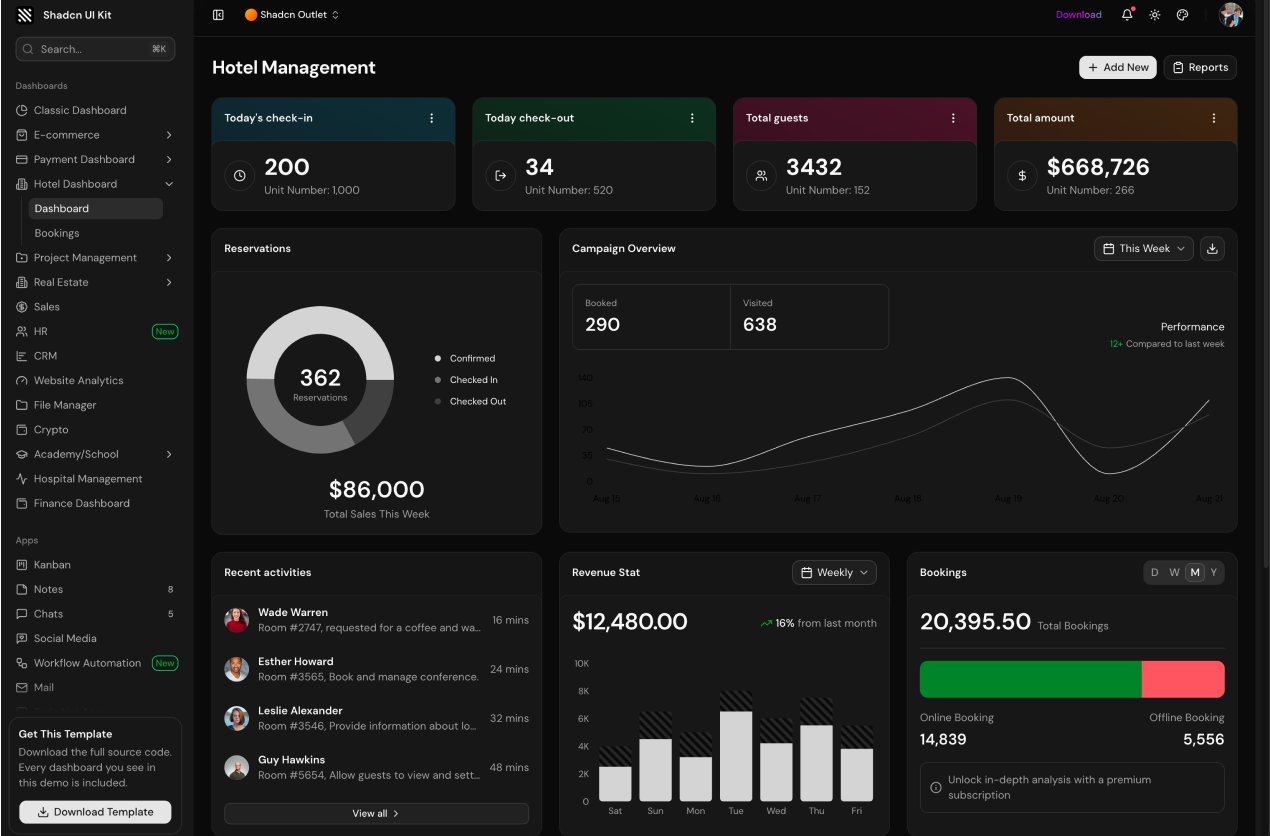
15. Hotel Management Dashboard
Bookings, rooms, guests and occupancy. A hospitality focused layout for hotels, rentals and booking platforms.
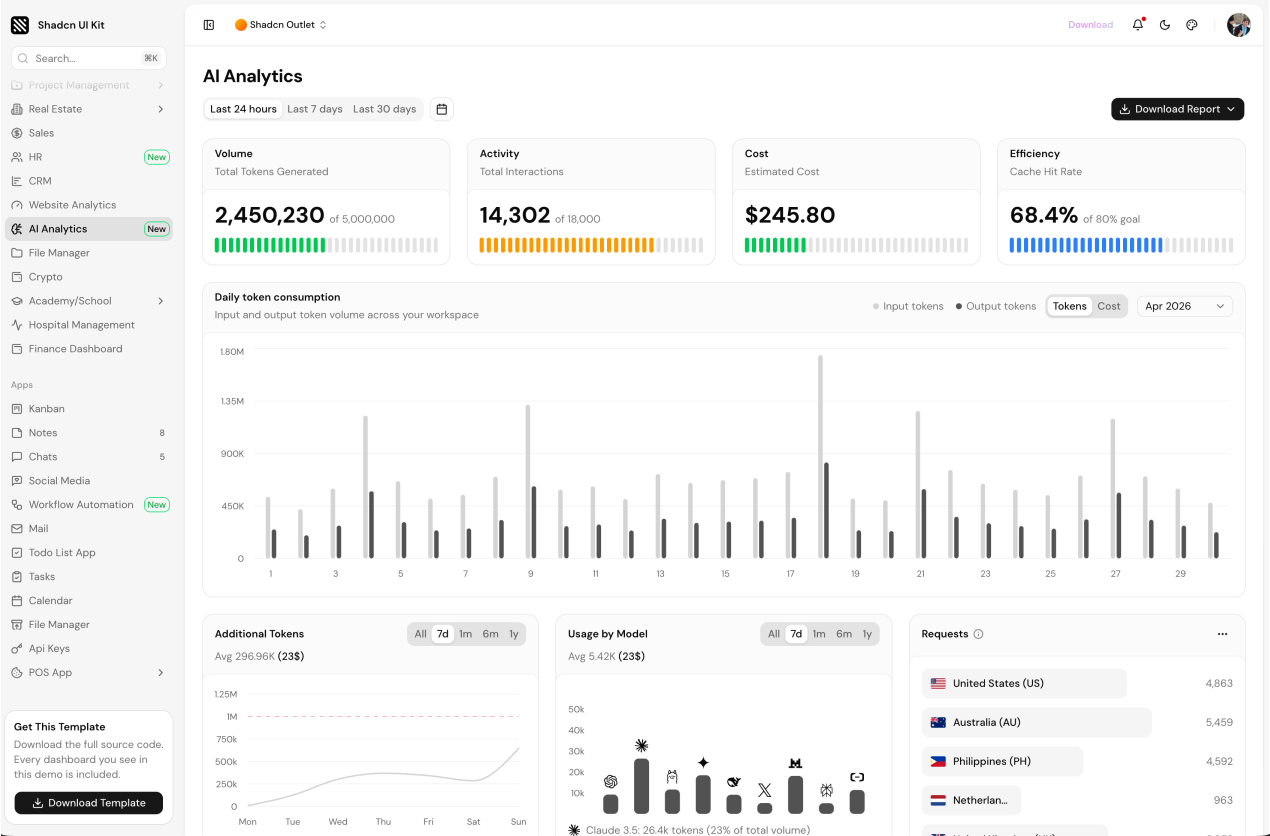
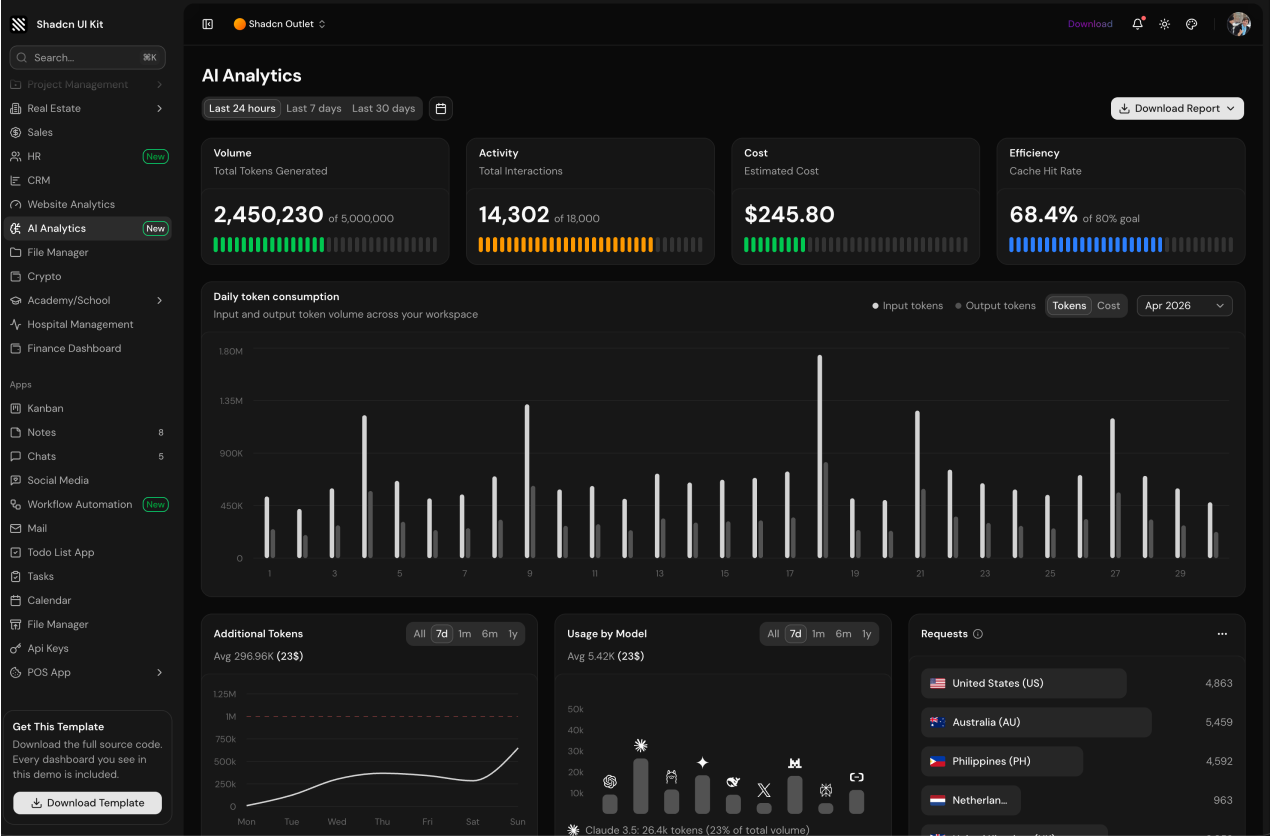
16. AI Analytics Dashboard
The newest addition to the kit. It tracks token consumption, model usage, costs and cache efficiency for AI products, with animated stat cards, time range filters on every chart, model comparison and a member usage table.
Bonus: full web apps included
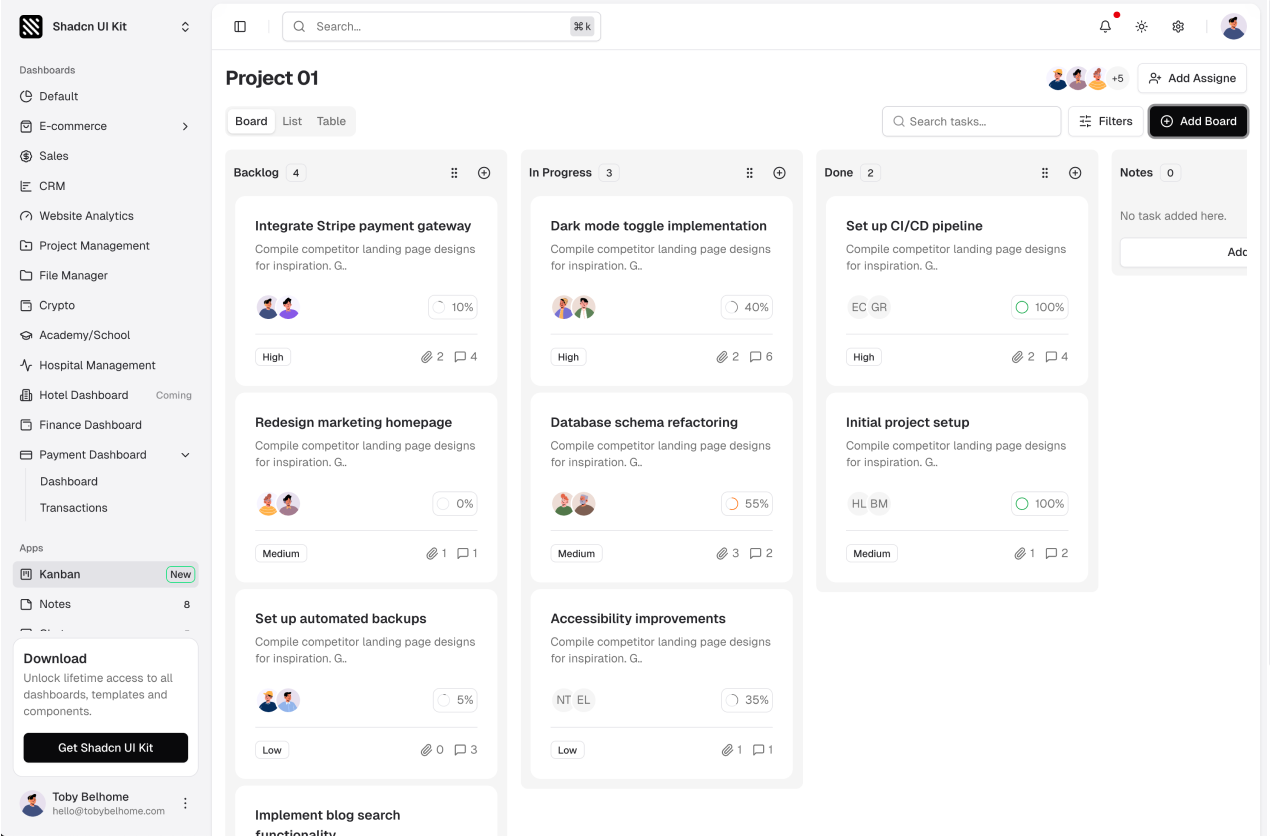
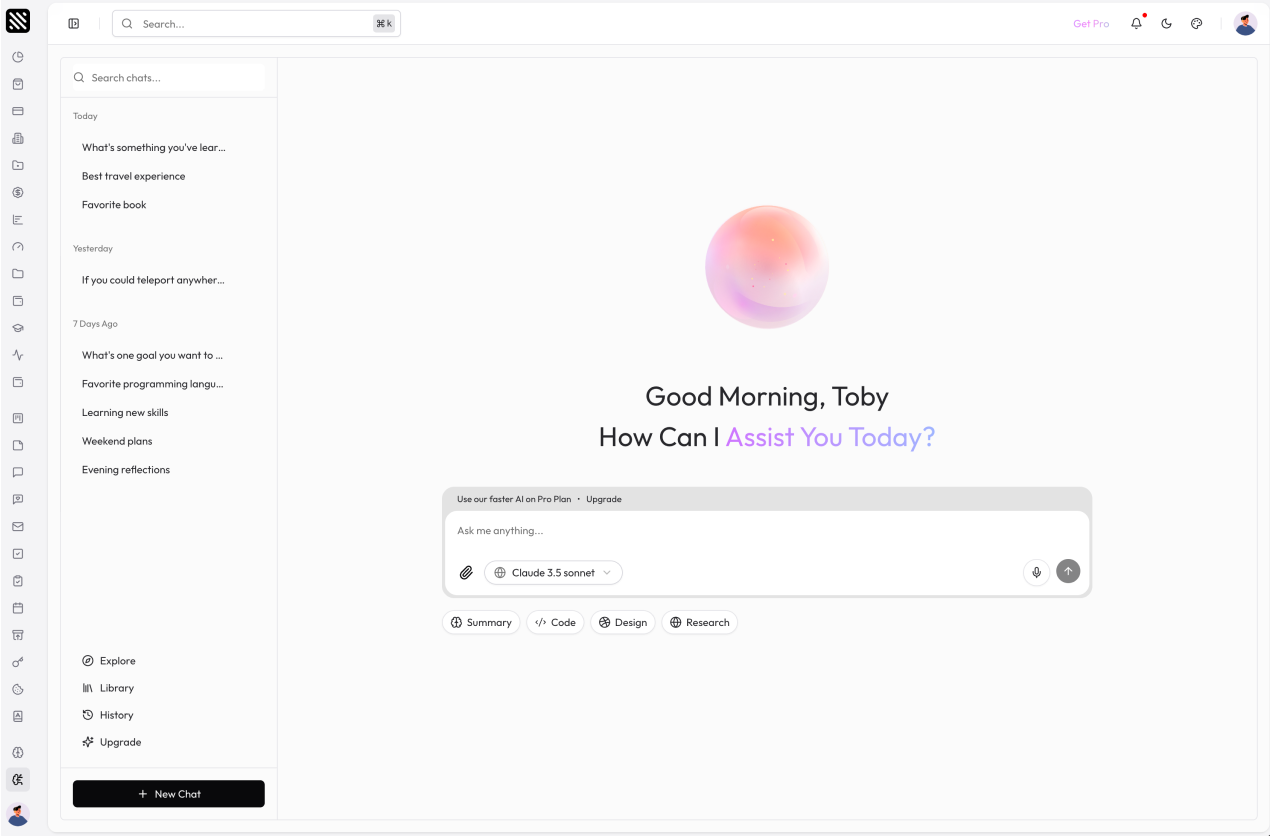
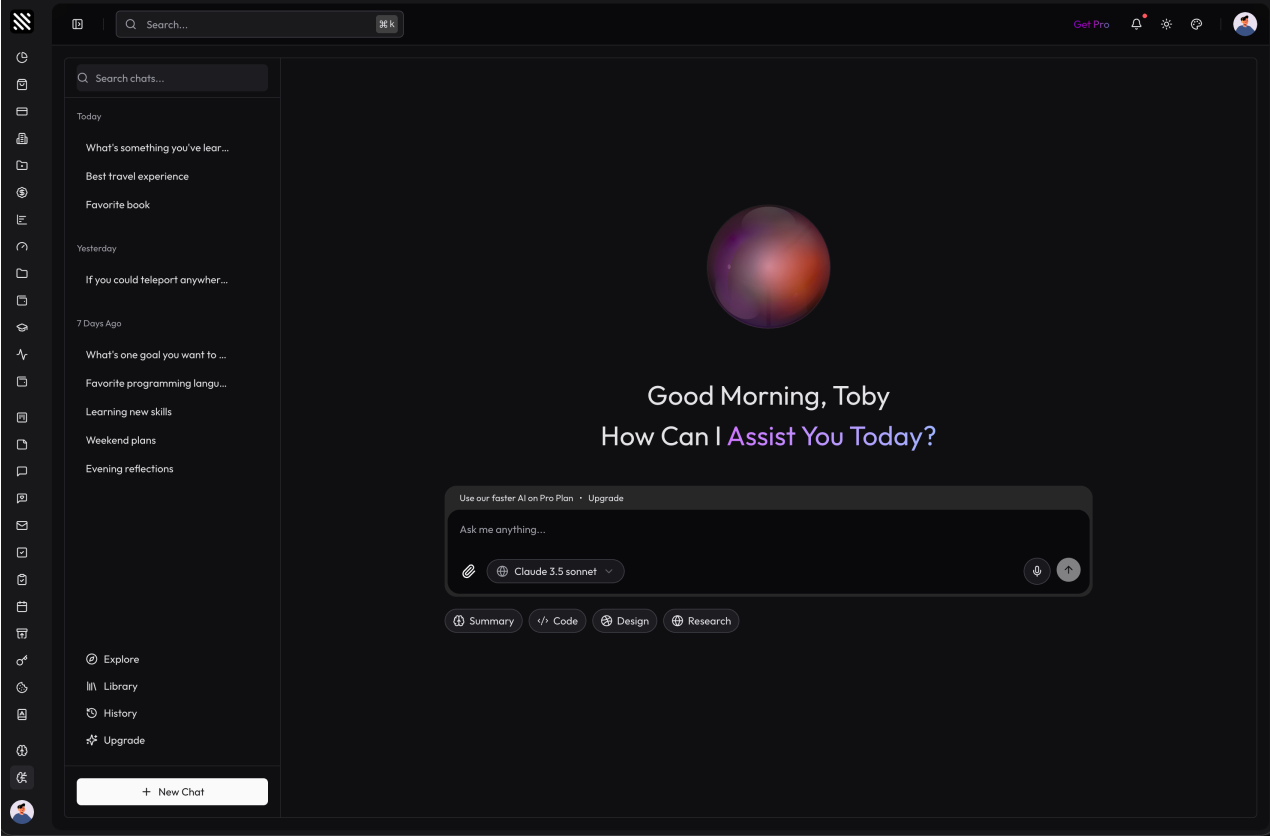
Beyond the dashboards, the kit ships with complete application templates that plug into the same layout: Kanban Board, Notes, Chat, Mail, Todo List, Tasks, Event Calendar, File Manager, POS, Courses, Social Media and Workflow Automation, plus AI apps like AI Chat, Image Generator and Text to Speech.
Which one should you pick?
- Starting a generic SaaS admin: Classic Dashboard.
- Selling products: E-commerce or Payment Dashboard.
- Managing customers or a team: CRM, HR or Project Management Dashboard.
- Working with money or markets: Finance or Crypto Dashboard.
- Building for a specific industry: Academy, Hospital, Hotel or Real Estate Dashboard.
- Shipping an AI product: AI Analytics Dashboard together with the AI Chat app.
Every template uses the same design tokens, so you can start with one and borrow pages from another without any visual mismatch. You can explore all of them on the Admin Dashboard page or open the live demos linked under each screenshot.
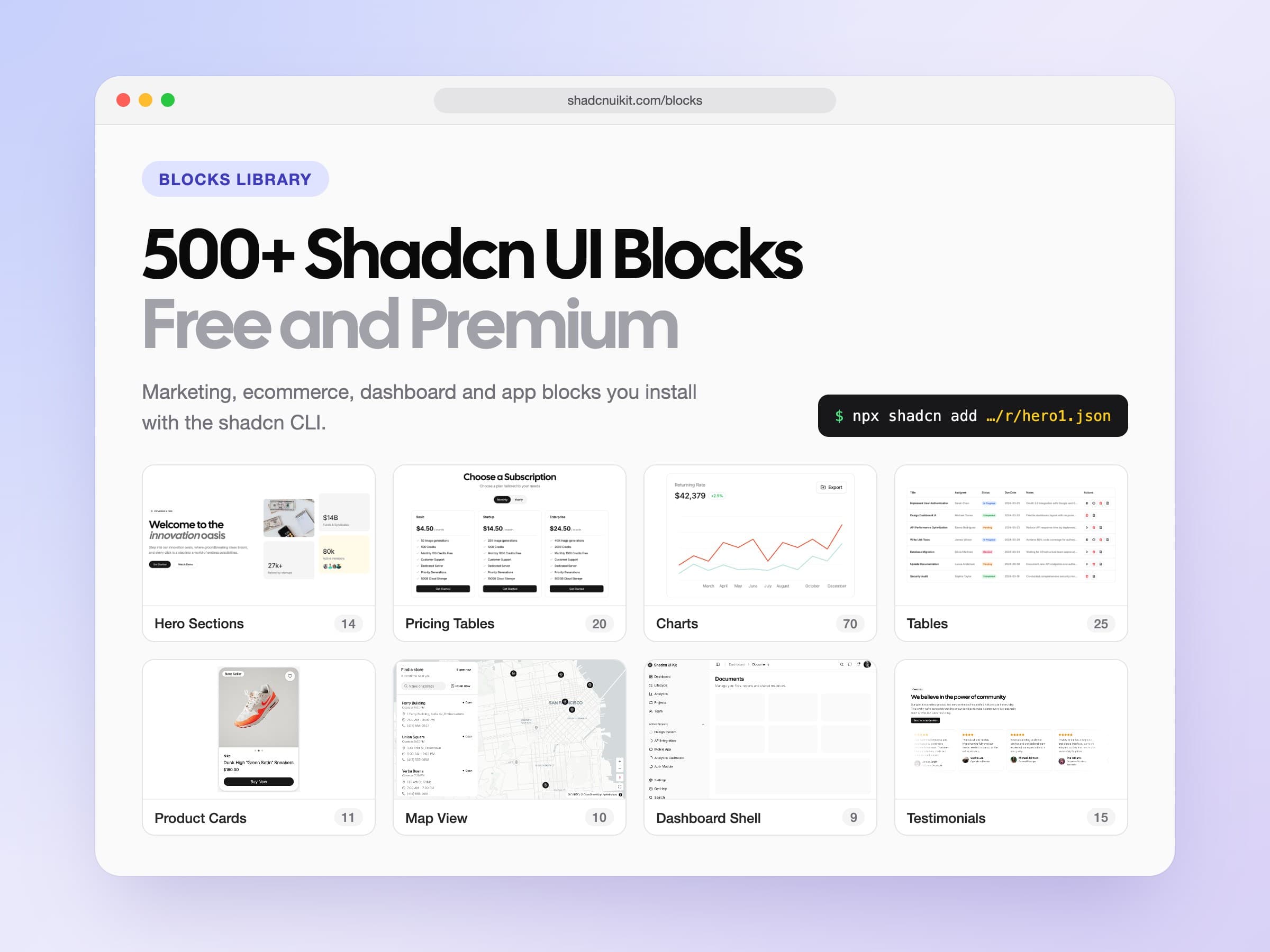
If you only need parts of a dashboard for an existing app, the Dashboard UI blocks give you the same pieces one by one: dashboard shells, sidebar layouts, stat cards, charts, tables and form layouts. Browse the full blocks library to see everything that is available.